

4 Updates to Logos Version 51
Logos updated their Bible software across platforms with exciting new Study Assistant features and Reading Plans changes to make your study and reading more powerful. We’ll show you how to use them and what’s new. Also learn how to get great discounts.
How to Compel People to Listen to Your Sermon.- Part 2
You want people to hear the message so we’ll offer the best ways to compel people to listen to your sermon. This is part one of the a two part article on creating awesome introductions to your sermon.
How to Compel People to Listen to Your Sermon.- Part 1
You want people to hear the message so we’ll offer the best ways to compel people to listen to your sermon. This is part one of the a two part article on creating awesome introductions to your sermon.
3 Awesome Logos Version 50 Updates to Reading Plans and MoreLogos Bible
Logos updated their software to version 50 and improved three features to make the program even better. What are the three improvements they made in this version. We’ll demonstrate and explain how to use them.
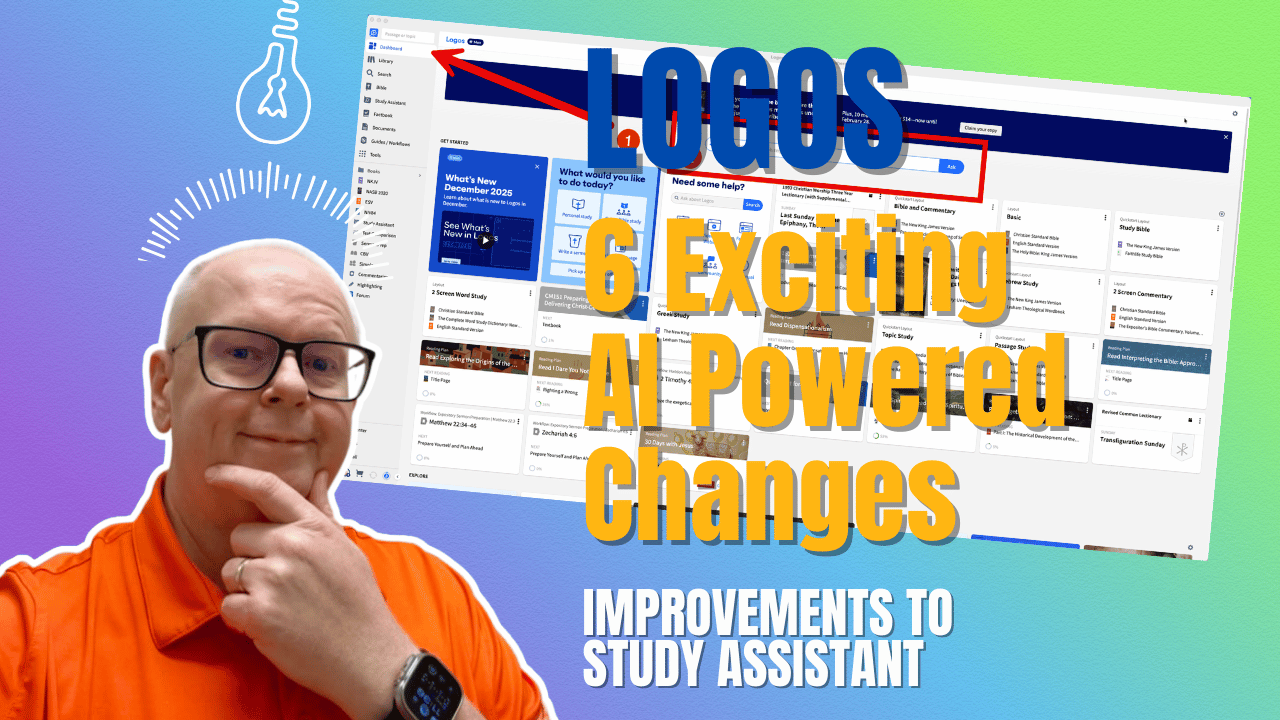
6 New Logos Improvements in Study Assistant AI Tool
Logos recently updated Logos Bible Software with some exciting new AI-Powered changes that mainly affect one part of the program. Find out what the 6 changes are and how you can make use of them in your Bible study. Will the work on Desktop, Web, and Mobile. We’ll let you know.
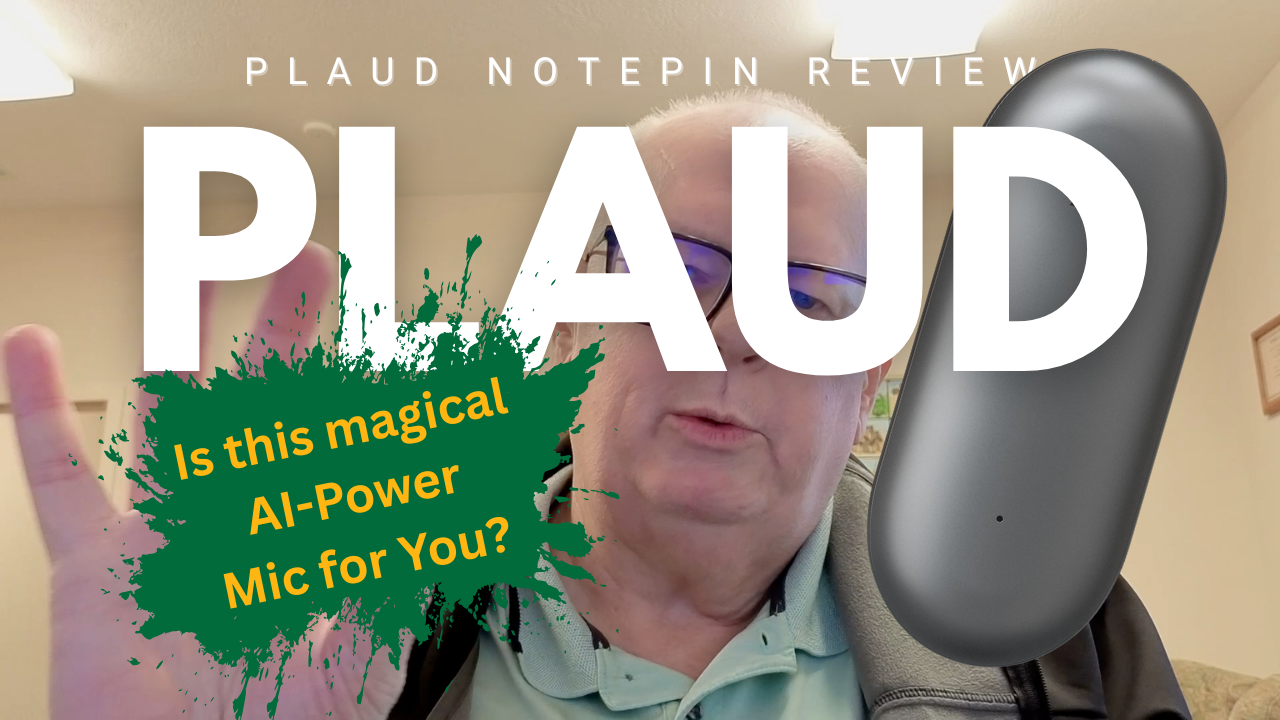
Plaude NotePin AI Note Taking Mic Reveiw
If you take a lot of minutes at a meetings, in class, at church, or lectures, then the Plaud NotePin and Note products might be perfect for you. I review the device, the software, and the service for you. Includes my YouTube video review.
5 Tools to Discover Engaging Sermon Illustrations
Do you struggle to find engaging sermon illustrations? We give you 5 Tools to Discover Engaging Sermon Illustrations that will inspire, inform, prove, and apply your message. We also give places to discover imagery for sermons.
Putting Meat On Your Sermon Outline Bones
We’re now putting meat on the bones of our sermon outline with sermon development. We show you how to come up with the content that helps communicate your sermon’s Big idea and the ideas that make up that Big Idea.

Logos 2026 Libraries Are Available Now
The new Logos 2026 Libraries arrived with 20% off. I review the 2026 Gold Leaders Library and tell you whether it’s worth the cost to upgrade and add hundreds of titles to your library.

Clicking and Dragging in Logos - a Logos Quick Tip
Dragging and dropping windows and books in Logos will save you time. So we'll show you how clicking and dragging in Logos works.