

6 Tips for Productivity in Ministry
You can waist time or excel at productivity in ministry. We have 6 tips to find the right balance between productivity without workaholism.
Everyone wants to achieve a level of productivity in ministry. Recently the Theotek podcast covered this subject with 6 tips for ministry productivity. We didn't cover things like use To-Do lists or the best calendar apps. That's easy to find other places. Instead, we focused on ways to make yourself more productive in ministry. These are for pastors or others serving the church on staff, as a volunteer, or in an organization that supports the church as a para-church organization.
Our 6 Tips for Productivity in Ministry comes from the latest Theotek podcast episode of the same name. Kevin Purcell and Rick Mansfield share 3 tips each to help make you more productive.
Always Have a Backup Plan
Rick Mansfield told us a story of how he used the Kobayashi Maru scene from Star Trek to cheat the system when a professor tried to test his preparedness while he was presenting in a class during his college years.
If you're using technology in ministry, ask yourselves, "What if the technology doesn't work?" Pastors need to create a backup plan. When might this apply?
- When you're preaching from your iPad or another tablet, have a paper copy of the sermon notes.
- If you plan to teach using a visual presentation, make handouts if the tech doesn't work.
- While driving to a new location, use GPS on your phone. How will you get to where you're going?
Productivity in Ministry Using Bible Software
Use your Bible software's research tools to quickly search for all the content related to your preaching passage. Here's what that means in the top Bible software research programs.

- Accordance - Info Pane shows your passage in your Commentaries, Topics lists, Word lists that you can search, Study Bibles, your own tools that you create and then define.
- Logos - Guides that search your whole library or parts of your library depending on the guide you're using, like the Exegetical Guide (Greek and Hebrew tools) or the Passage Guide (varied tools that help you study a passage).
- Olive Tree - Resource Guide finds content for the current verse displayed in the Bible window in all of your various library tools like commentaries, Bibles, topic lists, and more.
- e-Sword - 4-pane view that shows your passage in all translations, all your commentaries, dictionaries, and notes all in tabs to show every book installed.
If your preferred Bible software isn't listed above, search your help features or comment below, and we'll try to help you find the equivalent feature in your preferred Bible software.
Learn Your Professional Tools Like a Pro
Rick shared that pastors and ministers should learn to use their professional tools like a professional. For example, if you're a preacher and you use Bible software, then take advantage of the high-quality training available for free from companies like Accordance, Logos, and Olive Tree.

- Accordance offers excellent live webinars, and if you participate, you'll also get some discounts on new books or resources.
- Accordance also has what they call eAcademies, which show practical ways to use Accordance Bible software in topics related to the software. For example, they offered an academy called "Hebrew Fundamentals: The Participle" in May 2021. You can still find these online.
- Accordance Tutorials Feature built into the software shows you how to do things from beginner to advanced options.
- e-Sword has a Training page on their website. And they let you download them so you don't need to maintain an Internet connection to view their training.
- Logos has a support site too, and it includes Logos Training, which shows you how to use all the features with videos.
- Morris Proctor is the official trainer of Logos and he hosts live camps where users can get a crash course in using Logos. He also offers a subscription site called MP Seminars, which costs $20/month, and you can watch all of his training videos. If you would like to know more about this service, check out my review.
- Olive Tree doesn't offer as many avenues for training. You can take a look at their Help site.
- PocketBible from Laridian has some online help at their FAQ site.
Do you use church management software? Maybe you don't have to maintain it or work with it, but you should still understand all it can do. Go to your company's website and find some training to familiarize yourself with the basic functions. Add to that your worship presentation tool.
Don't forget that you don't just use Bible, church, or worship software. We recommend two other useful sites for more common software, like your computer's operating system, creative editing and creation software, and your office suite. First, YouTube is free. You can probably find some videos teaching you how to use your software. Second, take a look at LinkedIn Learning. It used to be called Lynda Learning, named after the founder. They host extensive, professional videos on using all kinds of tools like Adobe products, Microsoft products, and more. It cost about $30/month.
Remember the 4th Commandment
Remember the Sabbath day, to keep it holy. Six days you shall labor, and do all your work, but the seventh day is the Sabbath of the LORD your God. In it you shall not do any work, you, or your son, or your daughter, your male servant, or your female servant, or your livestock, or the sojourner who is within your gates. For in six days the LORD made heaven and earth, the sea, and all that is in them, and rested on the seventh day. Therefore the LORD blessed the Sabbath day and made it holy.
Exodus 20:8-11
Few pastors or ministers would consider killing someone or having an affair. They'd be embarrassed to learn that someone discovered they lied or lusted or coveted their neighbor's wife. We would never admit idolizing any other thing as a god. However, we seem to brag about working too hard and neglecting the 4th commandment.
We pastors and ministers almost brag about neglecting weekly rest, relaxation, and recharging as the 4th commandment intended. God rested to remind us we need it. So rest regularly. Unplug and disconnect from anything that gives you stress.
How can tech helps us keep the 4th commandment? First, don't answer your phone or text messages unless they are immediate emergencies. In other words, when a member is on a deathbed, you probably need to jump into ministry mode. For example, suppose the youth room has a toilet leaking. You might need to rush to the church building. However, if a member wants to complain, they can complain in your office on Monday afternoon or after the midweek prayer time. So, use your phone to schedule meetings and set reminders.
Use your phone or tablet to find ways to schedule or plan vacations or weekend day trips on Saturday or on Monday.
Can you think of other ways that tech will help you rest, relax, and recharge weekly? Let us know in the comments below.
When Possible Don't Let Tech Replace In-person Ministry
People who enjoy or love technology let it replace face-to-face ministry. For example, during Covid, we had to separate and use Zoom for meetings or make calls instead of visit people in their homes or at the hospital.
Now that most of the Covid restrictions are living, we should try to minister in person. Don't let tech replace personal interactions.
Find Extra Time During Time-Wasting Activities
This sounds crazy, but you waste a lot of time that robs you of productivity in ministry like...
- Waiting in the car to pick up the kids
- Driving down the road
- Waiting for someone to arrive at a meeting
- Sitting alone at lunch, breakfast, supper, or snack time

You get the idea. Use these times for more than checking email, Twitter, or Facebook. Always have your phone ready to open to a book or your current preaching passage. Take five minutes to do some word studies. Highlight, take notes, clip content, or copy/paste to a note document so you can later find the research.
You can also listen to books from Audible or even audiobooks in Bible apps. I seldom turn on my radio in the car. Instead, I hooked my phone up to the Bluetooth in my car and mounted a Magsafe Apple Charger. I snap my iPhone 12 Pro Max onto the charger and unlock the phone and open up my audio listening app of choice.
The worst time sucks for audio include podcasts that aren't productive. Find good sermons or leadership podcasts. Or listen to books that don't need your eyeballs to gain benefit. I love biographies, history books, and stories with redeeming quality.
The New Theotek is Back - Find Out Where You Can Listen
The new Theotek is back. This time we're going all-in with an audio podcast only. No video this time around. Find out where you can find us and what's included.
The day you’ve all been waiting for arrived this week with them new Theotek Podcast. I don’t know if it’s 2.0 or 3.0. In fact it might be the fifth iteration. But this time it’s better than ever, simpler, shorter, worth your time. Read on to find out how to find it, what you can expect from each episode, and who you’ll hear as you listen.

Theotek: the New Format and Who’s Included
The original Podcast was a live video format on Google Hangouts that we then saved to YouTube. You can still watch those old podcasts on YouTube. Sort by date and you'll see the videos about 3 years ago.
We also did the podcasts in audio form here on this website and you could find it on Apple and other places. That’s now dead, but they are still available.
For the new Theotek, we're going all-in with an audio podcast. Will we ever go back to video? We'll see. If enough of you ask for it, then sure. We might. For now, it's all audio, and we're hosting it on Anchor.fm.
Now you’ll want to subscribe to the new podcast using many different platforms. Use one of these links below or search for the podcast by Title. If you do that, be careful not to select the old one. The old one is called "Theotek Podcast" with my name under the title, and it's not separated, so you'll see it as KevinPurcell. Don't subscribe to that one. Instead, look for just Theotek, and my name reads as "Kevin Purcell" separated.
This time around, there’s just a pair of us. I’m one host, and Rick Mansfield from Accordance Bible Software will join me. We will occasionally add some of our friends who helped us create the old Theotek Podcast.
Where to Find Theotek
Here’s the list of links to use to subscribe on your chosen platform:
Theotek Podcast Changes Coming
Over three years ago the Theotek Podcast got its start as a trio of tech lovers took the YouTube and recorded what we first called Theotek News. You can see that first episode below. At first LaRosa Johnson, Antoine Wright and I discussed Bible software and more. It was pretty rough. That was when I was still writing for Christian Computing Magazine, Antoine still had the Mobile Ministry Magazine and I was into Google+ big time. LaRosa announced the sale of Olive Tree to Harper Collins. What a blast from the past.https://www.youtube.com/watch?v=45DlwIjM_OoLater we added Wes Allen and then Rick Mansfield and recently Mark Allison. We often branch out of Bible or Church software and technology into the realm of general technology. But we've kept at it for over 100 shows.Now it's time for a change. It seems Google's changing the way they want customers to use Google Hangouts On Air. We feel like it's no longer a reliable tool for recording our Theotek Podcast. Going forward we're going to use Facebook Live through our new Theotek Podcast Facebook page. The team will get together over Skype and Wes will record it on his Mac using Ecamm Live software, a great tool for streaming live to Facebook or YouTube, but not both. It costs $40 for the basic program. Then you add their Call Recorder for Skype which costs another $40. We tried it with our show this week and it worked really well.We'll still be active on Twitter @TheotekPodcast and you can still watch for a while at YouTube. Going forward that YouTube Channel will primarily consist of my stuff, like a review I did of the Google Pixelbook recently. By the way I also wrote about using the Pixelbook for Bible Study here on this site.Please consider subscribing over at Facebook. Follows us on Twitter. Here's my statement on the YouTube channel.https://www.youtube.com/watch?v=ED-1fGXMD_Q
Church Snow Day: Theotek Podcast #053
This past weekend many of the churches on the East Coast of the USA had a snow day which cancelled services due to the huge snow storm. But a few churches chose to offer an online alternative using streaming and online giving. Also many churches used unique tech options to notify their members of their service cancellations. We'll talk about it in this weeks' first Tuesday Night Theotek Podcast #053.The Theotek Team introduced a segment we call "Our Favorite Things". We'll recommend stuff at the end of the show. These include recommendations for gadgets, software, apps, services or entertainment. We had two this week. See below more information about them.https://www.youtube.com/watch?v=UYTzSvHZJA0
Snow Day Church Tech
We recommend these services to help get through your church's snow day.
Call Em All
In the show we recommended a few things. First, if you need to get word out to your congregation, consider using a service like Call Em All. The paid service will call your members and regular attendees with a records message like the school superintendent who announced their school closing with a rip off the Adele song Hello. See the mock video below:https://www.youtube.com/watch?v=YnIRfvFLiWQWith Call Em All, you can also text people to tell them quickly that you've cancelled the services this week.The service charges either a monthly fee starting around $15/month for a smaller congregation on up to higher fees for very large churches. Alternatively, a church can buy credits and use them as the need them. A credit counts for calling one person or texting two. If a church needs to contact 100 people, 20 of them with a phone call since they don't text and 80 with text messages, then they will need 20 credits for the calls and 40 credits for the 80 text messages. The credits cost as little as 9 cents bought in a smaller quantity or as little as 9 cents for larger churches. Users can sing up by sending a text message with your church's predetermined key word. You share the text number and the key word in your church bulletin, your website, on Facebook or Twitter, or announce it at the next service.
PhoneTree
 Another alternative comes from PhoneTree. I don't know much about this service, but it offers an online option and a device you can buy and hook up to your phone system.You can always use email, Facebook, Twitter or the old-fashioned phone to cancel services. These seem a little more personal, but they're harder to do with a larger congregation. If you choose to use Call Em All or PhoneTree limit the number of times you use it and don't spam the community. Only call your members who opt into receiving the notices. Use it primarily for emergencies or service changes like a snow day or some other cancellation or rescheduling.
Streaming Services
Once the people get the word, you may choose to offer an alternative like streaming the week's music and message. Not everyone on our team recommends this, but if you choose to do this many services can help you stream for free or a low price.Dacast is a paid service that my church uses. A paid services gives you someone to complain to when it doesn't work. They'll hopefully support it when the stream fails. If you don't want to pay, then use one of the following options:
- Google Hangouts is a great way to include more than one person like the pastor and a few others to keep it from getting boring with just one talking head.
- YouTube - just upload a locally recorded video or use the YouTube Capture app on iPhone but not on Android.
- Ustream or Justin TV work, but we don't recommend them since they display ads that can be objectionable.
Church Tech Today has a roundup of a bunch of the big players in streaming services catering to churches.
Giving
 A lot of services offer online giving. We suggested that some can just use their personal bank, most of which will let users send a check to an address. Churches who use a subscription church management service can likely add online giving via credit cards. We've talked about Givelify, a service that has an app for giving, but it won't mail a check and doesn't offer an online version. This leaves people who don't use a smart phone out.
Our Favorite Things
 Our first edition of "Our Favorite Things" includes two recommendations. First, I suggested the Nochoice Crazy Car Mount. It's a magnetic mount that fastens to the car's dash-board with adhesive. Stick a magnet to the back of your phone or case and then snap it into place with the ridiculously powerful magnet. I love it because it's small and the phone doesn't fall off thanks to the great magnet. The mount's cheap at only $20 on Amazon.
 Wes Allen recommended an app for Mac called Aeon Timeline. It's a timeline app that lest you create historical timelines or any other kind of timeline. He uses is for fiction story lines. It's pricy at $40 but he says it's worth it for writers or students dealing with historical dates or any time related use.
CES 2016: Theotek Podcast #052
Last weekend the Consumer Electronics Show did their annual thing. At CES 2016 tech companies show off the upcoming tech and get everyone excited. Of course too many of the products don't show up ever and some end up being less than promised. Our Theotek Team will look at what they announced and share what excited us, especially as it relates to church and Bible technology.https://www.youtube.com/watch?v=cuw7jqVvEU8
Theotek Podcast New Time on Tuesday at 9 PM ET
Quick note. Next week we're moving to a new time to do our live recording. Starting January 19 we will do the live show at 9:00 p.m. EST, still via Google Hangouts. This will allow us to include more guests and to accommodate our regulars who have shifting life situations.
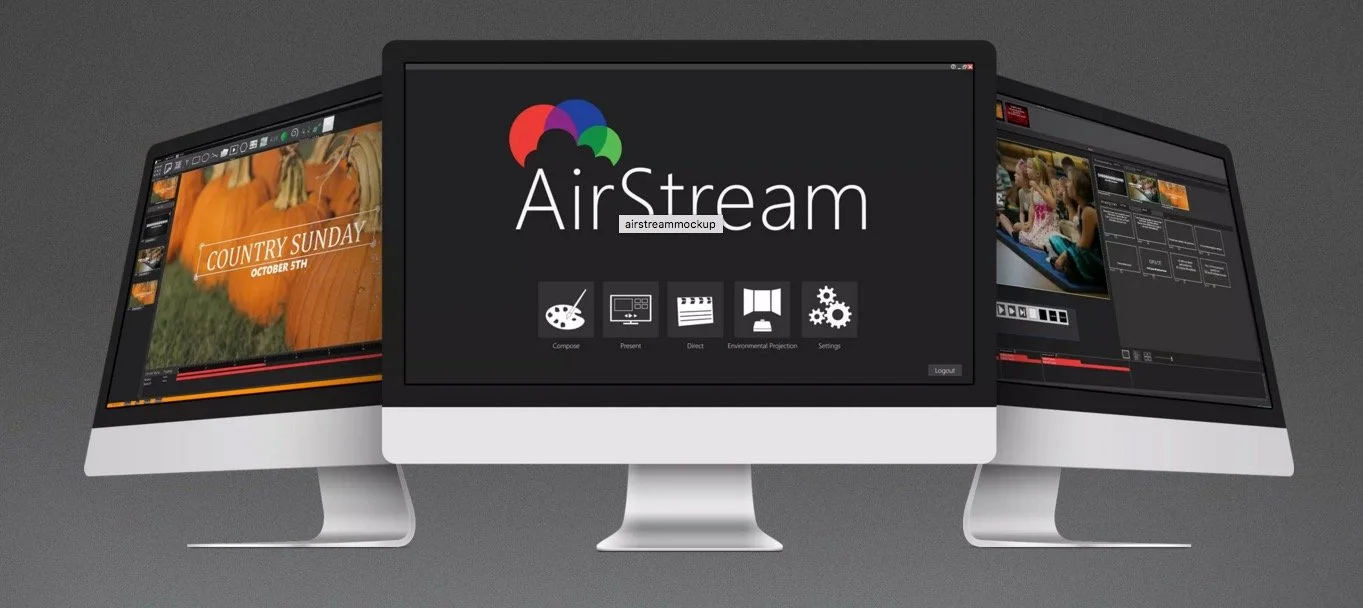
AirStream Line Your Worship: Theotek Podcast #051
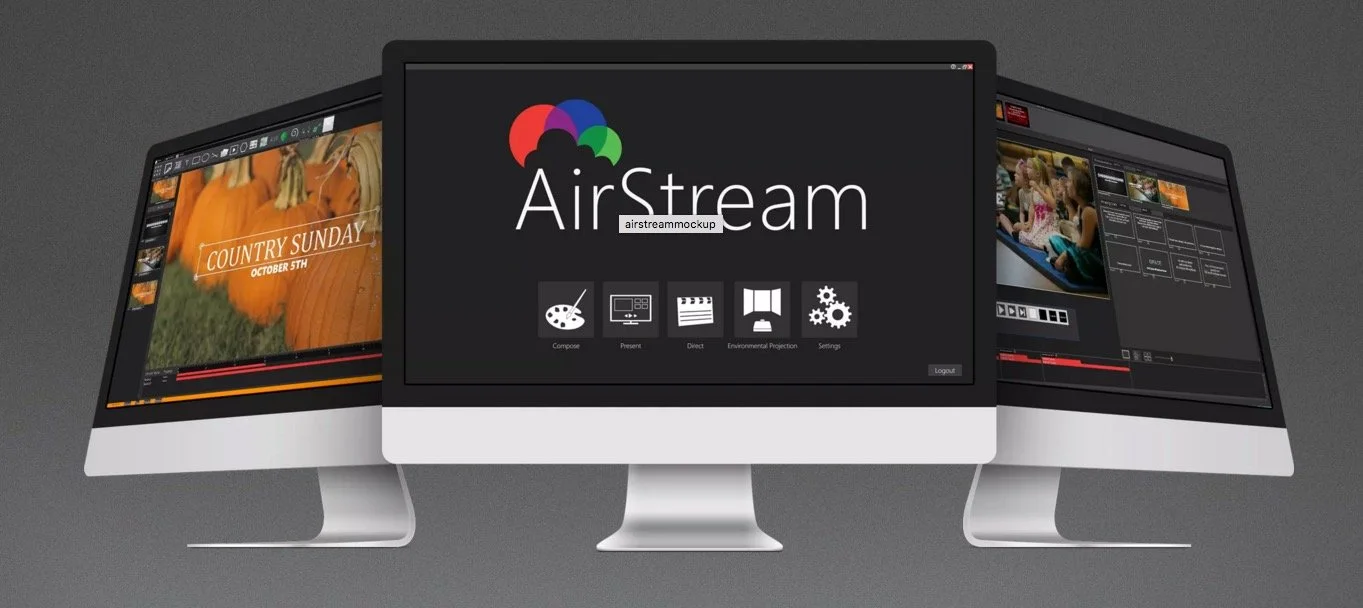
We focus on worship tech in this week's Theotek Podcast. John Linton, the product manager from Seraphim's new AirStream worship software joined us and talked about the program. AirStream is a complete worship solution from creating your worship presentation and production to presenting it to saving it to your website. Users can also integrate the worship streaming into their site. AirStream brings together worship planning, worship graphics creation, worship presentation and worship streaming all together into one solution. It's not cheap, but for the large church it looks like a nice all-in-one solution.https://www.youtube.com/watch?v=sXE_Rs5wDx0Watch the podcast above on YouTube or listen to it below. You can also listen on your favorite podcast app. Find those links on our Theotek podcast links page.
A Thankful Tech Heart: Theotek Podcast #047
What technology are you thankful for this year. We did our favorite tech of the year using thanksgiving as our theme since we recorded the podcast the day after Thanksgiving. We welcomed my son Michael Purcell to the Theotek team for this week's podcast. Follow him on Twitter @MichaelJ_Purcel.https://www.youtube.com/watch?v=hfkHNzHjvJgHere's our list of our favorite tech for 2015 that we're thankful for.
 Wes shared Google Translate, which takes voice input from someone and lets him easily translate it to English. He talks to the pastor of an ethnic congregation that's now part of his church using the app. Find it for iOS and Android.
 Antoine talked about Wi-Fi Bible, which he shared a few podcasts ago when he returned from Australia.
 Michael Purcell just got the new LG V10. He claimed the battery was bigger. It's not, but it seems to last longer for him. It's a rugged phone with a great camera and nice fingerprint reader on the back. The headline about this phone is the second screen where he stores app shortcuts, his name and notifications.
 My first favorite tool is the iPad Pro. I wrote about how it changed the way I work over at GottaBeMobile.Next Wes talked about his love for Adobe Creative Cloud's photo plan, which gives users access to Adobe Photoshop and Lightroom for just $10/month. It's a great deal and he loves using it. It's awesome for editing photos and organizing them as well in Lightroom and Lightroom Mobile.
See my post about editing photos on the iPad Pro.
 A few weeks ago we talked about a new Bible app. Antoine's a real fan of this little app called Verse3 for iOS. We talked to the developer recently.
 Michael's second pick was not as much a thing he's thankful for, but one he's longing for. He loves ChromeOS and wants a Google Chromebook Pixel. He adjusted his pick to say he's thankful for ChromeOS, but still really wants one of these. He's not going get it from me because it's ridiculously priced at $999 or more.For Antoine's second pick he chose FaceTime. That's Apple's video chat technology and he enjoys using it to communicate with family.
 Wes's last pick is his DSLR camera. His form of visual art comes from his Nikon D7000. Check out one of his gallaries at Flickr, "A Black Friday Stroll".
 The Surface Pro 3 is a great tablet that I love. When Microsoft released the Surface Pro 4 I didn't think it had enough to warrant an upgrade. I may do some hand-me-down with the 3 and get the 4 next year. Until then, I grabbed the new accessories. The Surface Pen generation 4 and the Surface Type Cover with the fingerprint reader. I love the Pen's tips which give you a different writing experience. The keyboard is a better keyboard and the fingerprint reader is a nice addition.https://www.youtube.com/watch?v=kRIEdI74uVcThe last pick came from Michael. He hopes to go into ministry with the deaf. So he chose an app that helps you communicate with the deaf even if you don't know sign. The Deaf Bible app includes videos showing someone signing each verse of the Bible. Watch the same above.
Accordance 11.1 Update with Dr. J: Theotek Podcast #045
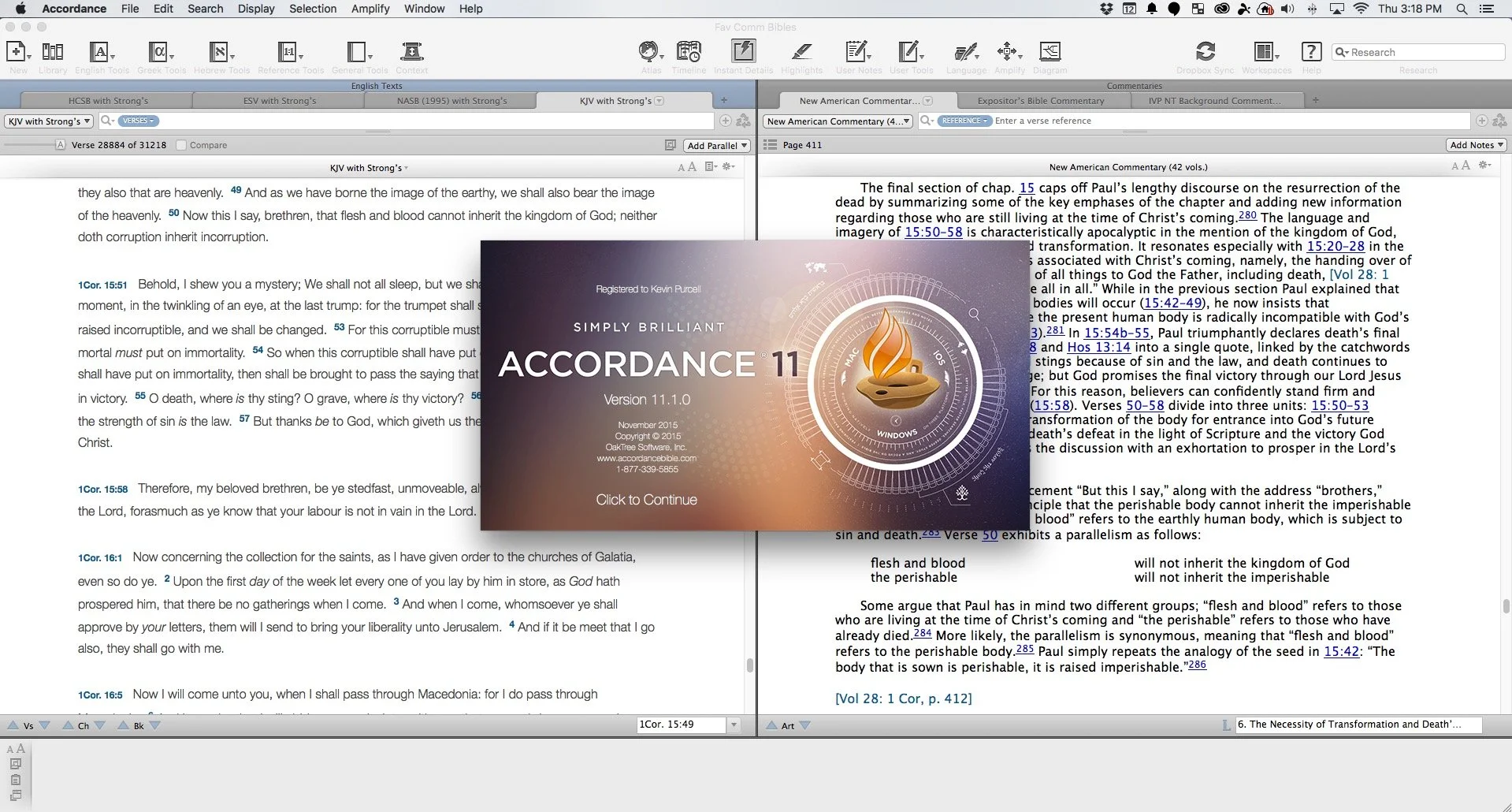
Accordance users will recognize that Dr. J. isn't a basketball player from Philadelphia, but the guy who taught them most of what they know about Accordance Bible Software. He joined us to show off the Accordance 11.1 update.https://www.youtube.com/watch?v=-9ONvMWOjz8Some of the things in this update include:
- Users can now more easily edit their User Notes and User Tools since the Edit Window got an overhaul
- Import Bibles with Unicode and expanded canons as well as non-biblical texts
- Syntax Tree and Graphical Constructs got an update
- Interlinear support enhanced
- Instant Details enhanced
- Add custom icons to the Accordance Library
- Link to content with the new URL (accord://) instead of http:// or ftp://
- Gesture support for trackpads and touchscreens while using images, Atlas or Timeline
- Print articles from the Table of Contents
- Incorporate MT-LXX data in Analysis window and related graphics
 Learn more about them at the Accordance blog which also links to a more detailed post about the new features listed above and more.
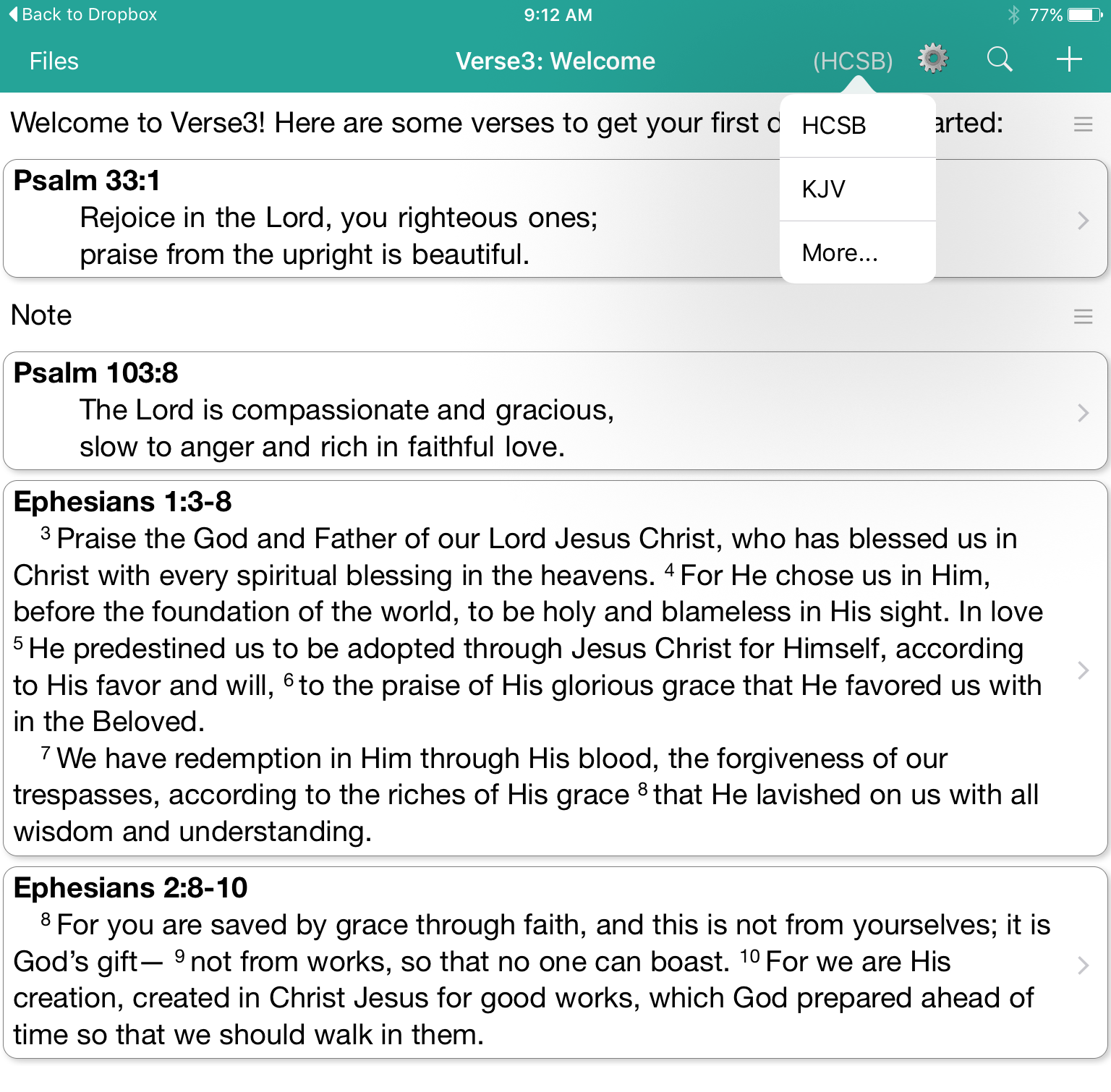
Verse3 a New iOS Bible App: Theotek Podcast #044
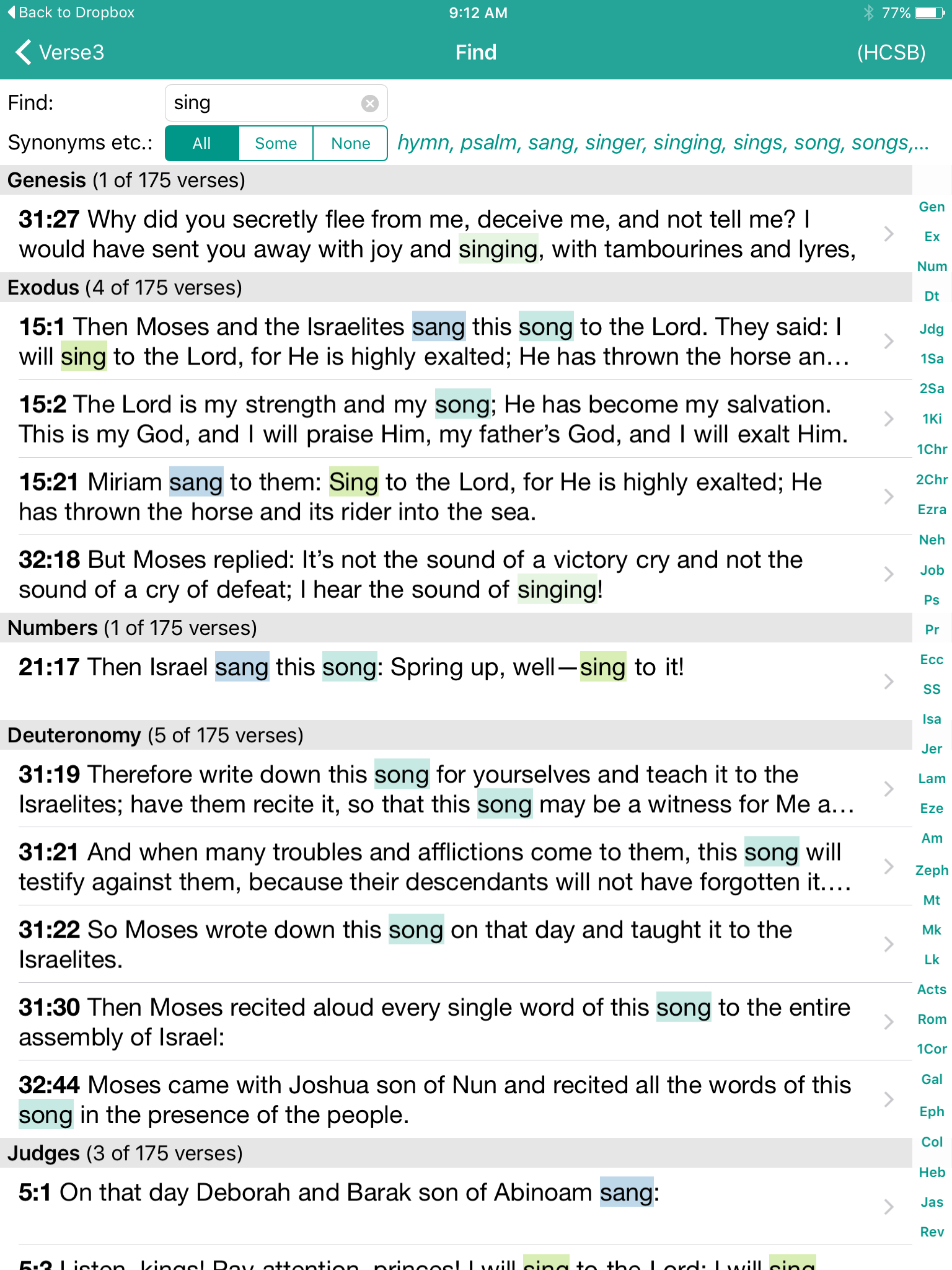
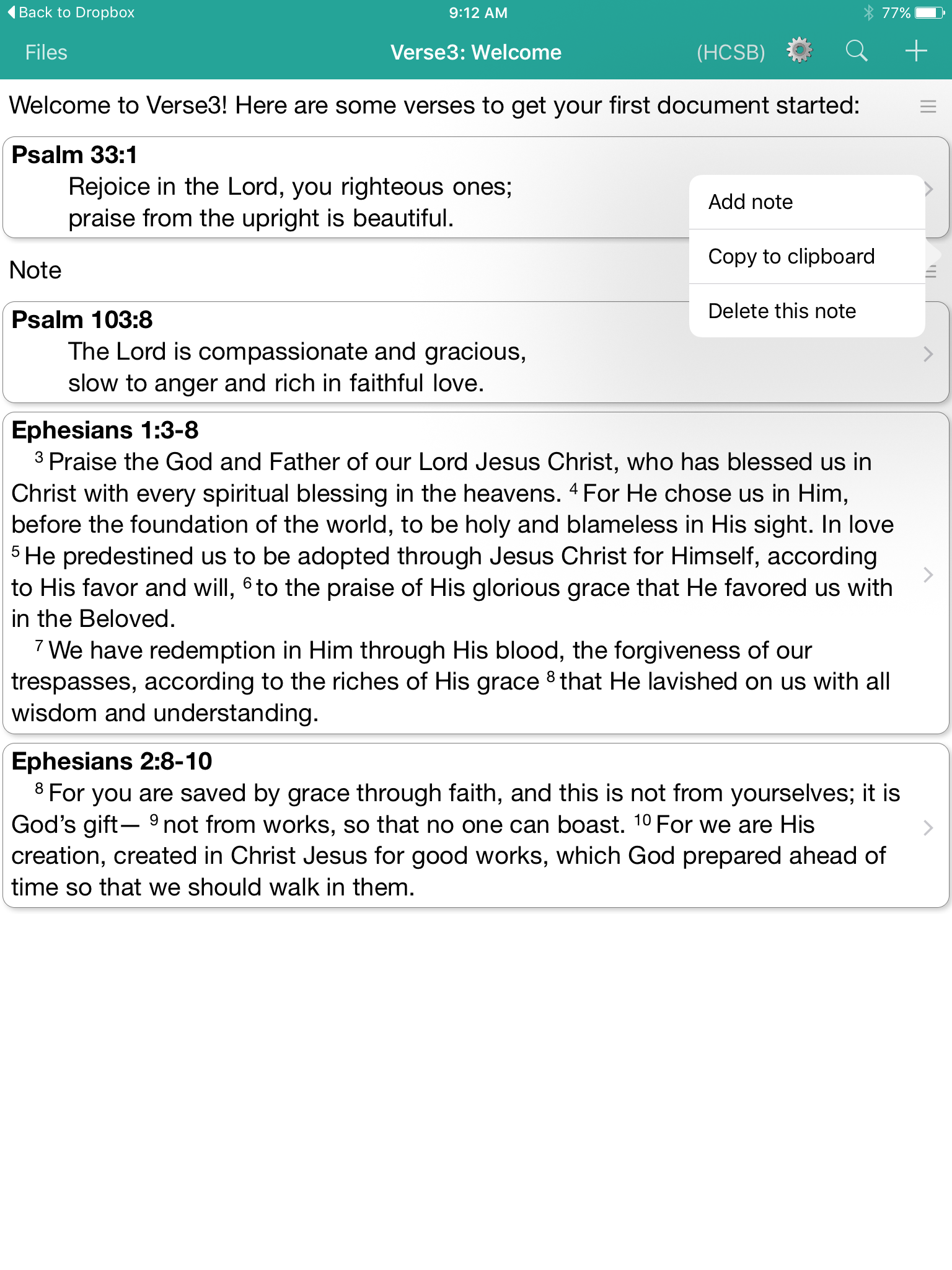
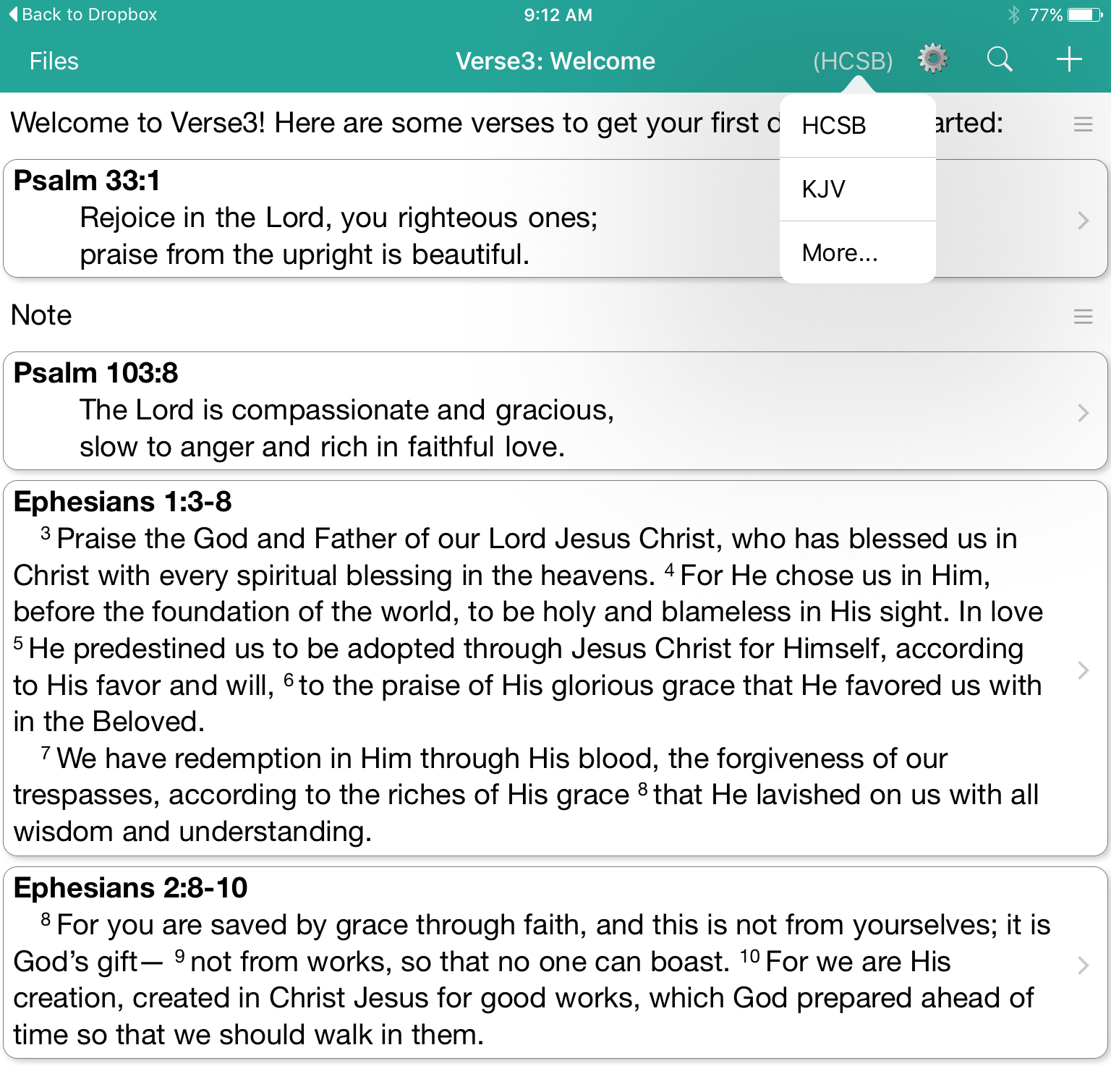
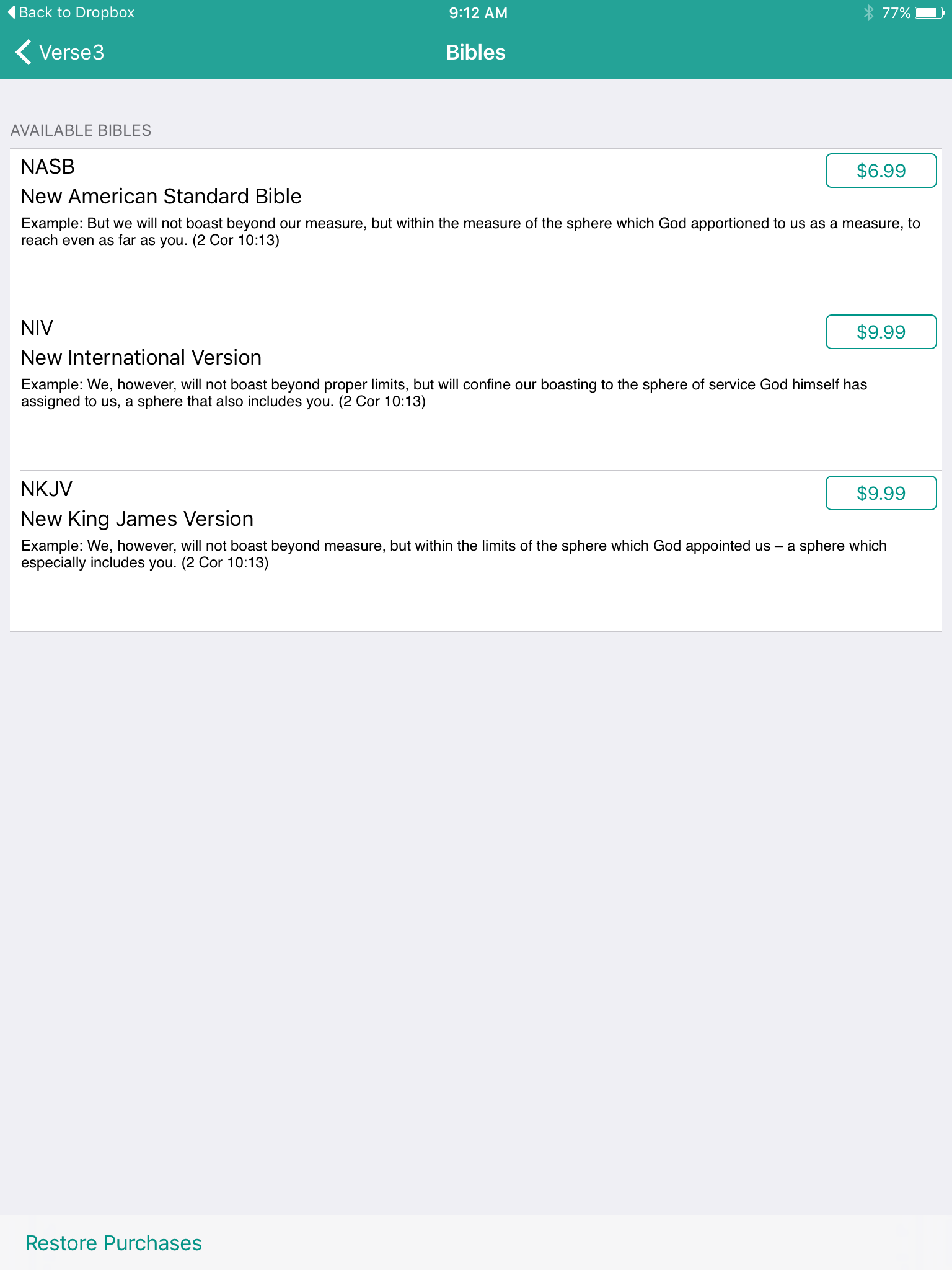
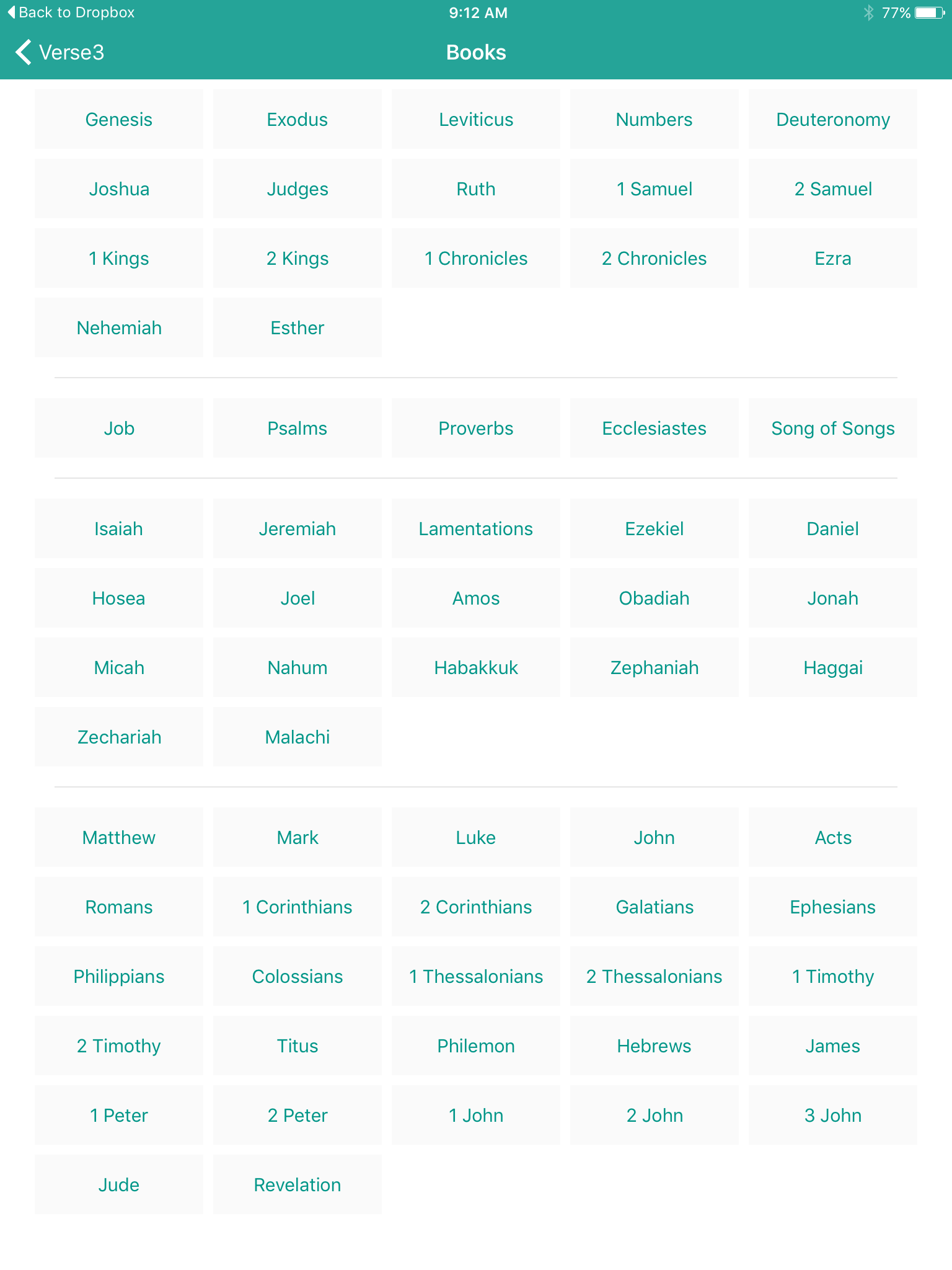
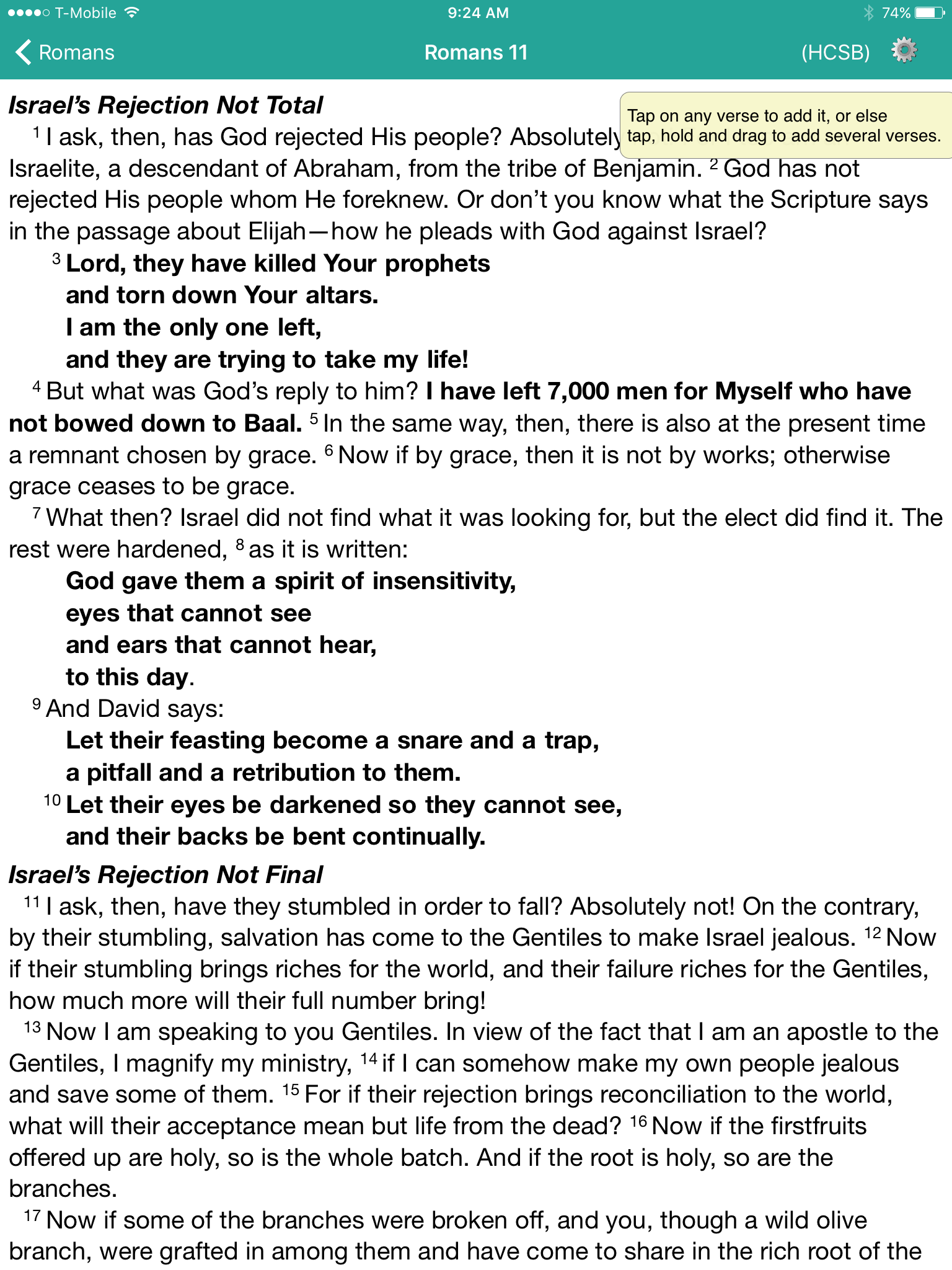
With the new iPad Pro coming out this month and iOS 9 supporting side-by-side windows of 2 apps, a tool like Verse3 makes a lot of sense. This simple Bible app that doesn't use the same Bible display framework we're used to. In fact it takes the focus and puts it on the person listening to a sermon or Bible study. The user can open multiple verses on the screen at a time and add their notes inline with those verses.https://www.youtube.com/watch?v=okMuE0Afr2gHere are a few of the benefits of Verse3 ($4.99 in the iTunes app store).
- Fast and simple to use
- Minimalistic design
- Fuzzy search feature where you can search for love and it returns all forms of that word
- Share your notes and verses in Dropbox as text files
WORDsearch 11 Update Demo: Theotek Podcast #040
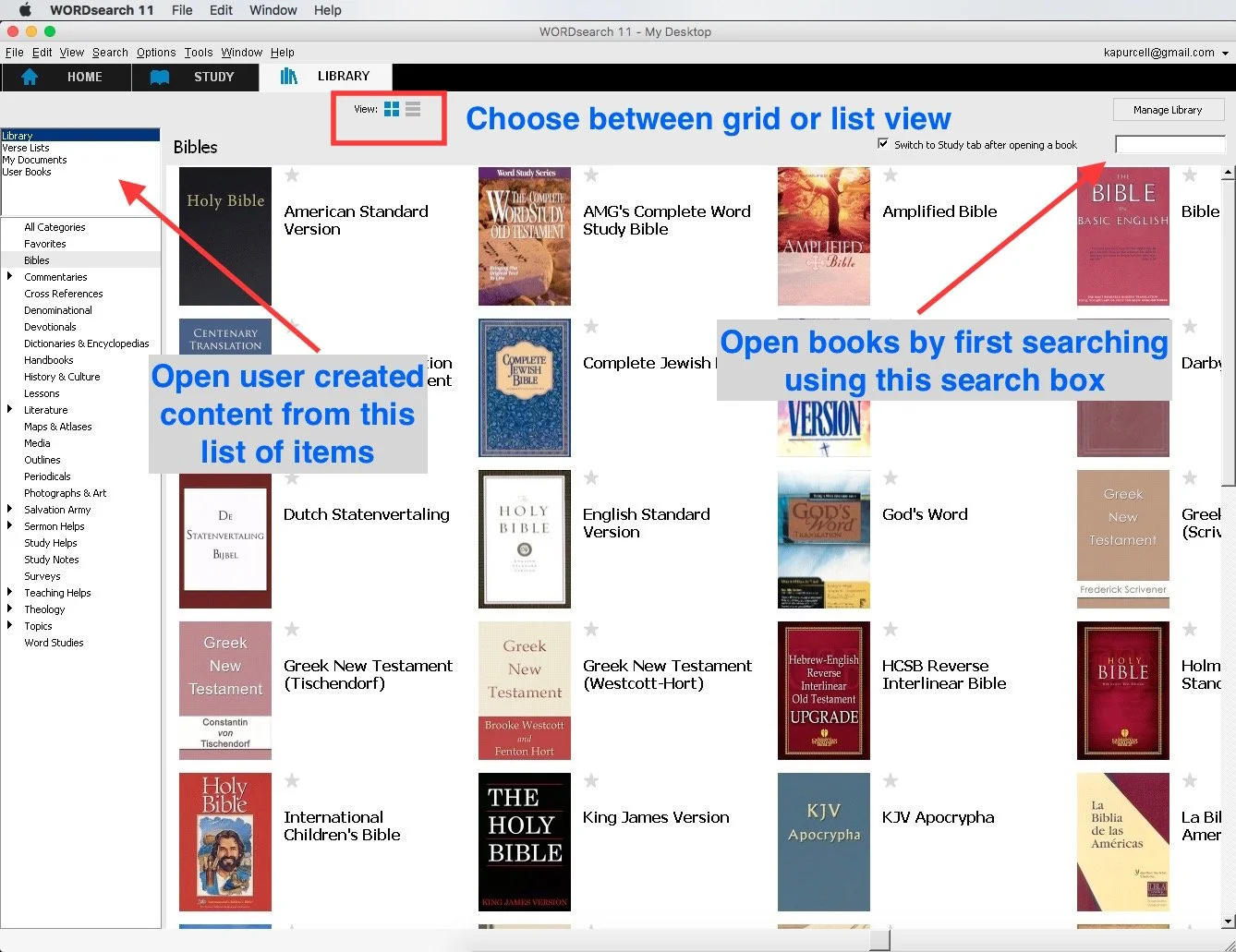
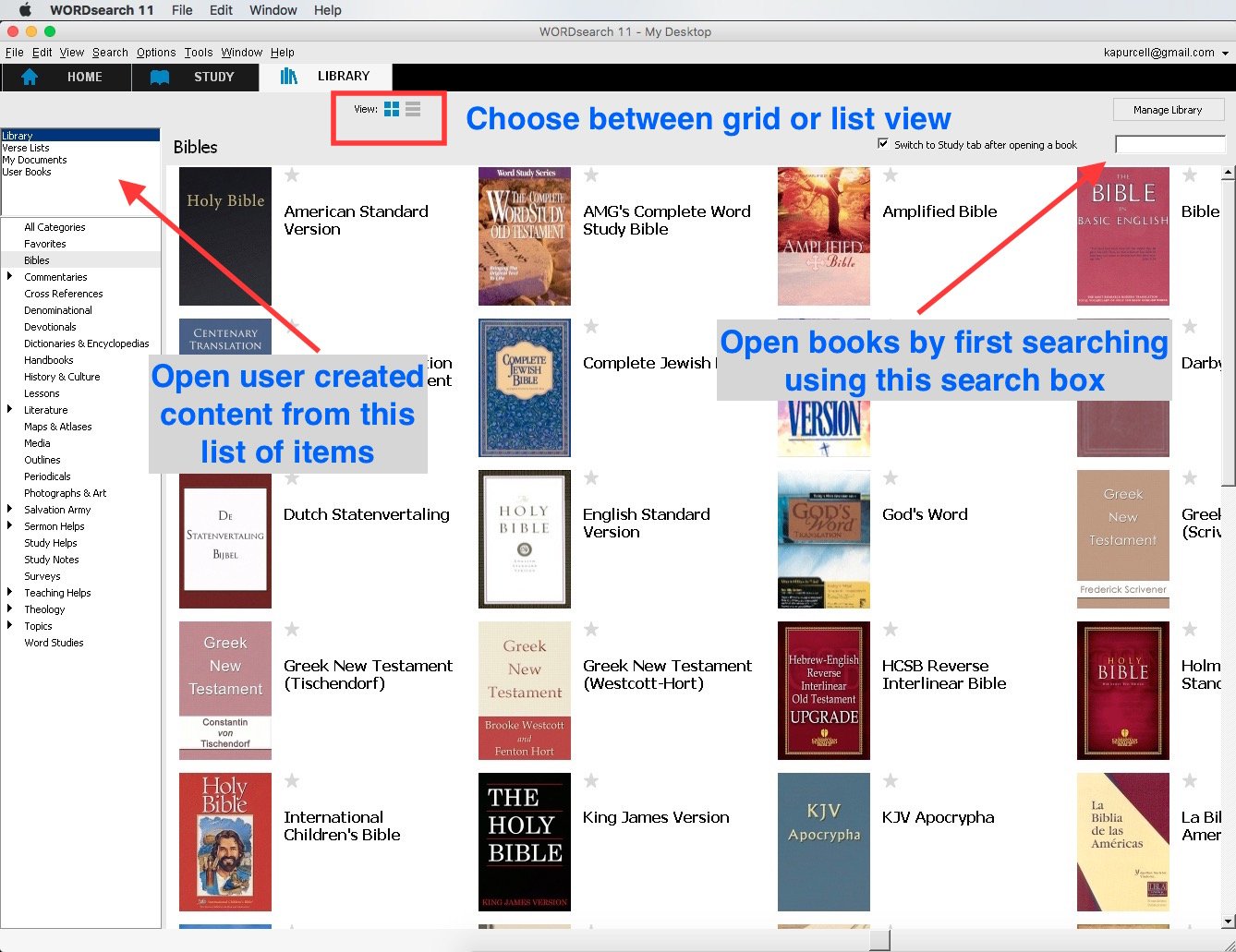
We were fortunate enough to have Rick Milone from WORDsearch to show off their latest update. WORDsearch 11 came out last week with some awesome new features. Rick showed them off and then talked about what sets WORDsearch apart from other programs. After talking about WORDsearch we also delved into iOS 9 and the new ad blocking feature that lest third-party ad blockers stop content from littering your Safari pages.https://www.youtube.com/watch?v=rygB5tK3OXwWatch the video above from YouTube or listen to the audio version below. Also look out for my review in Ministry Tech Magazine's October issue and here on KevinPurcell.org coming soon.
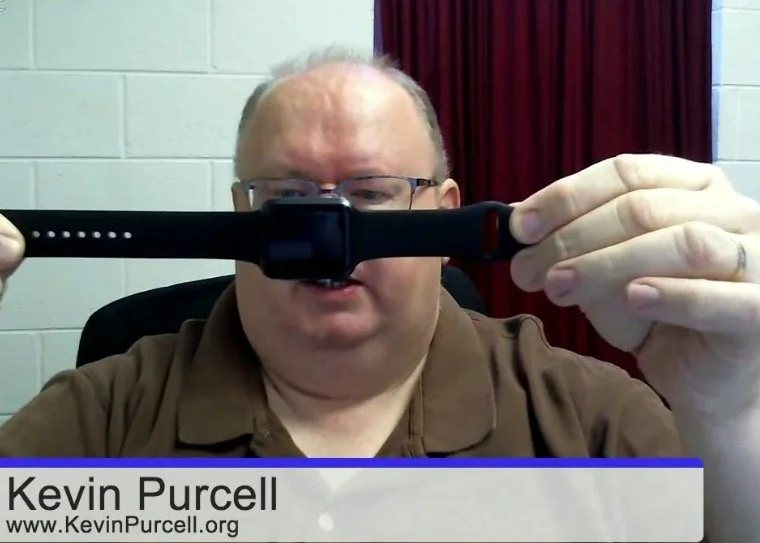
Kevin Surrenders to the Apple Watch: Theotek Podcast #036
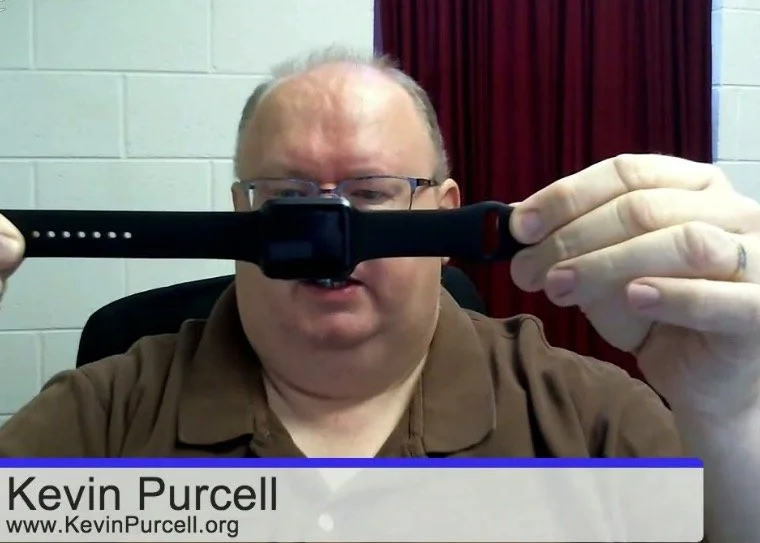
After stating on more than one occasion that I'd never get an Apple Watch, guess what I did? I got an Apple Watch. It was under some unusual circumstances and I still don't think it's worth the $400 ($350 for the smaller version) price tag Apple put on it. This cost will also run up the price of other Smartwatches, which I don't like. Find out what I think by watching or listening to episode 36 of the Theotek Podcast below.https://www.youtube.com/watch?v=SNqsMoOIrQcThe other things we discussed include Logos 6.5, which recently came out. Wes recommended Scapple, a nice mind mapping program. It's not really mind mapping, but that's the closest description to what Scapple does. In a bit of congnitive dissonence I also upgraded to a Google Nexus 6 smartphone. I talk a little about that decision as well. Finally, we chat about Church website SEO based on an article from Church Tech Today.
Backup Strategies: Theotek Podcast #035
Our team discusses backup strategies. What do you do to back up your data so that you can quickly recover from a messed up hard drive, a failure of your phone, loss or theft? Listen to hear our plans for backing up our mobile devices and computers.https://www.youtube.com/watch?v=FDjN_6sOFmw
Theotek Podcast #034: Windows 9, I Mean Windows 10
Windows 10 finally launched with a few upgrade hiccups, but it's mostly a nice update to the Windows operating system. We talk in this week's Theotek Podcast #034: Windows 9, I Mean Windows 10 about some of the things we really like and don't like about the Windows 10 operating system and the update.Windows 10 is easy to get. Just download the ISO or update media creation tool from Microsoft. The other option means waiting for Microsoft to offer it to you, if you reserved a copy using the little white Windows logo that pops up in the Windows 7 and Windows 8 system tray.https://www.youtube.com/watch?v=P1liTZrVn34
Upgrading to Windows 10
The upgrade goes smoothly for most people, but as always, backup your important data. I recommend doing that and then restoring your computer to factory spec using the recovery tool in Windows 8 or using your computer manufacturer's recovery system if you're running Windows 7. This will help you get a better Windows 10 experience. After restoring to Windows 8 or Windows 7 factory spec, then update all the drivers using Windows Update. Finally, after all that, run the update you downloaded using the link above. OneDrive users will find a strange change from Windows 8. In Windows 8, OneDrive would put links to all of your files that aren't installed locally. In other words, when a user set up OneDrive in Windows 8, they didn't have to download all their files, but the folder looked like they did. Some of the files would only be placeholders so you knew what files your OneDrive stash contained online even if they didn't reside on the hard drive. Click on a placeholder and Microsoft would download the file and then open it.This placeholder method worked great on computers with limited storage. Users knew what they have online, but the file didn't eat up precious space on a low-end computer or tablet with only 16 or 32GB of local storage, like the HP Stream 13 I own. However, in Windows 10 doesn't work this way. They removed the placeholders in Windows 10 and only shows the files actually residing on the local hard drive. Some people prefer it this way but many of us like having the placeholders. Microsoft plans to restore the feature in an upcoming update.
Theotek Podcast
We record the Theotek Podcast every Friday morning at 9:00 a.m. using Google Hangouts. Follow me on Google hangouts to get notified when we go live. You can watch it after the fact on YouTube or via iTunes. Podcast app users can also listen by searching for Theotek in the app. Get all the links to the audio on Theotek.com.
Theotek Podcast #033: Semper Paratus and Stuff
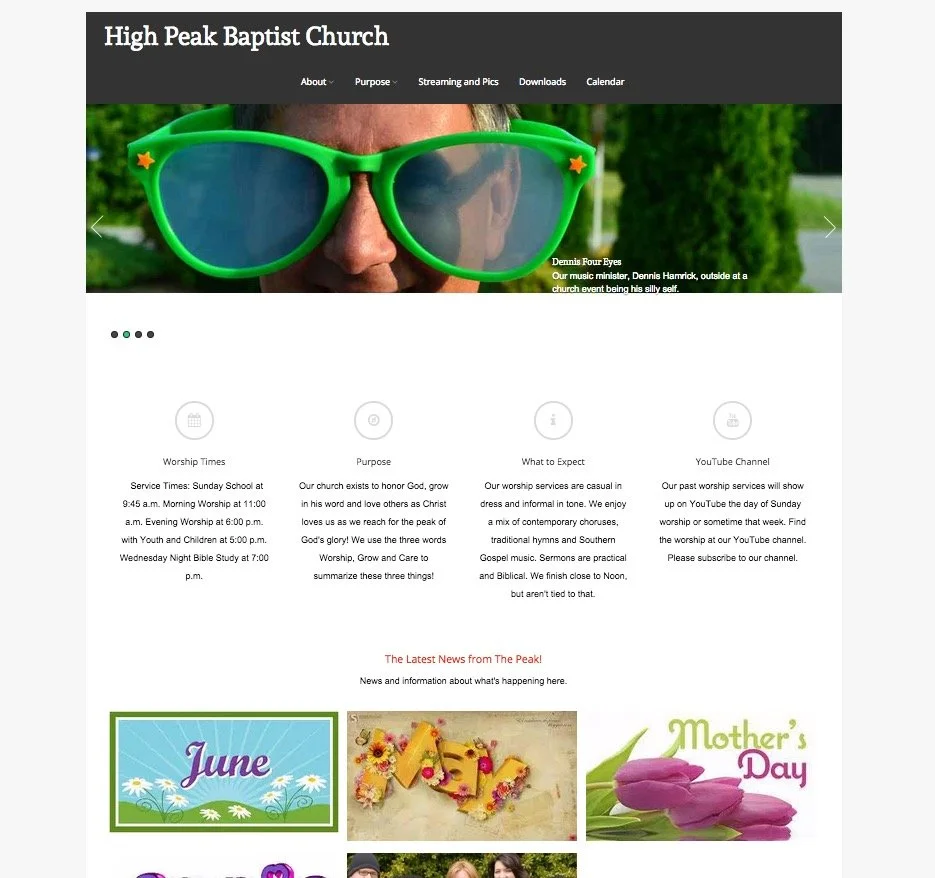
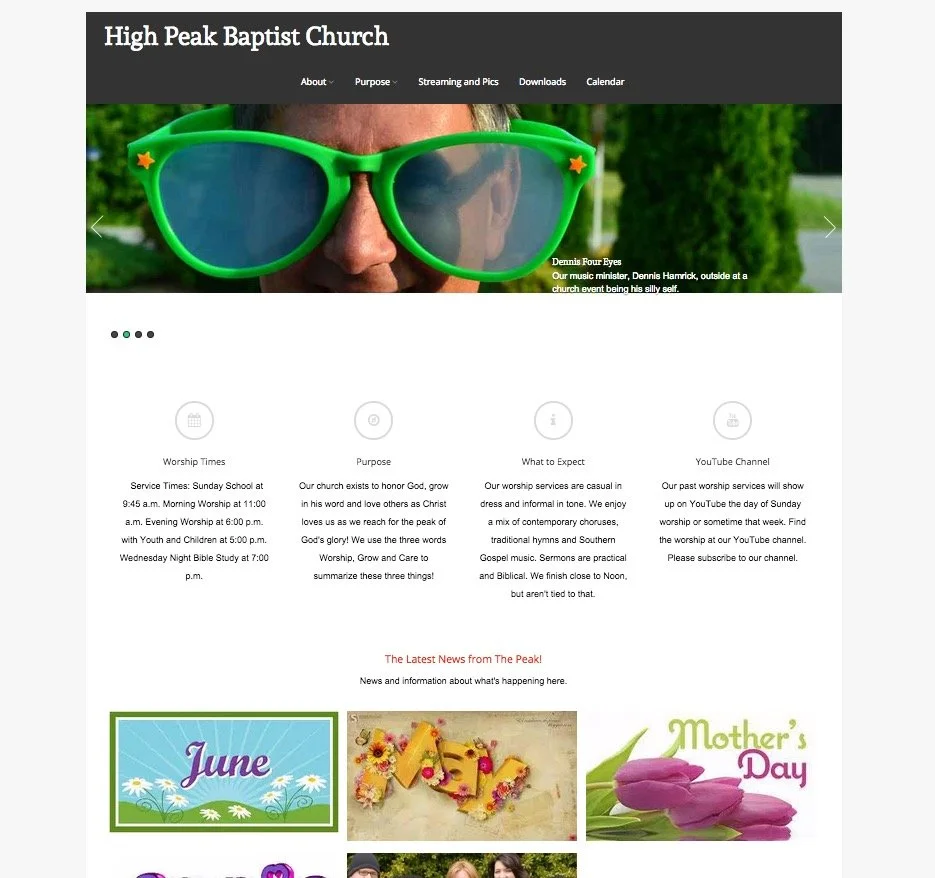
Church websites and their social media presence can have a positive or negative impact on the church. The Theotek Podcast #033 dealt with this subject. Our team included Rick Mansfield of Thislamp.com and Antoine Wright from the Mobile Ministry Magazine and me, columnist with Ministry Tech Magazine (formerly Christian Computing Magazine). Hopefully this was the last week without Wes Allen, the tech director for the American Baptist Church of New Jersey.https://www.youtube.com/watch?v=TieOUtsn1voIn the first segment of the Theotek Podcast we talked about the problems with church websites, using my church's woefully ignored website highpeakchurch.com as a bad example of letting a site flounder with little fresh content. We discussed tips for not letting that happen. Then we looked at the subject of social media and how it can help put a fresh face on the church's online presence. And finally, don't count out email newsletters. They can still give churches a useful way to communicate with the congregation.
 We also talked about our 5 Commandments for Online Communication, which we discussed during our 15th episode.You'll find the Theotek Podcast on my YouTube channel. Please go their and subscribe. The audio version gets uploaded and you can listen using the player below or by subscribing to it on iTunes or Stitcher Radio, which also distributes it to almost all the major podcasting apps on mobile devices. Get the links on our the Theotek page of this website.

Theotek Podcast #030: Herodian Drone

Accordance Bible Software just released a cool new resource that looks like a drone flew over Israel during ancient times and gives users an aerial view. It also shows some 3D constructions of things like Herod's temple. We got an exclusive first look on the Theotek Podcast. I was away in a hotel and had to drop out early, which ended up kicking the show off the air about 30 minutes after we started, so this is a shorter episode.https://www.youtube.com/watch?v=wBd_Alz3gPkFor those interested in getting Virtual Bible for Accordance, head over to Accordance Bible Software and buy it now for $29.90 until July 13. So hurry up!If you want to listen, you can do so below.