

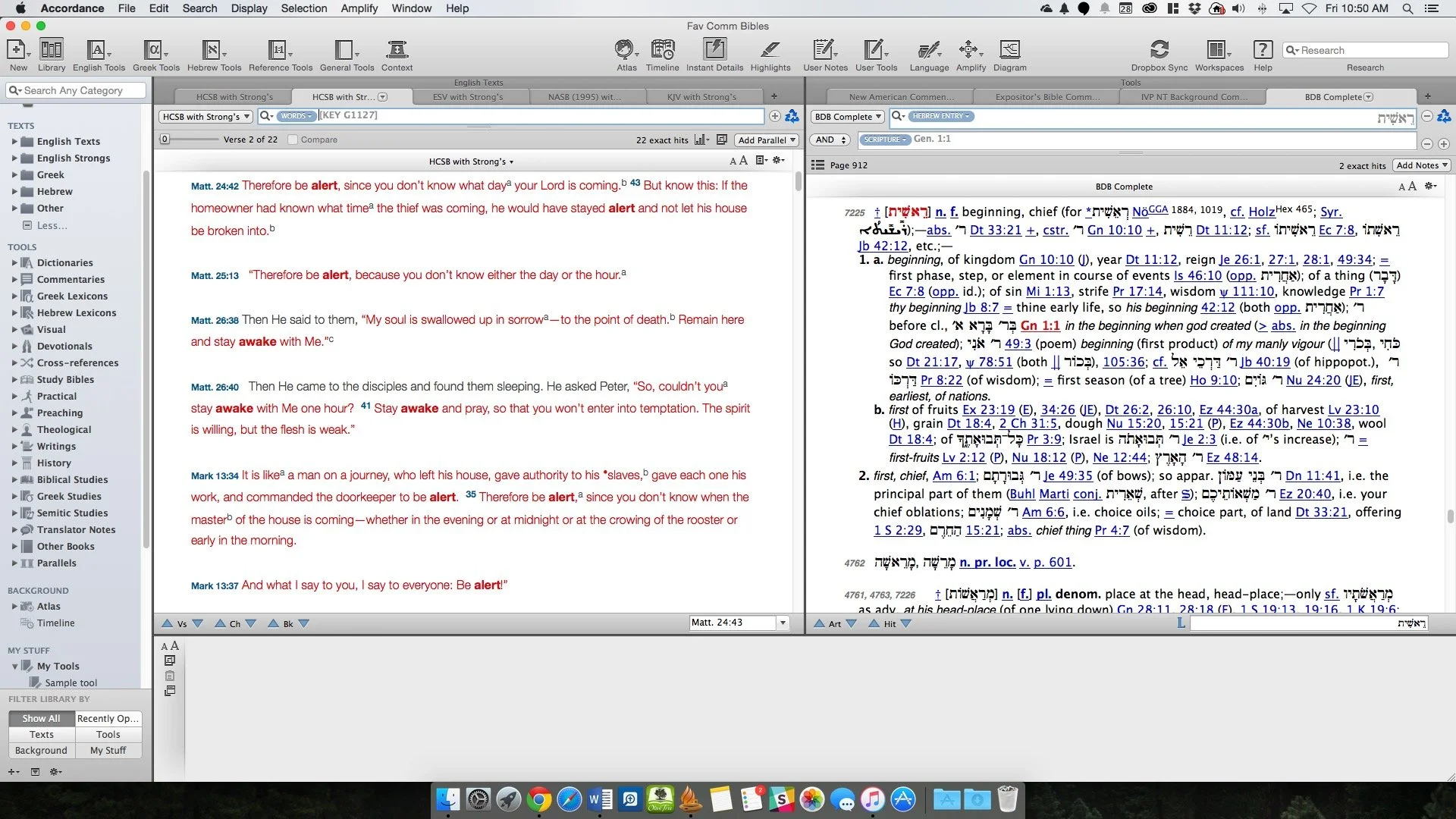
Accordance Masters: Theotek Podcast #037
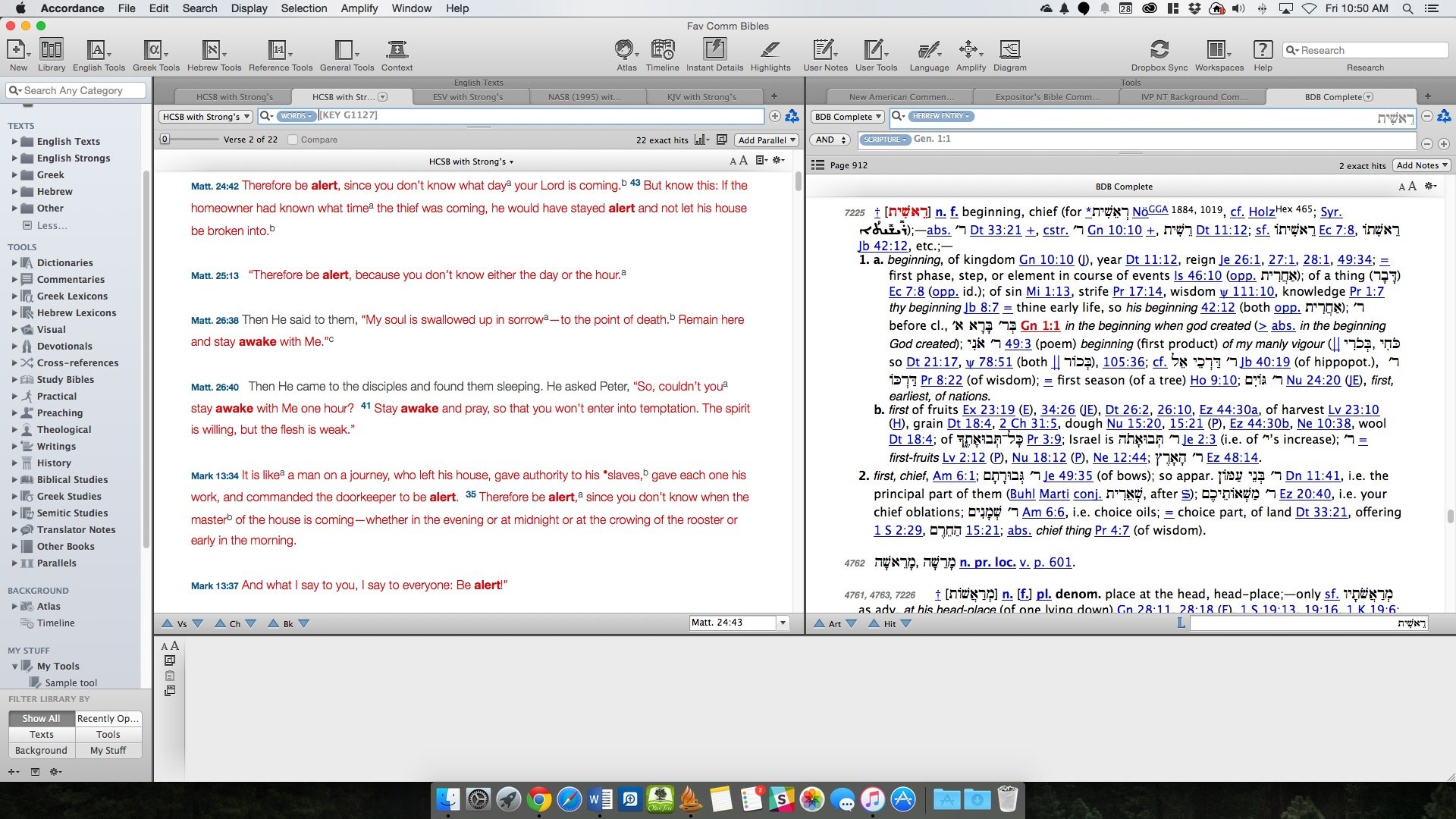
Accordance users or beginning Accordance users will love this edition of the Theotek Podcast - Master Accordance 11: Theotek Podcast #037. This came because my Ministry Tech Magazine article of a similar name came out this past week. Check out the article and read it while watching the YouTube video below. We also have a couple of bonus tips mixed into the podcast.https://www.youtube.com/watch?v=gnPrLG_JrtEYou can get a free subscription to Ministry Tech Magazine by signing up at MinistryTech.com. This used to be Christian Computing Magazine.At the top of the podcast I shared my first impressions review of the Samsung Galaxy Note 5. If you're interested in the smartwatch, check out the great coverage at GottaBeMobile.
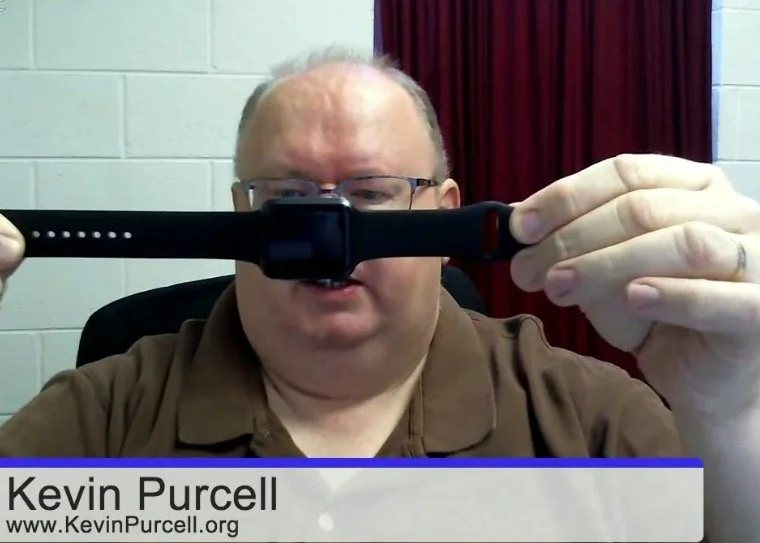
Kevin Surrenders to the Apple Watch: Theotek Podcast #036
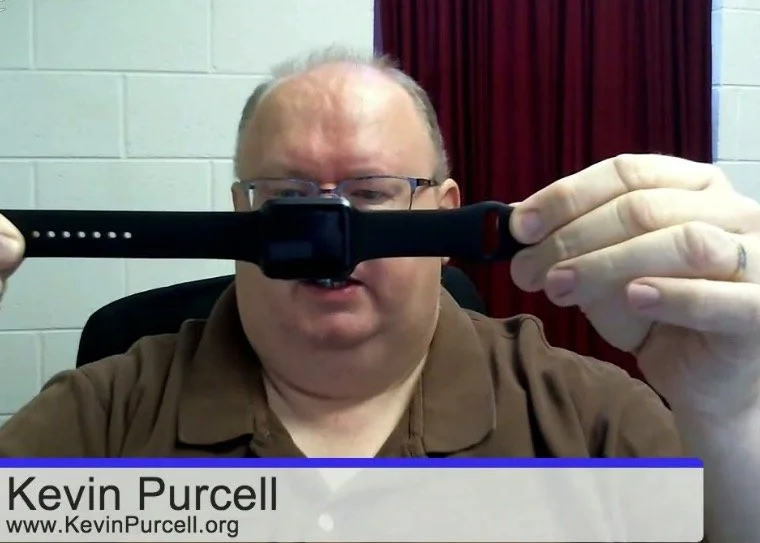
After stating on more than one occasion that I'd never get an Apple Watch, guess what I did? I got an Apple Watch. It was under some unusual circumstances and I still don't think it's worth the $400 ($350 for the smaller version) price tag Apple put on it. This cost will also run up the price of other Smartwatches, which I don't like. Find out what I think by watching or listening to episode 36 of the Theotek Podcast below.https://www.youtube.com/watch?v=SNqsMoOIrQcThe other things we discussed include Logos 6.5, which recently came out. Wes recommended Scapple, a nice mind mapping program. It's not really mind mapping, but that's the closest description to what Scapple does. In a bit of congnitive dissonence I also upgraded to a Google Nexus 6 smartphone. I talk a little about that decision as well. Finally, we chat about Church website SEO based on an article from Church Tech Today.
Backup Strategies: Theotek Podcast #035
Our team discusses backup strategies. What do you do to back up your data so that you can quickly recover from a messed up hard drive, a failure of your phone, loss or theft? Listen to hear our plans for backing up our mobile devices and computers.https://www.youtube.com/watch?v=FDjN_6sOFmw
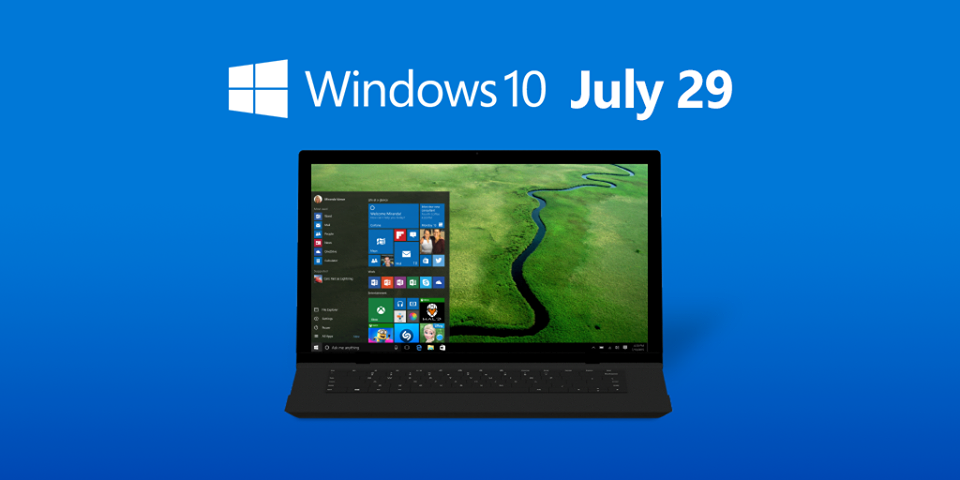
Theotek Podcast #034: Windows 9, I Mean Windows 10
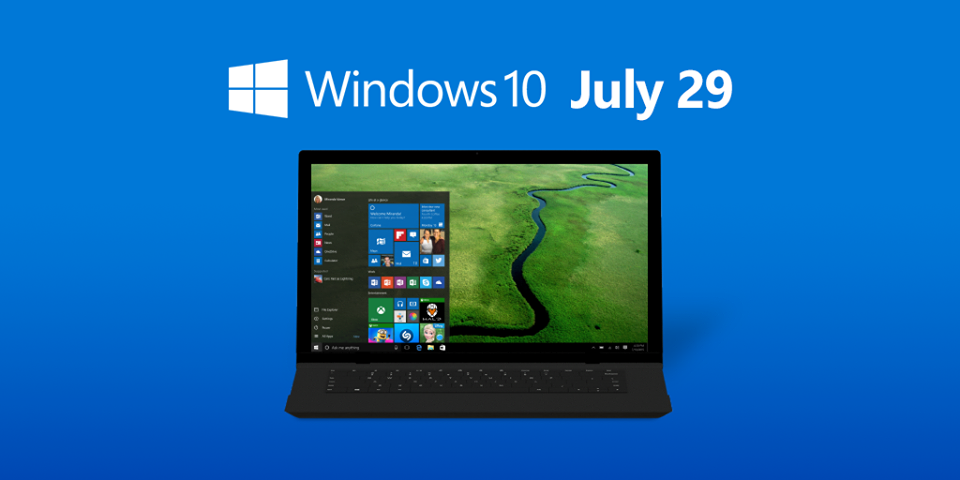
Windows 10 finally launched with a few upgrade hiccups, but it's mostly a nice update to the Windows operating system. We talk in this week's Theotek Podcast #034: Windows 9, I Mean Windows 10 about some of the things we really like and don't like about the Windows 10 operating system and the update.Windows 10 is easy to get. Just download the ISO or update media creation tool from Microsoft. The other option means waiting for Microsoft to offer it to you, if you reserved a copy using the little white Windows logo that pops up in the Windows 7 and Windows 8 system tray.https://www.youtube.com/watch?v=P1liTZrVn34
Upgrading to Windows 10
The upgrade goes smoothly for most people, but as always, backup your important data. I recommend doing that and then restoring your computer to factory spec using the recovery tool in Windows 8 or using your computer manufacturer's recovery system if you're running Windows 7. This will help you get a better Windows 10 experience. After restoring to Windows 8 or Windows 7 factory spec, then update all the drivers using Windows Update. Finally, after all that, run the update you downloaded using the link above. OneDrive users will find a strange change from Windows 8. In Windows 8, OneDrive would put links to all of your files that aren't installed locally. In other words, when a user set up OneDrive in Windows 8, they didn't have to download all their files, but the folder looked like they did. Some of the files would only be placeholders so you knew what files your OneDrive stash contained online even if they didn't reside on the hard drive. Click on a placeholder and Microsoft would download the file and then open it.This placeholder method worked great on computers with limited storage. Users knew what they have online, but the file didn't eat up precious space on a low-end computer or tablet with only 16 or 32GB of local storage, like the HP Stream 13 I own. However, in Windows 10 doesn't work this way. They removed the placeholders in Windows 10 and only shows the files actually residing on the local hard drive. Some people prefer it this way but many of us like having the placeholders. Microsoft plans to restore the feature in an upcoming update.
Theotek Podcast
We record the Theotek Podcast every Friday morning at 9:00 a.m. using Google Hangouts. Follow me on Google hangouts to get notified when we go live. You can watch it after the fact on YouTube or via iTunes. Podcast app users can also listen by searching for Theotek in the app. Get all the links to the audio on Theotek.com.
Theotek Podcast #033: Semper Paratus and Stuff
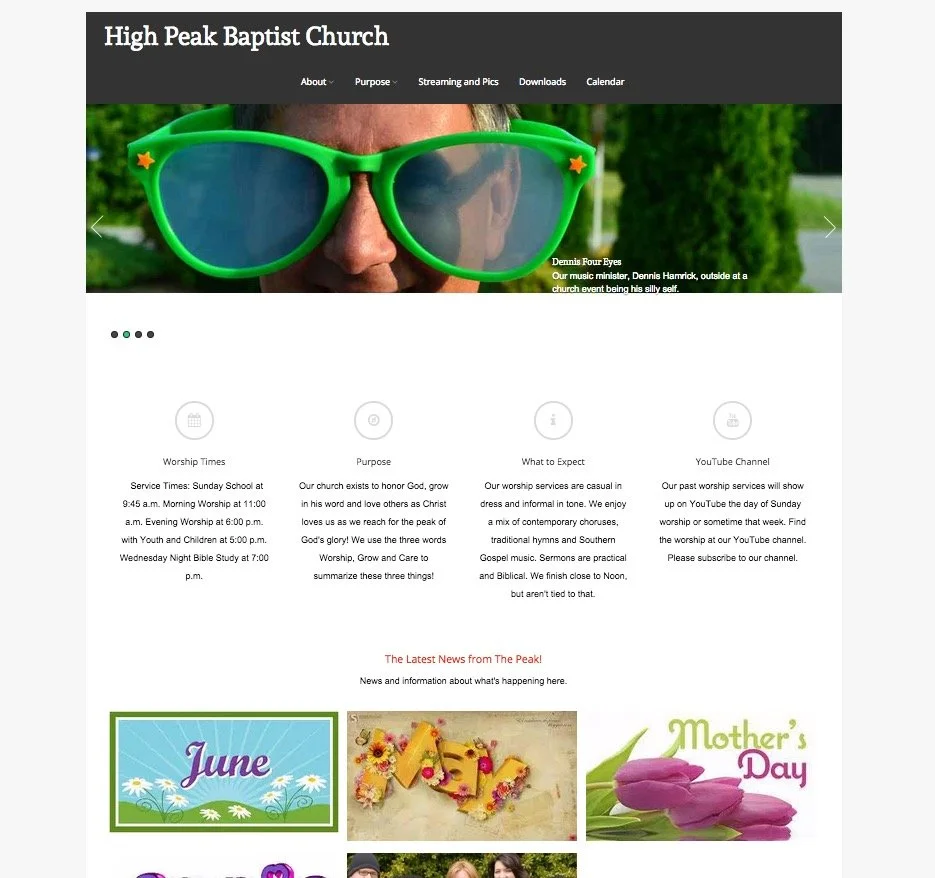
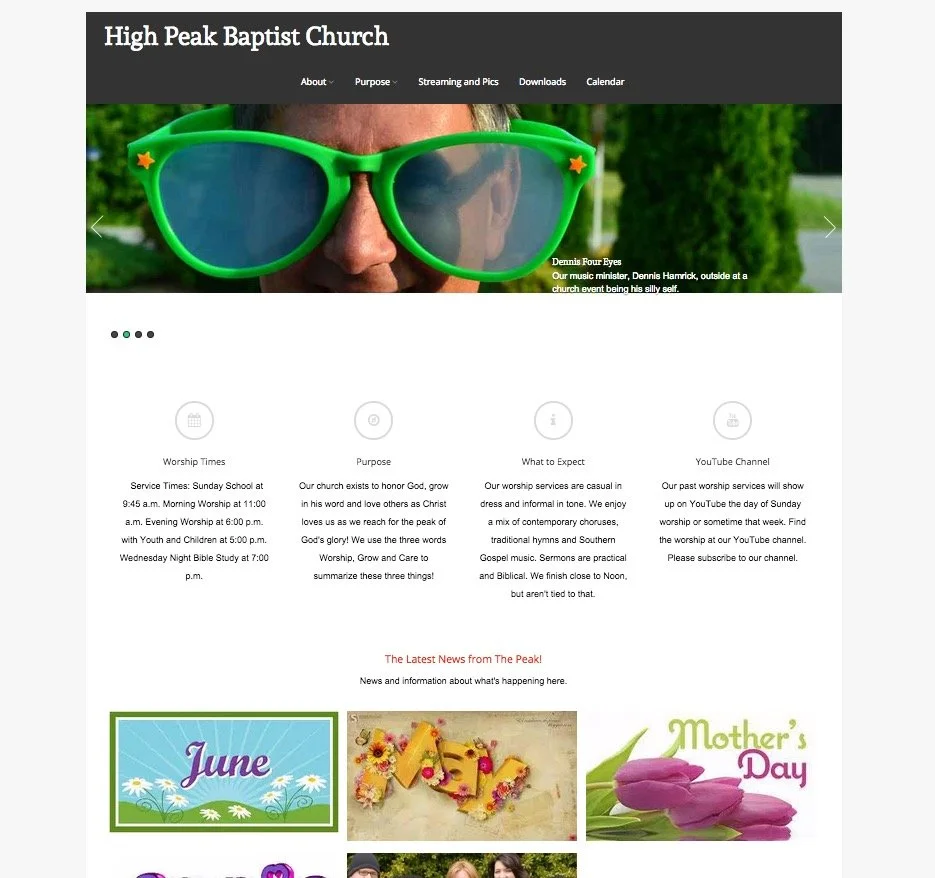
Church websites and their social media presence can have a positive or negative impact on the church. The Theotek Podcast #033 dealt with this subject. Our team included Rick Mansfield of Thislamp.com and Antoine Wright from the Mobile Ministry Magazine and me, columnist with Ministry Tech Magazine (formerly Christian Computing Magazine). Hopefully this was the last week without Wes Allen, the tech director for the American Baptist Church of New Jersey.https://www.youtube.com/watch?v=TieOUtsn1voIn the first segment of the Theotek Podcast we talked about the problems with church websites, using my church's woefully ignored website highpeakchurch.com as a bad example of letting a site flounder with little fresh content. We discussed tips for not letting that happen. Then we looked at the subject of social media and how it can help put a fresh face on the church's online presence. And finally, don't count out email newsletters. They can still give churches a useful way to communicate with the congregation.
 We also talked about our 5 Commandments for Online Communication, which we discussed during our 15th episode.You'll find the Theotek Podcast on my YouTube channel. Please go their and subscribe. The audio version gets uploaded and you can listen using the player below or by subscribing to it on iTunes or Stitcher Radio, which also distributes it to almost all the major podcasting apps on mobile devices. Get the links on our the Theotek page of this website.
Theotek Podcast #032: Extending an Olive Tree
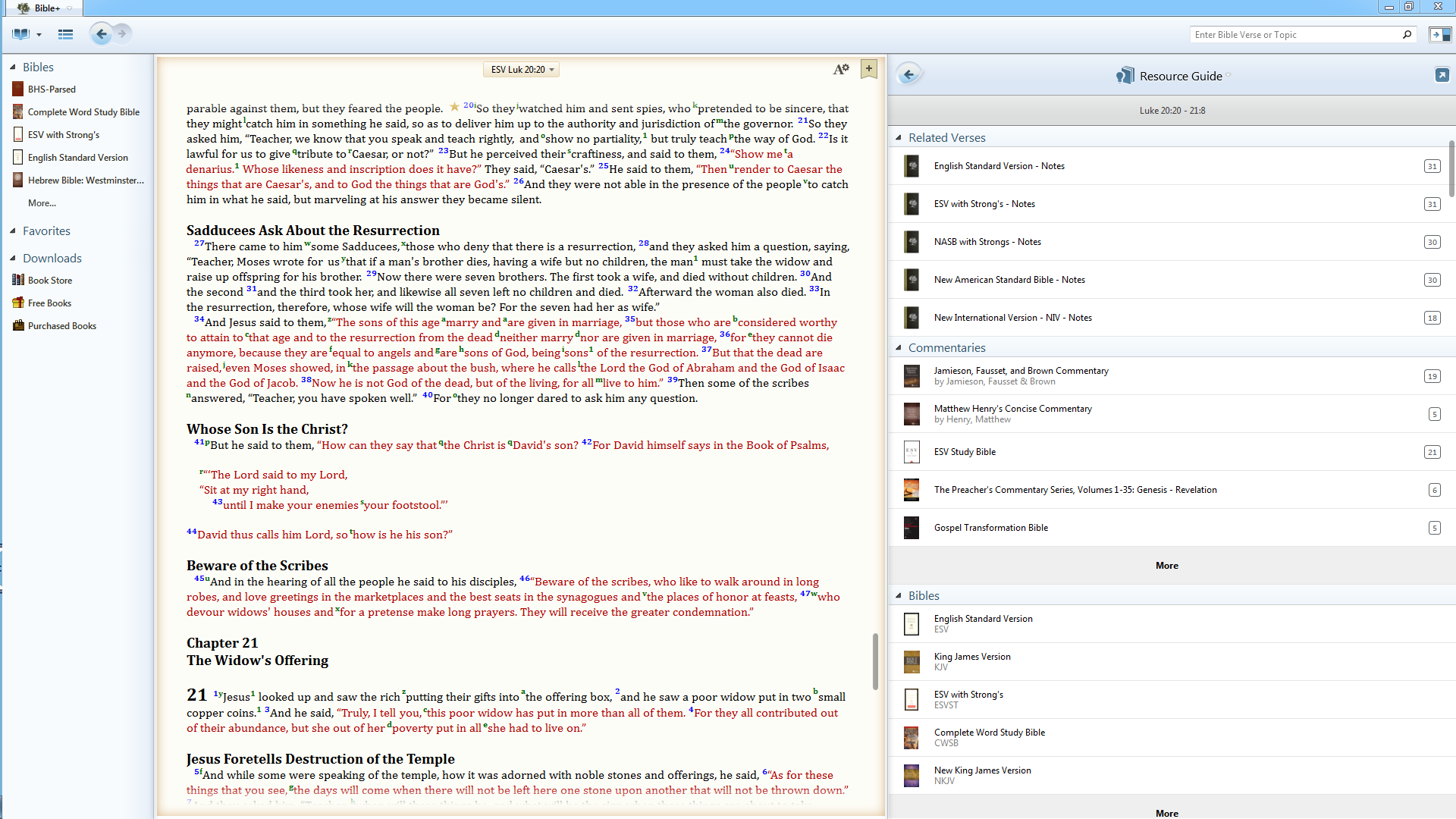
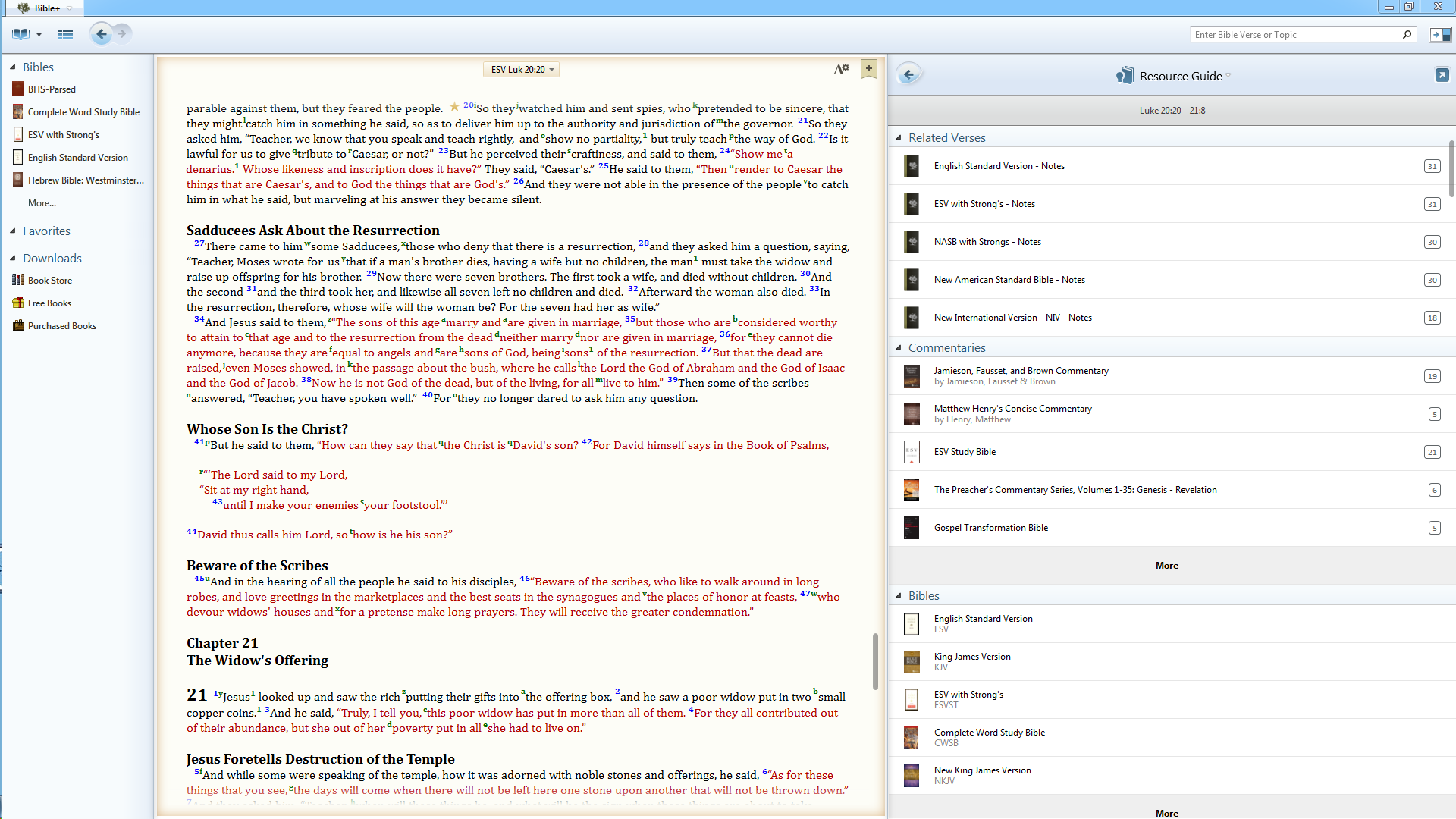
This week Olive Tree released its latest version for Windows bringing with it the ability to display the latest book files and we got a preview on this week's Theotek Podcast.Before, the Windows program used the old Palm Book format. They updated iOS, Mac and Android. The Windows code finally got that update and the company released it on July 20, 2015. We got an exclusive first look at Olive Tree Bible+ 6.0 for Windows as LaRosa Johnson, from Olive Tree and one of our regular guests, talked about it at the beginning of our show - Theotek Podcast #032: Extending an Olive Tree.https://www.youtube.com/watch?v=DOi5i7I-8NsWe also talked about Bible software in general on multiple platforms and the state of software user interface. Finally, we discussed a few new toys that I recently picked up like the Samsung Galaxy Gear S smartwatch that Antoine's been using for some time as his sole phone.
Improvements in Olive Tree Bible for Windows
To learn more about Olive Tree Bible+ 6.0 for Windows head over to the company's blog where they discuss all the new features.The most significant thing users will notice is the new user-interface. It's cleaning and more modern looking and matches the other platforms. They flattened the icons and gave it a color scheme that matches their new branding since Harper Collins bought the company.The basic look and functionality didn't change that much. It still shows the tree of available library books on the left, the Bible takes up the center and user can still find the powerful Resource Guide along the right. The toolbar still shows quick links to features used most. The new book display format lets the company format books so that things like tables will look better. Bible links inside the table show up as hyperlinks instead of a table that's really an image. The student can interact with table content. Text flows around tables and images better as well.Olive Tree Bible+ 6.0 for Windows performs faster too. The new book format makes scrolling quicker. The Resource Guide will show up in the right hand window faster.New books will now become available on the Windows platform as they show up on Mac, iOS and Android since all four platforms use the same book display format.
Theotek Podcast
As always we record the Theotek Podcast every Friday morning via Google Hangouts. Follow me on Google+ to get the notice when we go live. Or subscribe to my YouTube channel to watch it after the fact. We also publish the audio version here, on iTunes and Stitcher Radio. Find the links on our Theotek Page.

Theotek Podcast #031: Heard It, Lived It, Reddit

This week on the Theotek Podcast we talked about the recent controversy over a Reddit person getting fire. What can we learn about how to talk about staff and volunteer conflict management from this story.https://www.youtube.com/watch?v=g3qCYIV4ANMThis past week Microsoft also released a new version of Microsoft Office for Mac 2016. Rick and I shared a little about our first impressions of the app.You can listen below or watch it above. Check out our Podcast page for more info on where to listen or watch live.

Theotek Podcast #030: Herodian Drone

Accordance Bible Software just released a cool new resource that looks like a drone flew over Israel during ancient times and gives users an aerial view. It also shows some 3D constructions of things like Herod's temple. We got an exclusive first look on the Theotek Podcast. I was away in a hotel and had to drop out early, which ended up kicking the show off the air about 30 minutes after we started, so this is a shorter episode.https://www.youtube.com/watch?v=wBd_Alz3gPkFor those interested in getting Virtual Bible for Accordance, head over to Accordance Bible Software and buy it now for $29.90 until July 13. So hurry up!If you want to listen, you can do so below.