

WWJD at Apple WWDC 2017: Theotek Podcast #100
Our team talked about the Apple WWDC 2017 in our 100th episode of the Theotek Podcast. WWDC stands for World Wide Developer Conference and at this event Apple reveals their new plans for iOS and macOS as well as other interesting tidbits. It's for developers, but a lot consumer-focused information often hits the newswire after the keynote event that opens the conference. In this episode we talk about tvOS, which powers the Apple TV, as well as watchOS 4 for the Apple Watch. Then we discussed macOS High Sierra and MacBook Pros, iMacs and iMac Pros powered by the new updated operating system. Next, we discussed iOS 11, the new operating system that will run iPhones and iPads. Apple revealed a new iPad Pro with a 10.5-inch screen so we all discussed that as well. Finally, we covered the new HomePod Sierra speaker coming out this year just in time for Christmas.
 Watch the video from YouTube and of course, subscribe to your YouTube channel if that's your preferred way to enjoy Theotek Podcast. You can also scroll to the bottom of this post to listen to the audio version or click on our link in the menu to find out how to subscribe to the audio version.https://www.youtube.com/watch?v=piOPv5vzMIIAlso, if you want to watch the full Apple WWDC 2017 Keynote address, here it is.https://www.youtube.com/watch?v=oaqHdULqet0
Summer Hiatus
We're taking a summer hiatus. We might do some Theotek Extra Podcasts, but there won't be a regular Theotek Podcast with Wes, Rick, LaRosa, Antoine or Kevin until August. Our relaunch will likely take place in August or September.
Bible Software Training: Theotek Podcast #099
If you're a Bible software user, then you'll want world-class training on how to use your software like a master. We'll give you advice on how to best improve your skills and learn to use whatever program you prefer whether it's a Bible software program on Windows, Mac or an app on your smartphone or tablet.https://www.youtube.com/watch?v=g3oc3PkmbA8We started out talking about getting training direct from the software maker's website. For example, head over to the Accordance Bible Software website to find their large college of podcast, visual training offerings and even webinars or live seminars in your area. Other sites have them as well so go to your program's website and look for a support link or training link.Your next stop should be the company's support forums, if they have one. For example, one of the most active forums for a Bible software company comes from the Logos Community. You'll find an active collection of users ready to help out quickly. They get a little prickly if you complain about Logos, but they do like to help new users. Accordance has a good community too. Many of the others offer one as well. If you can't find the help you need or just want to learn more, then check out the in-software help files. They will open a great set of help files in most of the packages. Rick bragged that Accordance won an award for their in-app help system.
 It's not as easy to find the in-software help in Logos. If you click the Help menu button on a Mac, you'll find nothing. It's only there to conform to macOS menu standards. They should make it link to their help online or something. Instead click on the Home button in the upper left and then click on the Question Mark in the upper right. See the screenshot above.Another good place to look for help on Bible software is third-party sites like Udemy, which has a great set of Logos Help videos for a low price. If you use Logos, look into the Logos official trainer's Morris Proctor Seminars for help. They're not cheap, but he's talented. There's also LearnLogos.com.Finally, ask us. We like to help viewers and listeners. We're busy guys, but enjoy helping out when we can so send us an email using the contact info in our page about the Theotek Contributors.
Getting Fitness with Tech: Theotek Podcast #098
Our team all uses tech of some kind to track fitness and such. We'll talk about what we use to get fit, stay fit and track our health from fitness tracking watches to apps for calorie counters and devices we connect to our phones for keeping diabetes in check, at least for two of us.https://www.youtube.com/watch?v=YJwvVL1MIr0Sorry, no show notes with links. Just had to get this one up and it's been really busy as ministry happens!
Your Questions: Theotek Podcast #097
We take questions from our viewers and listeners in this week's episode of the Theotek Podcast. We won't list them or anything, so just watch the video below to enjoy those.https://www.youtube.com/watch?time_continue=3760&v=v-l35I8SB5A
Our Favorite Things
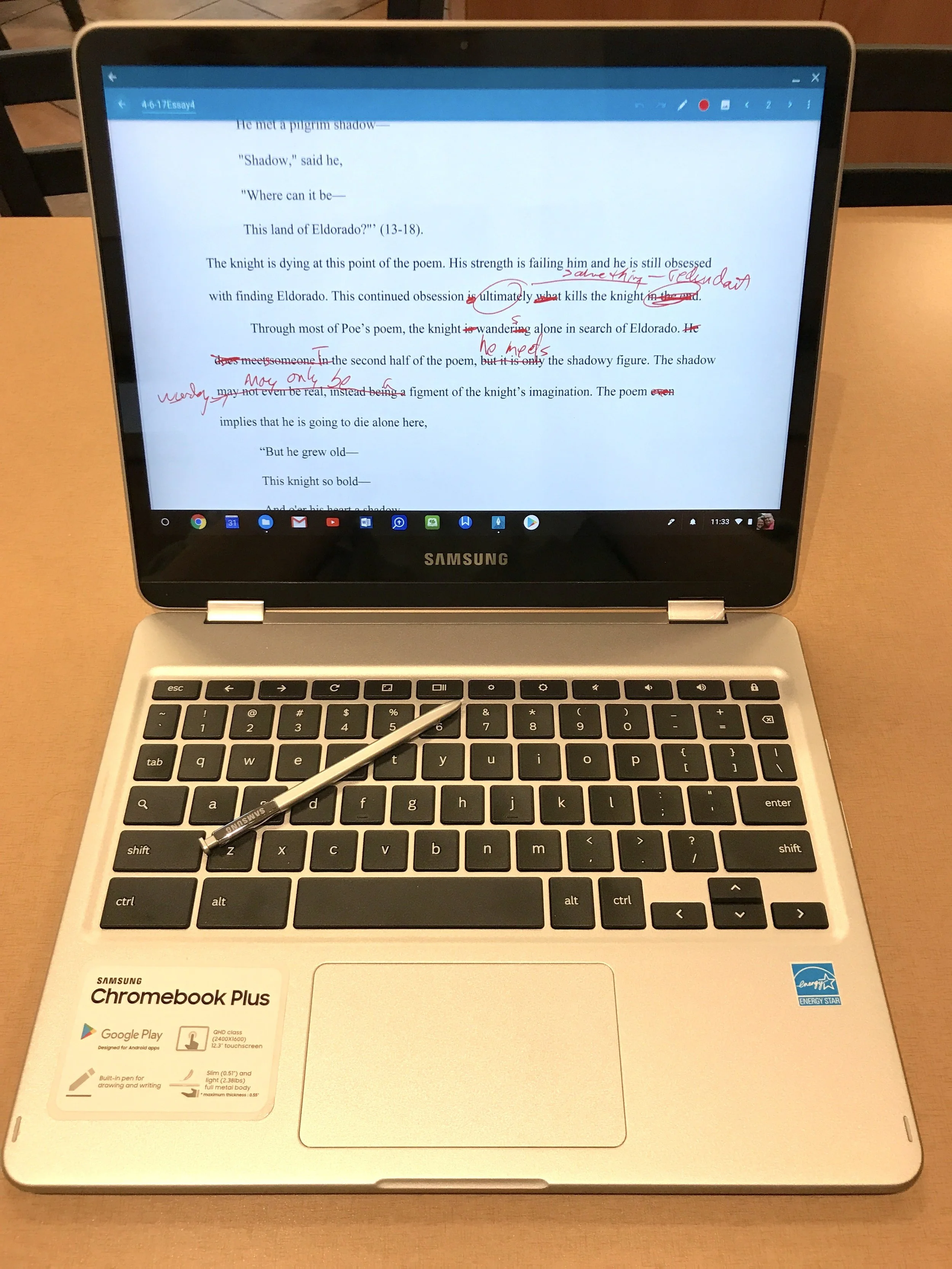
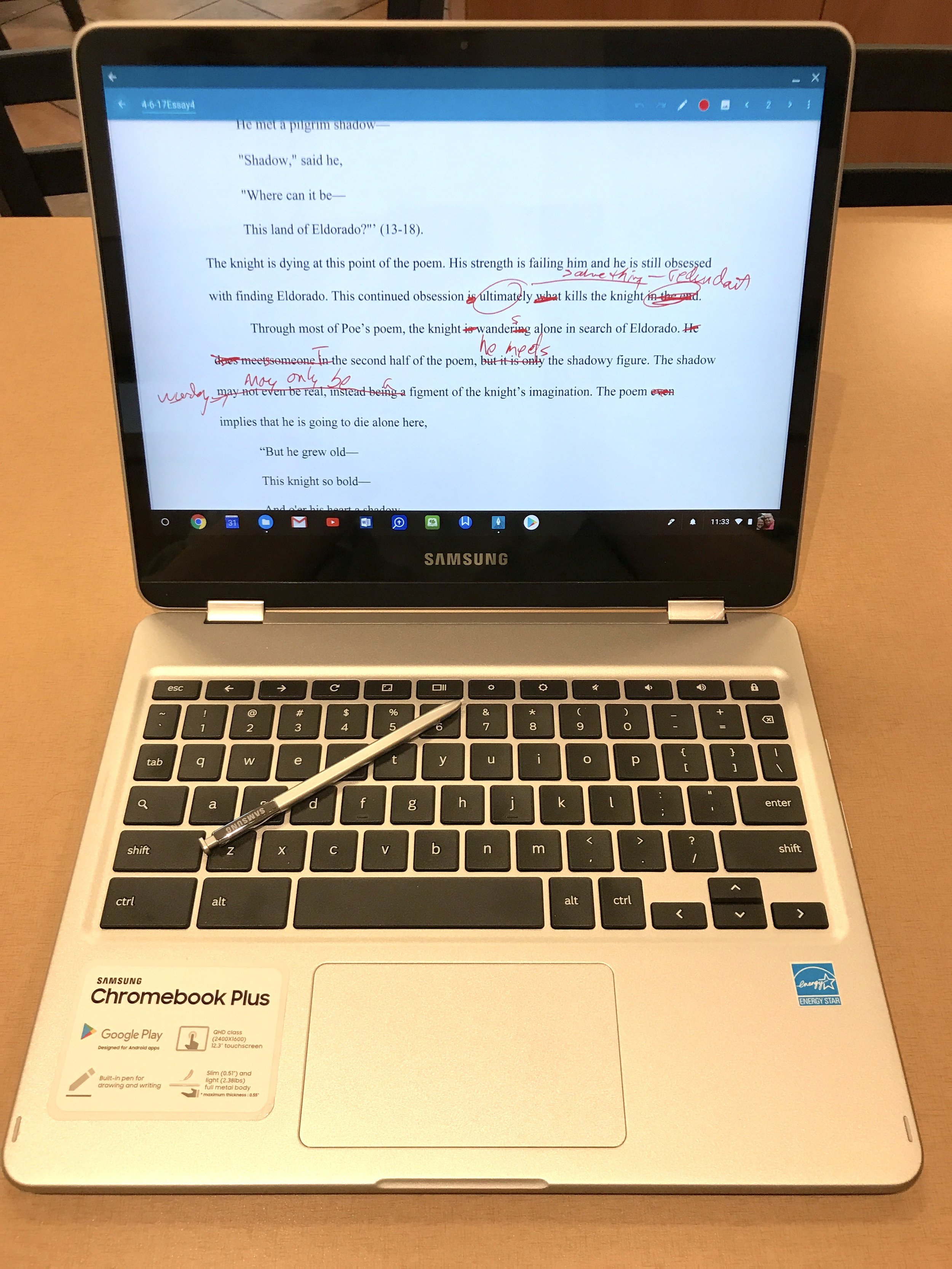
 I had two favorite things this week. The first is my new Samsung Chromebook Plus. I've got a full review over at GottaBeMobile.com. I love this Chromebook, partly for the great hardware quality and for the S Pen feature. You can use it as a tablet and take notes with a fine tip.
 The other favorite thing is a Mic I'm reviewing. It's the Samson Q2U Recording and Podcasting Pack. It's a nice USB and XLR microphone with a useful stand and other accessories.

Digital Libraries in Bible Software: Theotek Podcast #096

With the huge libraries of books available today in Bible software and eBook readers, some people now own massive libraries. Is this a good idea?In this episode of the Theotek Podcast, we talked about that and shared reasons to avoid it as well as tips for what to do if you already own a lot of eBooks in Kindle or in your digital library of Bible software. There's also a few ways to convert eBooks so you don't get stuck with books in a format you can't use anymore because the program goes away like the old Pradis software. This includes making Kindle books from Bible software book and converting Kindle books to a less proprietary DRM-laden format. We even get a workflow for converting papers books to digital library books using a scanner and cutting the binding off books at Kinkos or other office supply stores.https://www.youtube.com/watch?v=_fXaaY-d59I&feature=youtu.be
Convert Digital Libraries - To and From
We mentioned a few things in the Podcast. First, here's the link for exporting Logos books to Kindle using the Send to Kindle printer driver. You could adapt this to work with any books in any Bible software although it may not work as easily as this system found in the Logos user community forums.Next, Wes talked about converting Kindle books to other formats. He uses a tool called Calibre to do this. Digital Trends hosts a useful tutorial on how to convert books using Calibre among other tools.
Favorite Things
 Speaking of Kindle, we shared our favorite things and Antoine picked the Kindle Paperwhite ($120) as his. He likes to use it for distraction free reading. He also mentioned using a paper Bible, something Rick agreed is a good way to do your devotions.I shared the Christian Standard Bible or CSB translation as one of mine. You can buy paper copies of it or get the free CSBible app for iOS and Android. It's also online. Accordance Bible Software published the digital book first, followed by Olive Tree. WORDsearch will offer it soon for free to all users. Logos will release it April 5. I'm not sure about other software companies plans.Rick's favorite thing was his new Logitech 922x Webcam, which he used to podcast with in this episode. Get it for under $90 at Amazon.
Fujitsu Scanner for Converting Paper Books to Digital Libraries
The Fujitsu ScanSnap ix500 does a great job of scanning books once the user cuts the spine off the book. Scan with any sheet fed double-sided scanner, like the Fujitsu. Here's my review of this great scanner from Notebooks.com.http://notebooks.com/2016/10/22/fujitsu-scansnap-ix500-review/
Live Streaming Your Church: Theotek Podcast #095
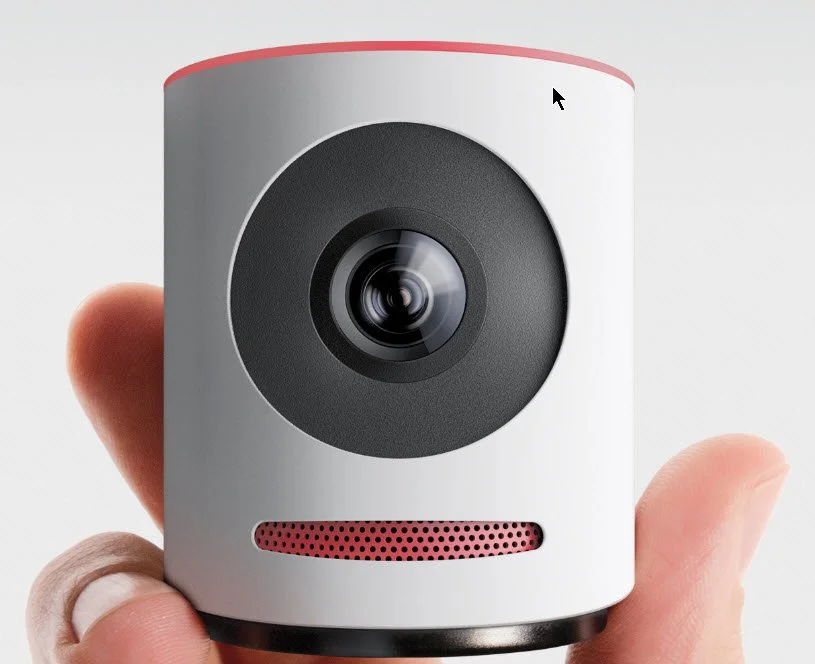
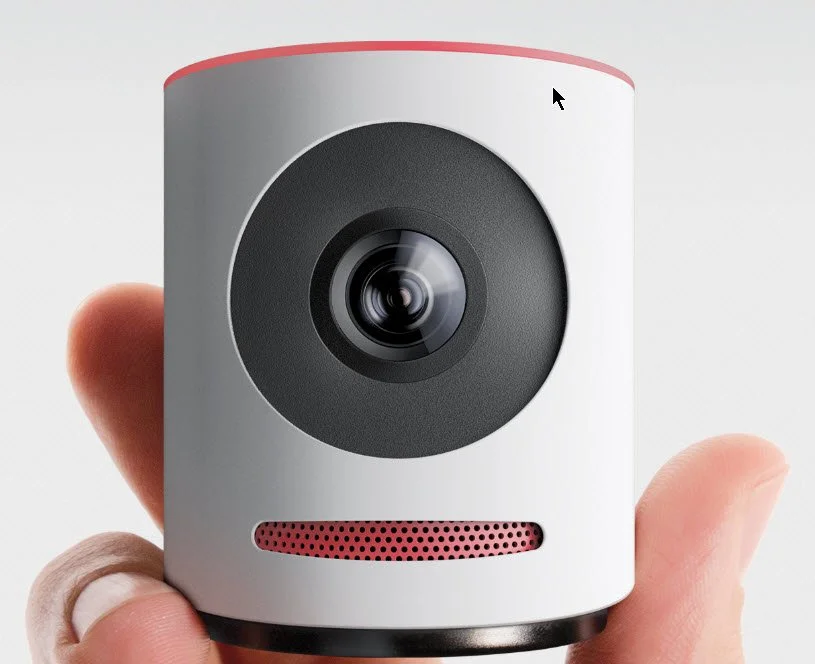
We do a live streaming podcast each week at Theotek Podcast so we thought we'd talk about whether a church should stream their services live each week. Then, we got into the best reasons to live stream and where to do it. Finally, we looked at the Mevo from LiveStream, which streams in high quality to Facebook Live and LiveStream. The company just announced a service which will live stream to YouTube as well.https://www.youtube.com/watch?v=ROkVBFKJ7LM&feature=youtu.be
Live Stream with Mevo
The Mevo camera that I mentioned in the podcast offers a great way to stream to Facebook Live and other services. The free version of the service only works with Facebook Live and LiveStream, but a paid service that costs $10/month just opened up. It streams to the following:
- Facebook Live
- Livestream
- YouTube Live
- Periscope
- Twitch
It claims to do this at the same time. I've not tried it out yet, so I can't say how well it works streaming to all five sites. I have tested it on my Facebook page and it worked well considering I don't yet fully get how to use the software.The Mevo streaming app runs only on iOS right now. They may come out with an Android version.
Our Favorite Things
For our favorite things this week, I talked about the Mevo camera. Just a few more details about the camera:
- Sony 4K Sensor.
- 12.4 Megapixels.
- 4K video resolution but streams at only 720p.
- 16:9 aspect ratio.
- 30fps streaming.
- H.264 codec.
- Dual analog mics with 65db signal to noise ratio.
- Streams audio in 8kHz to 192kHz at 8/10/12 bits.
- Inputs for audio via iPhone.
- Only works with iPhone, iPad, or iPod Touch.
- 802.11a/b/g/n Wi-Fi in either Access Point mode, which then streams through the iPhone or iPad's LTE network connection or over Wi-Fi through your local network's connection to the Internet.
- Bluetooth 4.0 used only for configuring the camera.
- Up to 1 hour battery life.
- 100Mbps over Ethernet if you get the Mevo Boost attachment which costs $249.99 and adds a USB charger and lifts the camera 6.18-inches and adds up to 10 hours of battery life.
 There's a bundle that buyers can get that includes the camera, the Mevo Boost and a case for carrying. It costs $699.97. You can get a $50 off coupon if you use this link.
BAGSMART Travel Universal Cable Organizer
 Rick shared a slightly less expensive accessory. The BAGSMART Travel Universal Cable Organizer costs less than $19 and keeps all of your cables and adapters in order in a nice zipper pouch.
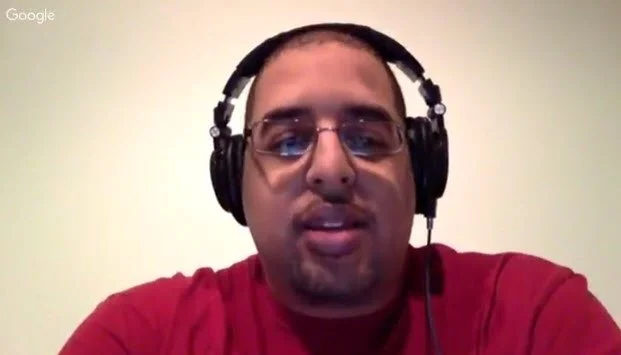
Theotek Extra: LaRosa Johnson Author and Bible Software Engineer
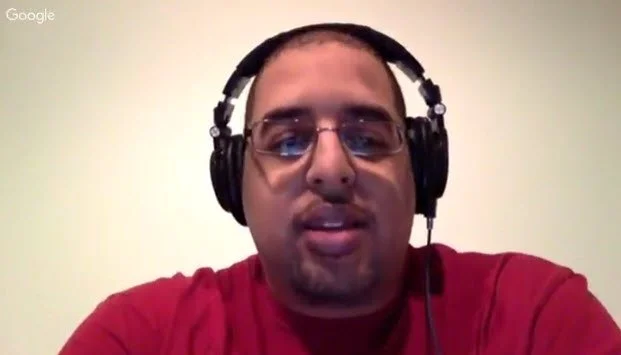
LaRosa Johnson works for Olive Tree Bible Software helping them publish content and working on making it one of the best Bible apps on Android and iOS. He's also one of our Theotek Podcast co-hosts. We talked about his personal life, professional life and the projects he's working on outside of his work in the Bible software industry, which focuses on teaching scripture in creative ways.https://www.youtube.com/watch?v=hmWGVs28FKMYou can watch the video above and if you do, please subscribe to our Theotek Podcast YouTube Channel.Here's a list of links to things we talked about in the interview:
- LaRosa's website where you can find all of his online content.
- Devos.hiphop the devotional podcast where he takes a hip hop song and makes a devotional out of it.
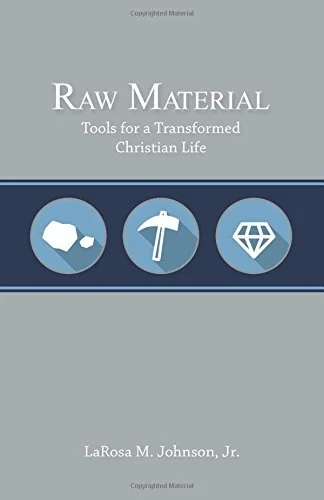
- LaRosa's author page at Urban Scholar Books where you can get his great book Raw Material.
How to Create and Publish an eBook: Theotek Podcast #093
Pastors and ministers can make use of their sermon series' and bible studies by turning those into an eBook. They might have a devotional book they want to use to disciple their congregation or a small group. Whatever you want to put out there in digital written format you can do with an eBook. We discussed how to make an eBook in this podcast with special guest Kathy Mansfield, wife of our co-host Rick Mansfield and a talented children's eBook publisher and author.https://www.youtube.com/watch?v=-SIPn_PA7Cw&feature=youtu.beIn the podcast we referred to Kathy Mansfield's author page on Amazon. Be sure to check it out and get some of her books, especially if you work with young kids or have some in the home. You can also find Kathy at her website And a Poem, which she explained in the podcast, so be sure to listen below or watch it above. That's also her official Twitter author account.Kathy was a school librarian for 26 years and now serves as the state library consultant for the Kentucky Department of Education.
Tools for Making an eBook
We discussed a bunch of tools that help people make eBooks. Here's the list...
- Pixabay - a great site for free, public creative commons photos you can use in your projects.
- Create Space - the site used by handling eBook publishing via Amazon's website and eBook store.
- DIY Book Formats - a great site to help you learn how to create eBooks and how to format them for publishing.
- APE by Guy Kawasaki - I mentioned this book by former Apple Computer evangelist Guy Kawasaki who has published a bunch of eBooks.
- Sigil - a tool for creating eBooks.
- Creative Book Builder - another tool for creating eBooks mentioned by Wes Allen
- Press Books - yet another site dedicated to helping you create your eBooks mentioned by Wes.
- Smashwords - a place to distribute your eBook instead of using Amazon
- Creative Penn - another site dedicated to helping you create your eBook.
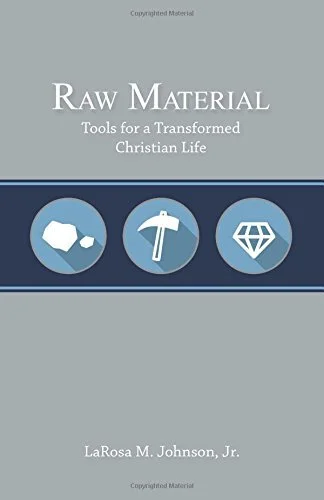
If you use any of these or any of our suggestions to publish your book, please be sure to let us know and we'll publicize it on our show. Get LaRosa Johnson's book RAW Material to help in your own discipleship or someone else's as a gift.

Theotek Extra: Wes Allen Pastor and Tech Consultant

Wes Allen is one of our regulars on the Theotek Podcast. In this Theotek Extra I go one on one with Wes. We talked about his entry into tech, his church ministry and his work with the American Baptist Churches of New Jersey as their Communications Consultant.https://www.youtube.com/watch?v=8cn47MiMhPs&feature=youtu.beWes blogs at Painfullyhopeful.me where he posts frequently. Wes talked about his Smugmug portfolio of photos.
How to Start a Podcast: Theotek Podcast #092
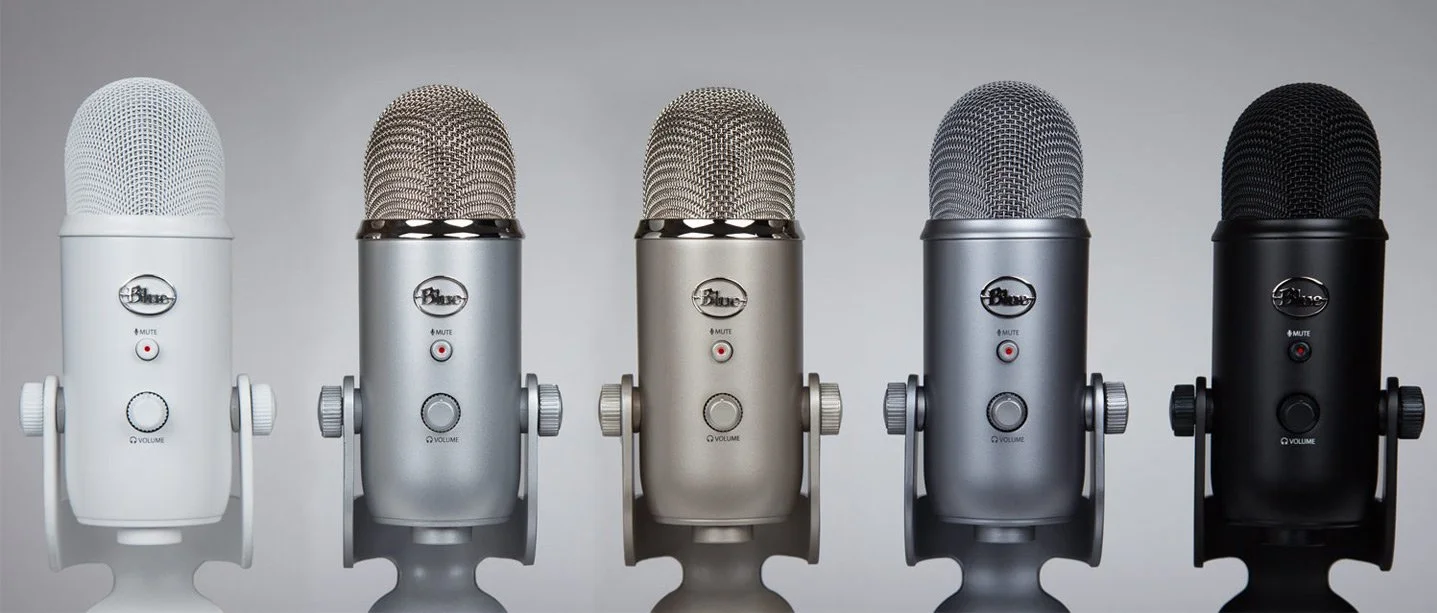
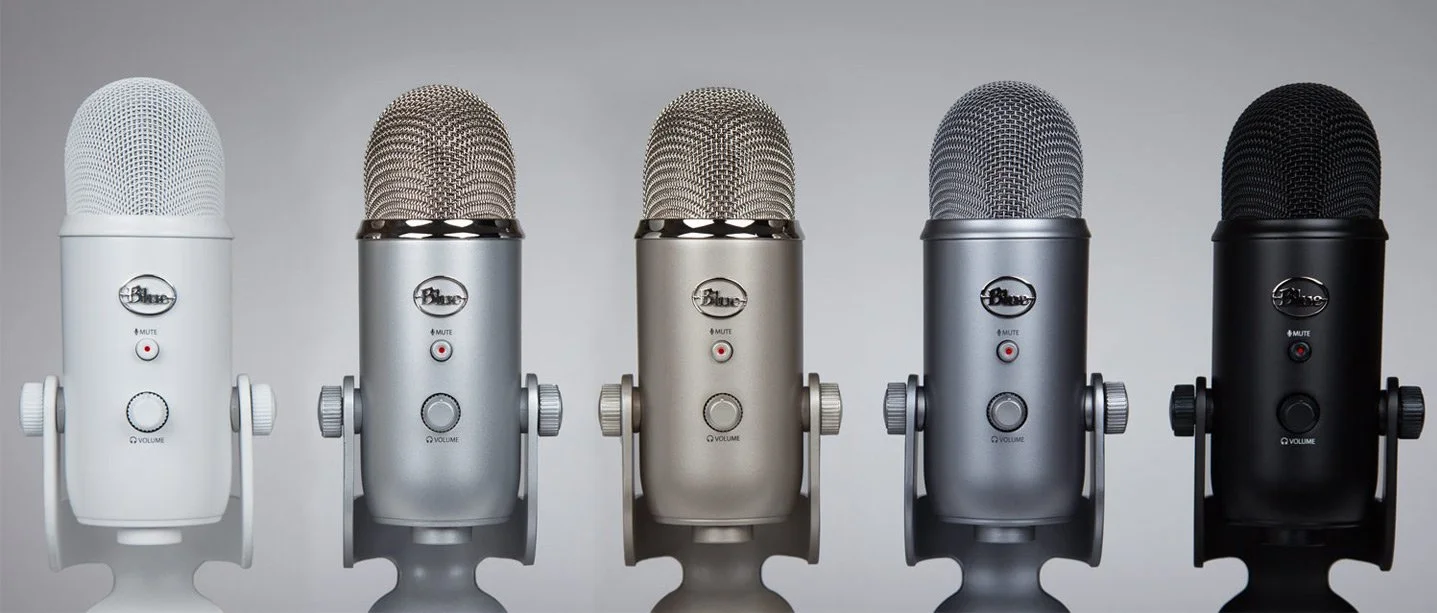
This week we talk about how to start a podcast with tips for getting started, where to host it and how to handle the workflow. We used LaRosa Johnson's Devos.hiphop podcast as our case study. Make sure you check it out. Would you like to post your sermons online or maybe create a weekly show to tell members of your church about upcoming news. Maybe you've got something you want to say the Christian world or just want to give tips for how to make mac and cheese. An audio podcast can bring your message to the greater world in a fun and interesting way. Watch the video below to learn more about how LaRosa creates and Devos.hiphop podcast. And make sure to subscribe to our YouTube Channel as well.https://www.youtube.com/watch?v=_pxLNlF9jRA&feature=youtu.be
Podcast Recording Hardware
In the video we talked first about the tools needed for recording a podcast. You can record on your computer with a mic hooked up to it. That's how LaRosa records his podcast. He and Rick Mansfield both use the Blue Yeti microphone. The mic will plug into your computer's USB port. It's got a number of modes great for using solo, with 2 people on either side of the mic, or with a group of users. It's noise cancelling too, so you get a pretty good recording.
 Some people record their podcast using their iPhone or Android phone. Others use a tablet like an iPad or Android tablet. We also talked about using the Zoom Recorder, which records to flash storage. Then you can copy it over to a computer or mobile device.The computer used doesn't need to break the bank. Most basic machines work great. Any Mac or Windows computer made in the last five years will work. It's the same for phones or tablets.
Podcast Recording Software
 A great piece of software called Audacity records audio and makes for easy editing. It's free and open source, has a great community of users supporting it and is both easy to learn and powerful enough for complex multi-track recording.Other recording options include the high-end tools like Pro Tools or Adobe Audition. On a Mac, use Garage Band. Most phones or tablets have an audio recording app either pre-installed or available in the app stores. We talked about Ferrite Recording Studio, a great iOS app.
Hosting Your Podcast
Lybsyn is a great service for hosting your podcast. It costs $5/month to upload up to 50mb/month. If that's not enough, you can pay $15/month for 250mb. Our podcast runs about an hour and takes up about 20-25mb each file. Since we do more than 2/month we'd need the 250mb/month tier. Theotek uses a host and WordPress to run our site. I upload the file to our host and link to it in WordPress using a plugin called Seriously Simple Podcasting. It puts a section at the bottom of your WordPress screen where you can either upload the MP3 file or past the link, if you use something like Lybsin. Then add other information. Notice in the screenshot above you can add the following info:
- Episode Type - click audio or video.
- Podcast file - either paste the link here or click on Upload File and choose the MP3 file on your hard drive and it uploads it for you.
- Duration - this will fill in automatically when you save the page or publish it.
- File size - this also will fill in automatically like the duration.
- Date recorded - click the box and a calendar pop lets you choose the date you recorded the podcast.
- Explicit - hopefully churches or ministers won't need to check this.
- Block - if you don't want this one to show up in iTunes for some reason check this.
You could upload the files to the Internet Archive or to YouTube. The first will host your files. LaRosa used to use that for his Blaizin' Faith podcast. With YouTube, you're really creating a video, but the focus will be on audio. Just use your album cover art as the image.
Tips for Podcasting
Finally, we've got a few tips for a successful podcast.
- Pick a topic that's interesting and that you're passionate about so you can keep going.
- Edit your ID3 Tags, so your podcast has the details embedded in the MP3 files (title, artist, description, copyright, etc).
- Share your podcast on iTunes and Google Play Store podcasts (follow Libsyn's How To).
- Make an attractive cover art, which shows up in your podcast app or the podcast service like iTunes.
- Use Google's Feedburner to make a good RSS feed that will work with iTunes and the other services.
Favorite Things
Rick Mansfield shared his Favorite Things - the KDLinks Dash Cam. Find out more about it at their website. Here's a couple of samples of the video you get from the camera.Antoine Wright joined us at the tail end of the podcast because he was travelling. His favorite thing was more of a tip. He suggested using something like Impact Hub, a coworking space. This is an office for those who don't have one. It provides a workspace with Internet, a mailbox and address for deliveries, and camaraderie of being with others even if you work alone. This might offer a nice option for solo pastors or those who are planting a church and don't own property yet.
Stop Killing Dead Trees: Theotek Podcast #091
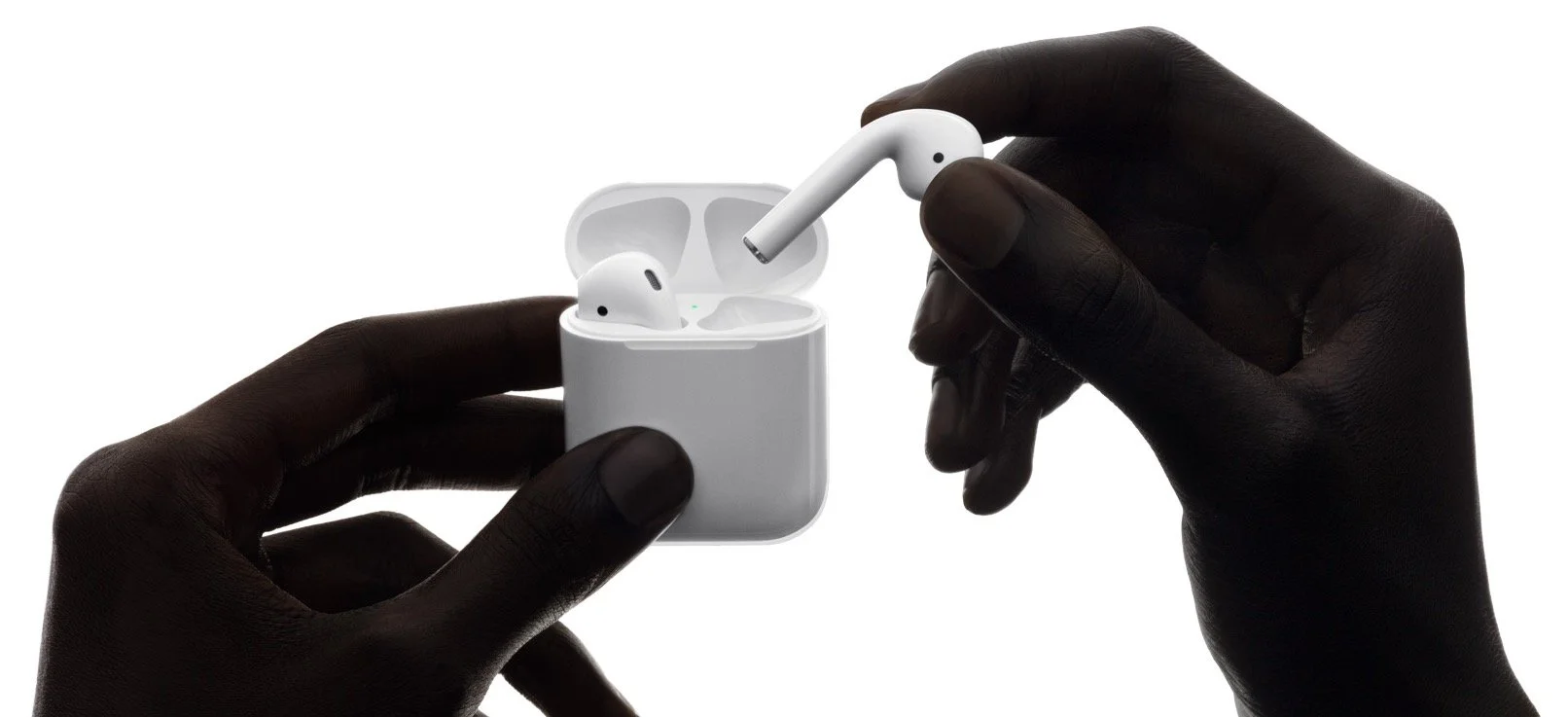
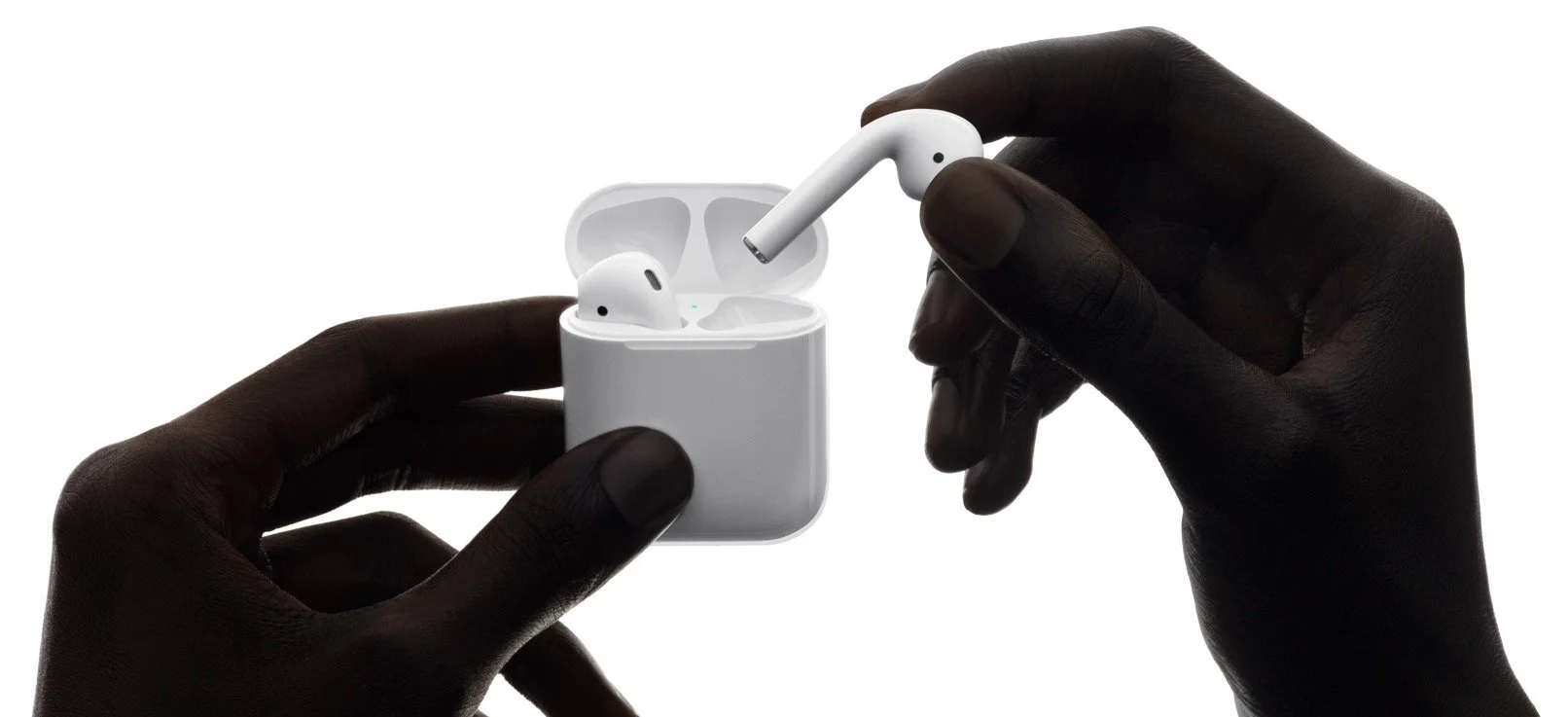
The church uses a lot of paper to share its message, whether that message tells members and attendees what's happening this week, the order of worship that day, or asks them to sign up for activities. In this episode of the Theotek Podcast we talk about using digital alternatives to paper bulletins, newsletters and even sign-up sheets.Watch the podcast below from our YouTube Channel. The end includes a review of my Apple AirPods.https://www.youtube.com/watch?v=ZO626PB9kvE&feature=youtu.be
Digital Alternatives to Bulletins or Newsletters
In the episode above we talked about a few options for digital alternatives to paper communication tools. For example, if you want to text your entire congregation or even send up a voice mail over the Internet consider a service like CallEmAll. I use CallEmAll at my church, High Peak Baptist Church. We only use it for emergencies, but it's reliable and easy to use. You could send weekly reminders about events, activities or worship times. You can also categorize members into groups like your choir, youth group, parents, seniors, or Sunday school teachers. Only contact them. The service isn't free, but it's also not expensive. It costs 9 cents for credits and a text message is a single credit while voicemail counts as two credits.Wes Allen said he used to create an eBook for his weekly church bulletin. People could download it from the website. They also put announcements on their WordPress Blog. Another alternative is SquareSpace, a web hosting and content management solution that a lot of people are using instead of WordPress.Two other services that include digital bulletin alternatives are YouVersion's Bible app and Logos/Proclaim from Faithlife. We've talked about this before on Theotek. You can put your bulletin, order or service, scriptures and more in these apps. If people install the mobile version, they can use open the bulletin on the phone. Some of the things these services handle include:
- Bible readings in the service
- Announcements
- Images
- Links to the website or other sites
- YouTube videos
- Giving
- Surveys
- Sign-ups
- And more
https://www.youtube.com/watch?v=yNr7QwuAECUYouVersion's Bible app offers YouVersion events to the church. The church signs up and then someone from the church creates a weekly event for your worship service. The above video explains more about how it works.The Faithlife Bulletins service works with Proclaim and Logos. Users can join an online social media group at Faithlife's website where they're receive the bulletins. Also, Proclaim offers live signals which get sent to the mobile Logos app on a phone or tablet. See my recent review of Proclaim 2.0 at Church Tech Today.Don't forget services like Mail Chimp for sending out email newsletters. Also, consider using a Facebook Group as your primary way of getting news out about your church.
Digital Sign-ups
As mentioned above people can sign up for events or to volunteer in the mobile apps from YouVersion and Faithlife. We also talked about using a kiosk system where people sign up at a computer or tablet in the church. Set up a Google Form to do this and it sends the list to you automatically in a spreadsheet.WordPress and SquareSpace offer online forms for sign-ups. Search for a form plugin in WordPress or SquareSpace.
What About People Without Computers, Smartphones or Tablets?
The question arose in our discussion. What do you do for those in your congregation who don't use or own a computer, a tablet or a smartphone? Maybe they do, but don't feel comfortable using them for the above solutions. This is where community comes in.Announce occasionally that such people should pair up with someone who does use these tools. Maybe a senior adult can have their son or daughter or a good friend print the digital email newsletter or bulletin. Those with these tools can look out for things their non-technical friends or family would find interesting. They can share it when appropriate.Try to make a limited number of paper version available if possible. For example, you've already got the graphics and copy for a newsletter in email form or on a website. Why not just copy/paste to a document and print off just enough for this group?
Apple AirPods Review
 At the end of the show, I reviewed my Apple AirPods. Here's my bullet list review:
- They sound great.
- Pairing with an iPhone is awesome and easy; just open the lid and a dialog box offers to pair.
- Once you pair with one Apple device iCloud syncs the pairing with others so you don't have to pair again to an iPad or Mac.
- They fit my ears better than the Apple earbuds in the iPhone box.
- The battery life is good.
- You can use one AirPod at a time to double your battery life if you don't mind forgoing stereo sound.
- Open the lid on the AirPods and a window pops up showing battery life.
- They're way too expensive at $159, but I'm sure glad I bought them.
Antoine Wright from the Future: Theotek Extra
I interviewed Antoine Wright, one of the co-hosts of the Theotek Podcast. Antoine's a mobile tech and mobile ministry expert. He's a consultant to believers and churches in using mobile tech to communicate the Gospel. He also helps people and companies with their user-interface design and other general tech topics.This is the first in a 5-part interview series with our co-hosts on the Theotek Podcast.https://www.youtube.com/watch?v=oO7X5pThvoQ&feature=youtu.beBe sure to listen or watch all the way to the end since we ended with our Theotek Quiz, a 7-part questionnaire meant to help people learn more about the subject being interviewed. It's a fun way to get to know our guests.Follow Antoine on Twitter at @arjwright.
My #CES2017 Pieces
Report: https://t.co/9Gt7Ll8N8N@TheotekPodcast: https://t.co/lupTFlQkIH@ChurchTechToday: https://t.co/AhLUO7zitr— Antoine RJ Wright (@ARJWright) January 23, 2017
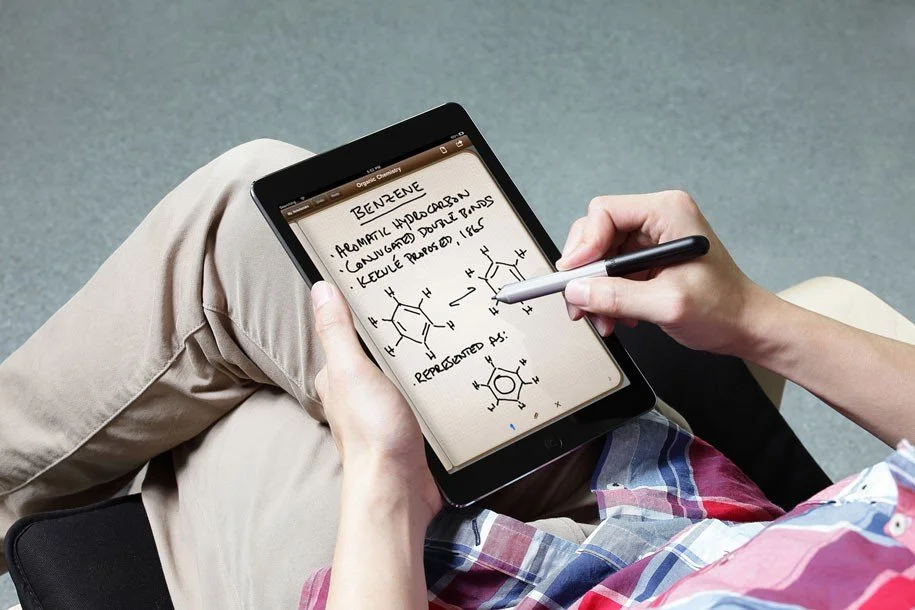
Take Note of Note Taking Apps and Tools: Theotek Podcast 090
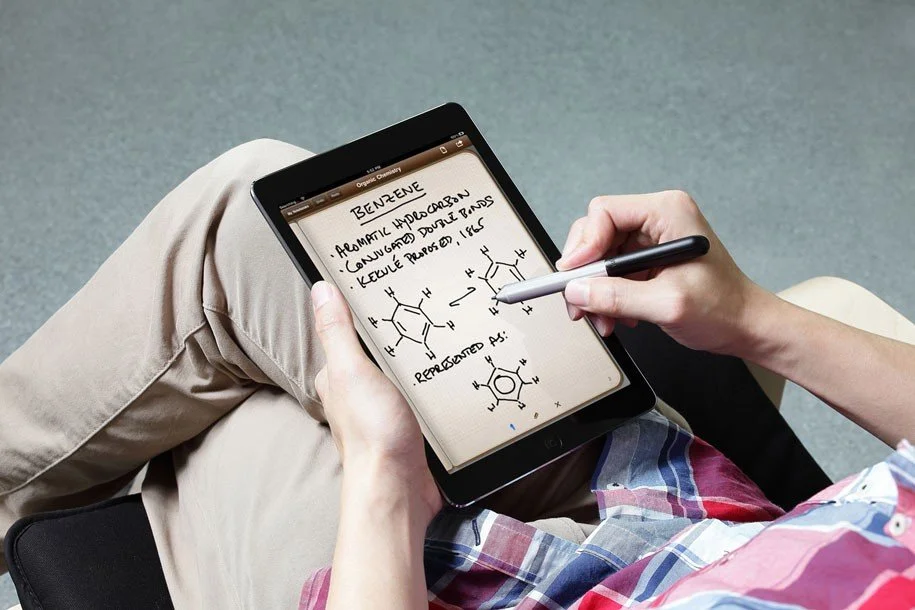
Do you use your iPad, iPhone, Android device or Windows tablet for digital note taking? Then we have the show for you! We discussed our tools and techniques for digital note taking in this edition of the Theotek Podcast.Note taking is a very personal thing, so our crew shared their favorite apps and tools for taking notes. This includes everything from handwritten notes using the Apple Pencil, Surface Pen or a stylus, to typed notes and even some mind mapping. Watch the video below or scroll down to listen to the audio version at the bottom.https://www.youtube.com/watch?v=hdRPs50m55s&feature=youtu.be
Note Taking Apps
 The apps we use for taking handwritten notes mostly include the following:
 If you're going to type your notes then consider ...
- Evernote
- Apple Notes (part of iOS and macOS)
- Notepad (part of Windows)
- Google Keep
- OneNote
- Fargo
Wes Allen mentioned a mind-mapping app called iThoughts. Mind-mapping takes your ideas and puts them down on paper or on the screen in a graphical way using shapes, arrows and lines. Think of a flow chart for ideas. Take a look at the iPad app in action in the video below. They offer a macOS version too.https://www.youtube.com/watch?v=uNwTFPInKxI
The Best Stylus for Taking Notes
 What's the best stylus for taking notes. The first on all our lists is the Apple Pencil. It's almost perfect. For Windows users, the Surface Pen's just about as good.
 In addition we like the following stylus options:
 Adonit makes a bunch of these. The kind with the clear plastic disc at the end of the stylus doesn't work that well, so we don't recommend them. My personal favorites include the Pixel and Snap. The Snap looks like a carpenter's pencil, much like the Pencil by 53 does. It has a button that doubles as a camera shutter button on both iPhone and Android. Both of these work with both iOS and Android.
Sketchnotes
We also talked about the wonderful artwork that Antoine Wright does when he takes notes. He calls them Sketchnotes and has a whole album of them on Flickr. Here's the slide show of his beautiful notes.
Theotek Extra Live at CES 2017
Antoine Wright went to this year's Consumer Electronics Show and Wes Allen and I caught up with him during a Theotek Extra. These are shows outside or normal weekly podcast. We'll have more Theotek Extras coming soon. Here's the YouTube video.https://www.youtube.com/watch?v=-sPIQlWu2X8&t=1s

Tech New Years Resolutions: Theotek Podcast #089

Every year in January people make New Year's Resolutions, and often break them by the end of the month. Still we do it.Our team made some resolutions for our technology lives in the areas of general tech, church and Bible tech. We shared them in this week's episode of the Theotek Podcast. Watch it below and please consider clicking on the YouTube link and subscribing to our YouTube channel.https://www.youtube.com/watch?v=3g5qzUU8qqE&feature=youtu.beHere are the tech resolutions we made and shared in this video.
Wes Allen's Resolutions
Wes decided to switch his Bible reading app from the YouVersion Bible app back to Olive Tree's Bible Reader. He likes it better and enjoys not getting a bunch of unnecessary notifications like who started or finished what reading plan. He could just turn off the Bible app notifications, but he also likes the way Bible Reader handles devotional readings. The Adobe Capture CC app lets Wes capture an image and then turn it into a black and white image, which he then turns into clip art using his Apple Pencil to colorize or touch it up. So this year he's going to share them on OpenClipart.org to share with others. You can find his uploads at the site.For churches, Wes suggests they know their limitations and not try to do too much. Just because the big mega church uses the most expensive church database software or worship representation tool doesn't mean we have to in our small churches.
LaRosa Johnson's Resolutions
 We all talked about curbing the amount of tech we have in our lives. Since LaRosa just replaced his computer, tablet and watch with Apple products, he's going to put the brakes on buying new expensive tech this year. His resolution is to made do with what he has and learn to use it more efficiently.Our group suggested ways to meet this goal. Here's out list of tips for remaining satisfied with what you have and avoiding shattering the tenth commandment:
- Ask "What are you going to use it for" before buying new tech.
- Does it improve your life in a real way that you can define?
- If you can't answer these two questions definitively, then definitively say no to new tech.
- Another question to ask: Do I have something that will do this and if so why do I need this new item?
- Have a friend who can say no to your buying to keep you accountable.
The second part of his is to figure out how to get most out of what you already have. Again, here's a list of suggestions:
- What are ways I can make better use of what I have?
- Push to make them more useful by doing more with what you have.
- Use software and apps you own and become more proficient with them, like the Scrivenor app in LaRosa's case.
Third, LaRosa wants to also help others do more with their tech and software, specifically using Scrivener in his writing workflow. LaRosa wanted to suggest that churches take inventory of their online presence. He said something like this: if you're church website looks like it did in the 90s, then get it updated. Wes chimed in suggesting that people use free or low-cost services that can help them make their site look more up to date, like WordPress.com or SquareSpace.com.LaRosa then ended with the suggestion to share your sermons online using sites like YouTube or SoundCloud.
Antoine Wright's Resolutions
Antoine doesn't make resolutions, but thinks people need to just change behavior when they see need or learn to use new tools and skills as soon as they acquire them. However, some may like resolving to improve their lives at this time of year, so he still suggested some things we can do. Like LaRosa, Antoine wants to emphasize helping others in two specific areas:
- Remind people to change their passwords due to all hacking of site like Yahoo.
- Keep your eyes on what's coming in tech so you are ready for big shifts.
He also suggested that the people in the church branch out and get to know the rest of the body of Christ. We're very parochial in our local congregations, in our denominations and connecting with other members of the body can help you grow in your appreciate for the whole church and for God's people. As it relates to tech, we talked about using tech to experience new traditions even if we can't leave our churches to worship with other believers on Sunday or Wednesdays.
Kevin Purcell's Resolutions
I agreed with LaRosa about becoming more proficient with tech. I'm focusing on my Bible study software and other tools I already own. Lynda.com is one tool to help become more proficient with technology software and services.My second commitment is to get organized and de-clutter my life by organizing and getting rid of gadgets I don't use or need.Related to the above notion of changing your password, which Antoine suggested, I talked about doing a tech security audit. Make sure your Wi-Fi passwords are good and secure and change them often. Protect your computers and especially your church's membership data.
Rick Mansfield's Resolutions
Rick joined us late since he was traveling home with his roller scooter after the holidays, but he reiterated the security suggestions and also plans to pare down his tech and simplify in the new year.If you want to listen to our podcast, use the player below or subscribe using iTunes or your favorite podcasting app.
Is Apple Ruining Bible Software: Theotek Podcast #087
It seems that Apple is moving away from macOS towards an iOS-centric future. If the iPhone and iPad replaces the Mac, what does that mean for the church, Bible software and companies that make tools and software to help the church and believers make disciples? That's our discussion as we focused on the question, "Is Apple moving in that direction? If they are does that affect Windows, Mobile devices, and other platforms? What is the future of church software and technology in light of this possibility?"https://www.youtube.com/watch?v=R8EQKw7KXhM&feature=youtu.beThe conversation began, however, with our Christmas tech toys. The gifts we got for Christmas included some fun things like the following:
- Michael Purcell - my son joined us for this episode and got the Surface Pro 4, Type cover and Surface Pen. He explains why he loves his.
- Wes Allen - ThinkGeek toys like the BB8 Waffle Maker and the R2D2 Coffee Press. He also got an Apple Pencil.
- LaRosa Johnson - one of LaRosa's co-workers sold him the Blue Yeti mic.
- Antoine Wright - one of Antoine's Kickstarter campaign investments actually came through in a positive way. He got the Lumos Bike Helmet.
- Kevin Purcell - I got myself a Kindle Fire with the gift card for Amazon that my wife bought me.
You can always listen to the Theotek Podcast using the built-in player below or subsribe to us in iTunes and leave comments if you like us. We're also on other podcasting apps thanks to Stitcher Radio.
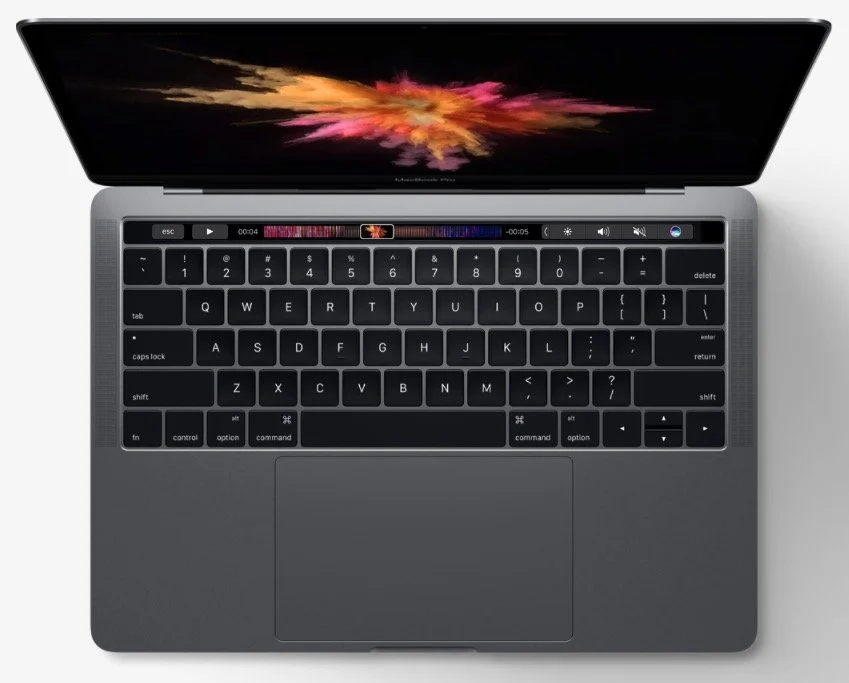
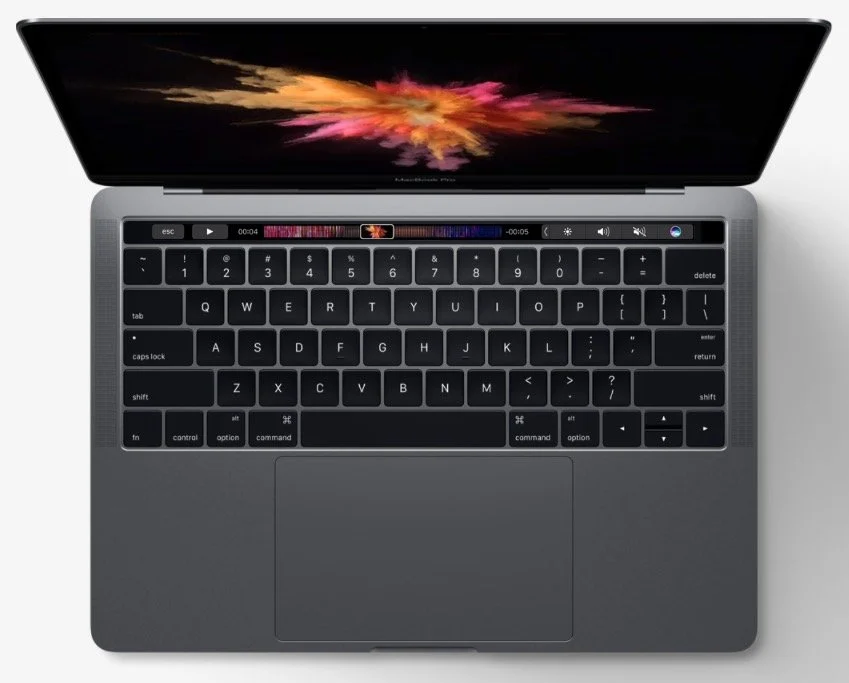
What's New in Accordance 12 and MacBook Pro with Touchbar: Theotek #086
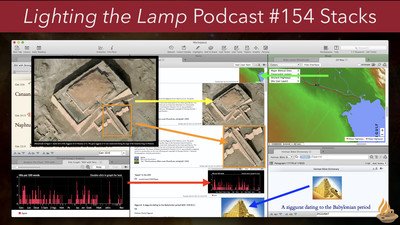
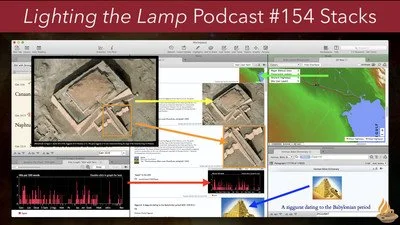
Accordance 12's been out for a little while, but we got a chance to see all the new features demonstrated by Mark Allison, an official trainer for Accordance Bible Software. He showed off the new things like Stacks, Paper and more.https://www.youtube.com/watch?v=h4JqYLAxrp8&feature=youtu.beAlso, Rick Mansfield gave us his mini review of the new MacBook Pro with Touchbar. I showed off my Olloclip for iPhone 7. The shot below shows a wide-angle shot. Here's what it looks like without the Olloclip using only the iPhone 7 Plus camera.
 The Fish-eye is my favorite.
 Olloclip gives you a macro lens in the kit too.
 Wes Allen's favorite thing comes from Edovia. It's an app called Screens that lets you remotely control your computer from an iPad. He loves using it with the iPad Pro.Mark Allison gave us a recommendation called Quad Lock for iPhone. It's a case and mounting system for your phone and it attaches to bikes, a tripod and more.You can listen to the podcast below and the intro music comes from Incompetech.com. Please consider subscribing to our YouTube Channel.
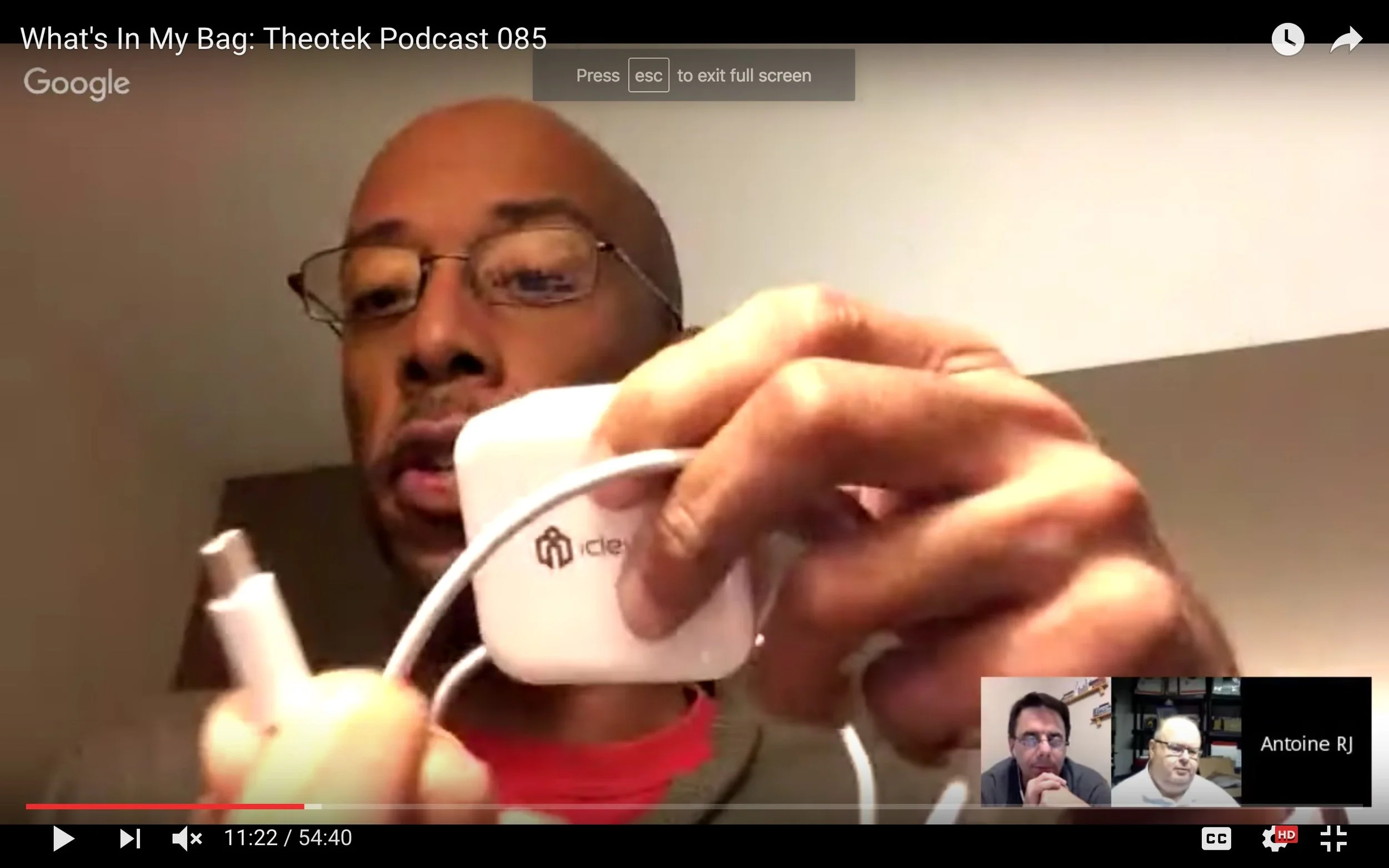
What's In My Bag: Theotek Podcast 085
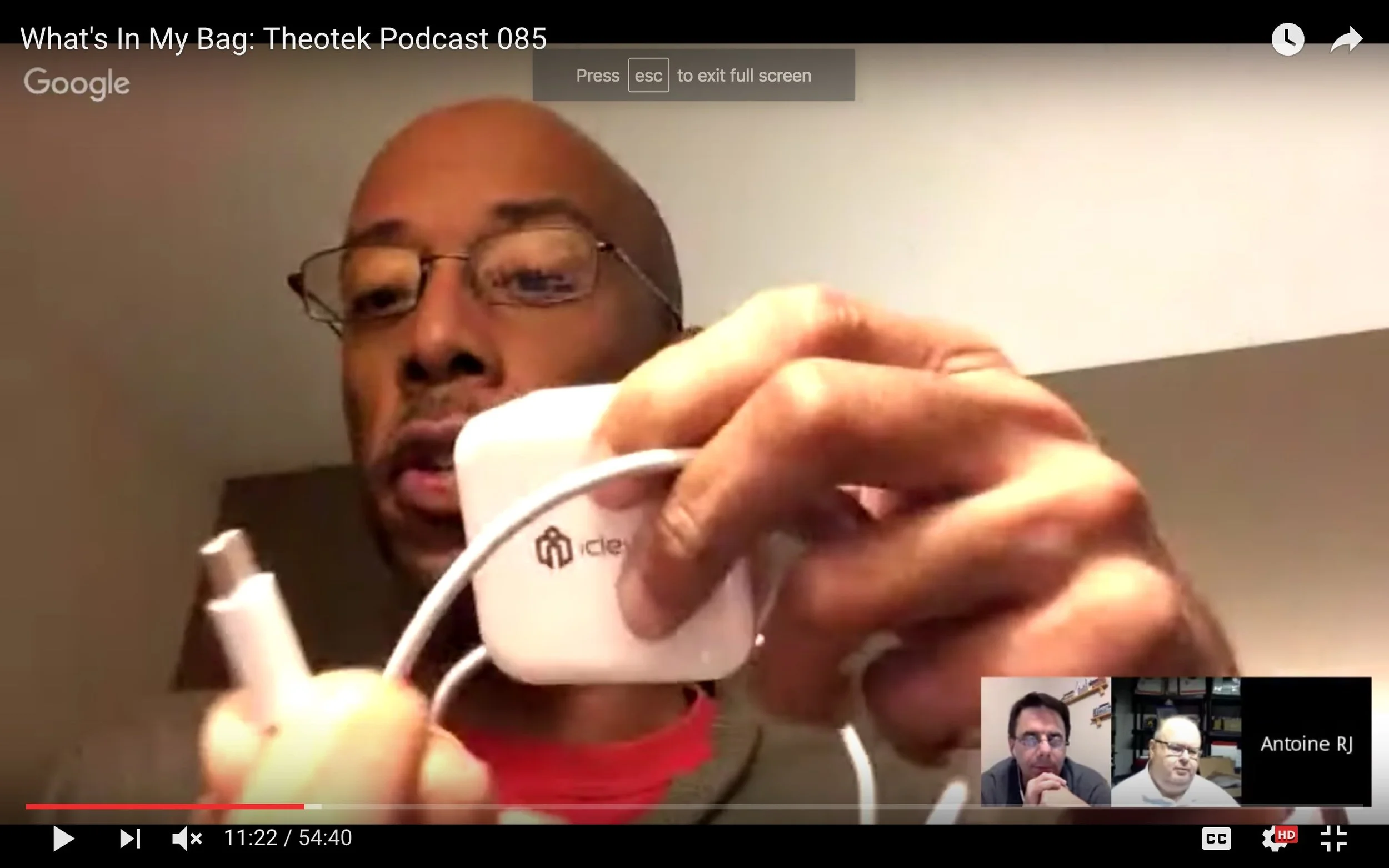
Our team talks about the tech gear we use in ministry and life. In this edition of "What's in my bag?" we'll talk about laptops, tablets, phones, favorite accessories and maybe even the bags themselves.https://www.youtube.com/watch?v=NtHk3qtbqV0This edition won't come in an audio version because it's such a visual show. Come back next week if you prefer to listen.
MacBook Pro vs Surface: Theotek Podcast 084
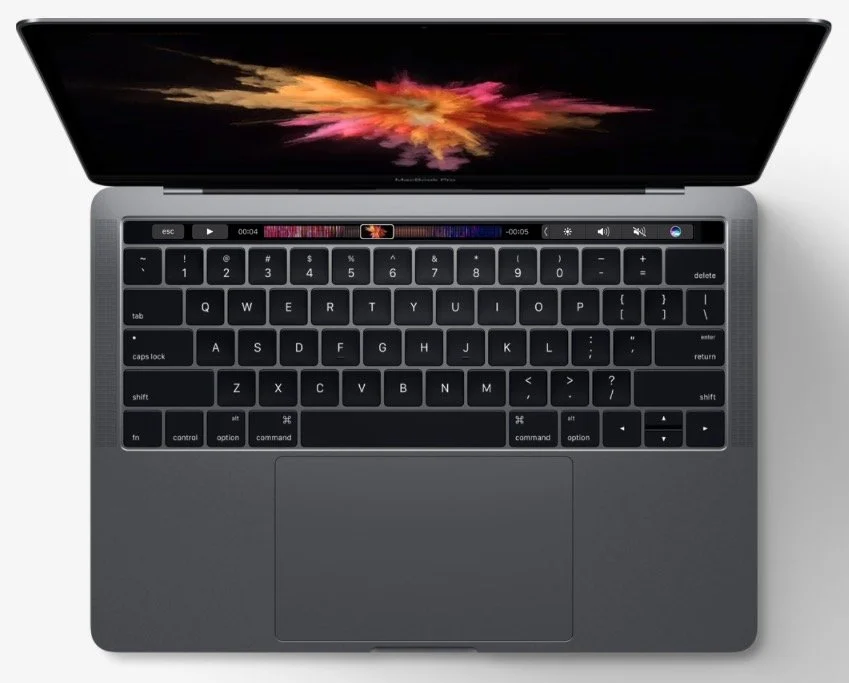
Last week Apple and Microsoft unveiled new computers. Apple showed off a newly designed MacBook Pro with Touch Bar and Touch ID while Microsoft refreshed their Surface Book and introduced a professional creativity focused all-in-one system called the Surface Studio. It will run the new Windows Creative Edition coming out next year. We talk about the two companies and their vision for what customers want in hardware. Watch the podcast below or listen at the bottom of this page.https://www.youtube.com/watch?v=rflTLj4uqpw
Microsoft Surface Studio and Windows Creative Edition
We took the two announcements events in the order they came, starting with Microsoft's unveiling of Windows Creative Edition. Most of what they covered focused on creating content using Windows. They were enamored with 3D since Paint gets an update to include 3D. My colleague Travis Pope of GottaBeMobile tells you all about the new version. The SurfaceBook gets an update to the SurfaceBook 2 (starts at $2,399). It's a two-in-one mobile device that's mostly a laptop, but with a detachable screen. Microsoft first released it last year, but it was extremely buggy. They fixed the bugs and now they put in new processors and upped the video graphics chip for better overall performance and great battery life.
 The biggest news of their event centered around the new desktop all-in-one. It's called the Surface Studio (starts at $2,999) and comes with a huge 28-inch touchscreen that the user can adjust to use upright like a traditional desktop system or fold it down to work on it like a drafting table. Again, check out the GottaBeMobile post about it.
2016 MacBook Pro with Touch Bar
 The biggest controversy in our discussion centered around the gimmicky nature of the new MacBook Pro with Touch Bar. Apple unveiled this updated MacBook. I don't like that it comes with only USB-C ports. They're great ports and I love them, hoping that in a few years that's what everyone uses to sync and charge and connect peripherals, including the iPhone. However, we're not there yet and we need things like an HDMI port or SD card slots. The other guys disagreed with me because they're mostly Apple Fanboys (just kidding, sort of). Read more about it in my post for Notebooks.com.
Our Favorite Things
We ended with Our Favorite Things! My favorite thing was an adapter for the iPhone 7 or iPhone 7 Plus that lets users both charge and listen to their phone at the same time. The ALIWELL Lightning to 3.5mm Headphone Jack Adapter ($18) has a Lightning connector on one end and on the other there's a place to plug both a Lightning charging or syncing cable in and 3.5mm headphone jack. It also has volume keys and a button for answering the phone or play/pause.
 It's not perfect since it slows down fast charging adapters. I plugged my iPad charger that usually boosts the iPhone battery 10% in about 5 minutes. With this it takes longer.
 Rick picked a nice iPad Pro case that comes with a sturdy secure Apple Pencil holder. The Poetic QuarterBack Case for iPad Pro 12.9 with Apple Pencil Holder ($15) covers the back of the iPad and holds your Apple Pencil in place. He loves it and convinced me to get one too. I ordered the Green and Gold version so I can run around with Green Bay Packer colors on my iPad.
 It's compatible with the Apple Smart Keyboard Cover. It also includes all the other button and port cutouts or access.LaRosa ordered an Apple Watch 2 (starts at $369 for 38mm Series 2), so we'll hear more about that when he gets it.
Tech and Small Groups Plus Pixel XL: Theotek Podcast 083
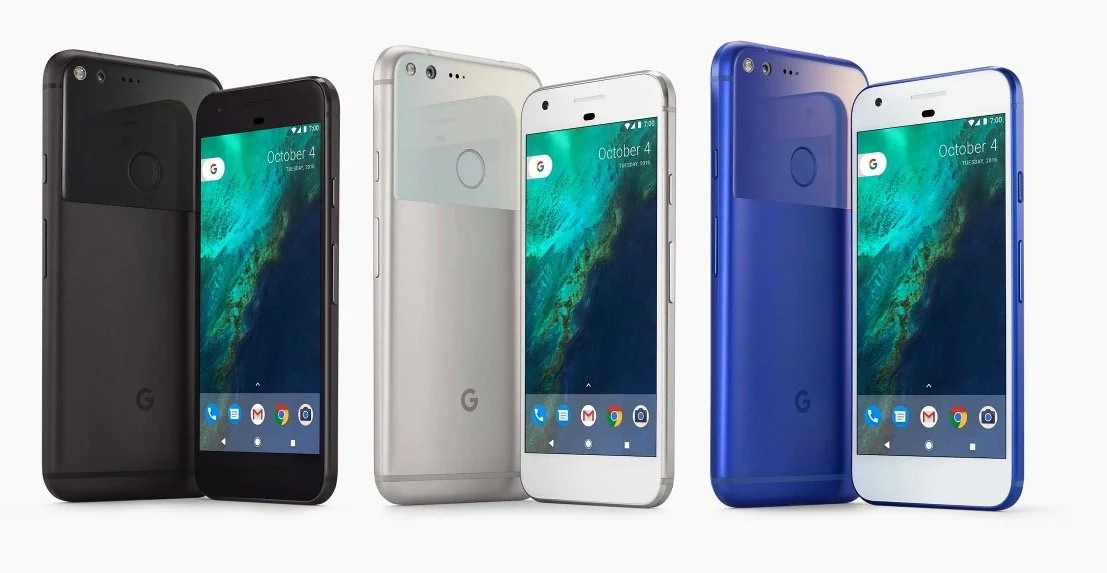
How can technology help in your small group ministry? We examined some ways that tech can help you with a more dynamic small group discipleship ministry. This focused on three areas, content, organization and the small group meeting time.https://www.youtube.com/watch?v=YxKvql_dS0wIn our discussion of using tech in small groups ministry, we got the following recommendations:
- Consider using digital study materials since they are easier to distribute and in the case of free resources easy to share using something like an online storage or sharing tool.
- A flipped classroom approach where the group members watch a lecture or video at home and then come together to discuss it focuses more on discussion and relationships instead of putting one person at the center of the group.
- Shared calendars help keep everyone together for meeting times and reminders about tasks they're asked to do before meetings or after meetings.
- Use some sort of community builder software especially if your church small group has access to a Church Management System.
- Facebook Groups or Slack Chat can help with communication among the group.
- Use a service like Call Them All to get word to group members quickly, if you don't use the previous things on this list.
- Set up reminders in iOS or Android for daily devotions or other regular activities that group members need to do.
- You could even use Google Hangouts to host the group online like we do with the Theotek Podcast.
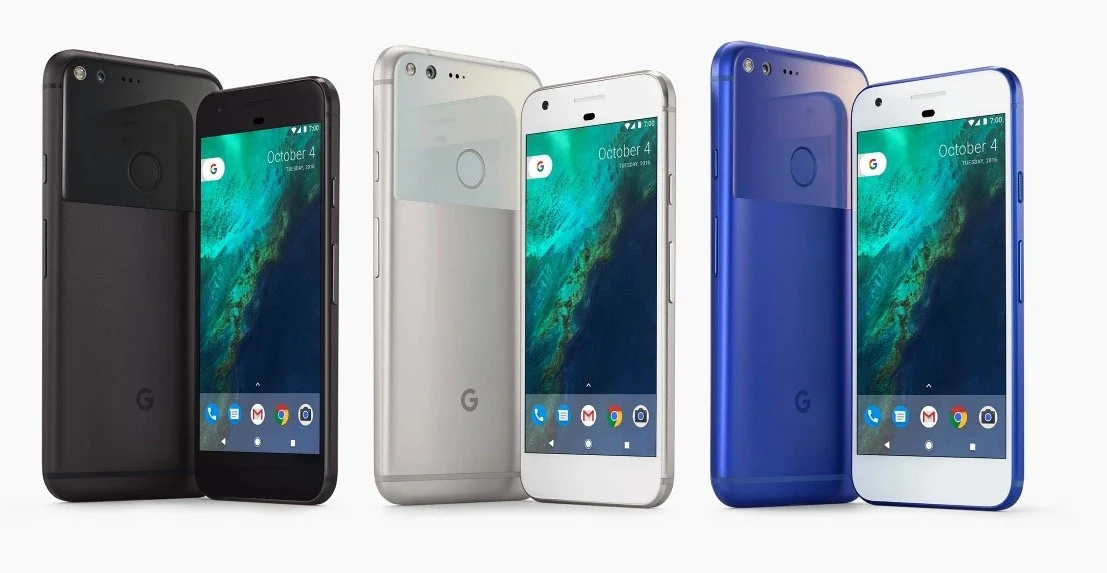
 We also took a look at the Google Pixel XL Phone. I shared my early review after a week's uses.The things that set this phone apart include the following:
- Great battery with longer than all-day life
- A nice AMOLED screen
- Excellent camera (see image below)
- Fast Snapdragon 821 processor
- Excellent build quality
- USB Type-C charging
- Android Nougat 7.1
 In Our Favorite Things, we got recommendations from Antoine and LaRosa. Here's what they offered.
OURA Smart Ring
 The OURA Smart Ring focuses on health over communication. In fact it doesn't offer notifications. Instead the sensors in the ring track your health using things like sleep, activity, heart rate, body temp, and your movement. The companion app will give you recommendations based on what it finds.The OURA Smart Ring isn't cheap at $300. It comes in three styles. Antoine Wright loves his and recommends it despite the cost.
Moxiware Apple Pencil Magnet
 LaRosa's a recent Apple iPad Pro buyer and so he recommended something to help him hold his Apple Pencil. The Moxiware Apple Pencil Magnet is like a sleeve that slides on to the Apple Pencil and magnetically grabs hold of the iPad Pro, kind of like the Surface Pen with Microsoft's Surface Pro 4 and Surface Book line and their new Surface Studio desktop they just announced. The Magnet's not that expensive at only $16.95.
Internet Rumors and the Truth About Burning Galaxy Note 7: Theotek Podcast #082
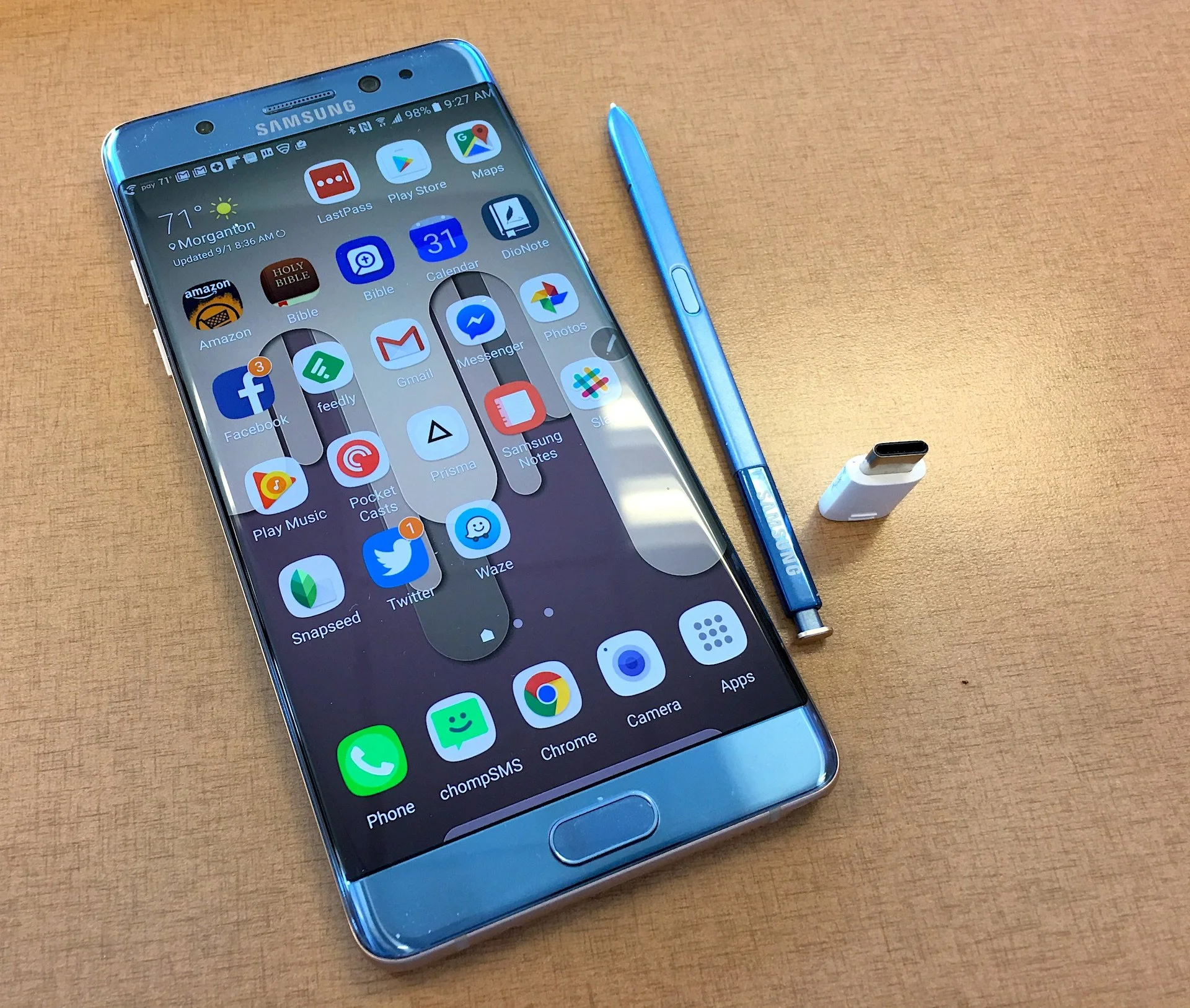
Recently I recommended the Samsung Galaxy Note 7 as a favorite thing, but now Samsung's pulling the phone after the replacement phones are now burning up. A few replacement models seemed to have burned up now in the US.We talked about the Samsung recall for the first third of the show. Then we got to an interesting discussion about how to find the truth about Internet rumors using online truth sites. Some of the most popular sites like this include Snopes.com, Urban Legends and Truth or Fiction. For political rumors there's Fact Check.https://www.youtube.com/watch?v=hUc1f40hQpcWe record the Theotek Podcast every Tuesday at 9:00 p.m.. The best way to get a notification when we go live is to subscribe to our YouTube Channel or our Twitter Feed. You can also just come to this site. Below you'll find the audio version. The podcast link above shows where to download the audio version or how to subscribe using iTunes or Stitcher Radio. Soon we'll be included in the Google Play Store's Podcasting section.