

Apple iPad Pro and More: Theotek Podcast #061
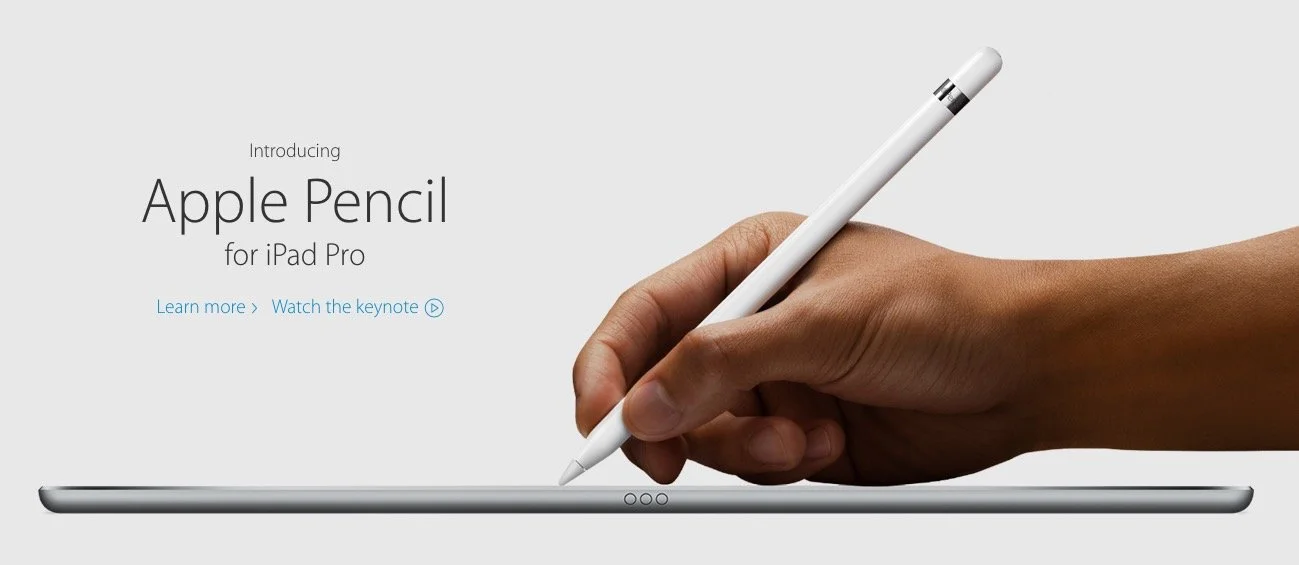
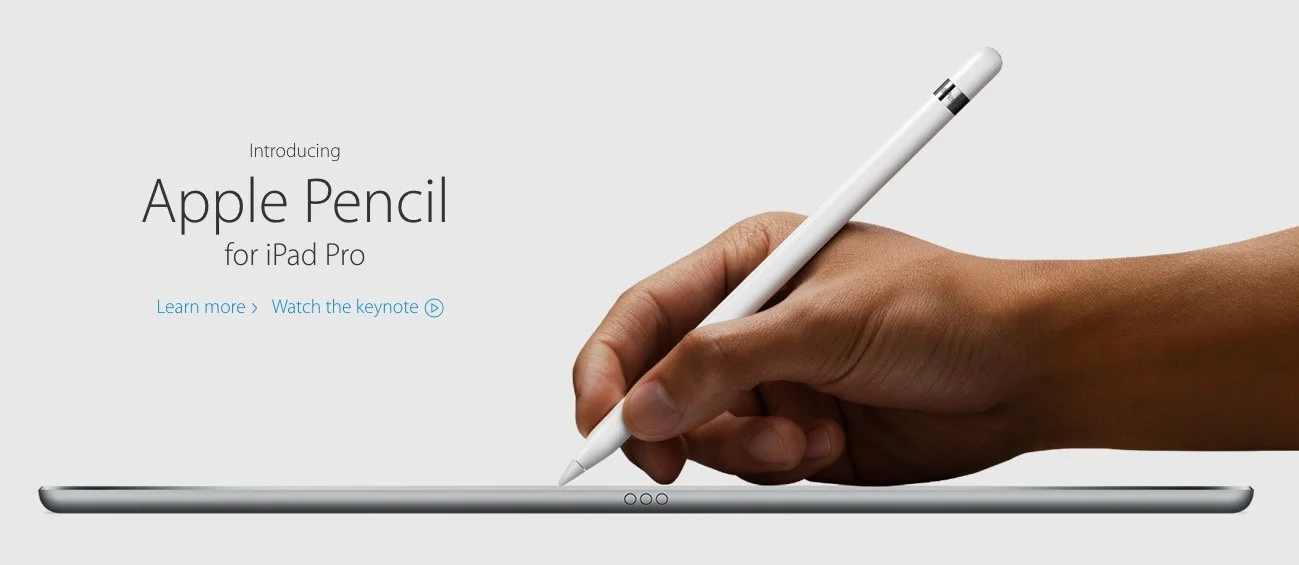
Apple introduced the new iPad Pro 9.7-inch model, which is basically and iPad Air 2 with an update and the iPad Pro display. It uses the Apple Pencil and comes with an optional Smart Keyboard that fits the smaller iPad. They also announced a new iPhone SE.https://www.youtube.com/watch?v=ngOcCSwPCGAWe talked about the new Apple news and shared Our Favorite Things! We had some fun with this one as Rick shared his excitement of the new Batman v. Superman movie that released that week. I talked again about my Samsung Galaxy S7 Edge. Wes mentioned his new WD NAS backup storage device.

Millennials and Tech: Theotek Podcast #060

On this week's Theotek Podcast we talked with David Timms, a professor at William Jessup University in Northern California. He wrote an article about millennial and tech, linked below for you to read. Give it a look and then watch the podcast or listen to it below.http://churchtechtoday.com/2016/02/19/3-technology-truths-christian-millennials/Here's the video podcast of our Google Hangout from YouTube. Please watch it here but also consider subscribing to our Theotek YouTube Channel.https://www.youtube.com/watch?v=AcK0qW-IwN8At the end of the podcast we only had time for one "Our Favorite Things" recommendation. Antoine got an iPad Pro. We look forward to hearing more about his experiences with it next week.We mentioned a listener named Rob Perry from Lifepointe Church in North Raleigh, NC who wrote to us about using Bible software on a Chromebook. He found a way to install Bibleworks and WORDsearch using emulation and Crouton, a tool used to install Linux on a Chromebook. Here's a link that he included in his email to show how he went about doing this. It's an Evernote link, so you may need a free Evernote account to view it.
Paperless Church Office: Theotek Podcast #059
Want to go totally paperless in your church office. We share how you can go paperless in your church office, life or ministry. We've got recommendations for scanners, hardware, apps, and services that will help. Also listen or watch the podcast for strategies on how to make it happen simply and easily. You can save some trees if you care about that or same some cash.https://www.youtube.com/watch?v=nVlNRjp2DDw
How to Clear Up Paper Clutter with Scanners
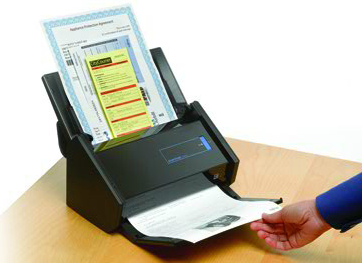
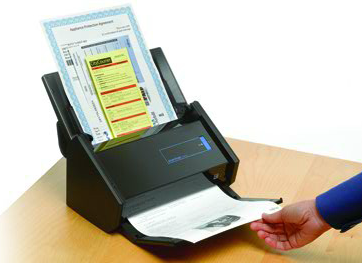
We started by talking about clearing out the paper clutter with two scanner recommendations from Rick Mansfield. Check out the Fujitsu ScanSnap iX500 document scanner. It's not cheap at almost $500, but Rick scans entire books with his. He creates PDF files that he reads on a tablet.For portable scanning Rick likes Fujitsu's portable solution. Fujitsu doesn't sell the one he owns, but you can get one like it. The Fujitsu ScanSnap iX100 portable scanner will do on the road. They both come with apps for your iPhone and do dual-sided scanning. Rick scans to PDF and then uses an app on his iPad to mark up documents or papers he grades in his teaching ministry.
 I like Epson inkjet printers since they print great photos. The Epson Expression Premium XP-820 Small-in-One All-in-One Printer only costs $100, costing about a $2 per character in that name. An updated version costs $200. It's a printer and scanner with dual-sided scanning. It scans to an SD card or to a computer, which I really like. It won't handle the big jobs like scanning a whole book in one job, like the Fujitsu above, but it works great for small jobs. If you live in 1992 you can still use these as Fax machines.
Scanner Apps and Services
People who don't want to spend a ton of money on a scanner or printer can enjoy scanning via their phone or tablet thanks to a couple of great apps. Office Lens - this app works with iPhone, Android and Windows Phone. It scans documents or images right into Office apps like OneNote or Word. The app will automatically find the edges of your document or image and make the perfectly shaped file. It then saves it in OneDrive, Word, PowerPoint, as a PDF file, an image file in the phone's image storage, or into OneNote. Scan documents, photos, whiteboards in classes or meetings, or business cards to name a few.
 Evernote and Scannable - we all love the Scannable app for Evernote. It works like Office Lens only it's attached to Evernote, the serve that lets you store notebooks of notes, audio files, to do lists, and documents among others. The app will also automatically recognize the edges of whatever you're scanning and then let you import it into Evernote. Add tags and name it whatever you like.Both of these apps work great. They let you attach multiple scans to a single note. If you don't like either of them, search your app store for scanner and you'll find dozens of mobile phone or tablet scanning apps.
Create Digital Documents
 Adobe Comp is a simple layout app that works on an iPad or iPhone. It's free but works best part of an Adobe Creative Cloud subscription. Add photos and text to create memes. I've used it to create announcement slides or ads posted to Facebook. Use it for digital signs in worship and as digital email fliers.
 Microsoft created a digital publishing tool called Microsoft Sway. Use Sway to tell stories. Instead of printing photos, create a Sway that tells the story of a recent outing of the Senior adults or youth to post to your website or share via email or on Facebook. It works online in a browser, on Windows phone, iPad and iPhone. You can see examples from Microsoft to get the idea (see image above).If you produce bulletins but want to save some money and paper, go with a digital alternative. You could produce a PDF version that you email before the service as a way to invite people to come. You could also use a service like the Live feature in the YouVersion Bible app. Their service lets you create an interactive bulletin that sits inside the app. Add announcements and prayer requests that members can see or even add their own. Put links to Bible passages you plant to use in your sermons. Add a link to your online giving site. Ask questions and take polls. Direct people to your website or social media sites. YouVersion plans to change the service so you may want to wait a few weeks before starting using it (as of early March 2016).Faithlife includes a similar feature in their paid subscription service Proclaim. The Proclaim software and service handles your worship presentation needs but adds the ability to connect with the Logos or Faithlife Bible apps much like the YouVersion Bible app and their Live service.Other suggestions in our episode included:
- Stop using new member cards and ask them to enter info on tablet or phone
- Consider an NFC tag that opens a link to an online presentation of announcements, videos about the church's ministries or your website
Note Taking Apps
Take notes using a great note taking app on your tablet or phone. Here's a list of our favorites:
- Notability for iOS
- OneNote for all platforms
- BibleNote Pro which imports a Bible into OneNote so you can take margin notes digitally
- Evernote
- Paper by Fiftythree
What do you use? Comment below.
Dealing with Digital Dissenters
We talked about the objection to using digital tools like Bible apps or note taking apps in public worship or a Bible study. Watch the video to hear how we would respond to the people who object.
Our Favorite Things
 The Raspberry Pi is a mini computer that's great for making your own projects. LaRosa suggested it for a game emulator to play GameBoy games and more. It's a useful media server too.
 Rick recommended the Automatic, a tool the plugs into the ODBII port on your car and tracks data about the car and how you drive. It's $100 but use this link and get $20 off.
 Antoine recommended the Amazon Echo and I piped in to also recommend the Amazon Echo Tap the mobile version. They're the new versions of Amazon's Siri-like tool that sits in your house and listens for you to ask it questions. It responds with all kinds of wonderful information. They aren't out yet, but will be soon.
How Bible Software's Improved: Theotek Podcast #058
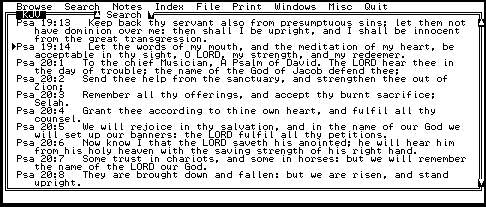
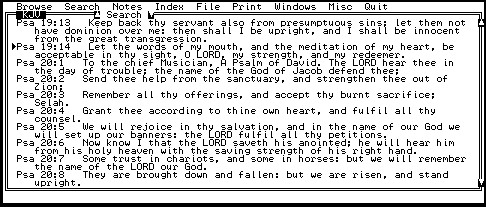
Listen to a bunch of old farts talk about Bible software then and now. We take a trip down memory lane and share what we used first in Bible software. We also talk a little about the best improvements that we enjoy.https://www.youtube.com/watch?v=uwAYkauxnLoListen below or watch above to enjoy. Our Favorite Things for this week: LaRosa Johnson mentioned one of our favorites, the Pencil by Fiftythree, which looks and works a lot like an art pencil.
 Rick, a Type 2 Diabetic, got the OneTouch Verio Sync glucose meter. It connects to an iPhone so you can track your blood sugar levels with your iPhone.
Apple v. the FBI: Theotek Podcast #057
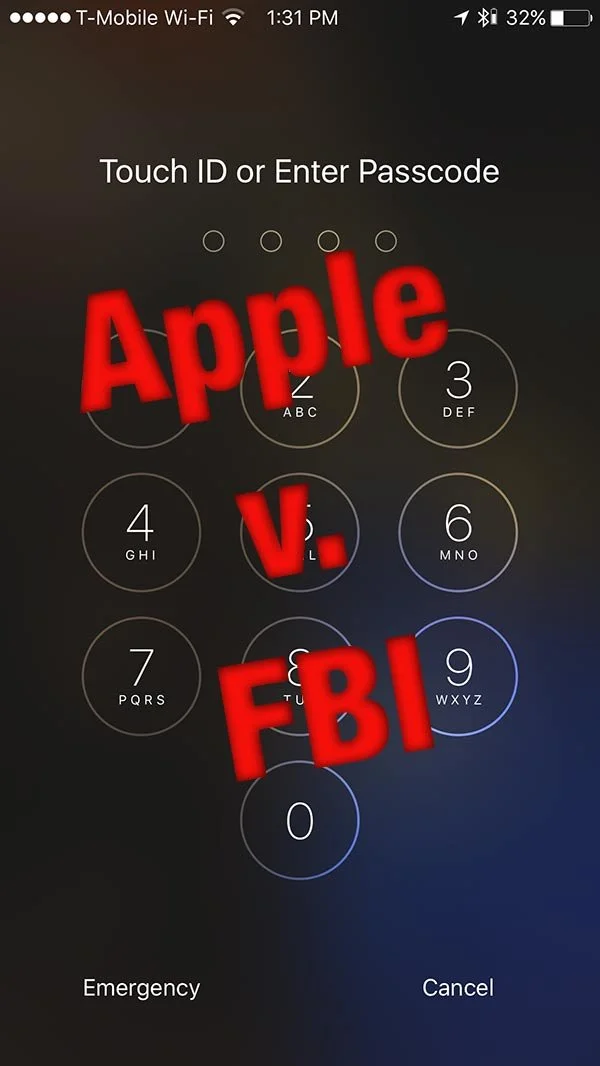
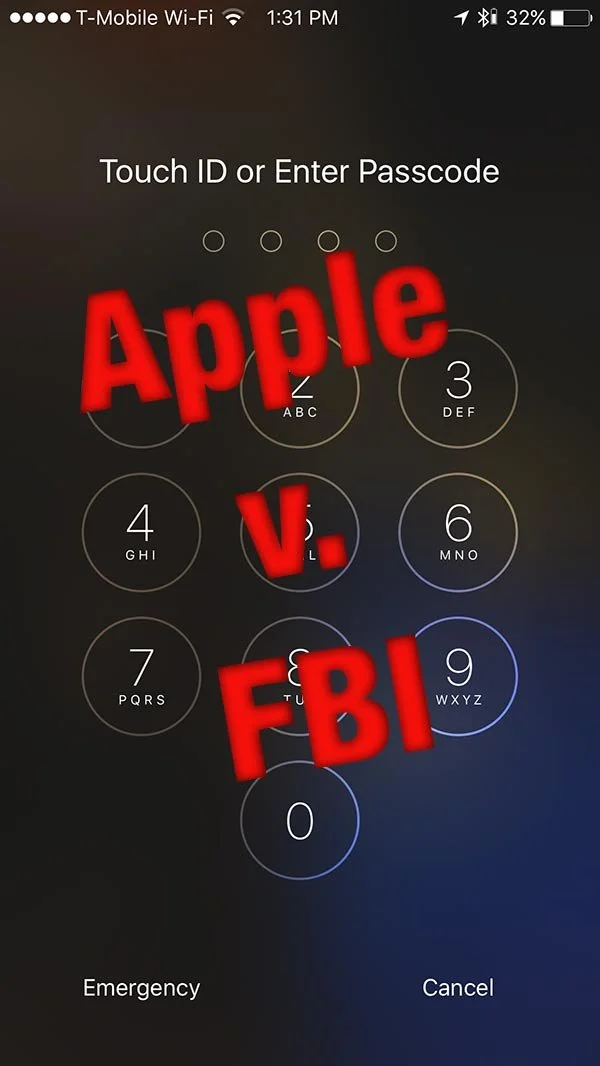
The court order received by Apple compelling them to help the FBI in gaining access to an iPhone 5c used by one of the terrorists in the San Bernardino attack that happened last year might become the most important tech story in a long time. We did our best to unpack the details and come up with some security suggestions for users.https://www.youtube.com/watch?v=Np9XT736nlcThe debate over Apple v. the FBI is an incredibly complex issue that has potentially drastic repercussions going forward for our security, privacy and our government's ability to fight terrorism. No matter which side support in this debate, you should take care while going online with a phone, tablet or your computer. Watch the video above or listen to the podcast below to get some suggestions for encrypting your data and using virtual private networks.In the Our Favorite Things section of the show, we recommended a few things. Related to the security debate, we looked at a couple of VPN solutions:
- Private Internet Access - $6.95 monthly, $35.95 for 6 months or $39.99 for one year.
- VPN Unlimited - lots of price points with best options including $2.99 for 10 days, $3.99 monthly, $8.99 for 4 months, $24.99 for one year and $129.99 for lifetime access
Accordance Mobile 2.3 Update: Theotek Podcast #056
What's new in Accordance Mobile 2.3 for iOS? Rick Mansfield from Accordance Bible Software shows off the new features in this big update. But first we offer Our Favorite Things - recommendations from each member of our Theotek team.We advertised this episode as Rick Mansfield's showing off the new Accordance Mobile 2.3 update with all the new features. He had some difficulties due to instability on Google's part. We took a look at Down Detector and they said Google was experiencing issues.https://www.youtube.com/watch?v=Fj5KVaUfdyE
What's New in Accordance Mobile 2.3
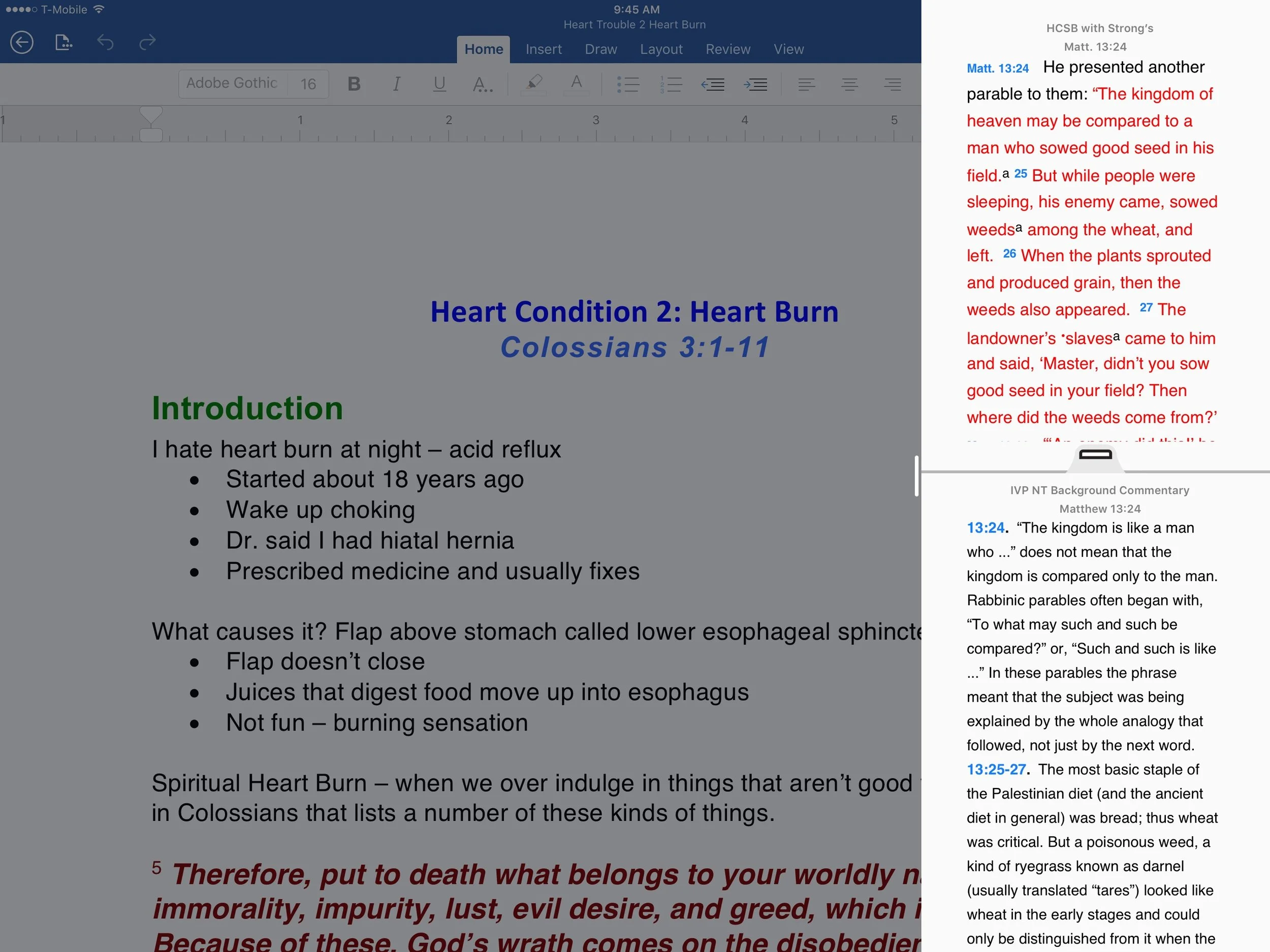
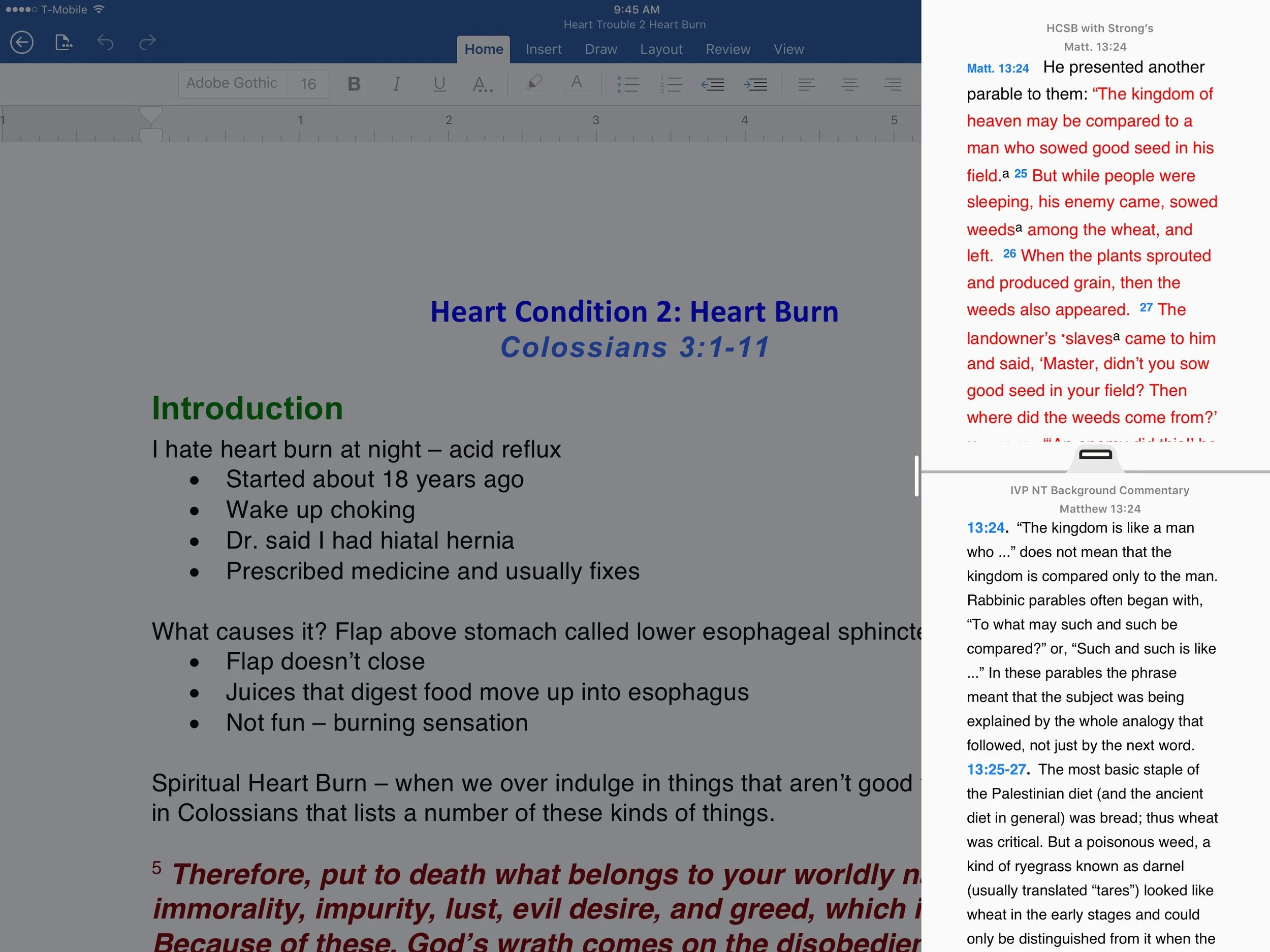
 Here's some of the great new features available in Accordance Mobile 2.3. First up, we see the new slide over feature that came in iOS 9. The user can slide from the right edge of their iPad and show a column of app icons that support slide over. Tap on one to see open an app window that takes up only about 20% of the screen. Use the handle in the middle of the border between the two apps to slide in and take up a quarter to one half of the screen.In addition to the slide-over feature, on newer iPads Accordance Mobile 2.3 now supports side-by-side. The above description explains how this works. The feature isn't available on older iPads or on the iPhone at all.Accordance Mobile now shows up in Spotlight search. Search for a key word or passage and the iPad's Spotlight Search feature will look inside Accordance and find the word. It uses your top-ranked bibles, but doesn't work when the Library page is open.Watch our video podcast to see it in action. For more information head over to Accordance's blog.
Our Favorite Things
Wes Allen recommended the Unitek 3 Port USB 3.0 Hub with Gigabit Ethernet adapter built-in. It costs $20 and gives users exactly what the name suggests.Antoine Wright recommended the 831 Podcast. The podcast host is Brandon Fasig and he says, "831 youth podcast [is] meant to strengthening your faith."LaRosa Johnson recommended the iOS weather app Dark Sky. I like it too because it gives more than simple weather data.At the end Antoine talked about a couple of opportunities he's involved in that you can take advantage of. Find out more at the following:
Online Bible Study: Theotek Podcast #055
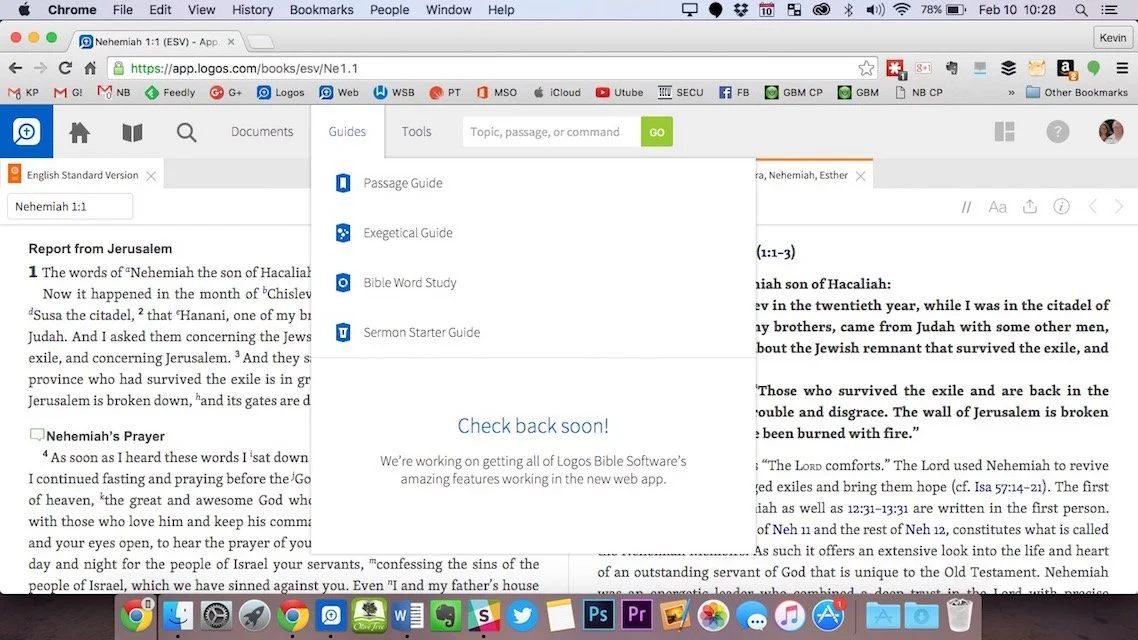
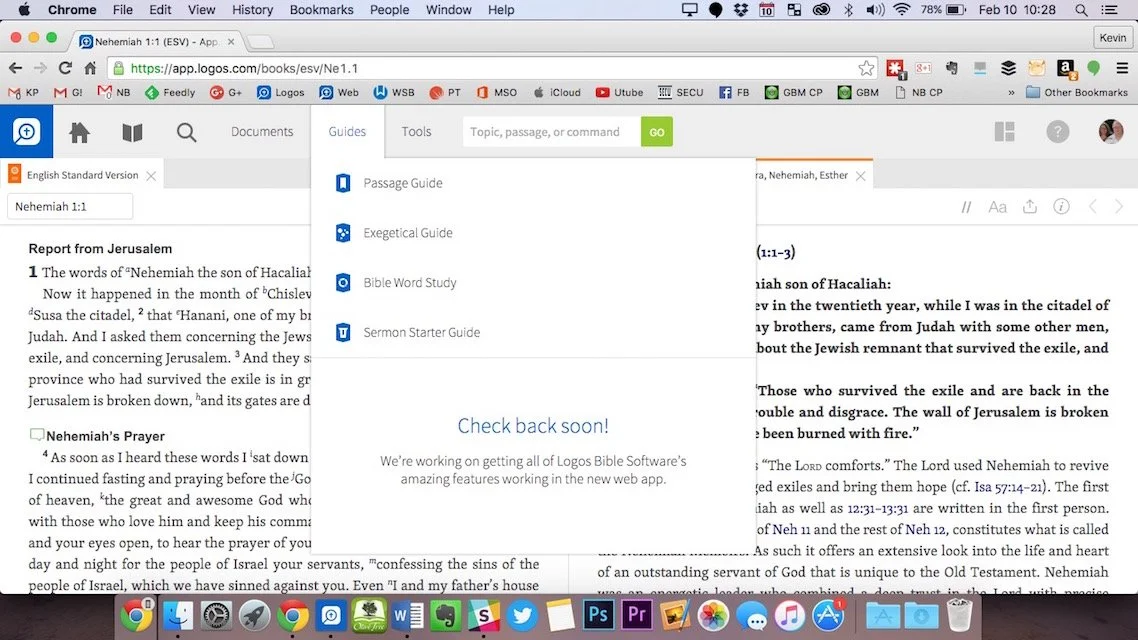
Can you prepare your sermons using online Bible study sites? We try to answer that question and give a few recommendations if you choose to give it a try. At the end of the podcast we also give a few recommendations in our new segment, "Our Favorite Things".https://www.youtube.com/watch?v=Nj4ixnyNm9sWe only had three of our team members in this podcast. Rick Mansfield works with Accordance Bible Software and didn't think that online Bible study sites were good enough to do full sermon prep yet. Users often don't have access to the Internet or they don't have a reliable connection. Most of the online sites don't give users enough power to do serious word study. Most them include limited options for commentaries and word study tools. The ones included usually are only public domain works.Antoine Wright from Mobile Ministry Magazine was a little more bullish since he's a mobile-first kind of guy. He recommended a site called Bible Web App. It suffers from the same weaknesses of the other online sites with limited options and mostly public domain. It's fast and clean and does most of what Antoine needs. I like online sites and use a few. Last year I reviewed 6 online Bible sites in a two-part post. You can find part one and part two to see the video demos of the 6 sites (three in each post). Two of the sites I reviewed are no longer my favorites. Instead of My Study Bible from WORDsearch and Lifeway, I now recommend their new site MyWSB.com. Second, Logos has a site for subscribers to either their Logos Now or Logos Cloud services. Learn more about Logos Now in a recent post and Logos Cloud in another post.
 The online sites from WORDsearch and Logos above will cost you a little bit. The best option for those looking for a free site comes from Bible.org. It's called Lumina.
Our Favorite Things
 In "Our Favorite Things" this week we recommended some apps, a utility and an accessory. Rick recommended a USB C dock for the new 12-inch MacBook (not the Air or Pro). It's the HyperDrive USB Type-C 5-in-1 Hub with Pass Through Charging for $50. It connects to the USB C port on the MacBook and adds ports for an SD card, micro-SD card, 2 USB 3.0 ports and a USB Type-C port for charging or hooking up a 4K video adapter.Antoine recommended a list of Lent Apps he put together on his website. They can help Christians who observe Lent.
 My recommendation comes from github. It's a free utility that helps the user switch their MacBook screen resolution. It's called DisableMonitor and runs in the OS X menu bar. A drop down box shows all the resolutions your monitor supports. This gives you far greater control over the screen resolution settings than the built-in Display Settings in System Preferences in OS X. I wrote up a full How To post on it at Notebooks.com.
Sermon Prep on iPad Pro Only
Now that I've used my iPad Pro for a couple of years, people ask me if it's really a good tool for writing sermons and doing digital Bible study. The answer is and resounding, "Sort of!"The iPad Pro works great for people with simple needs and some complex needs depending on your chosen Bible study software and app. iOS Bible study apps reached a maturity level in recent iterations with great original language tools, awesome library organization and decent layouts. No Bible study app provider takes the Apple Pencil seriously with my dream of writing in the margins or freeform drawing and highlighting. In fact using the Pencil creates a challenge for highlighting in some apps. It's supposed to mimic using a finger, but doesn't sometimes.
Studying the Bible on iPad Pro
Bible study apps on iOS work great. The best options include the following:
A few others deserve honorable mention. They're not as complete as the above programs, but preachers and teachers of the Bible can use them to develop sermons and studies.
You'll find dozens of other apps in the Apple App Store, but the top four will certainly give you what you need to do advanced digital Bible study for sermon prep. The second tier will work great if you already own them and feel familiar with the tools.I won't get into how to do digital sermon prep on an iPad. If you need help with the steps, consider checking out Biblical Preaching by Haddon Robinson or The 12 Essential Skills of Great Preaching by Wayne McDill or Christ-Centered Expository Preaching by Bryan Chapel. All three will teach you to write a sermon that focuses on the text instead of creating an outline and then plugging in some proof texts.Use your Bible study app to...
- Choose a text - read it in context and then select the beginning and ending of the passage or pericope.
- Familiarize yourself with the text - re-read it repeatedly in multiple translations
- Take notes - record your observations of what you already know and then ask good interpretive questions of the text like "who, what, when, where, why and how".
- Study the key words - search the bible for the Hebrew or Greek root, then look them up in lexicons, grammars, Bible dictionaries, and atlases, recording the answers in the notes created in step 3.
- Consult commentaries - by this step, you should already know what this passage teaches. Consulting commentaries can help confirm or correct your self-discovery. It also helps you find things you weren't thinking about as you studied.
I'm creating a video series on YouTube that shows how to do this with Logos on a desktop. The principles apply to the iPad apps somewhat.https://www.youtube.com/watch?v=GZTrMB0PnuQ&list=PL1-Xf_HZquDGvCiJtyisBrEULSH3McCSO&index=1Your Bible app will need the following features to do the above steps of study:
- Display multiple Bible translations and it's helpful to show them all on one screen.
- It's helpful if the app will show you the pericopes from the modern translations (section titles), but don't let them force you into following them since experts disagree how to divide the passages into pericopes.
- A notes feature with formatting and the ability to link to a verse, not just a word.
- Hebrew and Greek tools like looking up words using things like Strong's numbers and preferably the ability to search by root words.
- A great tool that will find all your reference works for you like a digital assistant that stacks all the lexicons, dictionaries, commentaries, etc.
- Parallel windows of at least two or more books open at a time.
- An export feature to copy passages to a word processor.
 I use Logos since that's where most of my library resides. However, I prefer the Olive Tree user interface the most. Only PocketBible will show more than 2 books on-screen at a time in 3 or more window panes.
Writing Sermons on iPad Pro
The Apple App Store on the iPad Pro boasts dozens if not hundreds of options for writing your sermons. Some of the above iOS apps include sermon document creation within the app, like the Logos Bible Study app. While the Sermon Editor shows your sermon created in the desktop app, it's read-only now.Bible study apps often come with a Notes tool. Users could simply write their messages inside the notes, however, I don't recommend that either. Get one of the great word processing apps or writing apps instead. Which one depends on how you work. Here are some recommended apps for the writing process.
Microsoft Word iPad App
 Users of Word on a desktop or laptop should probably also use the mobile Microsoft Word for iPad app. If you're an Office 365 subscriber you'll get automatic sync between the computer program for Windows or Mac and your iPad app. I have a template set up with all the formatting I like and even have some basic tools in the template like an outline. It has some styles set up and a list of things I want to write down before I actually begin the writing process. These include the passage's picture of God, sins dealt with, solution to the sin problem and subject/complement as well as the purpose for the message.
Pages for iPad
I'm not a big Pages fan, but plenty of people who own a Mac and an iPad prefer it. They come free with both machines. It has all the tools most preachers or teachers need. You can even create a template of sorts like I do in Word.
Evernote
 I used to use Evernote all the time. It's a great tool for recording and saving content for later use. It's billed as an organizer and planner, like an old notebook with calendar, contacts and notes.Writers can use it to write with formatting. Create a template to use like I do with Word. Evernote backs up every document instantly. You can create folders for all your sermons organized the way you'd like to by date, location of preaching, subject, book fo the Bible and more.
Scrivener
Scrivener's a useful writing app that's primarily designed around longer format writing. However, you can use it for shorter things like sermons and Bible studies. We did a show on the old Theotek Podcast about how my friend Wes Allen uses it. We're not doing Theotek anymore, but the show's still there. See how he uses it to write sermons.https://www.youtube.com/watch?v=SHDYJdkAAic
Mind Mapping Apps
I don't use mind mapping apps, but a lot of people do. Consider using that for your sermon prep. Search the app store for a good one. With Apple Pencil, mind mapping works great on the iPad Pro.
Tips for Writing on iPad Pro
Just a couple of tips for people who wish to write on their iPad Pro. Open your Bible study app and then open your writing app. Arrange them side-by-side so you can see both.Get a good keyboard. I prefer the Apple Smart Cover. It connects to the iPad Pro 12.9-inch or 10.5-inch magnetically. It folds so you can use it as a stand with the keyboard ready for typing. You can also fold it to use it as a stand when you're not typing on the iPad. Logitech also makes a nice cover for the iPad with an integrated keyboard. I wrote about them both when I was at GottaBeMobile.https://www.youtube.com/watch?v=Qf7ikwPqLwQWhen I write my sermons I use color-coded text to help me quickly tell what I'm looking at. For example, Headings are larger font green text. I put the Bible passage text in the document and make it bright red. Quotations from other people are bright purple. Transitions from one point to the next are bold, italics text. My font is 14-point so I can see it better.
Preaching from iPad Pro
The workflow for preaching from iPad Pro depends on what apps you're using. Here's how I work.
- Save my Word document to OneDrive and close Word so that it's fully synced up on Sunday morning.
- Open Word on Sunday and turn it to landscape.
- Tap the button in the upper corner that puts the iPad in a special mobile view to make things easier to see while preaching.
- Preach.
 Some people prefer to have their Bible app open next to the document. Others also control a presentation from their iPad while they preach. I do this during a Wednesday Bible study. I open Keynote first and then I open the Word document to the right quarter of the screen in that special mobile mode.While I'm teaching with Keynote, I use my Apple Pencil to annotate the text of the Bible. Sometimes I put blank slides to use as a whiteboard.
Finding Sermon Illustration Content on Theotek Podcast #054
Looking for a good sermon illustration your next sermon idea? We talk about our process and then recommend some sources for explaining, proving and showing what application of our messages looks like.https://www.youtube.com/watch?v=EKVPCmmQk00In the old days our preaching professors taught us how to manage a sermon illustration database. We had file cabinets or notebooks or file folders with clippings from the paper or photo copies of books we read. Then people started putting these on their computers with software like the program sold by the original makers of QuickVerse Bible Software. Bible Illustrator linked some databases of illustrations to the Bible text from QuickVerse and made them searchable via keyword. Others put them in the old Cards application that came pre-installed with Windows 3.1. A lot of people put them in a word processor or text file. Then the Bible software companies started to include sermon illustration databases in their programs. We showed some books like this available in Accordance Bible Software. Logos and WORDsearch and most of the other big names in Bible software offer these collections.Unfortunately, most of the sermon illustration books or databases available online, in Bible software or even in book form totally stink. They're stories from the 1800s or incredibly generic. How many times do we find one that doesn't fit, but it's close and it's really good.Listen below or watch the YouTube video of our podcast above and learn how we find fresh content from our own experiences, from a Google search or pictures and video files that make that sermon illustration come to life.
Church Snow Day: Theotek Podcast #053
This past weekend many of the churches on the East Coast of the USA had a snow day which cancelled services due to the huge snow storm. But a few churches chose to offer an online alternative using streaming and online giving. Also many churches used unique tech options to notify their members of their service cancellations. We'll talk about it in this weeks' first Tuesday Night Theotek Podcast #053.The Theotek Team introduced a segment we call "Our Favorite Things". We'll recommend stuff at the end of the show. These include recommendations for gadgets, software, apps, services or entertainment. We had two this week. See below more information about them.https://www.youtube.com/watch?v=UYTzSvHZJA0
Snow Day Church Tech
We recommend these services to help get through your church's snow day.
Call Em All
In the show we recommended a few things. First, if you need to get word out to your congregation, consider using a service like Call Em All. The paid service will call your members and regular attendees with a records message like the school superintendent who announced their school closing with a rip off the Adele song Hello. See the mock video below:https://www.youtube.com/watch?v=YnIRfvFLiWQWith Call Em All, you can also text people to tell them quickly that you've cancelled the services this week.The service charges either a monthly fee starting around $15/month for a smaller congregation on up to higher fees for very large churches. Alternatively, a church can buy credits and use them as the need them. A credit counts for calling one person or texting two. If a church needs to contact 100 people, 20 of them with a phone call since they don't text and 80 with text messages, then they will need 20 credits for the calls and 40 credits for the 80 text messages. The credits cost as little as 9 cents bought in a smaller quantity or as little as 9 cents for larger churches. Users can sing up by sending a text message with your church's predetermined key word. You share the text number and the key word in your church bulletin, your website, on Facebook or Twitter, or announce it at the next service.
PhoneTree
 Another alternative comes from PhoneTree. I don't know much about this service, but it offers an online option and a device you can buy and hook up to your phone system.You can always use email, Facebook, Twitter or the old-fashioned phone to cancel services. These seem a little more personal, but they're harder to do with a larger congregation. If you choose to use Call Em All or PhoneTree limit the number of times you use it and don't spam the community. Only call your members who opt into receiving the notices. Use it primarily for emergencies or service changes like a snow day or some other cancellation or rescheduling.
Streaming Services
Once the people get the word, you may choose to offer an alternative like streaming the week's music and message. Not everyone on our team recommends this, but if you choose to do this many services can help you stream for free or a low price.Dacast is a paid service that my church uses. A paid services gives you someone to complain to when it doesn't work. They'll hopefully support it when the stream fails. If you don't want to pay, then use one of the following options:
- Google Hangouts is a great way to include more than one person like the pastor and a few others to keep it from getting boring with just one talking head.
- YouTube - just upload a locally recorded video or use the YouTube Capture app on iPhone but not on Android.
- Ustream or Justin TV work, but we don't recommend them since they display ads that can be objectionable.
Church Tech Today has a roundup of a bunch of the big players in streaming services catering to churches.
Giving
 A lot of services offer online giving. We suggested that some can just use their personal bank, most of which will let users send a check to an address. Churches who use a subscription church management service can likely add online giving via credit cards. We've talked about Givelify, a service that has an app for giving, but it won't mail a check and doesn't offer an online version. This leaves people who don't use a smart phone out.
Our Favorite Things
 Our first edition of "Our Favorite Things" includes two recommendations. First, I suggested the Nochoice Crazy Car Mount. It's a magnetic mount that fastens to the car's dash-board with adhesive. Stick a magnet to the back of your phone or case and then snap it into place with the ridiculously powerful magnet. I love it because it's small and the phone doesn't fall off thanks to the great magnet. The mount's cheap at only $20 on Amazon.
 Wes Allen recommended an app for Mac called Aeon Timeline. It's a timeline app that lest you create historical timelines or any other kind of timeline. He uses is for fiction story lines. It's pricy at $40 but he says it's worth it for writers or students dealing with historical dates or any time related use.
CES 2016: Theotek Podcast #052
Last weekend the Consumer Electronics Show did their annual thing. At CES 2016 tech companies show off the upcoming tech and get everyone excited. Of course too many of the products don't show up ever and some end up being less than promised. Our Theotek Team will look at what they announced and share what excited us, especially as it relates to church and Bible technology.https://www.youtube.com/watch?v=cuw7jqVvEU8
Theotek Podcast New Time on Tuesday at 9 PM ET
Quick note. Next week we're moving to a new time to do our live recording. Starting January 19 we will do the live show at 9:00 p.m. EST, still via Google Hangouts. This will allow us to include more guests and to accommodate our regulars who have shifting life situations.
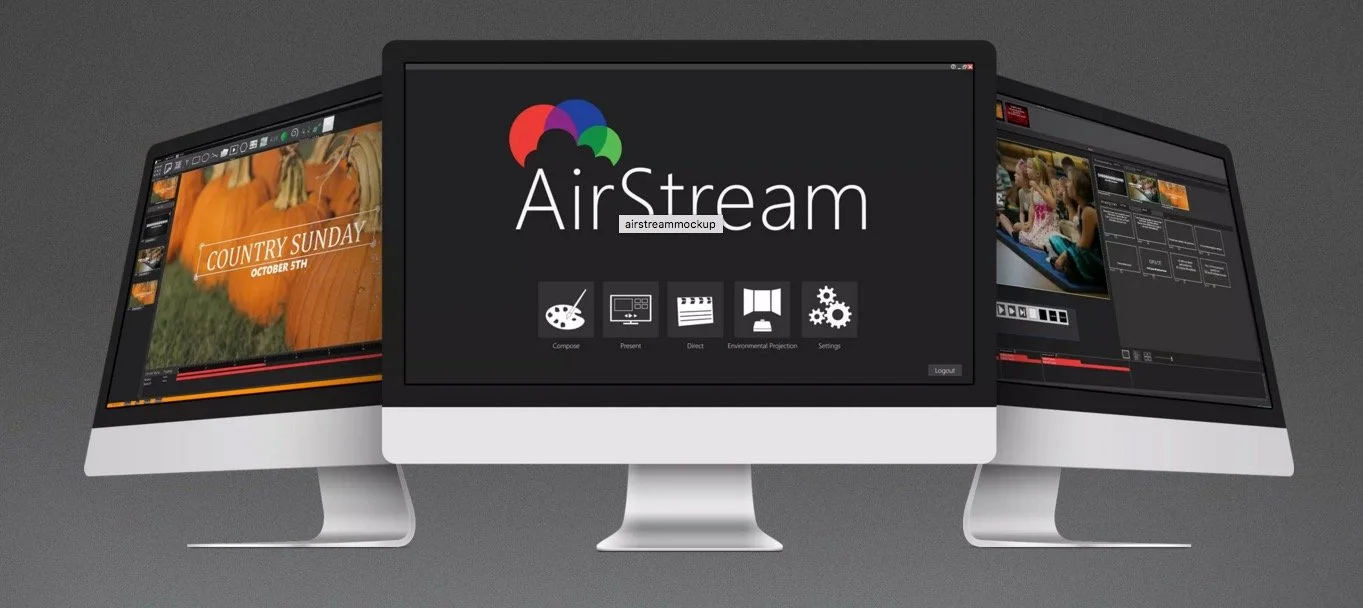
AirStream Line Your Worship: Theotek Podcast #051
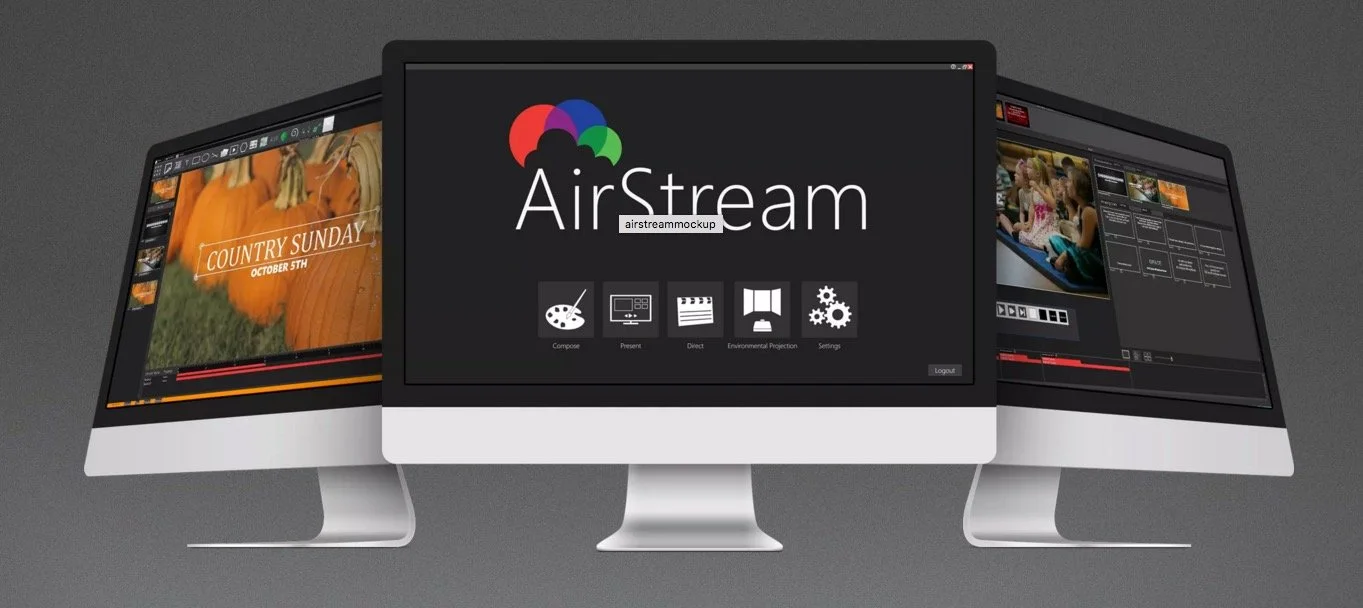
We focus on worship tech in this week's Theotek Podcast. John Linton, the product manager from Seraphim's new AirStream worship software joined us and talked about the program. AirStream is a complete worship solution from creating your worship presentation and production to presenting it to saving it to your website. Users can also integrate the worship streaming into their site. AirStream brings together worship planning, worship graphics creation, worship presentation and worship streaming all together into one solution. It's not cheap, but for the large church it looks like a nice all-in-one solution.https://www.youtube.com/watch?v=sXE_Rs5wDx0Watch the podcast above on YouTube or listen to it below. You can also listen on your favorite podcast app. Find those links on our Theotek podcast links page.
Look Back to the Future: Theotek Podcast #050
On this week's episode we look back to 2015 and think about what were the biggest stories affecting church and Bible technology. We also look ahead at 2016 and try to predict what the headlines will be at the end of the new year.https://www.youtube.com/watch?v=3idNGHKgfYcGive it a listen below or watch on YouTube above. If you're a YouTube users, please subscribe to our channel and share it with your friends that might have an interest in Church and Bible Technology.

How to Give Good Tech Gifts: Theotek Podcast #049

What do you want for Christmas? We put that question to our Theotek team and this week's podcast is the result. We also shared what tech gifts we would like to get and give each other, the past year we used to stick to the plantwear accessories for gifts but this year we want to change things a little. I've given some horrible gifts (like a kit of activated charcoal to whiten teeth - obviously not realizing how bad they were at the time). Throw in some lower priced stocking stuffers and we get an awesome collection of great tech gifts.You can watch the podcast below from our YouTube channel. We hope you'll subscribe, if you're a regular YouTube user. Otherwise just keep this site in your RSS feed so you can get an update to the podcast each week when it comes out. Also, listen to the audio version below the post.https://www.youtube.com/watch?v=b-aGlpV8wxAHere's our list of gifts.
Tech Gifts We Hope to Get
 We started by suggesting some gifts we hope to get this Christmas. Rick wants a new red Apple Watch band. He's also hoping for a dock for his iPhone and Apple Watch to clear up charging clutter on the night stand.
 Wes Allen is our resident maker kind of guy which is why he wants a Raspberry Pi kit that he can turn into a media server. It's a tiny computer that runs a Linux distribution and lets people do all kinds of cool projects, from a media server, like Wes plans to make, to a in-car media player.
 I chose the new Pixel C Android tablet. The guys said it's a mistake since the reviews aren't great, but it still looks like a great high-end Android 6.0 tablet with some nice hardware design. If curiosity is killing you, Read more on progamerreview.com.
 Antoine went all out for his gift choice. He wants a tiny little gift, the Tesla Model S. It's only $75,000.
Tech Gifts: Stocking Stuffers
 Our second round of gifts includes stocking stuffers. Rick suggested the Apple Pencil Magnet Sleeve, which the person puts on the Apple Pencil and it doesn't add much bulk to the svelte Apple Pencil while adding a magnet to attach to the iPad Pro.
 Antoine brought up this Wi-Fi Bible again. He's also interested in the Tronfy Mini S530 Bluetooth headset. It's a tiny Bluetooth headset that fits in your ear and lasts up to 4 hours of talk time or 3.5 hours of listening time. It's got nice carrying case and only costs $15-$18 depending on the color you choose (black, white, caucasian flesh, pink).My stocking stuffer choice comes from Google again. The Chromecast and Chromecast Audio cost $35 each regularly, but you can find it on sale for $30. Plus Google's giving people $20 store credit to buy media to stream to the Chromecast hooked up to a TV or stereo system.
Tech Gifts for Each Other
Antoine's strange gift choice for me was a Paris Hilton style closet, but not for shoes. Instead, he said I need a close for all of my tech gadgets. Probably so, but really Antoine? I picked a gift for Rick. He's an Apple user and so I chose the Apple TV 4th generation. It's a great set-top box for streaming movies, TV shows, and music from iTunes.
 It's also got Netflix, Hulu and other premium streaming services. Finally Apple added third-party app support. It's one of the best entertainment boxes but comes at a price. $150 for 32GB of storage and $200 for 64GB. The voice search powered by Siri is awesome for finding videos and music in iTunes, but it doesn't work on third-party apps.Rick decided to gift an iPad Pro and Apple Pencil to Antoine, since he's such a gifted artist. Antoine, better than any of our Theotek team members, could make use of the Pencil on the iPad Pro.
Church Tech Solutions: Theotek Podcast #048
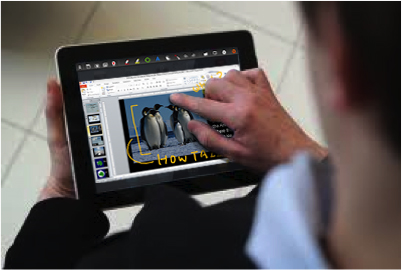
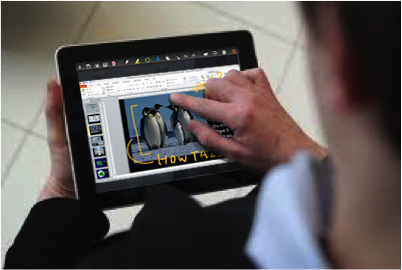
More and more congregations seek church tech solutions to help them present the message, interact with their members and keep tabs on people's needs. We talked about some of the problems people face and offer sensible church tech solutions in this week's Theotek Podcast.
Our 4 Church Tech Solutions
We tackled four issues this week. The case of the dim projector, the need for ubiquitous Wi-Fi, the disappearing worship presentation computer (hidden in another room) and putting new tech into old wine skins (installing AV in an old sanctuary that has no good projection spot). Here's the YouTube version of the podcast, which we hope you'll watch and subscribe to. Then read the text version of our answers below. The audio version of our discussion of church tech solutions shows up at the bottom of this post.https://www.youtube.com/watch?v=14Ako_nqpeI
Case of the Dim Projector
 At my church we have projectors in the front and back, but occasionally they look a little dim. In our fellowship hall we have to turn out the lights to see any video, which always look darker than graphics. How does a church fix this problem without buying a new projector?
- Avoid the problem in the first place by borrowing a projector to see how it looks
- Use higher contrast images or brighter videos
- Dim the windows or cover them up entirely
- Stop using the projector if it's really bad - this is more of a distraction than the media adds to the worship service
- If you stop using it, then make any really needed images available in another form (paper, use an app like YouVersion Bible app or Proclaim from Logos that supports doing group presentations within the app instead of on a screen)
What would you suggest. Leave us a comment below or on the YouTube video above.
Need for Ubiquitous Wi-Fi
Churches increasingly offer free Wi-Fi to their church members. What's the best option for getting the network throughout the church and how do you protect the church's computers?
- Install two networks to put a firewall between the public Wi-Fi and the private network. Some routers support this natively.
- Use a power line Ethernet device to add a network access point to remote parts of the building. These turn your electrical power lines into network cables. Here's an article on Engadget about some of the best options.
- A great and powerful Wi-Fi solution that supports mesh networks (multiple access points showing up as once network) and public and private networks in one device is the Ubiquiti Networks Enterprise AP Unifi which costs about $65 for one.
- A couple of our team suggested to not bother. Let people use their phones. That only works if people have access to good Internet at your church's building location. Some churches are in pockets of poor coverage.
- Remember to use something like OpenDNS filtering to keep young people safe and to keep people from using the network for porn or pirate software and media.
How does your church offer Wi-Fi to its members and what do people need to consider when allowing this?
The Case of the Disappearing Worship Computer
I sat in on a church media class at North Greenville University and one of the students went to a church that put their worship computer in a room behind the sanctuary so they couldn't see the screens. I asked our team how to deal with this.
- Move the computer into the sanctuary
- If you can't do the first one, then use remote control technology like Splashtop, which has an app that you install on a tablet to control the computer running the Splashtop Streamer app.
- Some worship programs support remote control with an app installed on a phone or tablet. Examples include OpenLP.
- Get a tablet like a Microsoft Surface Pro 4 which supports wireless display. Plug a Microsoft Wireless Display Adapter into the projector(s) and use the tablet to wirelessly stream to the projector from the sanctuary making the computer superfluous.
 If you keep the computer in the other room, make sure to rotate volunteers so that no one person has to miss being in the worship service every week. I thought there should always be someone at the computer, but others said it's not necessary since the remote control solutions are pretty reliable and even if it does fail you can just shut them down and move on. I think that's distracting so I'd always put someone on the computer. However,
Putting New Tech in Old Wine Skins
Some older church sanctuaries have no good place to install a projection system. There's no blank wall or a screen would block a baptistery or some ornate decoration that members would hate to no longer see. How do you use presentation technology in a worship space that makes it nearly impossible to use heads up display projection?The problem is a lot like the previous question about dim displays. Other than changing the way the media looks, just follow those tips for that problem with this one.What church tech solutions do you have for our four problems and what problems do you see in your church's technology? Answer below.
A Thankful Tech Heart: Theotek Podcast #047
What technology are you thankful for this year. We did our favorite tech of the year using thanksgiving as our theme since we recorded the podcast the day after Thanksgiving. We welcomed my son Michael Purcell to the Theotek team for this week's podcast. Follow him on Twitter @MichaelJ_Purcel.https://www.youtube.com/watch?v=hfkHNzHjvJgHere's our list of our favorite tech for 2015 that we're thankful for.
 Wes shared Google Translate, which takes voice input from someone and lets him easily translate it to English. He talks to the pastor of an ethnic congregation that's now part of his church using the app. Find it for iOS and Android.
 Antoine talked about Wi-Fi Bible, which he shared a few podcasts ago when he returned from Australia.
 Michael Purcell just got the new LG V10. He claimed the battery was bigger. It's not, but it seems to last longer for him. It's a rugged phone with a great camera and nice fingerprint reader on the back. The headline about this phone is the second screen where he stores app shortcuts, his name and notifications.My first favorite tool is the iPad Pro. I wrote about how it changed the way I work over at GottaBeMobile.Next Wes talked about his love for Adobe Creative Cloud's photo plan, which gives users access to Adobe Photoshop and Lightroom for just $10/month. It's a great deal and he loves using it. It's awesome for editing photos and organizing them as well in Lightroom and Lightroom Mobile.
See my post about editing photos on the iPad Pro.
 A few weeks ago we talked about a new Bible app. Antoine's a real fan of this little app called Verse3 for iOS. We talked to the developer recently.
 Michael's second pick was not as much a thing he's thankful for, but one he's longing for. He loves ChromeOS and wants a Google Chromebook Pixel. He adjusted his pick to say he's thankful for ChromeOS, but still really wants one of these. He's not going get it from me because it's ridiculously priced at $999 or more.For Antoine's second pick he chose FaceTime. That's Apple's video chat technology and he enjoys using it to communicate with family.
 Wes's last pick is his DSLR camera. His form of visual art comes from his Nikon D7000. Check out one of his gallaries at Flickr, "A Black Friday Stroll".
 The Surface Pro 3 is a great tablet that I love. When Microsoft released the Surface Pro 4 I didn't think it had enough to warrant an upgrade. I may do some hand-me-down with the 3 and get the 4 next year. Until then, I grabbed the new accessories. The Surface Pen generation 4 and the Surface Type Cover with the fingerprint reader. I love the Pen's tips which give you a different writing experience. The keyboard is a better keyboard and the fingerprint reader is a nice addition.https://www.youtube.com/watch?v=kRIEdI74uVcThe last pick came from Michael. He hopes to go into ministry with the deaf. So he chose an app that helps you communicate with the deaf even if you don't know sign. The Deaf Bible app includes videos showing someone signing each verse of the Bible. Watch the same above.
Preaching With an iPad Pro: Theotek Podcast #046
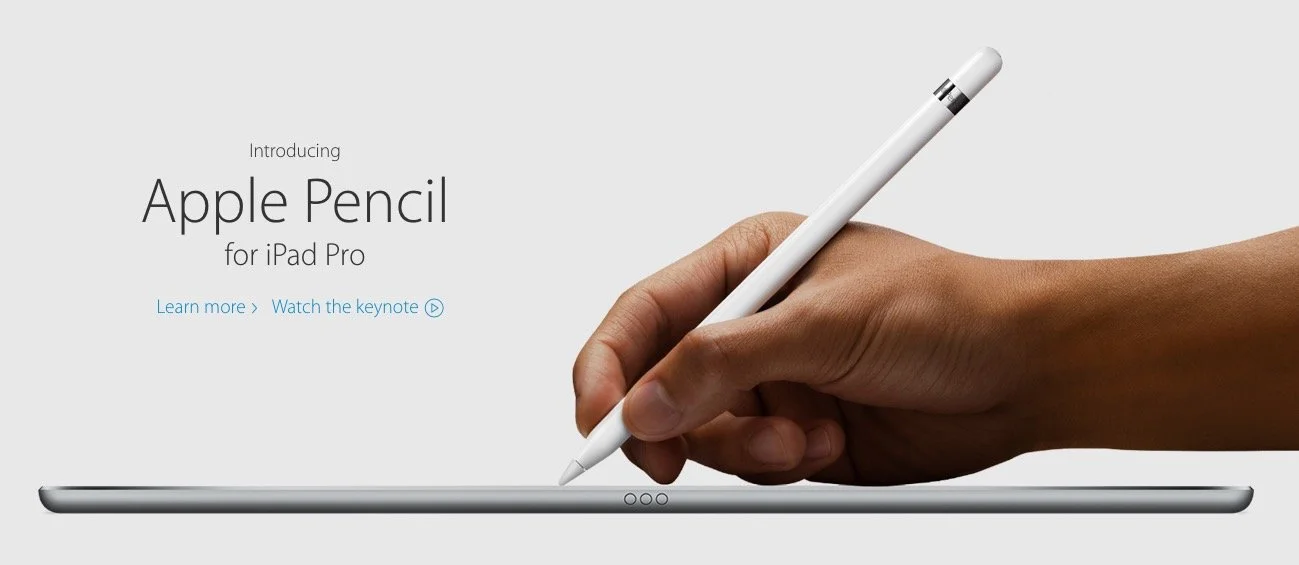
What is the new Apple iPad Pro like for studying the Bible, preaching or teaching? Rick Mansfield (@thislamp and thislamp.com) got one this week and we asked him a lot of questions about using it. Watch or listen below to hear his thoughts.https://www.youtube.com/watch?v=16v6TwpaPvEJust a summary of Rick's conclusions. First, he likes the side-by-side feature so that he can hold his Accordance Bible app next to Microsoft Word. This will help with both Bible study and preaching. The Keynote app and Word can sit on-screen at the same time. He uses the notes feature in Keynote, but after the podcast was over he tested and found out that you can run a Keynote presentation mirrored to an Apple TV and open Word in side-by-side mode.Second, he tested out the iPad keyboard and looks forward to getting one to use. He didn't like the Logitech keyboard case as much because it seems harder to remove from the iPad Pro.We talked about the Pencil, which is hard to come by until December. Wes tested it out at his local Apple Store and found that it was a great experience. They've done a good job of making it work well and feel more like writing on paper than older styli.At the end of the podcast I shared some first impressions of using the Apple TV 4th generation. It's a nice media device and the remote is both good and bad. Siri works great and AirPlay still works as well as before.
Accordance 11.1 Update with Dr. J: Theotek Podcast #045
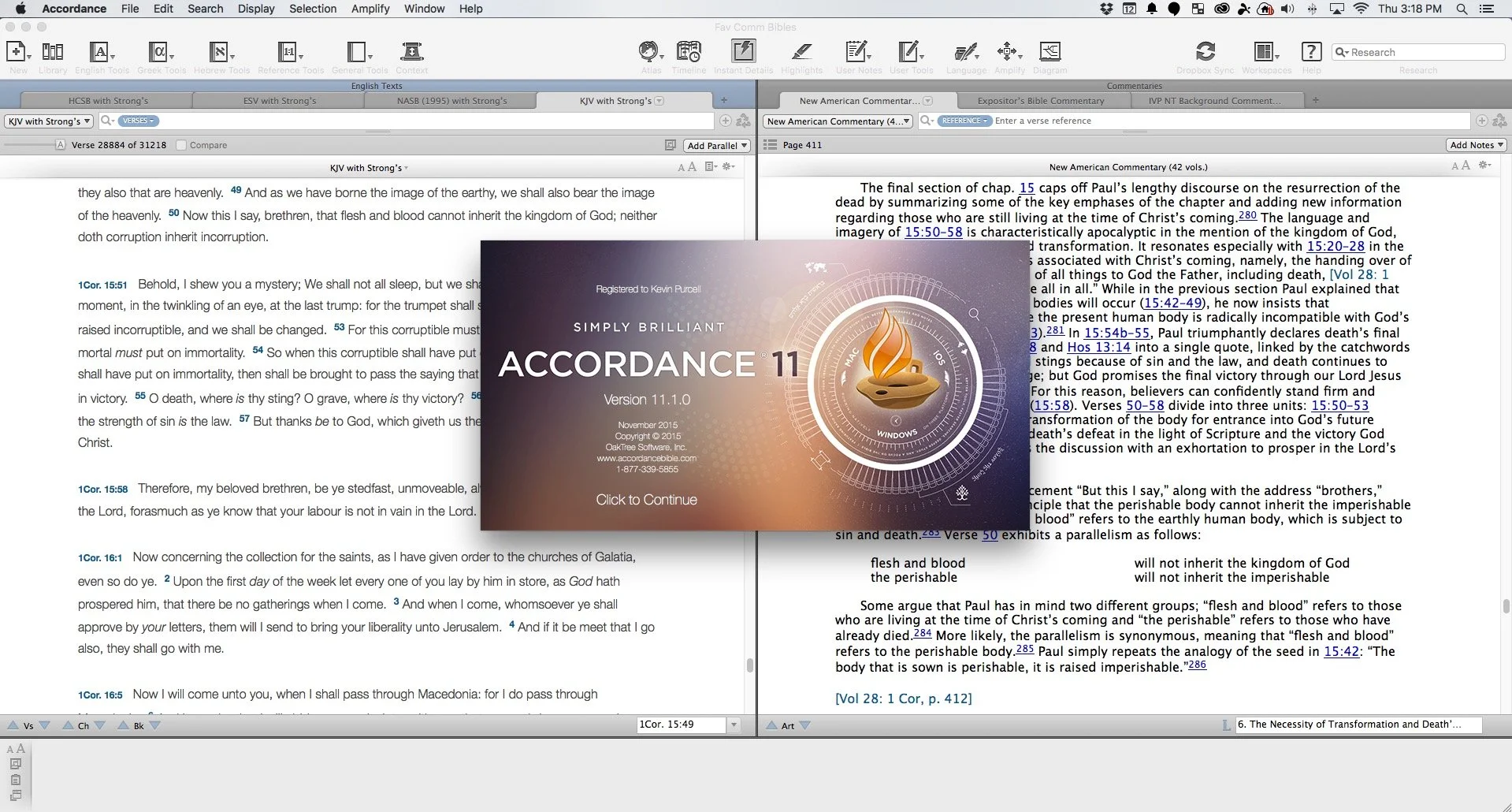
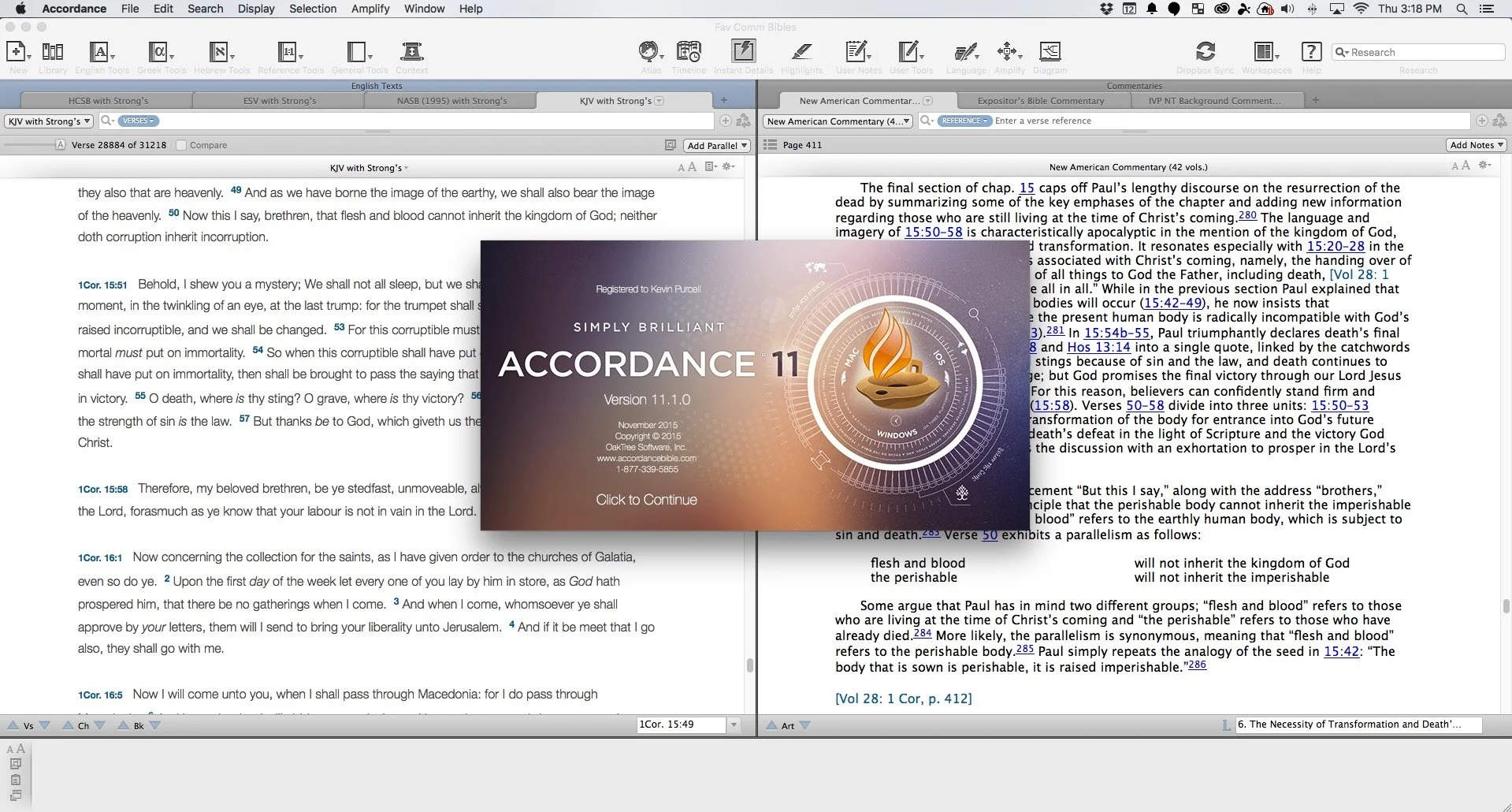
Accordance users will recognize that Dr. J. isn't a basketball player from Philadelphia, but the guy who taught them most of what they know about Accordance Bible Software. He joined us to show off the Accordance 11.1 update.https://www.youtube.com/watch?v=-9ONvMWOjz8Some of the things in this update include:
- Users can now more easily edit their User Notes and User Tools since the Edit Window got an overhaul
- Import Bibles with Unicode and expanded canons as well as non-biblical texts
- Syntax Tree and Graphical Constructs got an update
- Interlinear support enhanced
- Instant Details enhanced
- Add custom icons to the Accordance Library
- Link to content with the new URL (accord://) instead of http:// or ftp://
- Gesture support for trackpads and touchscreens while using images, Atlas or Timeline
- Print articles from the Table of Contents
- Incorporate MT-LXX data in Analysis window and related graphics
 Learn more about them at the Accordance blog which also links to a more detailed post about the new features listed above and more.
Verse3 a New iOS Bible App: Theotek Podcast #044
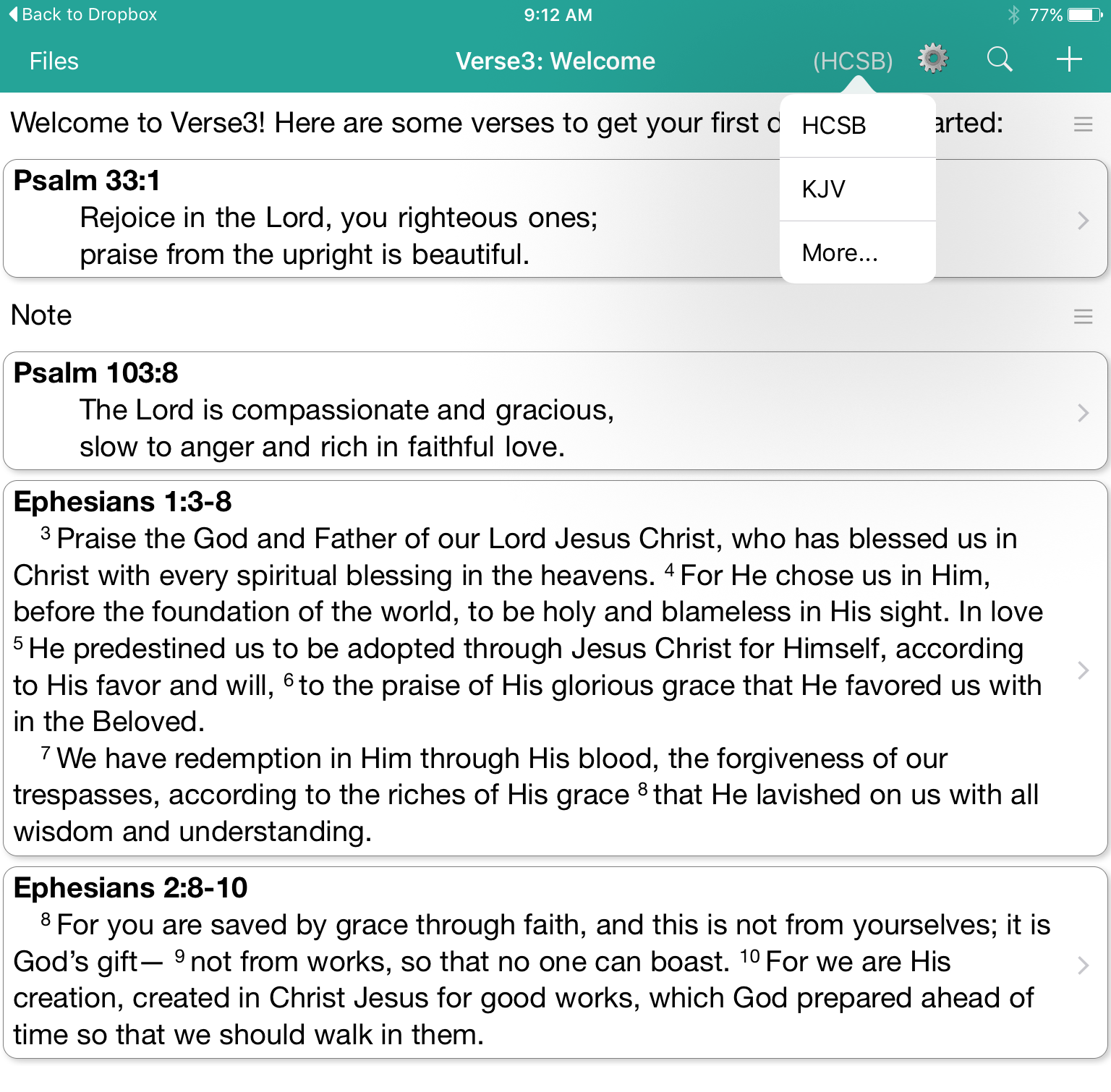
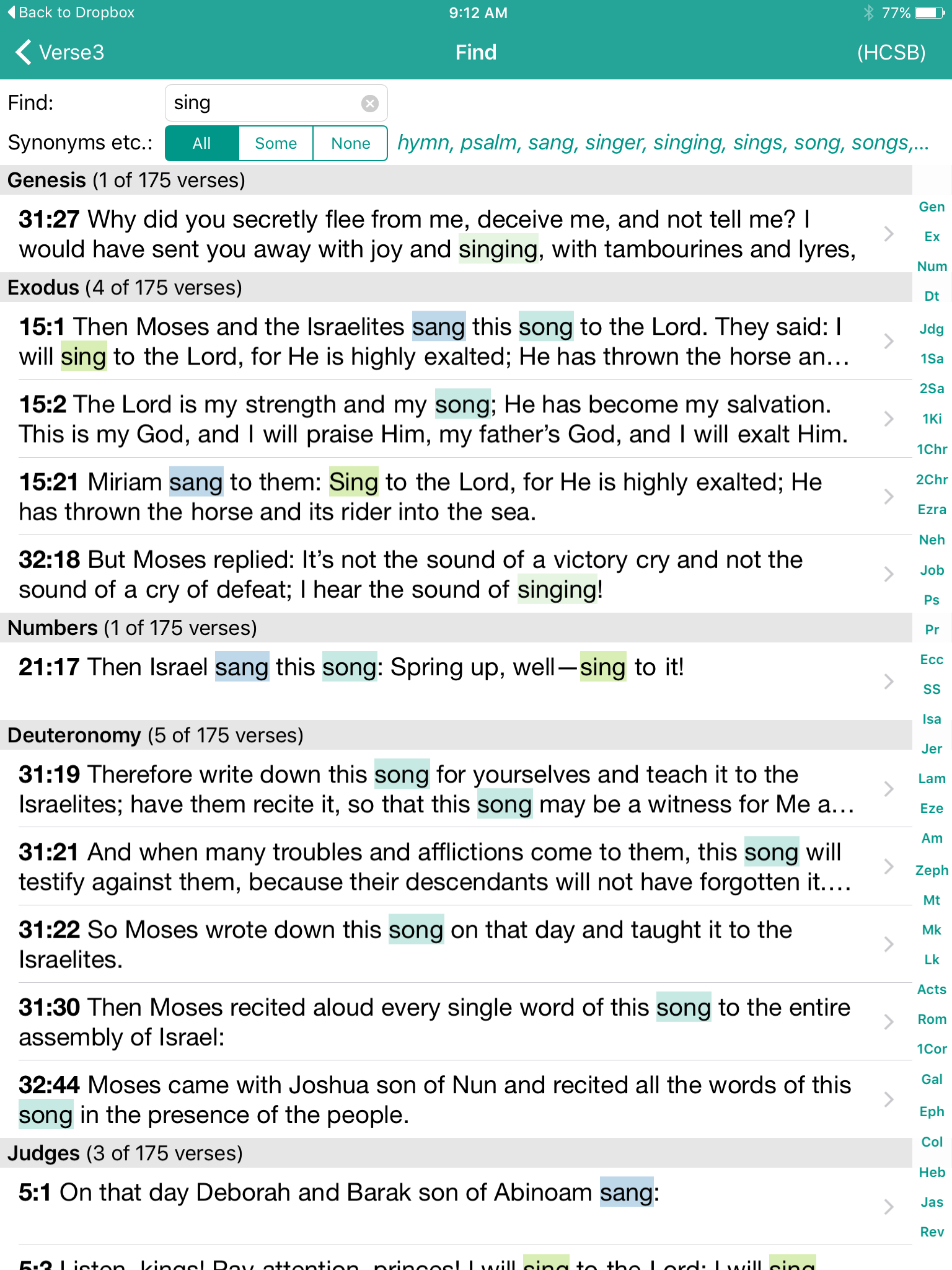
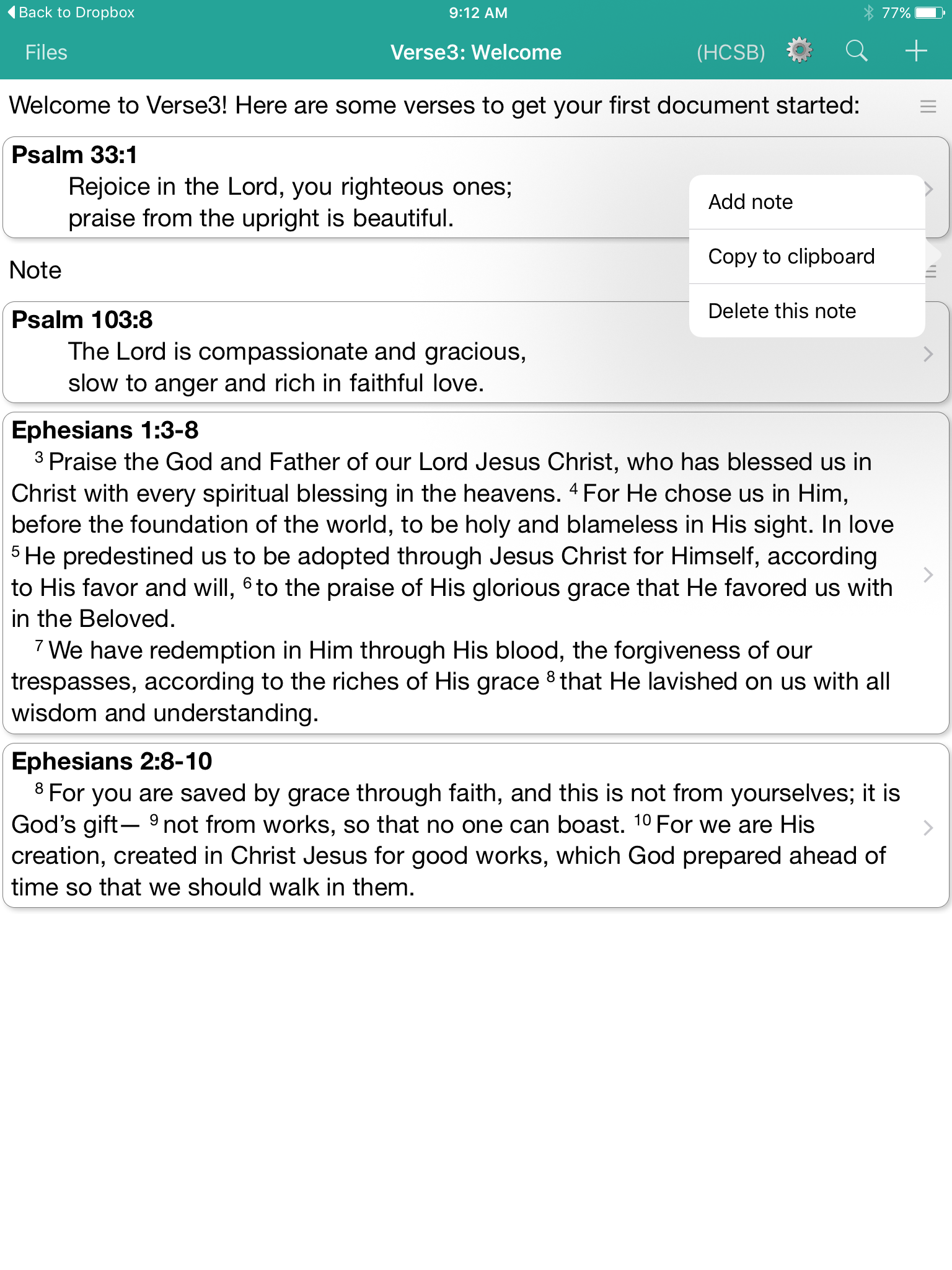
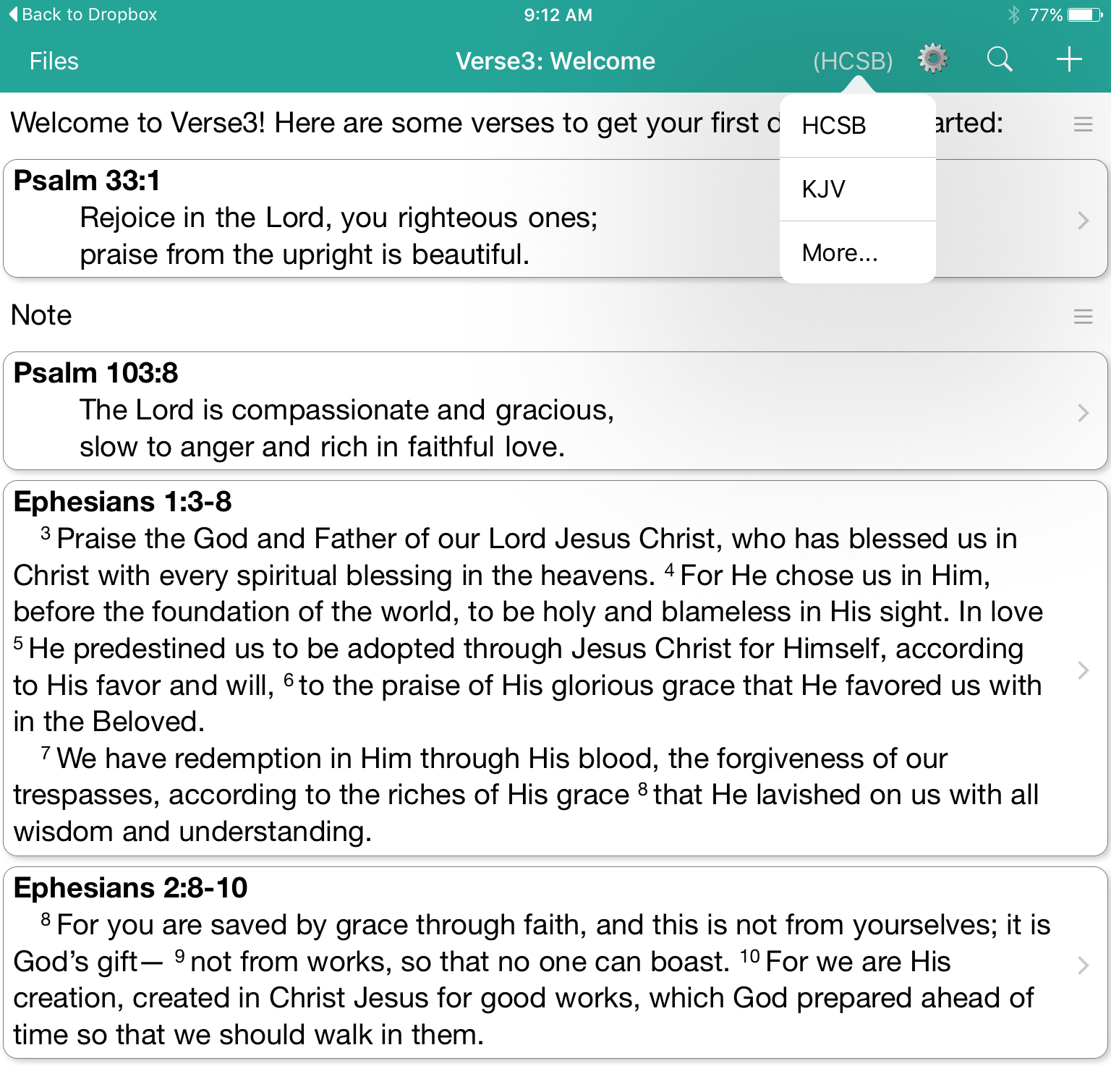
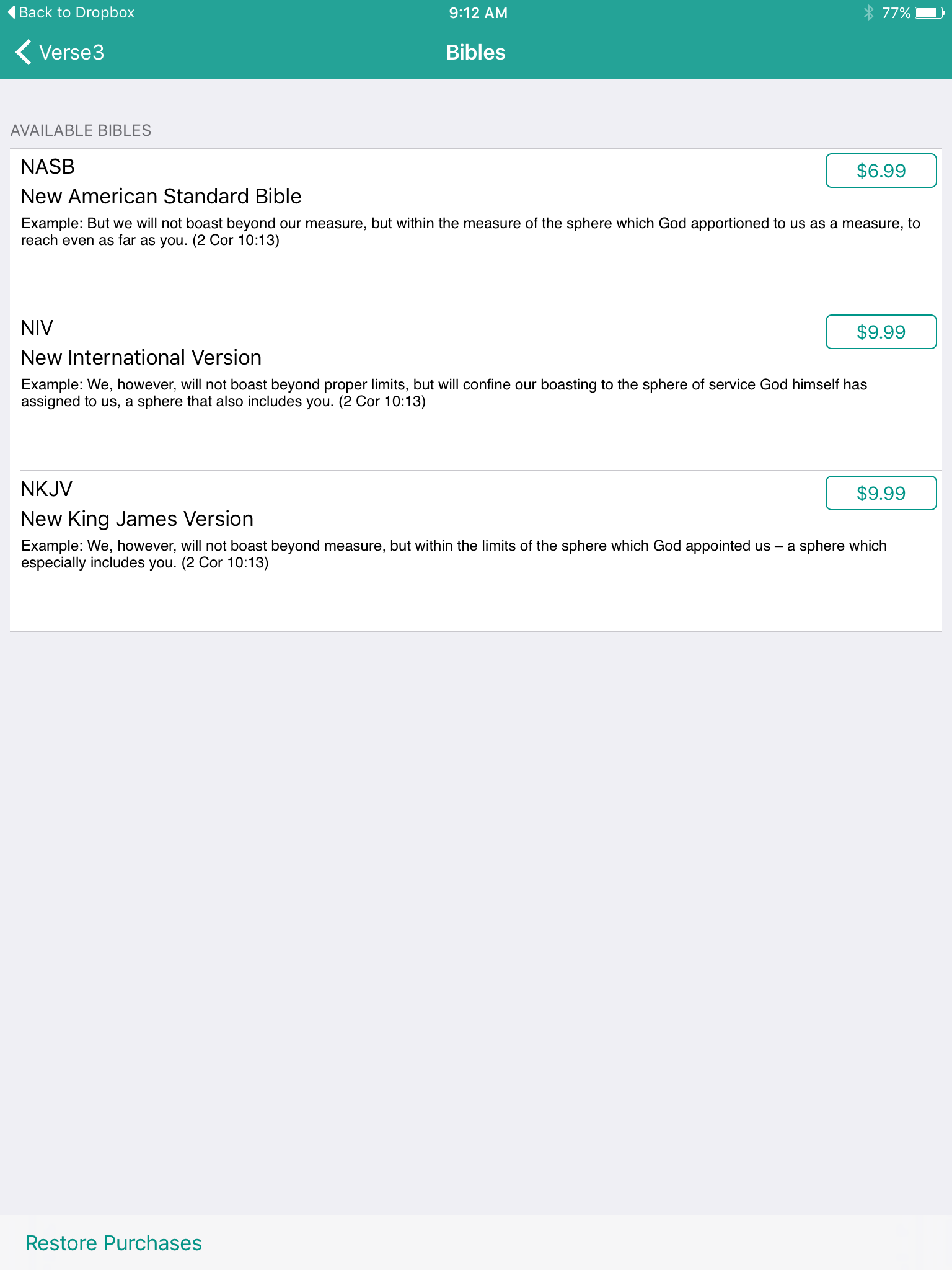
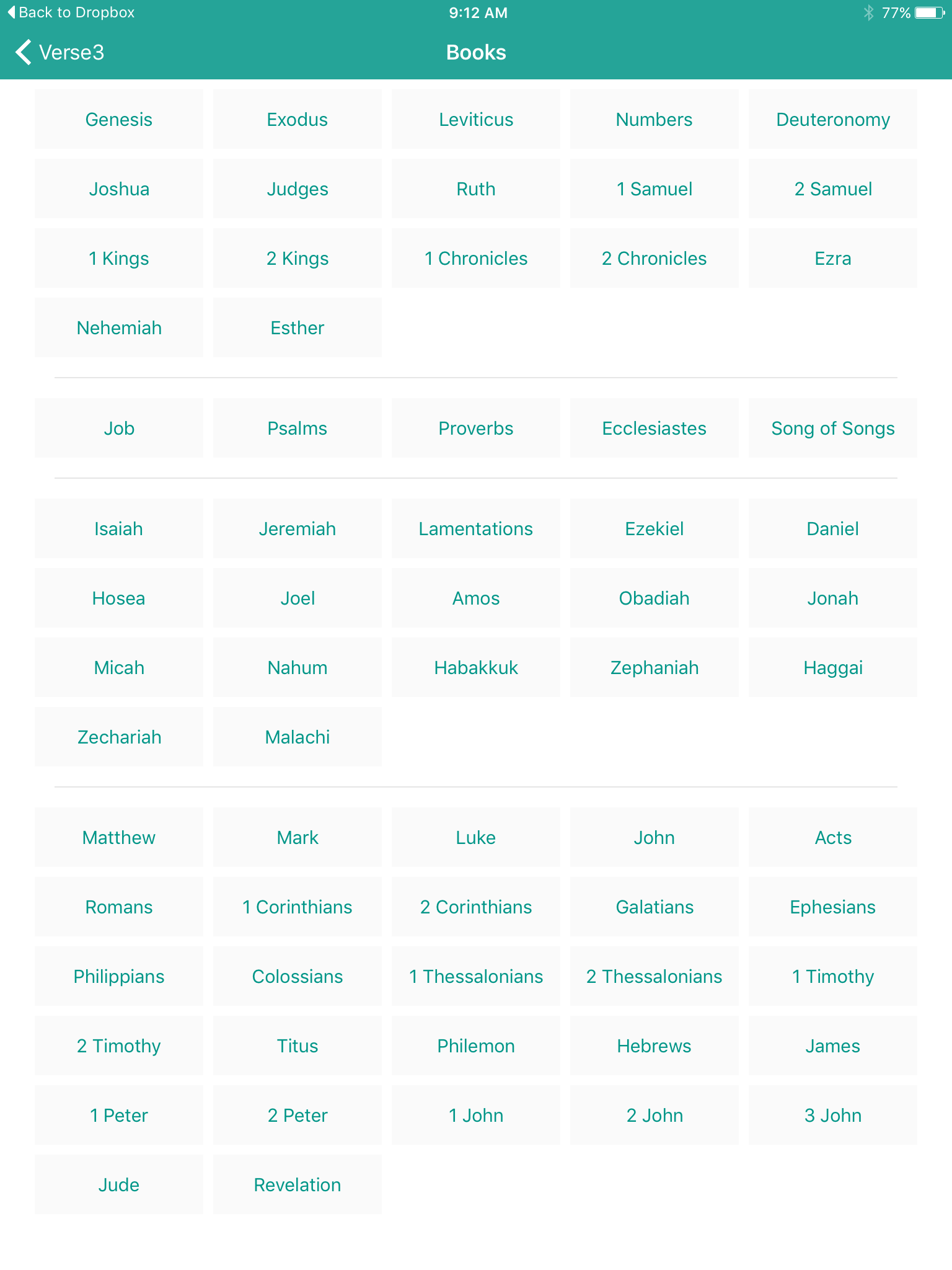
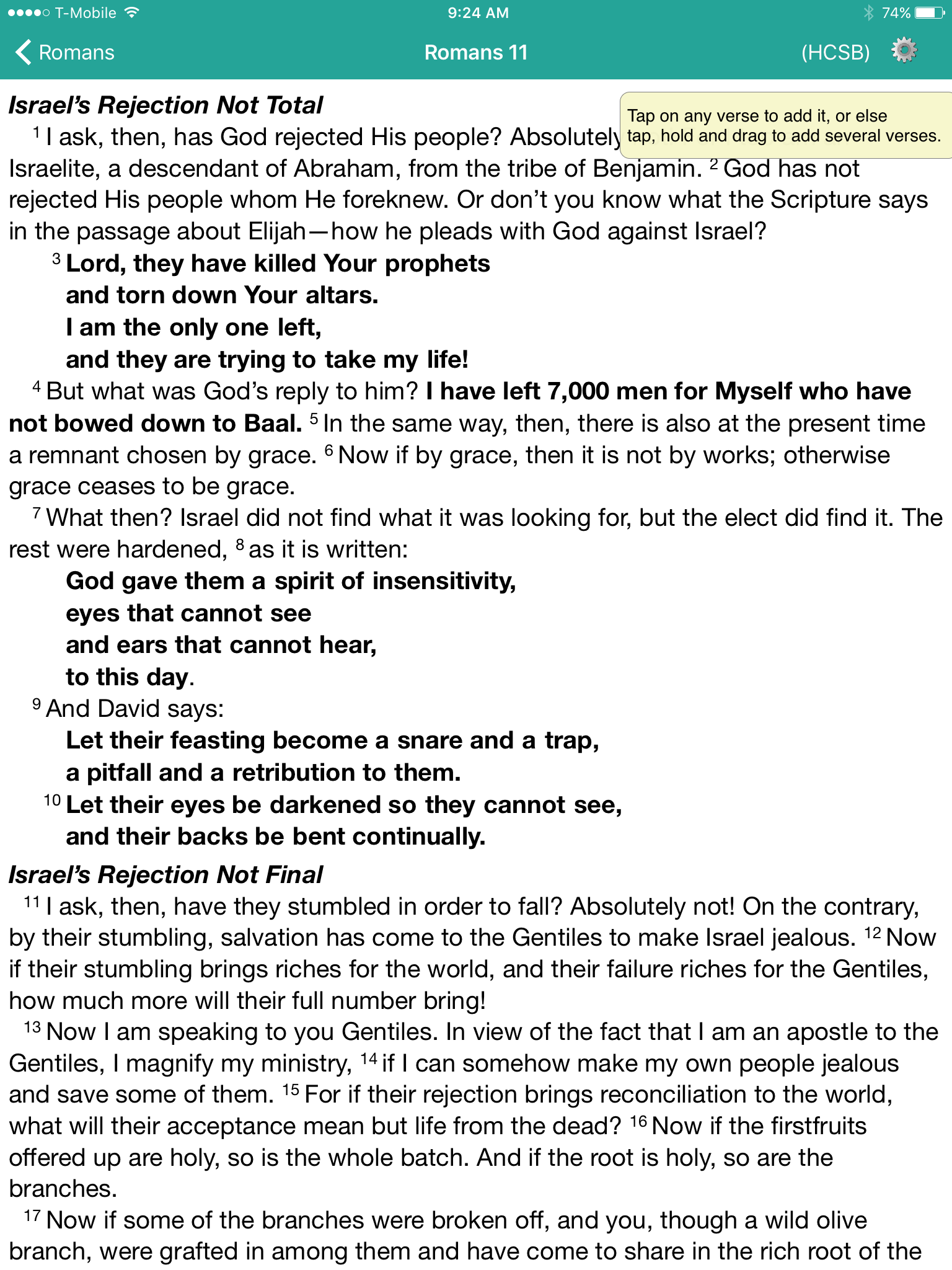
With the new iPad Pro coming out this month and iOS 9 supporting side-by-side windows of 2 apps, a tool like Verse3 makes a lot of sense. This simple Bible app that doesn't use the same Bible display framework we're used to. In fact it takes the focus and puts it on the person listening to a sermon or Bible study. The user can open multiple verses on the screen at a time and add their notes inline with those verses.https://www.youtube.com/watch?v=okMuE0Afr2gHere are a few of the benefits of Verse3 ($4.99 in the iTunes app store).
- Fast and simple to use
- Minimalistic design
- Fuzzy search feature where you can search for love and it returns all forms of that word
- Share your notes and verses in Dropbox as text files
Logos 6 Speed: One Way to Always Pep Things Up

One complaint Logos 6 users often share with me is the speed of the system. So I want to give you one tip that will ALWAYS speed up Logos 6 and, with the right collection of specs in a computer, make it even fast. The tip: think carefully about what kind of internal storage you get in your computer. But first some background. I review a lot of laptops. I worked on about five or six reviews during the summer/early fall for Notebooks.com. One of those systems was an Acer Aspire E 15 model E5-573G-56RG. Key specs included:
- Intel Core i5 5200U (4th gen)
- NVIDIA GeForce 940M with 4GB of dedicated VRAM
- 8GB of DDR3L RAM
 That's a pretty spiffy system. They're the best specs of any of the systems I've tested over the last two months and they're higher than my own Windows computers that I regularly use, a Surface Pro 3 and an older Lenovo ThinkPad T431s laptop. If you look at the list above you'll notice one key spec I left off, the hard drive.Most of the systems I've reviewed recently and my two personal computers have SSDs. That's a solid state drive that doesn't come with spinning platters where the data gets stored and the platters must spin to reach the bits. Think of a record player, if you know what one is. The hard drive uses a head the reads the bits on the spinning drive. With an SSD the bits get stored on fast flash memory and it's very fast compared with the traditional hard drive.https://www.youtube.com/watch?v=wteUW2sL7bcThe Acer Aspire E 15 had a 1000GB 5400rpm spinning hard drive instead of an SSD. That's a lot of storage. My Surface Pro 3 only comes with 128GB and I can't put everything on it. My Lenovo runs on a 500GB SSD that I put into the machine myself. I store all the programs I need but my video and picture files don't fit. They'd fit fine on a 1TB drive, which is what I use to back them all up. It's big and bulky, so I'd love an internal drive. However, a 1TB SSD costs $350 to $500. I will probably get one if they drop any more. I'm still not willing to fork over that much.
How to Speed Up Logos 5 with an SSD
 As I shared above, Logos runs great on all my computers. I never considered how important an SSD was until I installed it on this fast Acer machine. Logos 6 runs on it like an octagenarian sloth whose imbibed too much strong drink. Why? Logos needs a fast processor, lots of RAM plus a fast hard drive. The SSDs in all of my computers make up for the fact that some of them don't run on fast processors. I tested Logos on an HP Stream 13, a computer with an Intel Celeron Processor and 4GB of memory. It struggled to run Logos because it took forever to index the large 18GB library I own. But once indexing quit in ran reasonably well. Logos 6 ran on the Acer slightly better than the Stream, but with a fast SSD it would have run circles around anything else I own.I could only conclude that a fast SSD has to be the one thing that speeds up Logos 6 faster than any other spec in the machine.
 Here's the point: GET A FAST SSD TO RUN LOGOS 6!There's more to the equation than a fast SSD. My HP Stream 13 with a slow Celeron processor proves that. It's also a problem because the SSD is only 32GB and a large library will gobble up nearly all your free space. Windows 10 plus Office and Logos left me with barely a GB of free space. That's not enough because Windows uses the hard drive or SSD to cache the operating system and programs we're running. The OS puts it into memory and when it gets full, it stores some of it in a cache file on the hard drive.To understand that, imagine you've got a bottle of milk. You start pour it into a bowl of cereal, but the cereal and milk start to pour over the sides of the bowl. You don't want to lose your milk or Captain Crunch so you quickly grab a plate to catch the overflow. In that analogy the milk is the Windows 10 and the Captain Crunch is Logos 6. The bowl is the 4GB of RAM your system says it has and the plate under the bowl is the cache file that temporarily stores the overflow.I've run Logos on systems with 2GB, 4GB, 8GB and 16GB of memory. The 2GB system struggles to keep up, but the 4, 8 and 16 perform similarly while running Logos.I've run Logos on Celeron, Intel Core iX, AMD systems. I've run it on systems with integrated graphics and dedicated graphics. None of those changed the speed of Logos as much as going from a spinning hard drive to a fast SSD.