

Sermon Prep on iPad Pro Only
Now that I've used my iPad Pro for a couple of years, people ask me if it's really a good tool for writing sermons and doing digital Bible study. The answer is and resounding, "Sort of!"The iPad Pro works great for people with simple needs and some complex needs depending on your chosen Bible study software and app. iOS Bible study apps reached a maturity level in recent iterations with great original language tools, awesome library organization and decent layouts. No Bible study app provider takes the Apple Pencil seriously with my dream of writing in the margins or freeform drawing and highlighting. In fact using the Pencil creates a challenge for highlighting in some apps. It's supposed to mimic using a finger, but doesn't sometimes.
Studying the Bible on iPad Pro
Bible study apps on iOS work great. The best options include the following:
A few others deserve honorable mention. They're not as complete as the above programs, but preachers and teachers of the Bible can use them to develop sermons and studies.
You'll find dozens of other apps in the Apple App Store, but the top four will certainly give you what you need to do advanced digital Bible study for sermon prep. The second tier will work great if you already own them and feel familiar with the tools.I won't get into how to do digital sermon prep on an iPad. If you need help with the steps, consider checking out Biblical Preaching by Haddon Robinson or The 12 Essential Skills of Great Preaching by Wayne McDill or Christ-Centered Expository Preaching by Bryan Chapel. All three will teach you to write a sermon that focuses on the text instead of creating an outline and then plugging in some proof texts.Use your Bible study app to...
- Choose a text - read it in context and then select the beginning and ending of the passage or pericope.
- Familiarize yourself with the text - re-read it repeatedly in multiple translations
- Take notes - record your observations of what you already know and then ask good interpretive questions of the text like "who, what, when, where, why and how".
- Study the key words - search the bible for the Hebrew or Greek root, then look them up in lexicons, grammars, Bible dictionaries, and atlases, recording the answers in the notes created in step 3.
- Consult commentaries - by this step, you should already know what this passage teaches. Consulting commentaries can help confirm or correct your self-discovery. It also helps you find things you weren't thinking about as you studied.
I'm creating a video series on YouTube that shows how to do this with Logos on a desktop. The principles apply to the iPad apps somewhat.https://www.youtube.com/watch?v=GZTrMB0PnuQ&list=PL1-Xf_HZquDGvCiJtyisBrEULSH3McCSO&index=1Your Bible app will need the following features to do the above steps of study:
- Display multiple Bible translations and it's helpful to show them all on one screen.
- It's helpful if the app will show you the pericopes from the modern translations (section titles), but don't let them force you into following them since experts disagree how to divide the passages into pericopes.
- A notes feature with formatting and the ability to link to a verse, not just a word.
- Hebrew and Greek tools like looking up words using things like Strong's numbers and preferably the ability to search by root words.
- A great tool that will find all your reference works for you like a digital assistant that stacks all the lexicons, dictionaries, commentaries, etc.
- Parallel windows of at least two or more books open at a time.
- An export feature to copy passages to a word processor.
 I use Logos since that's where most of my library resides. However, I prefer the Olive Tree user interface the most. Only PocketBible will show more than 2 books on-screen at a time in 3 or more window panes.
Writing Sermons on iPad Pro
The Apple App Store on the iPad Pro boasts dozens if not hundreds of options for writing your sermons. Some of the above iOS apps include sermon document creation within the app, like the Logos Bible Study app. While the Sermon Editor shows your sermon created in the desktop app, it's read-only now.Bible study apps often come with a Notes tool. Users could simply write their messages inside the notes, however, I don't recommend that either. Get one of the great word processing apps or writing apps instead. Which one depends on how you work. Here are some recommended apps for the writing process.
Microsoft Word iPad App
 Users of Word on a desktop or laptop should probably also use the mobile Microsoft Word for iPad app. If you're an Office 365 subscriber you'll get automatic sync between the computer program for Windows or Mac and your iPad app. I have a template set up with all the formatting I like and even have some basic tools in the template like an outline. It has some styles set up and a list of things I want to write down before I actually begin the writing process. These include the passage's picture of God, sins dealt with, solution to the sin problem and subject/complement as well as the purpose for the message.
Pages for iPad
I'm not a big Pages fan, but plenty of people who own a Mac and an iPad prefer it. They come free with both machines. It has all the tools most preachers or teachers need. You can even create a template of sorts like I do in Word.
Evernote
 I used to use Evernote all the time. It's a great tool for recording and saving content for later use. It's billed as an organizer and planner, like an old notebook with calendar, contacts and notes.Writers can use it to write with formatting. Create a template to use like I do with Word. Evernote backs up every document instantly. You can create folders for all your sermons organized the way you'd like to by date, location of preaching, subject, book fo the Bible and more.
Scrivener
Scrivener's a useful writing app that's primarily designed around longer format writing. However, you can use it for shorter things like sermons and Bible studies. We did a show on the old Theotek Podcast about how my friend Wes Allen uses it. We're not doing Theotek anymore, but the show's still there. See how he uses it to write sermons.https://www.youtube.com/watch?v=SHDYJdkAAic
Mind Mapping Apps
I don't use mind mapping apps, but a lot of people do. Consider using that for your sermon prep. Search the app store for a good one. With Apple Pencil, mind mapping works great on the iPad Pro.
Tips for Writing on iPad Pro
Just a couple of tips for people who wish to write on their iPad Pro. Open your Bible study app and then open your writing app. Arrange them side-by-side so you can see both.Get a good keyboard. I prefer the Apple Smart Cover. It connects to the iPad Pro 12.9-inch or 10.5-inch magnetically. It folds so you can use it as a stand with the keyboard ready for typing. You can also fold it to use it as a stand when you're not typing on the iPad. Logitech also makes a nice cover for the iPad with an integrated keyboard. I wrote about them both when I was at GottaBeMobile.https://www.youtube.com/watch?v=Qf7ikwPqLwQWhen I write my sermons I use color-coded text to help me quickly tell what I'm looking at. For example, Headings are larger font green text. I put the Bible passage text in the document and make it bright red. Quotations from other people are bright purple. Transitions from one point to the next are bold, italics text. My font is 14-point so I can see it better.
Preaching from iPad Pro
The workflow for preaching from iPad Pro depends on what apps you're using. Here's how I work.
- Save my Word document to OneDrive and close Word so that it's fully synced up on Sunday morning.
- Open Word on Sunday and turn it to landscape.
- Tap the button in the upper corner that puts the iPad in a special mobile view to make things easier to see while preaching.
- Preach.
 Some people prefer to have their Bible app open next to the document. Others also control a presentation from their iPad while they preach. I do this during a Wednesday Bible study. I open Keynote first and then I open the Word document to the right quarter of the screen in that special mobile mode.While I'm teaching with Keynote, I use my Apple Pencil to annotate the text of the Bible. Sometimes I put blank slides to use as a whiteboard.
Finding Sermon Illustration Content on Theotek Podcast #054
Looking for a good sermon illustration your next sermon idea? We talk about our process and then recommend some sources for explaining, proving and showing what application of our messages looks like.https://www.youtube.com/watch?v=EKVPCmmQk00In the old days our preaching professors taught us how to manage a sermon illustration database. We had file cabinets or notebooks or file folders with clippings from the paper or photo copies of books we read. Then people started putting these on their computers with software like the program sold by the original makers of QuickVerse Bible Software. Bible Illustrator linked some databases of illustrations to the Bible text from QuickVerse and made them searchable via keyword. Others put them in the old Cards application that came pre-installed with Windows 3.1. A lot of people put them in a word processor or text file. Then the Bible software companies started to include sermon illustration databases in their programs. We showed some books like this available in Accordance Bible Software. Logos and WORDsearch and most of the other big names in Bible software offer these collections.Unfortunately, most of the sermon illustration books or databases available online, in Bible software or even in book form totally stink. They're stories from the 1800s or incredibly generic. How many times do we find one that doesn't fit, but it's close and it's really good.Listen below or watch the YouTube video of our podcast above and learn how we find fresh content from our own experiences, from a Google search or pictures and video files that make that sermon illustration come to life.
Preaching With an iPad Pro: Theotek Podcast #046
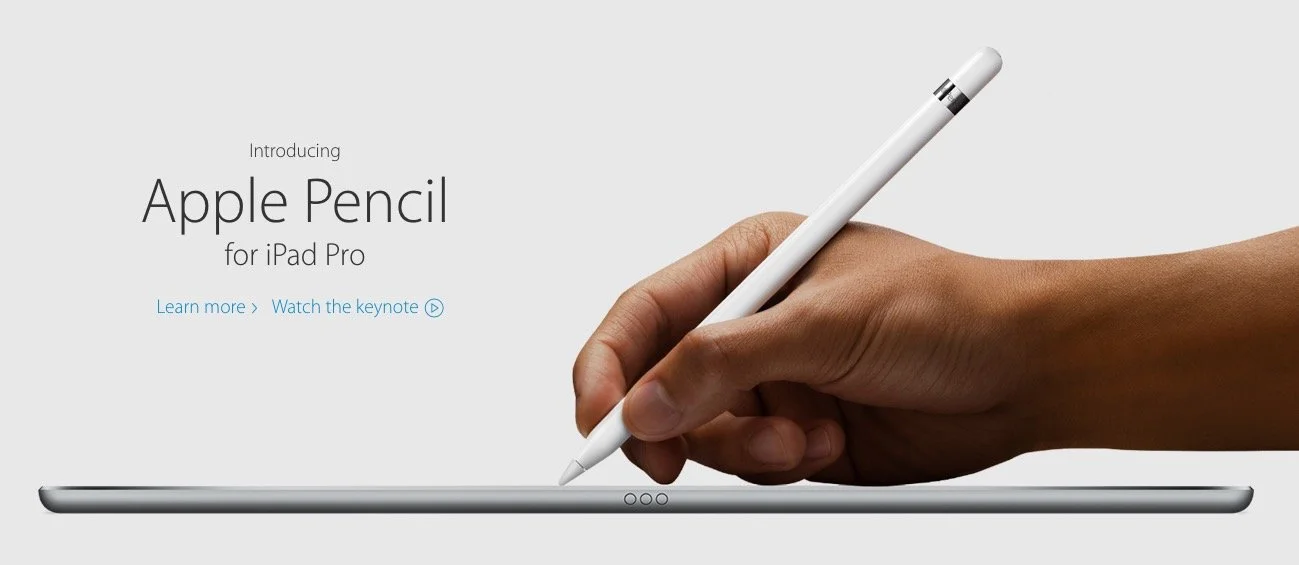
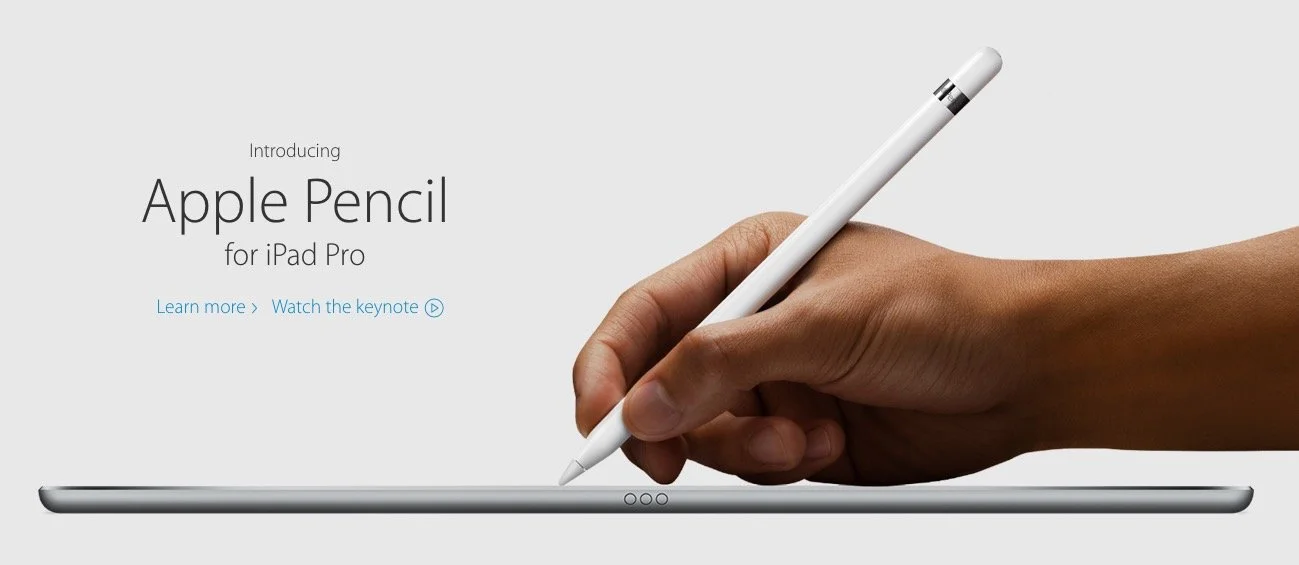
What is the new Apple iPad Pro like for studying the Bible, preaching or teaching? Rick Mansfield (@thislamp and thislamp.com) got one this week and we asked him a lot of questions about using it. Watch or listen below to hear his thoughts.https://www.youtube.com/watch?v=16v6TwpaPvEJust a summary of Rick's conclusions. First, he likes the side-by-side feature so that he can hold his Accordance Bible app next to Microsoft Word. This will help with both Bible study and preaching. The Keynote app and Word can sit on-screen at the same time. He uses the notes feature in Keynote, but after the podcast was over he tested and found out that you can run a Keynote presentation mirrored to an Apple TV and open Word in side-by-side mode.Second, he tested out the iPad keyboard and looks forward to getting one to use. He didn't like the Logitech keyboard case as much because it seems harder to remove from the iPad Pro.We talked about the Pencil, which is hard to come by until December. Wes tested it out at his local Apple Store and found that it was a great experience. They've done a good job of making it work well and feel more like writing on paper than older styli.At the end of the podcast I shared some first impressions of using the Apple TV 4th generation. It's a nice media device and the remote is both good and bad. Siri works great and AirPlay still works as well as before.
iPad Sermon Preperation: Tools Apps and Tips
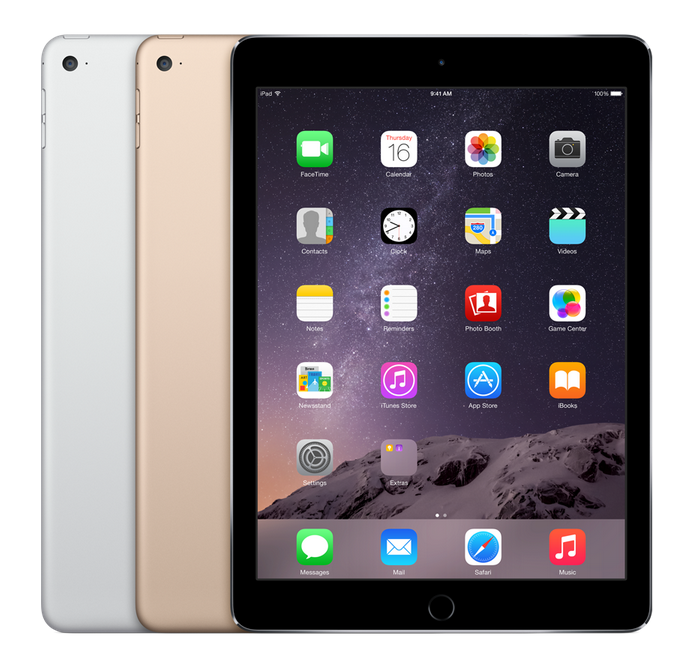
Ever thought about doing a little iPad sermon prep?A lot of preachers carry around an iPad or some other tablet these days for checking email, surfing the web, playing games, streaming video or taking notes. Many of us also use them for simple Bible study on the go. However, can a preacher study and prepare an entire sermon or Bible study using no other device than an iPad? In other words, from start to finish, ignore their laptop or desktop computer and commit entirely to iPad sermon prep? If you've ever been tempted to retire the laptop and get out of the office, this is for you. Let's look at the following:
- Tools needed to use an iPad or other tablet for reading, studying and preaching the Word of God
- Apps that will help the preacher study, organize and then write their sermon/Bible study
- Tips for doing all of this well
https://www.youtube.com/watch?v=bFdN4bjcnQASo grab your iPad and read on...
Accessories Needed for iPad Sermon Preparation
First, grab a Bluetooth keyboard if you're serious about iPad sermon preparation. Some people may want to use their iPad's software keyboard, but typing on a screen doesn't work as well as typing on a physical keyboard. Connect your keyboard to the iPad using Bluetooth. It's simpler and easier than trying to connect one using USB. Also, the battery on my iPad doesn't run out that fast and I never turn Bluetooth off.You can choose from three styles of keyboards.
- Keyboard case integrated with your iPad case.
- Full-size case that the user carries along with their iPad.
- Small, foldable or roll up keyboard.
Each comes with strengths and weaknesses. According to Gear For Gaming, the case approach gives us an all-in-one package to carry around. However, the user's still holding the keyboard when they're not using the case. We've got a recommendation that fixes this problem.Using a full-size keyboard gives the user a better typing experience. We've got two recommendations that feel great while typing and let the user hook up to three different devices. That lets you type on a tablet and a phone and then put it on the desk at home and use the same keyboard with your desktop. We'll explain how this works later.Taking along a full-sized keyboard means less convenience and portability. It's too many things to carry. A laptop with a keyboard attached might work better. Still, read on because we've got a couple of suggestions that are still very portable.The final option is smaller than a full-sized keyboard. These are small foldable keyboards that often fit in your pocket. They are hard to type on quickly.First, look for a Bluetooth keyboard and second decide which of three styles you think you'd prefer. The best keyboard cases come from Logitech because they're thin and light. They usually feel great while typing. Logitech just released the Logitech Blok case. It looks a lot like Microsoft Surface Pro 3 with its kickstand back. The keyboard fits on the tablet along with the snug and thin case. When it's time to type open it up and even detach it so the screen's not too close. This also means you can remove it while using your iPad as a tablet only.https://www.youtube.com/watch?v=TcEuKDRJalIPeople who prefer a full-sized keyboard should look at the Apple Bluetooth Keyboard ($69) and get a carrying case for it or get one that will hold both the iPad and the keyboard.
 Logitech also makes a great nearly full-sized keyboard. It's the Logitech Easy-Swtich Bluetooth Keyboard, model K811 for $100. It connects to 3 devices. It has a selector switch for Android, iOS and Windows. However, it also connects to an Apple computer and comes with an Apple keyboard configuration with the COMMAND and OPTION keys and shortcuts for iPad.
 A third keyboard option also fits the "full-sized" mold. The Microsoft Universal Mobile Bluetooth keyboard is my favorite of the bunch because it's small and less expensive than the three of the above options at only $79.95. It comes with its only carrying box and unfolds when we're ready to type on it. It also connects to multiple devices at once.Since I hate the tiny fold up keyboards and the roll up keyboards, I don't have a recommendation. You can find these usually for $20-$50 at Amazon or your local office/electronics store.My friend Antoine Wright of Mobile Ministry Magazine and a co-host of Theotek Podcast would scream at these suggestions. He'd wonder why not forget the keyboard and just use a stylus. Draw and write notes. And I agree with him.
 A few great options let you do fine-tipped drawing and handwriting. The larger tipped stylus that most people use are terrible. I hate them and never use one. But these feel more like writing with a real pen.
https://www.youtube.com/watch?v=LuhIg72nI2k
Apps that Help Preachers Study and Write Sermons
Get a good Bible study app. That's obvious, but remember that not all Bible apps do the same task. I always prefer full Bible study apps over the simple Bible readers. The best Bible apps on the iPad don't necessarily do the best job of supporting advanced Bible study. Logos Bible from Faithlife goes toe-to-toe with Olive Tree's Bible Study as two of the most popular Bible study apps for advanced research. A few other great contenders include...
Each of these coms with strengths and weaknesses. The best option usually depends on what the preacher uses on the computer. Logos users should use the Logos apps. Olive Tree users should get their app. You get the idea. However, try downloading all of these. Each offers a free version and you may get some good content. That's especially true if your desktop application doesn't offer a good iPad app, like Bibleworks or PC Study Bible.In addition to Bible study apps, look for a good word processing app and maybe a presentation app. Do you use Microsoft Office on a computer? Then give their iPad apps a try. To get the full experience the user will need an Office 365 subscription. Office 365 costs between $60 and $100 per year or less if you shop around.Apple makes Pages and Google offers Google Docs. Each comes with strengths and weaknesses, so try them out and see what you like.Some people prefer one of the many note taking or mind mapping apps for taking notes on an iPad while studying their Bible app. Also, do forget that some of the above Bible apps have great notes features that you can write in instead of using a separate app. Here's a list of great note taking apps.
- Evernote - ubiquitous note taking and syncing app.
- Apple's update Notes app offers more features in iOS 9
- iA Writer - be sure to get the cheaper of the two. The $20 version doesn't add enough to make it worth twice the price. It handles mark down, something my friend Wes Allen, a fellow Theotek co-host, will love.
 Don't forget hand writing or digital inking as a writing tool. There's a bunch of great apps that let the user write. Here's a list of my favorites.
- Notability
- Metamoji Note
- Penultimate
- Paper by FiftyThree
- Apple's new Notes app also does handwriting and drawing now. Scroll down on the page in the previous link to see what's coming.
 Some people prefer using a mind-mapping tool. I don't use one, so I'm not a great source for the best options. My friend Rick Mansfield (from Accordance and my co-host on Theotek Podcast) told me about a post about mind-mapping for sermon prep.
 See more about mind mapping in the tips below.
Tips for Using an iPad while Preaching or Teaching the Message
Once you have a good keyboard and/or stylus, your preferred Bible study app, a good word processing too, handwriting app, or mind-mapping tool, here are some tips for effectively doing Bible study and writing on the iPad.
- Learn to multitask. Apple gives iPad users two ways to switch between apps. Use double tap or the swiping gestures to go back and forth between apps. In iOS 9 on iPad Air and iPad Air 2 users can dock a second app by swiping in from the right side of the screen.
- Write in the Bible app's notes feature if you want side-by-side user environment. I mentioned this above. This might not be the best way to write your preaching notes so when finished copy and paste the notes to a word processor for formatting.
- Copy and Paste Bible text or quotes from the app to the word processor. To preach or teach from an iPad get in the habit of copying the text of the Bible into the word processor so there's no need to deal with turning pages in a physical Bible.
- Use Mind Mapping apps for a different approach to sermon or Bible study notes. Mind Mapping refers to using visual organization of ideas. Get an awesome stylus to draw a circle on the screen of your inking app. Then write your Big Idea in the center. If you don't know what a "Big Idea" is, then stop what you're doing and read Biblical Preaching by Haddon Robinson. If you still don't understand, then get The Big Idea of Biblical Preaching by Keith Wilhite and Scott Gibson. If you still don't understand then go back to your seminary or Bible college and ask for your tuition money back.
- Sources for Illustrations. There's a wealth of great content online for teaching and preaching, from online Bible study sites to news sites that offer useful illustrations. Use Wayne McDill's tool for finding illustrations from 12 Essential Skills for Great Preaching. Avoid the canned sermon illustrations books and sites that become out of date soon after they're published. Also, look at PreachingToday.com for som great up-to-date illustration material.
- Remember visuals. People learn better when we combine at least senses in the teaching or preaching experience. So look for ways to include the sense of sight, smell, touch and even taste while teaching or preaching. Take note of them when you think about your sermon's Big Idea and concepts. In ascending order of effectiveness from the least effective to the most effective senses for memory are hearing, seeing, touching, tasting and smelling. If someone hears you preach and sees an image, they will remember what you say longer. Add one of the other three and they may never forget it.
- Use a presentation tool. The iPad offers a great collection of presentation tools from Keynote and PowerPoint to Prezi or Haiku Deck. Go here to see a great list of alternatives to Keynote and PowerPoint.