


4 Updates to Logos Version 51
Logos updated their Bible software across platforms with exciting new Study Assistant features and Reading Plans changes to make your study and reading more powerful. We’ll show you how to use them and what’s new. Also learn how to get great discounts.

6 New Logos Improvements in Study Assistant AI Tool
Logos recently updated Logos Bible Software with some exciting new AI-Powered changes that mainly affect one part of the program. Find out what the 6 changes are and how you can make use of them in your Bible study. Will the work on Desktop, Web, and Mobile. We’ll let you know.

Clicking and Dragging in Logos - a Logos Quick Tip
Dragging and dropping windows and books in Logos will save you time. So we'll show you how clicking and dragging in Logos works.

Discover the Bible Text's Big Idea: Step 4 in Creative Digital Sermon Prep
In step four of our creative digital sermon prep, we see how to move from our study of the text to naming the Big Idea or main idea of the sermon.

Top 6 Reasons to Use the Logos Bible Dashboard
The Logos Bible Study Dashboard is a useful tool that users often overlook. It provides essential features like Smart Search, shortcuts for personal and group studies, sermon preparation, and access to help resources. Users are encouraged to customize their dashboard settings and regularly explore its capabilities for enhanced Bible study experiences.

Making Textual Observations: Step 2 in Creative Digital Sermon Prep
In step two of our Creative Digital Sermon Prep we focus on making observation of our Biblical text using things like notes in Logos Bible Software, a word processor, a tablet with inking capabilities or some other tool.
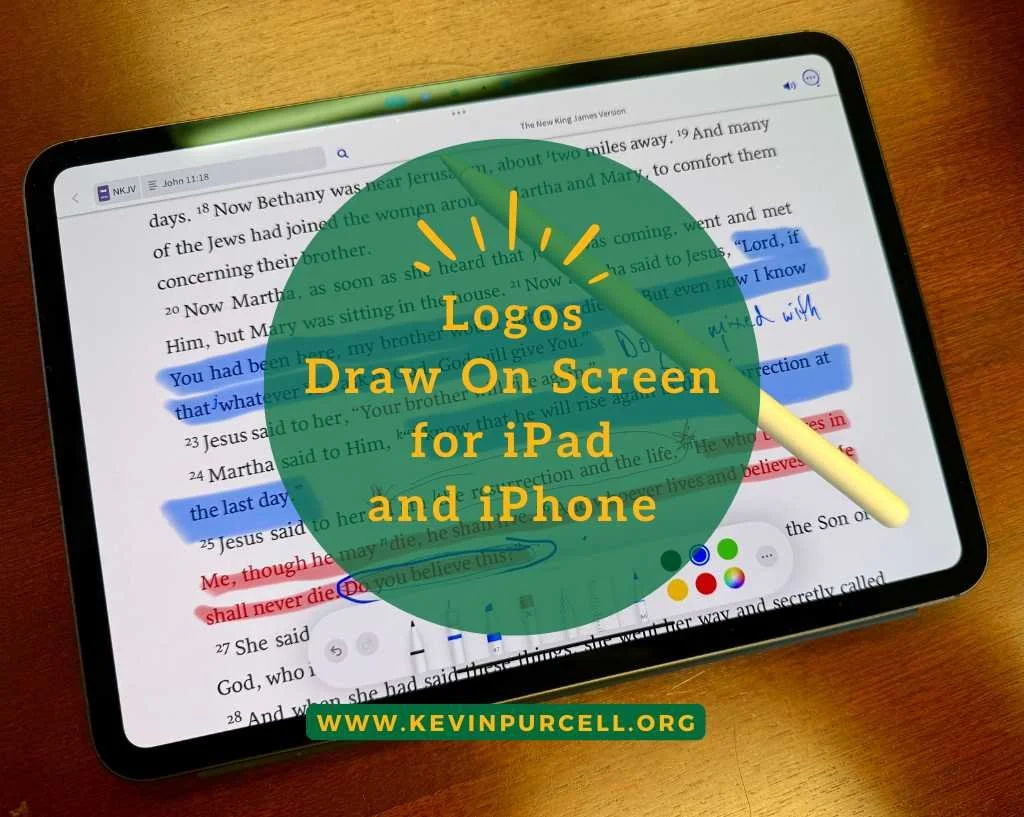
Unlocking the Logos Draw On Screen Feature on iPad and iPhone
If you're wondering how to use the Apple Pencil on the Logos Mobile app for iPad, the Draw On Screen feature lets you doodle and annotate. It’s exclusive to iOS and requires a subscription. It works on iPhone but without Apple Pencil support. You can save your work or discard it easily. Just set up your view and tap the right buttons to get started!
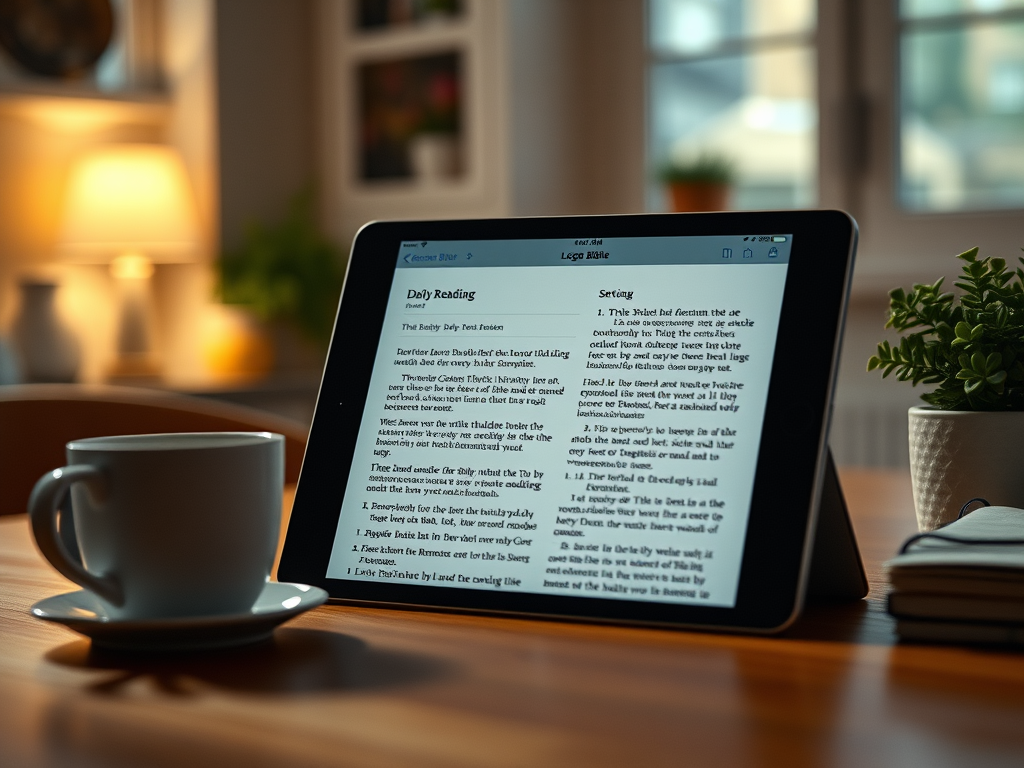
How to Read the Bible Daily with the Logos iOS Bible App
In 2025, many will commit to daily Bible reading using the Logos Bible app for iOS. Users can set up the app to read by selecting a translation, creating a personalized reading plan, and activating reminders. The app allows for flexibility in scheduling and adjustments if reading days are missed, promoting consistent engagement with scripture.
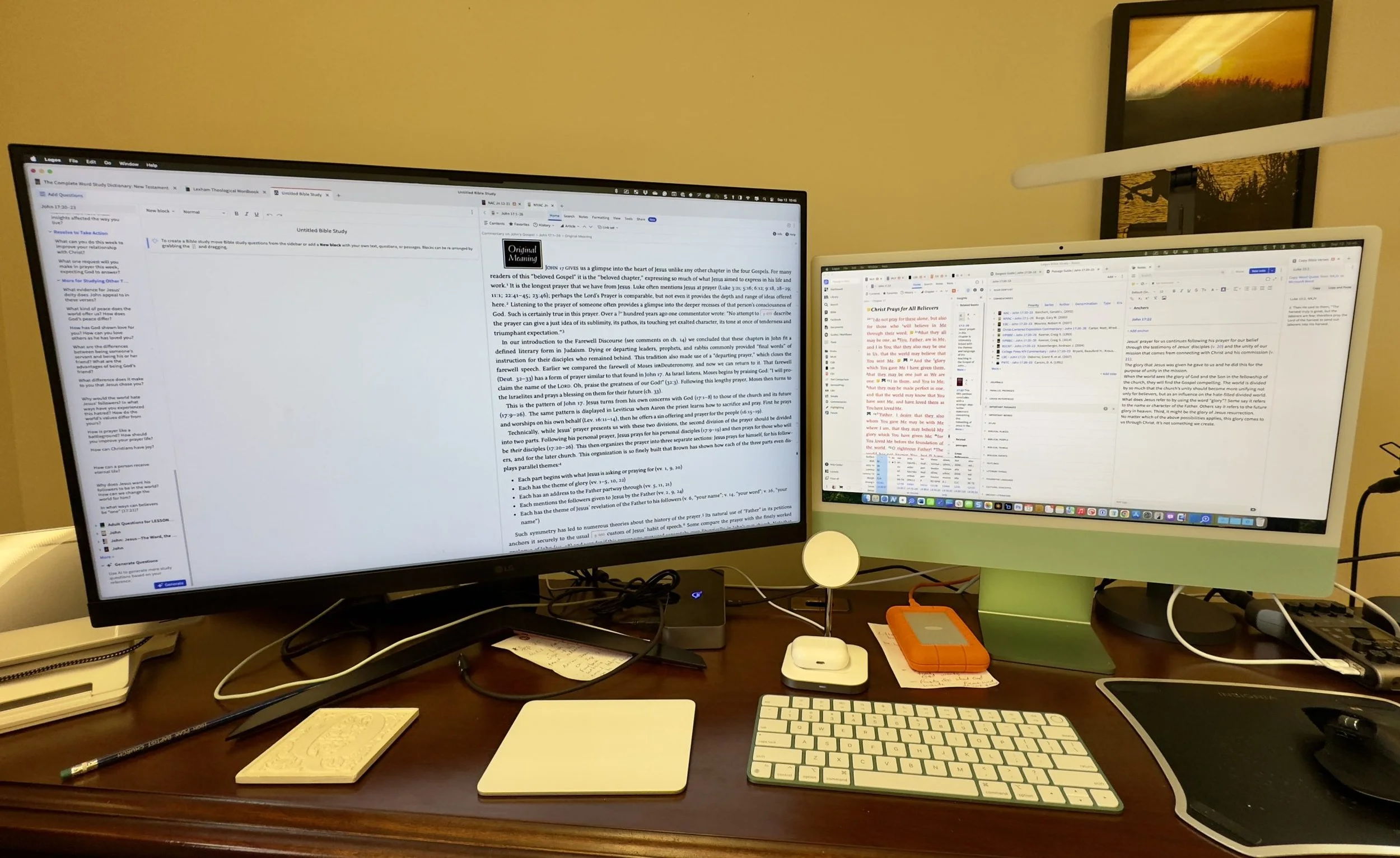
How to Use Logos on Two Monitors on a Mac or iPad
Would you like to use Logos more efficiently? We'll show you how to use Logos on two monitors on a Mac.
6 Reasons to Switch from Accordance to Logos Bible Software
A lot of people who use Bible software want to know if there's a good reason to switch from Accordance to Logos Bible Software. we've got 6 reasons to switch.