

5 Huge iOS 18 Weaknesses on iPad that Apple Doesn't Want You to Know
When Apple introduced the new iPad Pro with M4 processors, the iOS 18 weaknesses became more glaring because this new iPad sports so much power it's now faster than any Mac you can buy. However, Apple’s decisions about iOS and iPadOS limit these fantastic new iPads in 10 glaring ways. Here’s my list of 10 of the most glaring iOS weaknesses currently in iPadOS.
We hoped Apple might improve with iPadOS 18, which will be released this fall after Apple introduced it at WWDC 2024 on June 10. We did see significant improvements, like the better placement of home screen widgets and app icons and an incredible new Calculator App with Apple Pencil and Apple Intelligence built in. Yet, we still want to see more.
iOS 18 Weaknesses: We Need Preview App for iPad

I moved towards macOS about the 2nd generation MacBook Air introduced on October 20, 2010, by Steve Jobs. I remember calling it "drool-worthy" to one friend. It's funny how it feels like a tank today compared to modern MacBook Air models.
Now that Apple offers several iPads with processors that blow away the MacBook Air from just a few years ago, Apple should rethink iPadOS for those who use it as a laptop or MacBook Air replacement. After all, you can buy a 15-inch MacBook Air today with a fantastic screen, excellent keyboard, plenty of storage and memory, and fits where a light laptop used to fit thanks to the Smart Keyboard Cover.
We Need Preview in iOS 18

Preview comes preinstalled on every Mac and has become my constant companion. It handles...
- Screenshots
- Previews of PDF files
- Previews of image files
- Markup
- Signatures
- Basic photo editing
- Scanning
- File conversions
I'm indeed leaving out some features that you use. Comment below what I missed.
Why can't we have such a helpful app on the iPad? Other apps give users most of the features in Preview, but it's such a friendly, simple, and complete app that the omission of Preview on Apple iPadOS 18 seems baffling.
Bring Journal to iPad Soon Please
I don't use Journal on my iPhone much, but it's an excellent app. I'd love to journal using my iPad's keyboard or Apple Pencil. Why didn't Apple include this in Journal and put it on the iPad?

Including it on the iPhone makes perfect sense. The Journal App will keep track of photos or videos you've taken. It also watches your location and puts a map in a Journal entry. Gathering photos and a map and then typing on my iPad keyboard cover or drawing using the Apple Pencil would be very nice.
Finder and Files Should Merge - One of the Worst iOS 18 Weaknesses on iPad

I don't necessarily want all that macOS Finder offers on my iPad, but I'd love a lot of it.
Apple didn't want users to access the file system on their iOS devices. However, now that we can use the iPad as a computer replacement, we need a more robust Finder app in iPadOS 18. Give me the following, and I'll jump for joy.
- Make folders wherever I want a new folder. Not just in the places they say I can now. Using Finder to organize apps would be easier.
- Let me put a shortcut to a folder on my iPad home screen that opens to that folder in Files.
- Show me a Finder-style progress bar for copying.
What I'm asking for is greater control over the file system. I don't necessarily want full control like we get on macOS. Keep apps, the operating system, and
Mousing on iPad Not Quite There
I hate the little circle you get instead of a familiar arrow. Better yet, let me choose what my cursor looks like. An iPad with a Magic Keyboard has a trackpad, but mousing is not quite there yet. While we're talking about it, can I say that I hate the descriptor "Magic" that Apple uses?

We need a right click menu but can't do that in the OS. Press and hold doesn't work as efficiently and only works in some places. Imagine right-clicking the Home Screen to add a new folder or paste a file (see previous section).
Theotek Podcast Changes Coming
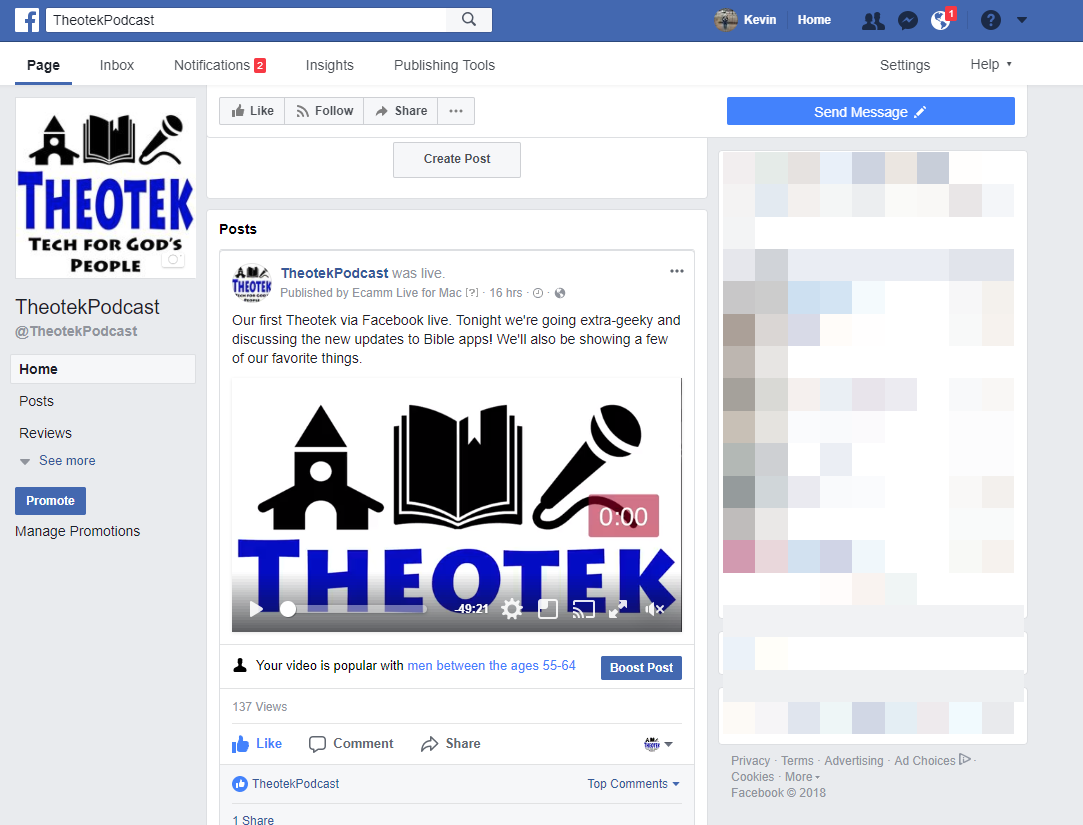
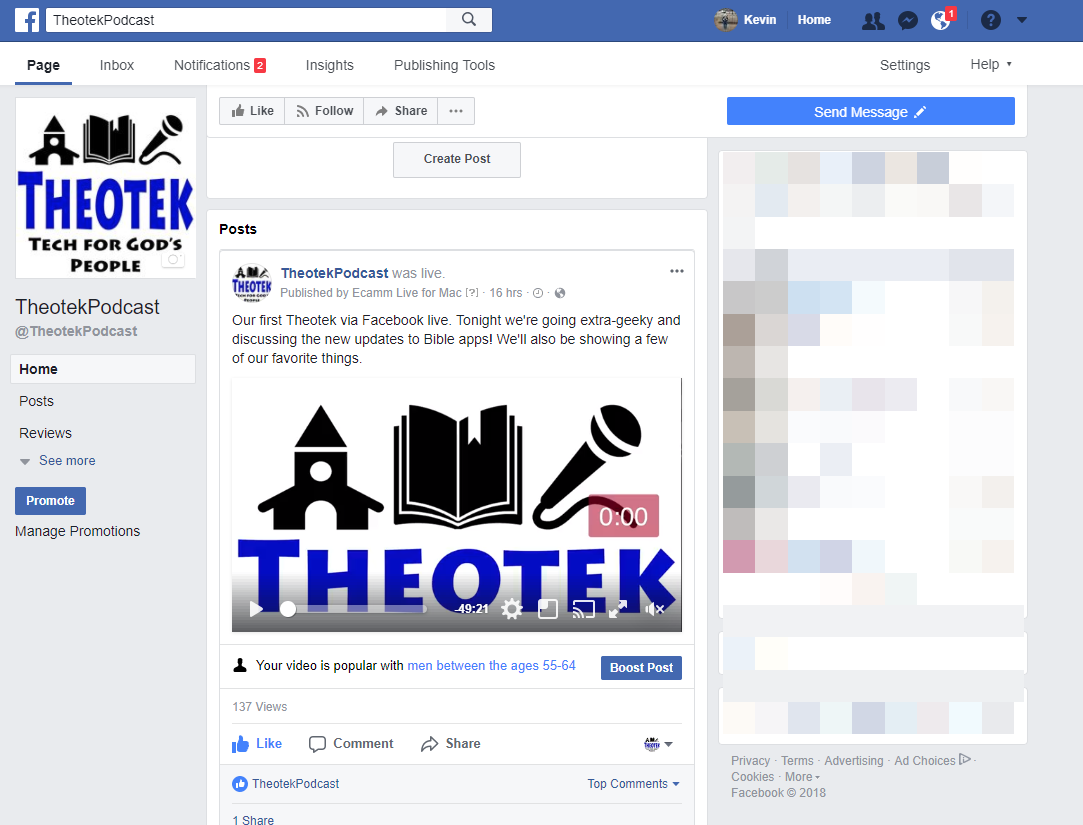
Over three years ago the Theotek Podcast got its start as a trio of tech lovers took the YouTube and recorded what we first called Theotek News. You can see that first episode below. At first LaRosa Johnson, Antoine Wright and I discussed Bible software and more. It was pretty rough. That was when I was still writing for Christian Computing Magazine, Antoine still had the Mobile Ministry Magazine and I was into Google+ big time. LaRosa announced the sale of Olive Tree to Harper Collins. What a blast from the past.https://www.youtube.com/watch?v=45DlwIjM_OoLater we added Wes Allen and then Rick Mansfield and recently Mark Allison. We often branch out of Bible or Church software and technology into the realm of general technology. But we've kept at it for over 100 shows.Now it's time for a change. It seems Google's changing the way they want customers to use Google Hangouts On Air. We feel like it's no longer a reliable tool for recording our Theotek Podcast. Going forward we're going to use Facebook Live through our new Theotek Podcast Facebook page. The team will get together over Skype and Wes will record it on his Mac using Ecamm Live software, a great tool for streaming live to Facebook or YouTube, but not both. It costs $40 for the basic program. Then you add their Call Recorder for Skype which costs another $40. We tried it with our show this week and it worked really well.We'll still be active on Twitter @TheotekPodcast and you can still watch for a while at YouTube. Going forward that YouTube Channel will primarily consist of my stuff, like a review I did of the Google Pixelbook recently. By the way I also wrote about using the Pixelbook for Bible Study here on this site.Please consider subscribing over at Facebook. Follows us on Twitter. Here's my statement on the YouTube channel.https://www.youtube.com/watch?v=ED-1fGXMD_Q