

Using Scrivener to Write Sermons
Preachers use different tools to write their sermons, from Microsoft Word, a simple text editor, word processors built into Bible software or something like Scrivener. Wes Allen, one of the Theotek Podcast contributors and American Baptist Church pastor, uses Scrivener to prepare his sermons. We talked about his workflow and why he uses the program in a recent Theotek Podcast that we recorded live on our Theotek Podcast Facebook page.Scrivener is a word processor. That's the simple way to describe it, but there's more to it than that. Some people think of the program as a tool for writing books or long form documents, like a doctoral dissertation. Wes uses it that way, but also uses it for shorter form documents, like his weekly sermons. That's because the built-in organization and writing tools work better for him that what most preachers probably use - Microsoft Word.https://www.youtube.com/watch?v=SHDYJdkAAic&t=30sPlease watch the video above from our YouTube Channel. In it Wes talks about...
- The way to format text using styles
- Setting up templates for outline forms
- Using the dual pane view to see the text of the sermon next to the other documents
- Organizing the files and folders
- Exporting for use in preaching and writing books from a sermon series
... and more!
Scrivener Organization for Sermon Prep
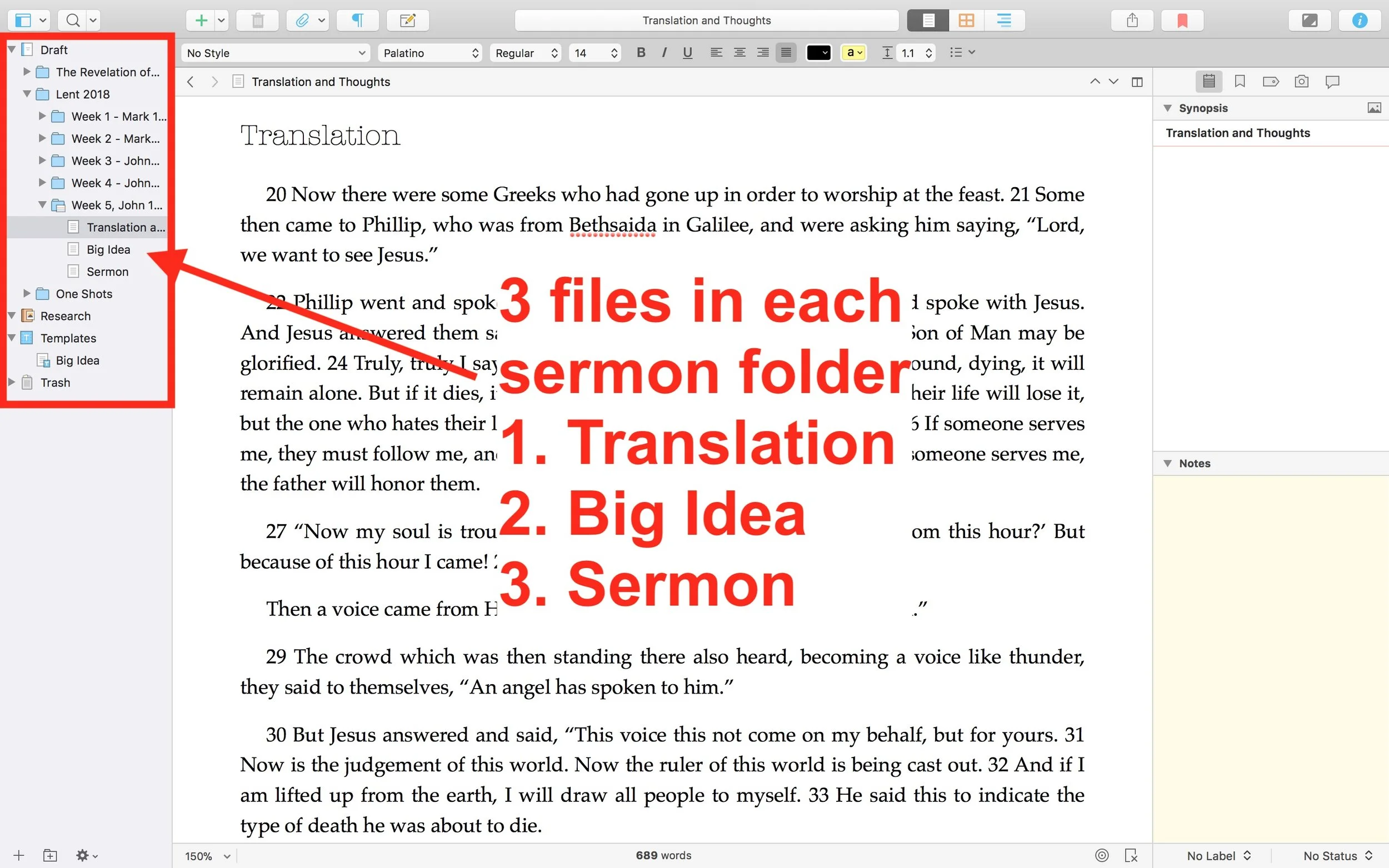
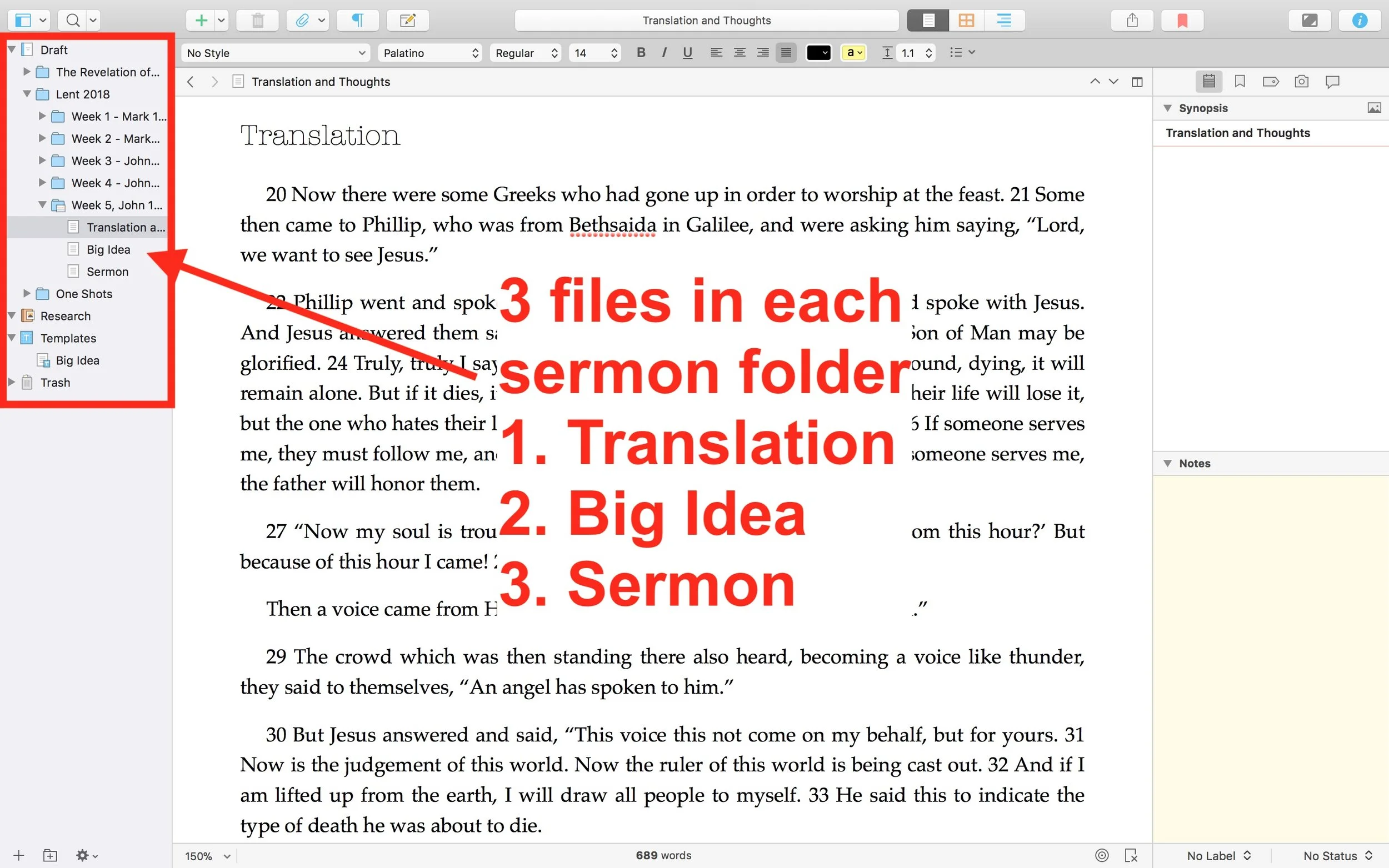
 He uses one Scrivener file per year. He then creates folders inside Scrivener for each sermon series or season. This lets him organize things easily within Scrivener. Under each series or season, he creates folders for each sermon. Then in those folders he places three documents (see image above).
- Translation of the primary text - he creates his own translation of the Greek or Hebrew text.
- Big Idea - the main idea of his message explained in a single document.
- Sermon Text - this document where he writes the sermon itself.
My Scrivener Organization
I really like this way of organizing each sermon. However, I don't do a full translation of my sermon. So I might organize things in Scrivener similarly, but in a slightly different way that better fits how prepare my sermons.First, I will organize my sermons around sermon series instead of year. That's because I sometimes preach through a book of the Bible and this might take more than one year or I might start it in September, take a break for the holidays, and then go back to it in January. Organizing that series by year would break it into two files. So, instead, I'd create a Scrivener file for First, Second and Third John, the last sermon series I recently finished just before the Easter season in February.Next, in each sermon folder I plan to create one Scrivener document for study notes called Text Notes. I create these notes in my Bible software while I'm studying the text. Then, I'll copy and paste the text of the Bible passage and the notes into the Text Notes document in Scrivener. I usually use one of a few sermon outlines and I will create templates in Scrivener (see the video to see what I mean by templates) for each of these formats.
- Motivated sequence
- One-point inductive
- Negative options indicative outline
Motivated Sequence Outline
A Motivated Sequence outline comes from the book 12 Essential Skills for Great Preaching by Wayne McDill, my seminary professor who taught at Southeastern Seminary. Here's the outline for this kind of sermon:
- Attention Getter - a way to grab the audience's attention with an anecdote, controversial statement or quote, joke or video.
- Need Element - some call this the Fallen Condition Focus; it's a way of showing the way the passage deals with our problems, which draw people into listening to your sermon and show the answer from the passage.
- Solution - the body of the message will offer the solution to the need mentioned above with as many outline points as needed to cover the ideas in the passage.
- Explanation - explain how text solves the problem.
- Illustration - illustrates the meaning of the text's main ideas and illustrate how to put the ideas into action.
- Proof - shows that the ideas are true since people don't just assume that the Bible is true like we believers do.
- Application - clear and concrete ways to apply the ideas presented.
- Visualization - show what the solution looks like with an illustration, story or video that helps people see how to apply the message.
- Appeal - tangible way or ways that the audience can respond to the message with specific and concrete steps.
Inductive Sermon Outlines
The other two outlines I use are inductive outlines. They both offer a single main idea. The one-point inductive approach will follow the outline below:
- Grab attention.
- Share a need that the passage solves.
- explain that need
- illustrate how that need affects the hearers
- Explain how the how the passage deals with the need.
- sharing details first
- then offer the main idea
- Illustrate how that passage solves that need.
- Prove the idea
- Apply the passage's solution in that Big Idea with an appeal to the audience to do something with the idea.
The last outline follows a negative solutions offered by people and then turns to the way the passage shows that God solves this problem. It is also inductive and a single main idea presented after exploring some ways the humans try to solve the fallen condition focus. These come from the passage just as the main idea.

2017 Theotek Christmas Gift Guide: Theotek Extra

The Theotek team offers up some of our favorite gift ideas for the 2017 Theotek Christmas Gift Guide in this Theotek Extra. In this gift guide, three of our team members share their options for great Christmas presents for the Geek on your gift list. Here's the video of our gift guide. We didn't do an audio version since this is such a visual show. Watch the video below and then check out the links for each item in our round-up after the video.https://www.youtube.com/watch?v=4bET5tX0A9g&feature=youtu.be
Wes Allen's Gift Guide Suggestions
 Wes showed off his TASCAM DR-40 4-Track Portable Digital Recorder. He uses it for professional reasons, since he often records video and audio for his work with the ABCNJ tech ministry. Here's a sample video that Wes shot using the recorder.https://www.youtube.com/watch?v=MGuy5e2qaIA&feature=youtu.beThat sounds pretty good. Here's another sample test recording audio in various situations.https://www.youtube.com/watch?v=Tqwe8_XTXok&feature=youtu.beThe recorder costs a little over $170 at Amazon. Wes recommended this as one of Our Favorite Things during a past show.
 Wes also shared the newest version of Scrivener, a great writing tool for people creating a little more complex projects, like a book or research paper. He uses it also for sermon writing and keeps them all in a single folder by year in Scrivener. Literature and Latte just released version 3.0 for Mac and is working on the Windows update. Get it for $45 unless you own a earlier version. Then you can update it for $15 off. The iOS version costs $20.
Mark Allison's Gift Guide Suggestions
We get a few recommendations from Mark Allison. He started things off with the TPU Docking Stand Holder for the 38mm Apple Watch. It holds the Apple Watch on your night stand or desk and you can use it like an alarm clock with the watch plugged in and display set to turn on showing the time. It only costs $6.34 on eBay. Next we get the Anker SoundCore Bluetooth Speaker for $32.99 on Amazon. This Bluetooth battery-powered speaker lets you play your music from a phone or tablet on the go or at home. He loves his. It comes in black, blue or red.Mark also recommends getting an SSD for your computer. He picked one up from Newegg, but you can find them anywhere. He said that the one he has isn't necessarily the best. Get one that fits your storage needs and size of your laptop. Putting one in your computer shouldn't take too much technical skill. The hardest part is replacing the boot drive and getting all your software back on the drive. Also, many newer computers don't have user-upgradable drives. For example, you can upgrade the new MacBooks or MacBook Pros. These can cost as little as under $100 and as much as over $1,000 for extremely fast drives. He said that getting a more costly drive usually means faster performance and more storage.
 The last thing Mark recommended didn't have anything to do with tech. It's Millie's All Natural Organic Gluten-Free Vegetable Sipping Broth. It's like tea without the tea. These come in tea bags and you pour hot water over them and let them soak about 3 minutes. As of the time of this post, they're not available where he gets them, on Amazon. They offer other flavors that are available now, like Thai Lemongrass for $15 for a pack of 12 bags. You can ask Amazon to email you when they're ready.
Kevin Purcell's Gift Guide Suggestion
 I picked just one gift to recommend. I just picked up the DJI Spark mini drone. It's a high-end consumer grade drone with a 12MP camera that also shoots in 1080p video. The battery lasts about 15-20 minutes. It's on sale for $399 now, but normally costs $499. I recommend getting the bundle that includes a remote control that connects to your phone or tablet. It also has the propeller guards and extra battery, which you'll likely need.
Other Great Gift Options
If you need a few more recommendations, we've got some ideas. First, consider gift cards. Find out what platform the person uses for their smart phone. Get Apple Gift Cards for iPhone, iPad and Mac users. Get Google Play Gift Cards for Android users. We also love Amazon Gift Cards. That way we can pick out whatever we want. Also consider giving them some store credit for their favorite Bible software from Logos, Accordance, Olive Tree, WORDsearch and others.
In Scrivener We Trust: Theotek Podcast #076
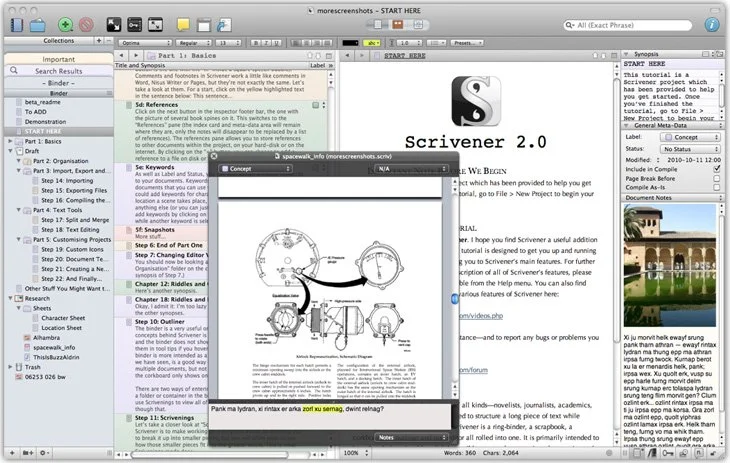
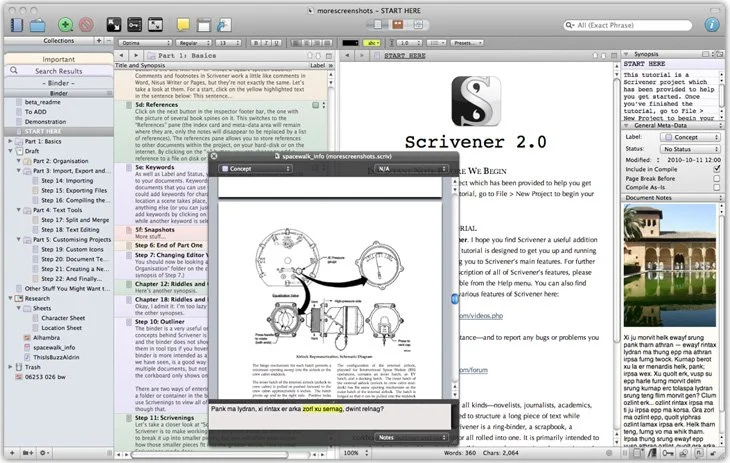
Our crew talked about a great tool for writing long form documents and projects called Scrivener. It's now out on both Mac and iOS. Windows users can also get it. It helps you organize your writing and research all in one place and then export it to multiple formats.https://www.youtube.com/watch?v=7YOMJq12HdEWe shared how to use Scrivener in writing ministry and church life as we talk Church and Bible Tech with Theotek. Tuesday Nights via YouTube Live Stream now. After that we talked about some of our favorite things.