

How to Use ChatGPT to Make Sermons More Interesting But Not More Biblical
You shouldn't use ChatGPT to study your passage but you can use it to make it more interesting. We look at how AI can help in sermon prep.
Everyone's amazed at the usefulness of ChatGPT while also concerned about it replacing so much in our culture. This includes good sermon preparation. Should pastors and preachers use ChatGPT to prepare their sermons? We will examine how to use ChatGPT to make sermons more interesting but not more Biblical.
Will the artificial intelligence tool make your sermons more interesting? How about more biblical? Can you even trust it?
I started using ChatGPT in my sermon preparation, but not how most people might think.

The Ethical Concerns Over ChatGPT for Sermon Preparation
Ethical preachers do their best to let the hearer know they didn't come up with the content on their own unless they did it on their own.
I once preached a narrative sermon telling a third-person story about a marathon running in the Corinthian games. It was an in-depth story that made my key points based on a passage from 1 Corinthians. I wrote it. It was original to me. So, I never cited anyone.
After the message, a church member told me she loved that story and couldn't remember where she first read it, but was glad I told it. I didn't have the heart to contradict her, so I said, "Thank you!" I left it there. But I wrote it.
At the same time, I heard a preacher quote an entire chapter from a Max Lucado book verbatim while he preached a revival at my church. After that service, I approached him and said, "I enjoyed listening to that. I, too like to read Max Lucado's books." I wanted him to know without being too confrontational that I knew he just passed off non-original work as his own.
Do You Always Cite Sources?

That brings us to the question of citing sources. Do you always cite every source you glean information from? Do you say, "The New American Commentary says..." about a passage? I don't always do that. If the material is unique and especially creative, I will clarify that I found this somewhere else. If it's ordinary and you can find the same content in five different Lexicons or Bible dictionaries, then it's not that revolutionary. You don't need to cite it.
That leads us to ChatGPT. Too much of the content we discover doesn't come with good citations. You can ask for references, but sometimes the information is wrong. So, ethical preachers should carefully use content from ChatGPT.
I don't use the tool for learning about language study, historical information, or other content I can find using something like Logos Bible Software. It's not good for that. Don't do it!
If you ask ChatGPT to write a full outline, you must cite it. It could be interesting, especially if you can find a way to connect that to the message. You might say, "I used ChatGPT to develop this outline." Some won't care, while your "lazy" sermon prep will scandalize others. However, in the end, you could make a point about life that ChatGPT illustrates. I can't imagine such an illustration, but you might.
I say that because...
ChatGPT Won't Replace Good Exposition of Scripture
Use your Bible Software or your seminary language study skills to learn what the author of Hebrews means by "Faith is the substance of things hoped for, the evidence of things unseen."
- You don't know whether you can trust the sources for studying Greek or Hebrew languages.
- You don't know whether you can trust the sources for church history, hermeneutics, or English-based dictionaries.
Fill in the blanks with any source. ChatGPT doesn't provide good sources, so you'll need to cite ChatGPT, and the tool often gets things wrong. A site called Analytics India Magazine posted a list of problems with ChatGPT. This ranged from bias to factually false info to bad math.
Don't use ChatGPT to study your passage. It's not good at it. If you have any experience preaching or training in exposition, then you're better at studying scripture than ChatGPT.
Use ChatGPT to Make Sermons More Interesting by Finding Illustrations
ChatGPT does a decent job of finding good sermon illustrations. Everyone knows a good sermon illustration will help you create interest. So you can use ChatGPT to make sermons more interesting by asking for great sermon illustrations.

Ask for historical or news-based examples of your topic. For example, ask ChatGPT, "What's a good example of a news story that took place since 2010 that shows what it is like to forgive?"
You'll notice a clipboard icon right of the answer when you get your answer. Click it to copy the content and then paste it into your sermon. Here's what the site offered when I wrote the above question.
One notable news story that demonstrates the power of forgiveness is the case of Rachel Denhollander, a former gymnast and lawyer, who in 2018 became the first woman to publicly accuse Larry Nassar, the former USA Gymnastics national team doctor, of sexual abuse. Denhollander's brave decision to come forward eventually led to Nassar being convicted and sentenced to up to 175 years in prison.
During Nassar's sentencing hearing, over 150 women shared their stories of abuse, and some even expressed forgiveness towards their abuser. In her victim impact statement, Denhollander said, "I pray you experience the soul-crushing weight of guilt, so you may someday experience true repentance and true forgiveness from God, which you need far more than forgiveness from me."
Denhollander's statement not only showcases her own strength and resilience, but also highlights the power of forgiveness. The courage and empathy displayed by her and the other survivors in offering forgiveness, despite the immense pain and suffering they endured, is a testament to the healing potential of forgiveness. This case gained widespread attention, opening up conversations about the importance of acknowledging and addressing sexual abuse in sports and other institutions.
ChatGPT
Other examples could include things like...
- What's a good quote from one of our founding fathers on the value of learning?
- Give me a literary example of mercy.
- Are there any movies from the last five years that show the value of family?
Remember that when ChatGPT gives you a result, you can narrow the results. When I typed the third prompt, I asked it not to give me any Disney movies. It included the movies Coco and Onward, both Disney films.
Use ChatGPT to Make Sermons More Interesting by Finding Just the Right Words
I don't make a big deal out of sermon titles. We don't publish them in our bulletin or post them on the church sign. However, I sometimes state them if they're interesting and grab attention. If you want to do that, ChatGPT can reword your sermon title or the Big Idea sentence (main idea of the sermon) in a more memorable way.
I asked ChatGPT, "what's a catchy way to say Approved by Faith" since that's my subject for an upcoming Bible study on Hebrews 11:4-6. Here's the response I received:
A catchy way to say "Approved by Faith" could be "Faith-Certified" or "Blessed by Belief." These phrases maintain the essence of the original statement while adding a touch of flair and memorability.
ChatGPT response.
I like Faith-Certified because it not only sounds interesting but sparked an idea for an opening illustration about getting certified. Some authority says you're qualified in a particular area when you receive certification. You could pick programming, something from a job some congregation members hold, the certification to do CPR and save lives, or maybe to use a powerful tool safely.
Best Visual Preaching Tools for Bringing Sermons to Life
I'm not an artist, but I use visual tools to make my sermons more interesting. Let's take a look at the best tools for Visual Preaching in order to bring your sermons to life and appeal to all ages while you preach.
Visual Preaching - What It Means?
In the Matthew visual Bible, actor Bruce Marciano portrayed Jesus as a smiling jovial Jesus. This seemed different from past actors' portrayals.
In the Sermon on the Mount, he portrayed Jesus' teaching about removing the log from your own eye before complaining that another person suffers from a speck in their eye. In other words, deal with your own struggles with righteousness which might look worse to onlookers, before judging people for their failures.

Bruce Marciano illustrated this by holding a large stick up to his eye and giggling as he said the words of Jesus in Matthew 7:5.
Hypocrite! First, take the beam of wood out of your eye, and then you will see clearly to take the splinter out of your brother’s eye.
Matthew 7:5, CSB
The object lesson Jesus used exemplifies Visual Preaching. That's something anyone can do regardless of technical skill or artistic ability. Preachers use these in children's sermons all the time. My first "sermon" used an object lesson of a toy airplane. I talked about how Jesus lifts us up and helps us soar above our sin like wings on an airplane. It wasn't a masterpiece, but it was Visual Preaching. I was nine years old.
Visual Preaching Made Easy
You can easily add visual elements to any sermon using the following:
- Object Lessons - an object lesson more powerfully illustrate ideas in a sermon because it's more memorial than a photo or video.
- Items Handed Out to Listeners - I once passed out Hershey's Kisses to illustrate the idea that something small, like a tongue, can have a big impact. Hershey's had an ad campaign that said "Big things come in small packages." I told the congregation not to open it or eat it till I instructed them to do so. Then we all ate it at the point in the sermon when I discussed the idea from James 3:5, which says, "So too, though the tongue is a small part of the body, it boasts great things. Consider how a small fire sets ablaze a large forest." (CSB)
- Images or Video Shown On a Screen - Instead of quoting someone, find a photo that you can display. While talking about children, present videos or photos of kids playing or interacting. We'll talk about where to find these photos or videos in the section below.
Can you think of other sources of visuals you can use in preaching? Comment below your ideas and share how you used any of the above examples.
Sources of Images for Visual Preaching
Copyright affects how we use photos and where we can find them. Using your own photos taken with your camera or smartphone will not infringe on anyone else's copyright. We'll discuss this below.
If you don't take good photos, don't have a photographer, or don't plan early enough to assign a photo shot list, then you can find them online. I get photos for free using one of three sites.
- Pixabay
- Pexels
- Google Image Search using creative commons or commercial license images
Using Google Image Search
Google Image Search returns thousands of photos on almost any topic you can find. However, you'll face a few issues. First, search carefully. Some seemingly innocent search teams can return illicit pornography, violent imagery, or other offensive shots. You can restrict Google search to family-friendly search results. They call it SafeSearch, and you can learn how to turn this on in Google Support.


Click on the Settings link in the lower right corner of the Google search page on your computer and select Search settings in the popup menu or click this link. Then click on the Turn on SafeSearch check box on the resulting page. Now scroll down and click on the Save button. A box will pop up saying you've changed your settings. Click OK.

Next, go back to the Google search page and search for the image you want. For example, let's search for a cross in order to find a photo of the cross. If you search from the main page, then Google will show a list of websites with some thumbnails on the right. Either click on the Images link below the search box (#1 in the screenshot above) or click on one of the thumbnails in the section to the right (#2 in the screenshot above).
Filter Image Search Results

Change the copyright and size of results by clicking on the Tools link below the right end of the Google search box. A menu pops up below the row that reads Size, Color, Type, and Usage Rights. You will change these, but we'll first select Size. From the popup menu, choose Large so you'll only get large enough images to display on a screen at church.
Next, choose Usage Rights. The popup menu has three options.
- All - the default that you'll see if you don't make changes to this filter.
- Creative Commons licenses - images that the copyright owner said others could use under Creative Commons so long as you don't change the image.
- Commercial & other licenses - images that the copyright owner allows for use in business and nonprofits, like a church. Choose this option.
Right-click to save the image. Your browser will read something like Save image as or Save image to with a folder on your drive where you download files to. This changes depending on the browser you use.
How to Use Pixabay or Pexels in Visual Preaching
Find higher quality free images on services designed for sharing images to use in things like presentations. Two sites that offer these for free include Pixabay and Pexels. Both sites offer a large database of high-quality photos that users of the sites upload and generously let other users download and use in their work. They hope you'll give attribution so that people might come and find their work.

Pixabay offers...
- Photos
- Illustrations
- Vector images
- Videos
- Music
- Sound Effects
They started sharing photos, which means the other categories of files include fewer files. You might still find good files for use in your preaching if you need some looping video with a sound effect and/or music. Photos usually grab attention more than computer generated illustrations, which look too much like the old clipart that sometimes looks less professional.
Pexels lists Photos and Videos as options. You won't video as much here, but the filtering helps you limit your results to what you want. For example, you can limit photos by orientation from portrait to landscape. Landscape fits with presentations better most of the time.
Other Free and Paid Media Sites for Sermon Presentations
I don't use stock photos that users pay for because they're often too expensive. A preacher can usually find what they need using sites like Pixabay, Pexels, or Google Image Search. There are others we didn't list. However, if you need an image you can't find on free sites, then consider looking for them using services like...
Capterra offers a list of 20 great sources for images useful in the church. If found a few of the above using an article on the site.
Custom Photos and Videos
Why not create your own visual elements? Most of us carry a great camera with us everywhere we go. It's part of our iPhone or Android phone. After studying your sermon, make a list in an app on your device of some pictures you could use in your sermon delivery. Take photos while out and around in order to supplement the content of the sermon.
Do you have a good photographer in your church or family? Ask them to help you out and send them a shot list at the beginning of each week or, better a week to two ahead of time. It will require some planning, but it's worth it.
Let's look at some examples. I'll soon preach 2 Timothy 4:2, which says...
Preach the word; be ready in season and out of season; correct, rebuke, and encourage with great patience and teaching.
2 Timothy 4:2, CSB
The issue of preaching "in season and out of season" might inspire the preacher to use a sermon illustration about harvesting vegetables from a garden. If it's the right time of the year, you could take a photo of your garden or someone else's garden using your phone camera. To illustrate the idea of great teaching, you could take a photo of one of your Sunday school teachers standing in front of their youth or adult class. Only creativity limits the photographer.
Consider also using video. Video loops work great as backgrounds for verses, especially if the looping video illustrates the main idea of the verse. Below you will see a video tutorial on how to create a looping video.
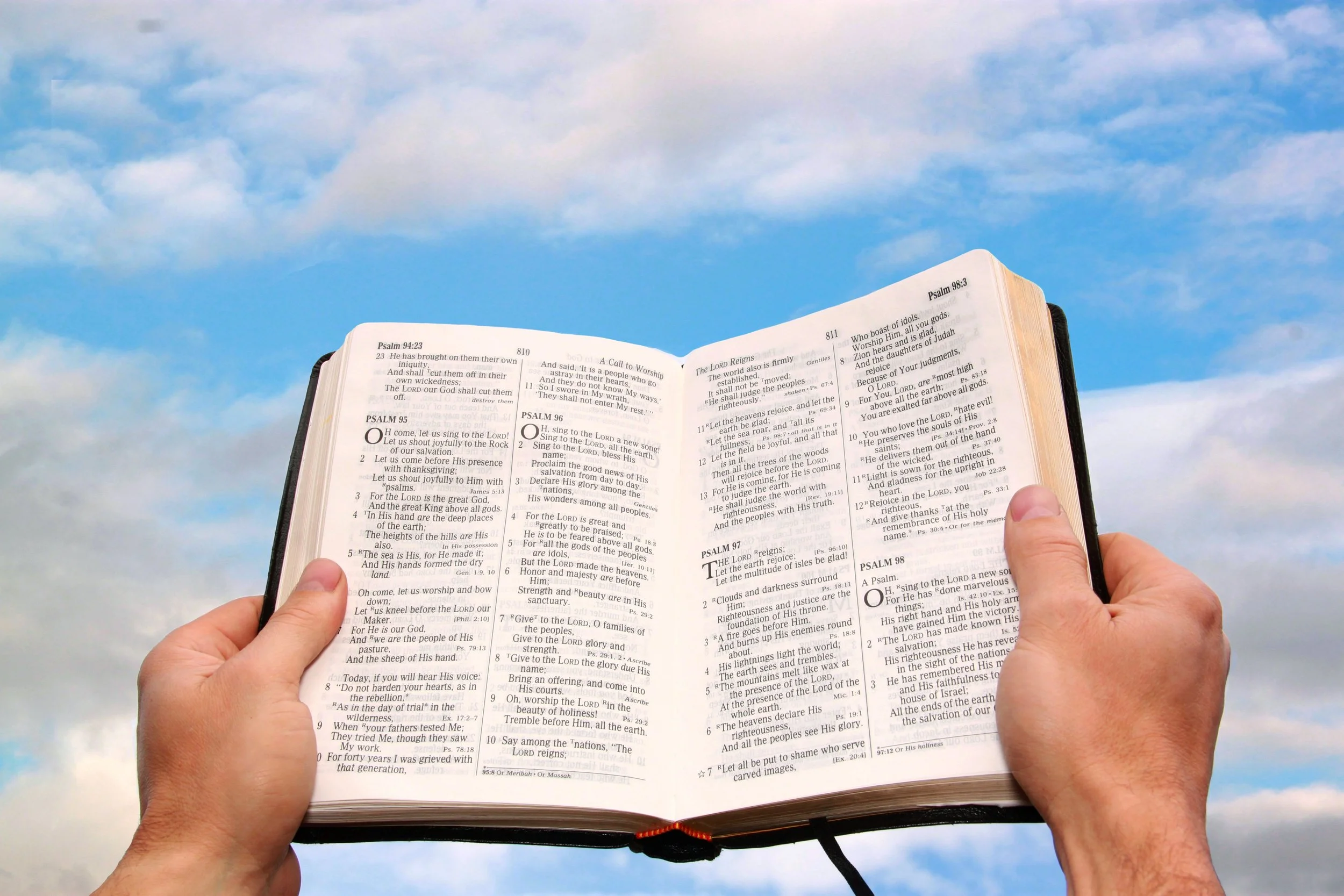
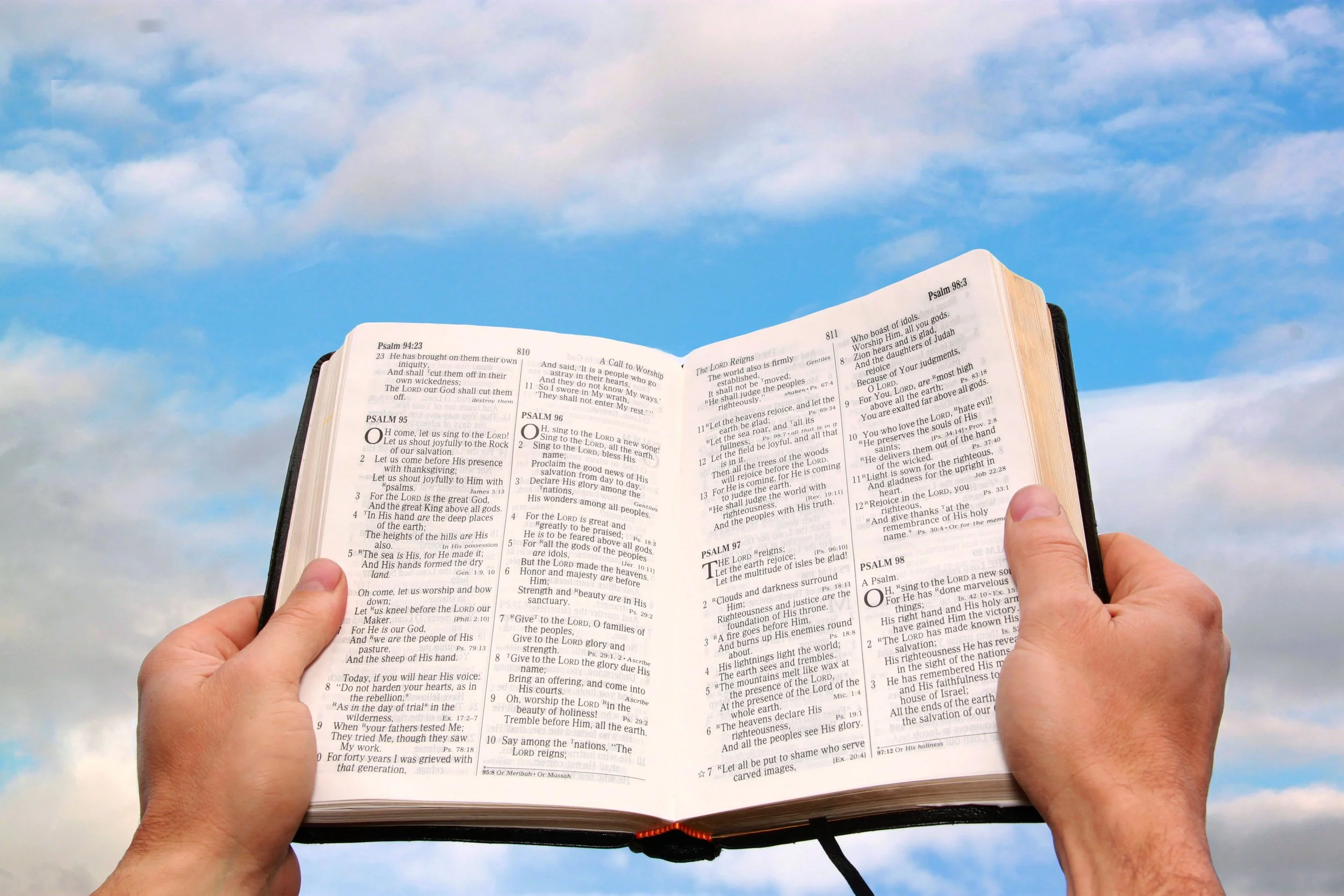
Finding Sermon Illustration Content on Theotek Podcast #054
Looking for a good sermon illustration your next sermon idea? We talk about our process and then recommend some sources for explaining, proving and showing what application of our messages looks like.https://www.youtube.com/watch?v=EKVPCmmQk00In the old days our preaching professors taught us how to manage a sermon illustration database. We had file cabinets or notebooks or file folders with clippings from the paper or photo copies of books we read. Then people started putting these on their computers with software like the program sold by the original makers of QuickVerse Bible Software. Bible Illustrator linked some databases of illustrations to the Bible text from QuickVerse and made them searchable via keyword. Others put them in the old Cards application that came pre-installed with Windows 3.1. A lot of people put them in a word processor or text file. Then the Bible software companies started to include sermon illustration databases in their programs. We showed some books like this available in Accordance Bible Software. Logos and WORDsearch and most of the other big names in Bible software offer these collections.Unfortunately, most of the sermon illustration books or databases available online, in Bible software or even in book form totally stink. They're stories from the 1800s or incredibly generic. How many times do we find one that doesn't fit, but it's close and it's really good.Listen below or watch the YouTube video of our podcast above and learn how we find fresh content from our own experiences, from a Google search or pictures and video files that make that sermon illustration come to life.