

4 Exciting Tools in Logos Bible Software to Find Great Sermon Illustrations
We teach you how to use 4 exciting tools in Logos 10 to discover great sermon illustrations. They will help you paint pictures with words.
Logos Bible Software includes many valuable tools to help preachers find sermon illustrations as they write sermon outlines. Good sermon development always includes sermon illustrations, which the preacher can use to explain the text, prove its truthfulness, and then apply the text to the lives of their audience. So, we'll look at 4 useful tools in Logos to help you find good sermon illustrations.
For those who don't already own Logos 10, head over to my affiliate link and order one of the great packages, which include the tools you read about below. I recommend getting Logos Gold or higher to get the most bang for your buck.
4 Tools in Logos Bible Software to Help Find Great Sermon Illustrations
Let's look at the list of XX tools you can use in Logos Bible Software to find great sermon illustrations, and then we'll examine each one more fully.
Click the list item above to jump directly to the section that focuses on that tool, or just read about them in order below.
1. Factbook Collects Many Tools in One
Users can open many of the tools in the list above directly, but the Factbook will put them in one window with links to open them to your topic, passage, idea, person, place, or thing. That's the benefit of Factbook; it puts everything in one place. So, let's look at what tools you'll find.

In our previous posts on the 4 Essential Tools for Sermon Development, we looked at the passage about faith. Jesus uses the illustration of a mustard seed to show the binary nature of faith. You either have faith, or you don't. That's the point of the tiny seed used in Jesus' illustration. Modern science can measure the volume of a mustard seed, but most in 1st-century Israel would conceive of measuring a mustard seed's volume.

We open the Factbook from the Logos 10 toolbar (see above). Then, type an idea you want to illustrate in the search box. Hit enter, and the Factbook shows all it can find in the Factbook search tools. Some of the things you'll find in the Factbook include...
- Key Article - Each Factbook idea comes with a Key Article, often from a Bible Dictionary. Faith's Key Article is the entry for Faith from the Lexham Bible Dictionary.
- Further Reading - You'll see articles about your topic from other books or resources. For example, "Faith" shows the Lexham Theological Wordbook article.
- Media - the Factbook finds media related to your search, like videos or graphics.
- Key Passages - think of a cross-reference tool finding all the instances of your topic in the Bible with Key Passages and then a See Also section with other passages. They all appear as links you can hover over or click to open.
- Biblical Senses - if you search for a word with an original language like faith and the Greek word pistils (transliteration of the Greek term sometimes translated faith) that is translated as your word, then the Factbook lists Biblical Senses, which show the kind of word and the basic usage in Scripture.
- Dictionaries - articles from your dictionaries covering your topic or word.
- Journals - a search of your journals related to the topic or word.
- Sermons - sermons about your topic that may include great Sermon Illustrations.
- Preaching Resources - mostly sermon illustration databases.
- Biblical Events - you can discover places related to your passage or subject. This might not help us with faith.
- Biblical Books - maybe you're studying a book and want information about the book, the author, and the book's audience.
- Theological Topic - find information in your library about a topic like faith.
- Greek and Hebrew Words - some original language terms come with "word pictures," which help us understand a topic or an idea because the word etymology illustrates the concept concretely.
- Other Books from Your Library - a broad search for your word in your library.
- Factbook Tags - other books with Factbook tags related to your topic.
- Logos Store Links - links to buy books related to your search.
- Other Tools and Links - links to run one of the Guides on your topic or word.
The results listed in a Factbook search differ depending on what you search for.
How to Make Use of the Factbook Results
Some of the above will offer more fruitful results when looking for Sermon Illustrations. For example, Preaching Resources seems like a great way to find illustrations. However, Sermon Illustration Databases often include stale or boring illustrations that modern listeners can't relate to.

I took an illustration from these collections and researched online to learn more. For example, a search for faith shows an entry in the book 1000 Illustrations for Preaching & Teaching. We read about a man named Stewart Alsop who had leukemia. If you search for him and his book mentioned in the illustration database, you can find and read it. You can also read the Wikipedia page about him. Search Google or select the title and author name in the article, right-click, and choose Selection on the left part of the menu and Wikipedia on the right. As a result, this might give you better context about him and help you craft a more effective illustration of the concept of faith.

Other tools in the list above contain great information that you can use to explain your idea and illustrate it to appeal to the mind and the imagination. You'll even find media to display if you use a multimedia system in your worship or teaching environment. Key Passages will take you to cross references where you can let the Bible illustrate your concept. Share an example of faith from the life of someone like Abraham, who, in Genesis 12, was called to leave his home and wasn't told where he was going.

You'll find more images and videos with different searches. Faith is more of a concept than a person, place, or thing. If I'm preaching from the story of Moses in the book of Exodus, I can find media showing plagues, maps of Egypt, or the Israelites' exit. Make sure you also look for Factbook icons in the text of your Bible passage. The above screenshot shows three icons related to Pharaoh and two for the Egyptians.
2. Use Logos Guides to find Great Sermon Illustrations
The Factbook shows a lot of cool content. However, the Logos Guides give us similar results. Find content related to a passage, a topic, a specific word, counseling issues, or theological topics. Logos includes the following Guides...
- Exegetical Guide - for language study of a passage.
- Passage Guide - seeks a wide range of content based on a passage.
- Topical Guide - search your library for a Topic.
- Sermon Starter Guide - takes the Guide concept and finds content to help you prepare a sermon.
- Bible Word Study Guide - like the Exegetical Guide, but focuses on one Biblical word.
- Counseling Guide - focuses on counseling issues.
The Passage Guide, Topical Guide, and Sermon Starter Guide offer the best hope for finding great sermon illustrations. You can open these Guides from the Guides button on the toolbar. The most recently used items will appear at the top, but all of them will appear in the menu's Guides section. Also, each guide will let you search for one part of that guide. Scroll down to the Guide name in the menu and click it to show the sections of the Guides. Click on one, like the

To find some of the Guides, open to your passage and right-click on it. Click on Reference in the left part of the menu and then click on the Guide in the right. You'll see Passage Guide near the top, but if you scroll down on the right, you'll also see things like Sermon Illustrations and a few more Guides further down the list.

Using the right-click method, you can also search for a word or phrase in a passage. Instead of clicking Reference in the right-click menu, choose Selection. You'll find Guides on the right side of the menu. If you search a word you'll find the Bible Word Study Guide at the top and other Guides as you scroll down.
You'll find a wealth of potential Sermon Illustrations in the resulting search.
3. Sermon Builder and New AI Sermon Assistant
The Sermon Builder came with Sermon Illustration tools for a while. Logos added a new feature that uses artificial intelligence to overcome sermon writer's block. This new AI-powered tool requires a subscription to Logos Pro, which costs $9.95 and gives early access to new features like this new Sermon Assistant. See their official description of the Sermon Assistant in the Logos Community Forums.

Open a sermon you're already editing. Click on the Sermon Assistant button in the box's toolbar on the right of your sermon text. Next, choose Illustrations under Sermon and type an idea into the Idea box. You can also copy from the sermon and paste it here. Click Generate, and you'll see the resulting Sermon Illustration ideas. (see screenshot above).

If you like the illustration shown in the search results, hit the Insert or the Copy button. Insert places where your insertion point sits in the sermon text. Copy places it on the clipboard, letting you move the insertion point and paste it manually.
Next to the Sermon Assistant button, you'll see a Quotation icon. Click it to open the Popular Quotes tool, which works like the Sermon Assistant. It finds quotes from your library related to what you type into the box on that screen.
4. Don't Overlook Your Interactive Media and Your Library of Books
The above tools will help you find sermon illustrations, but some people overlook their books and features in Logos. For example, I'm going to do a demonstration of the Passover Seder for two churches in my Association of churches. I own the Rose Guide to the Feasts, Festivals and Fasts of the Bible. Under the Passover section, an excellent graphic shows the Seder Plate with descriptions of each item. This visual illustration will help me teach this feast.

To find these illustrations, search in one of the Guides as described above or open one of your dictionaries, a lexicon, or study Bibles, which often include charts, graphs, maps, or images.
Here's a list of books or features that include images useful to illustrate ideas or sermon points:
- Dictionary
- Encyclopedia
- Study Bibles
- Sermon Collections
- Media Collections
- Handbooks
- Atlas
- Illustration Books
- Bible Backgrounds (IVP, Zondervan, etc)
How Do You Find Great Sermon Illustrations?
How do you use Logos to find Sermon Illustrations? Please comment below to help out the community. I'll edit this article and cite you. If you know of a good YouTube video covering this how-to, share the link, and I'll take a look and update the article with the best videos, too.

Sermon Illustrations and the 4 Essential Tools for Sermon Development - Part 2
In sermon development, 4 essential tools include Explanation, Illustrations, Proof or Argumentation, and Application. Sermon Illustrations help with all four. We look at them and how to use them in a powerful way.

Sermon Illustrations serve the other three essential tools for Sermon Development, which we covered in the introductory post about these 4 tools. To summarize, the 4 tools include...
- Explanation
- Sermon Illustrations
- Proof or Argumentation
- Application
See Sermon Development Always Includes These Four Essentials.
When I explain a concept in my sermons, I usually do so, at least in part, using sermon illustrations. The same is true for proving ideas and applying them. For example, in the text we looked at in the 2nd article in this series, we found that Jesus said that if we have faith as small as a mustard seed, we can command mountains to move into the sea.
How to Use Sermon Illustrations to Explain Ideas in a Sermon
The concept of a mustard seed of faith is not about a small volume of faith, but instead, Jesus means that if you have any faith, even the smallest volume of faith possible, then you have faith. In other words, faith is binary.
We then used the concept of a light switch, not a dimmer switch, to illustrate this binary aspect of faith. This natural analogy shows what Jesus meant in real-world examples.
Natural analogies are relationships, circumstances, events, or other factors observed in the natural dimension that may serve as parallel images for theological concepts. These are analogous, having points of likeness that make them useful in better understanding, visualizing, accepting, and practicing biblical concepts. They are natural, a familiar part of human experience.
McDill, Wayne. 2006. 12 Essential Skills for Great Preaching: Second Edition, Revised and Expanded. Nashville, TN: B&H Publishing Group.
A preacher might state this concept like this:
Any amount of faith is all the faith you need for God to work in your life.
Possible Statement or Sermon Point about Faith from Matthew 17:20
A preacher may compare faith to a light switch: on or off. Jesus taught that faith isn't like a dimmer switch for lights. Having a little faith brings a little blessing while having a lot brings more. The idea of faith as small as a mustard seed disproves the notion of varying degrees of faith.

The Power of Multisensory Sermon Illustrations
Let's look at the power of using sermon illustrations to explain, prove, and apply ideas in a sermon. We use illustrations to visualize the ideas we present. The above illustration, a light switch versus a dimmer switch, visualizes the concept of faith in a way that modern listeners understand. We all use light switches, and most know about dimmers.
We experience our world using the five senses.
- Hearing/Sound
- Sight/Seeing
- Touch
- Smell
- Taste
When we experience the senses above, we remember the things at the top of the list less than the sensual experiences at the bottom. The progression gets stronger the lower we go.
We also remember things more when we experience something using two or more senses. For example, hearing an idea and seeing an image that illustrates that idea on a screen reinforces the idea in the listener's memory. Add one of the other senses, and the audience's memory increases exponentially.
We can communicate more effectively by developing sermon illustrations that use more than one of the five senses.
Examples of Multisensory Sermon Illustrations
Let's use our natural analogy of a light switch versus a dimmer to illustrate the nature of faith in Jesus' teaching in the Parable of the Mustard Seed. If a preacher tells a story about installing a dimmer switch, it impacts memory more than just discussing the devices in the abstract. Showing the effects of the light switch versus the dimmer switch in a video adds to the experience. Now, if the preacher brings one of each kind of switch attached to a piece of wood with a battery-powered light bulb that he can use to show the congregation and let them try it themselves, it will create a more memorable experience.

In a recent sermon on Matthew 28:18-20, I illustrated the power we experience when we understand that Jesus' authority, discussed in verse 18, gives us our power to make disciples. I brought an extension cord into the pulpit and discussed wanting to plug in my phone and charge it. However, without plugging it into the wall, the electricity won't flow. I then plugged the plug into the other end of the extension cord. That clearly won't work; everyone knew it before I said so. However, plugging the cord into the wall and my phone into the other end will let the juice flow. The sound on my iPhone loudly played so people could hear the chime that indicated the cord charged my phone.
Please see 7 Great Sources for Sermon Illustrations.
A Few Warnings About Using Multisensory Sermon Illustrations

Consider the following when using multisensory sermon illustrations...
- When using visuals, text is the least effective. Consider using images with short phrases instead of your sermon outline.
- Show a quotation and read it unless it's a long quote. Then, consider just showing the most impactful phrases from the quote.
- Don't use more than 6-10 words per slide.
- If you absolutely must use text, consider emphasizing ideas with text formatting, like larger fonts, font colors, and clear fonts that aren't full of frilly decoration like script fonts.
- Don't overuse taste, touch, and smell, or you lessen their impact. People can come to expect cute children's-sermon-style object lessons and they can distract from the message itself if the preacher wears them out.

Those are just a few warnings that can help you better use visuals and the less-used senses of taste, touch, and smell.
In our next article, we'll use Logos Bible Software to develop good sermon illustrations to explain, visualize, prove, and apply your sermons.
How to Use ChatGPT to Make Sermons More Interesting But Not More Biblical
You shouldn't use ChatGPT to study your passage but you can use it to make it more interesting. We look at how AI can help in sermon prep.
Everyone's amazed at the usefulness of ChatGPT while also concerned about it replacing so much in our culture. This includes good sermon preparation. Should pastors and preachers use ChatGPT to prepare their sermons? We will examine how to use ChatGPT to make sermons more interesting but not more Biblical.
Will the artificial intelligence tool make your sermons more interesting? How about more biblical? Can you even trust it?
I started using ChatGPT in my sermon preparation, but not how most people might think.

The Ethical Concerns Over ChatGPT for Sermon Preparation
Ethical preachers do their best to let the hearer know they didn't come up with the content on their own unless they did it on their own.
I once preached a narrative sermon telling a third-person story about a marathon running in the Corinthian games. It was an in-depth story that made my key points based on a passage from 1 Corinthians. I wrote it. It was original to me. So, I never cited anyone.
After the message, a church member told me she loved that story and couldn't remember where she first read it, but was glad I told it. I didn't have the heart to contradict her, so I said, "Thank you!" I left it there. But I wrote it.
At the same time, I heard a preacher quote an entire chapter from a Max Lucado book verbatim while he preached a revival at my church. After that service, I approached him and said, "I enjoyed listening to that. I, too like to read Max Lucado's books." I wanted him to know without being too confrontational that I knew he just passed off non-original work as his own.
Do You Always Cite Sources?

That brings us to the question of citing sources. Do you always cite every source you glean information from? Do you say, "The New American Commentary says..." about a passage? I don't always do that. If the material is unique and especially creative, I will clarify that I found this somewhere else. If it's ordinary and you can find the same content in five different Lexicons or Bible dictionaries, then it's not that revolutionary. You don't need to cite it.
That leads us to ChatGPT. Too much of the content we discover doesn't come with good citations. You can ask for references, but sometimes the information is wrong. So, ethical preachers should carefully use content from ChatGPT.
I don't use the tool for learning about language study, historical information, or other content I can find using something like Logos Bible Software. It's not good for that. Don't do it!
If you ask ChatGPT to write a full outline, you must cite it. It could be interesting, especially if you can find a way to connect that to the message. You might say, "I used ChatGPT to develop this outline." Some won't care, while your "lazy" sermon prep will scandalize others. However, in the end, you could make a point about life that ChatGPT illustrates. I can't imagine such an illustration, but you might.
I say that because...
ChatGPT Won't Replace Good Exposition of Scripture
Use your Bible Software or your seminary language study skills to learn what the author of Hebrews means by "Faith is the substance of things hoped for, the evidence of things unseen."
- You don't know whether you can trust the sources for studying Greek or Hebrew languages.
- You don't know whether you can trust the sources for church history, hermeneutics, or English-based dictionaries.
Fill in the blanks with any source. ChatGPT doesn't provide good sources, so you'll need to cite ChatGPT, and the tool often gets things wrong. A site called Analytics India Magazine posted a list of problems with ChatGPT. This ranged from bias to factually false info to bad math.
Don't use ChatGPT to study your passage. It's not good at it. If you have any experience preaching or training in exposition, then you're better at studying scripture than ChatGPT.
Use ChatGPT to Make Sermons More Interesting by Finding Illustrations
ChatGPT does a decent job of finding good sermon illustrations. Everyone knows a good sermon illustration will help you create interest. So you can use ChatGPT to make sermons more interesting by asking for great sermon illustrations.

Ask for historical or news-based examples of your topic. For example, ask ChatGPT, "What's a good example of a news story that took place since 2010 that shows what it is like to forgive?"
You'll notice a clipboard icon right of the answer when you get your answer. Click it to copy the content and then paste it into your sermon. Here's what the site offered when I wrote the above question.
One notable news story that demonstrates the power of forgiveness is the case of Rachel Denhollander, a former gymnast and lawyer, who in 2018 became the first woman to publicly accuse Larry Nassar, the former USA Gymnastics national team doctor, of sexual abuse. Denhollander's brave decision to come forward eventually led to Nassar being convicted and sentenced to up to 175 years in prison.
During Nassar's sentencing hearing, over 150 women shared their stories of abuse, and some even expressed forgiveness towards their abuser. In her victim impact statement, Denhollander said, "I pray you experience the soul-crushing weight of guilt, so you may someday experience true repentance and true forgiveness from God, which you need far more than forgiveness from me."
Denhollander's statement not only showcases her own strength and resilience, but also highlights the power of forgiveness. The courage and empathy displayed by her and the other survivors in offering forgiveness, despite the immense pain and suffering they endured, is a testament to the healing potential of forgiveness. This case gained widespread attention, opening up conversations about the importance of acknowledging and addressing sexual abuse in sports and other institutions.
ChatGPT
Other examples could include things like...
- What's a good quote from one of our founding fathers on the value of learning?
- Give me a literary example of mercy.
- Are there any movies from the last five years that show the value of family?
Remember that when ChatGPT gives you a result, you can narrow the results. When I typed the third prompt, I asked it not to give me any Disney movies. It included the movies Coco and Onward, both Disney films.
Use ChatGPT to Make Sermons More Interesting by Finding Just the Right Words
I don't make a big deal out of sermon titles. We don't publish them in our bulletin or post them on the church sign. However, I sometimes state them if they're interesting and grab attention. If you want to do that, ChatGPT can reword your sermon title or the Big Idea sentence (main idea of the sermon) in a more memorable way.
I asked ChatGPT, "what's a catchy way to say Approved by Faith" since that's my subject for an upcoming Bible study on Hebrews 11:4-6. Here's the response I received:
A catchy way to say "Approved by Faith" could be "Faith-Certified" or "Blessed by Belief." These phrases maintain the essence of the original statement while adding a touch of flair and memorability.
ChatGPT response.
I like Faith-Certified because it not only sounds interesting but sparked an idea for an opening illustration about getting certified. Some authority says you're qualified in a particular area when you receive certification. You could pick programming, something from a job some congregation members hold, the certification to do CPR and save lives, or maybe to use a powerful tool safely.
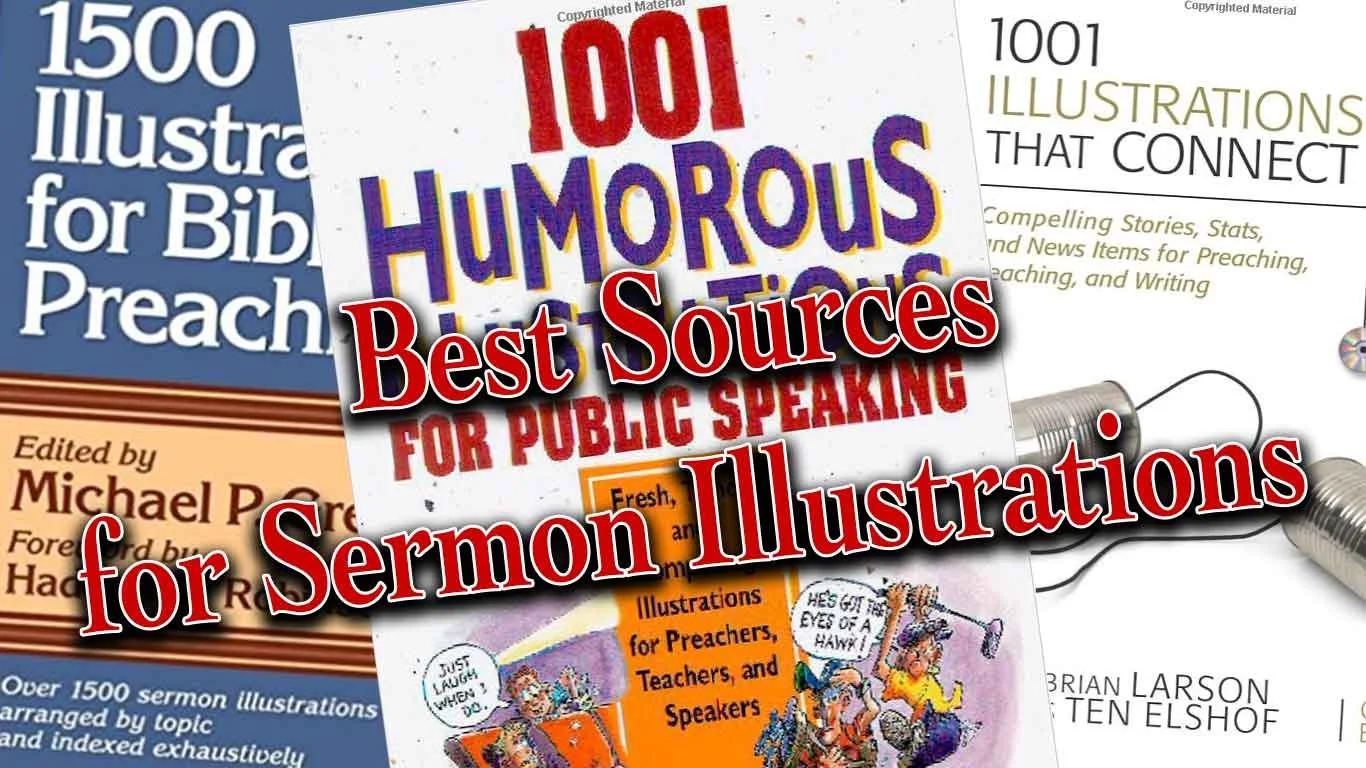
7 Great Sources for Sermon Illustrations
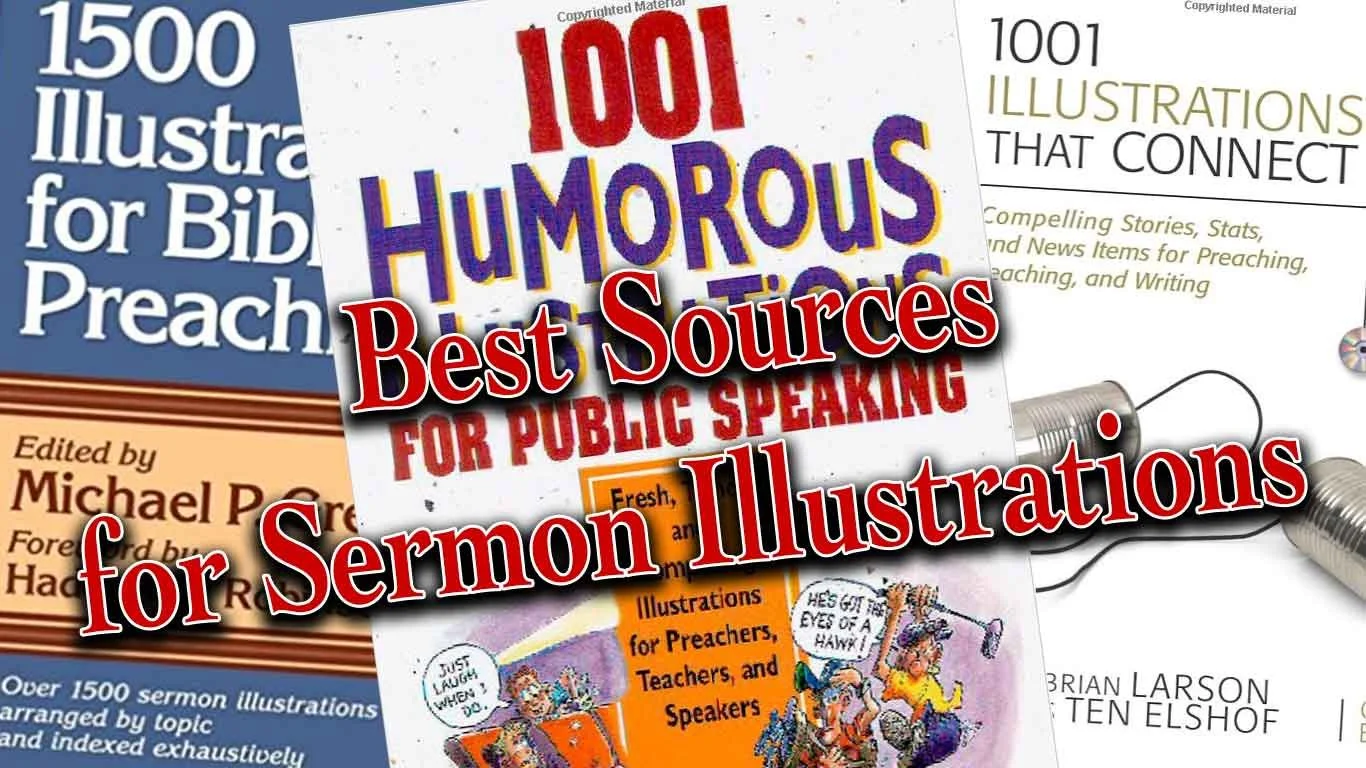
Do you need to find the perfect sermon illustrations to bring life and grab attention for the message for modern-day listeners with limited attention spans? I do and so I seek them from many sources, but a few websites help me find them.In the old days preachers would sometimes find sermon illustrations by consulting books that collected these illustrations by topic and sometimes by scripture reference. These books often suffered from a big problem; they were stale and usually dominated by old missionary stories or quotes of preachers from the 19th century. However, we still bought the books because in Saturday night emergencies we might find something we can use. These illustrations seldom will amaze listens, but they'll get the job done.
Problem with Sermon Illustrations Sites
Today's sermon illustrations databases suffer the same problem as those old illustration books. They can get stale and don't always show us the most interesting or exciting stories or quotes. There's good news because website publishers can update them. Some will also ask users to give their own sites. A few of these offer an incentive, like paying them or giving them access to the site at reduced or free rate.Aside from poor content, users struggle to search the database effectively. Google has billions of dollars to throw at improving their search features, yet they still fail more than succeed in delivering quality results on page one. It's no wonder that even the best funded sermon illustrations websites still struggle to produce useful search results.In spite of the weaknesses of these sites dedicated to sermon illustrations, we'll look at the best sites for finding good sermon illustrations. Not all of them will be these dedicated illustration database sites.
Preaching Today
 My favorite website for finding sermon illustrations comes from Christianity Today. PreachingToday.com gives preachers more than a database of sermon illustrations. It includes...
- Sermon Illustrations - database searchable by keyword, scripture passage and general search. It shows passages that it might fit and topics for preaching. Some even include links to photos that the preacher can display as part of a sermon presentation. If it refers to a movie scene it gives the scene time code (when it occurs in the movie).
- Sermons - database of sermons also searchable the same way the user can search illustrations database with both outlines, sermon series and full text sermons. Search by text, theme, or key word.
- Skill Builders - tips and articles for improving the preaching craft. This can include creative ideas for preaching, tips on how to preach better and more.
- Holidays - section devoted to both holidays and events of the church year like baptism, funerals, etc. that groups all the content available (Illustrations, sermons, videos, and images) by holiday or church event.
- Videos - videos that churches can use in their church if they do presentations.
Preaching Today doesn't come free. Get one year for $69.95 for two for $119.95. You can get some things for free, but not a lot. I pay for a subscription gladly because I have found plenty of fresh and interesting illustrations. Here are the site's strengths:
- Fresh illustrations
- Narrow the search by things like...
- Kind of illustration - the source, audience, type (humor, quote, stats, stories, et. al.)
- Word or Phrase v. Keyword - search the text of the illustrations for the word grace or find all illustrations about keyword grace even if it doesn't include the word grace itself.
- Searching for illustration also searches the other areas (sermons, videos, and more) and shows them in tabs at the top fo the page.
- If you use an illustration you can record this and it will remember that you did so you don't reuse them repeatedly.
Now for the cons:
- Sometimes a search returns illustrations that doesn't really seem to relate to your topic, keyword or passage even though they claim to.
- The cost of the site will keep some from using it.
I often find a true story on Preaching Today and then I'll do a Google search of the story, especially if it's a news story. Then I can fill in details and rewrite the illustration to better fit my preaching idea. I can also find media that fits to display during my sermon. Of course obey all copyright laws.
Google News
As I said above, I'll often find a good news story in a sermon illustrations from Preaching Today, but I need more information. I'll head over to Google and do a search. When. the main page shows few valuable results, then I click on the News tab and often find more pertinent information.Google News will let me find current events to illustrate my preaching idea. This gives the sermon fresh content and they'll come alive in listeners' minds. That's what makes Google News such a valuable tool and it's free. In the example above (see image) I searched for the term "redemption". We get some dictionary definitions and then link to the Internet Movie Database description of the movie titled Redemption. Down the page (not seen above) the results offered very little useful content. I can keep clicking for the next page of results or I can click on the News tab (see the middle tab in image above) and it shows stories about redemption.The second result took me to a NASDAQ news article about redemption of "senior notes". Reading the article helps me think the term redemption as a financial concept, which sparks ideas about relatable sermon illustrations. People might not understand the concept of this article since it covers complex economic issues. However, it serves to spark thoughts about more relatable ideas like covering debt to "redeem" someone's property that might be in foreclosure. I have a friend and family member who went through this. I can relate to it, so many of the people in my audience probably will too.
WingClips
Movies dominate culture, especially very popular blockbusters. They often include interesting scenes that we can use to illustrate our sermon ideas. WingClips partners with the movie studios to let users show these clips without breaking copyright laws. Along the left hand column you'll notice the themes they cover and it shows the number of clips on that theme. You can also search for clips by keyword, movie title, category (meaning film genre like action adventure or animated) and scripture reference. The scripture reference doesn't always work. I'm preaching through Ezekiel so I clicked on Ezekiel 7:25-26 since I'll soon preach that text. WingClips had a link for that passage but showed no results. Stick with the themes. I searched for redemption and came up with a number of useful clips from movies like Les Miserables, The Mummy and Courageous.Most of the clips come in HD and show user ratings (5-star scale) along with written reviews. Preview the clip and see other clips from the same movie on a clip page.WingClips offers some free illustrations and a free subscription. However, to really get the most out of the site, you'll have to either subscribe or pay for clips. They offer subscriptions either monthly or annually. See the image below for costs.
  Monthly subscription prices are as follows:
- $10/month for one clip a month.
- $16/month for 2 clips a month.
- $29/month for 4 clips a month.
If you prefer to save money and will pay annually the cost as follows:
- $89/year for 10 clips a year
- $165/year for 20 clips a year
- $299/year for 40 clips ay ear
If you prefer, you can buy clips one at a time without a subscription. They cost...
- $15 for one clip
- $25 for 2 clips
- $48 for 4 clips
- $219 for 20 clips
Compare paying monthly, annually to buying clips as needed and you'll see that you save some money by subscribing annually. I'd suggest starting out by subscribing to the 10 clips/year and then buy more clips as you need them. If you find you're using more you can upgrade to the 20 or 40 clips per year at any time.
Pixabay
 Frederick R. Barnard once said, "A picture paints a thousand words." Pictures can say quickly what we want to express in our sermons. Here's how I use them in my preaching.
- To illustrate main points - I create a slide with a picture that illustrates the concept of my preaching point. I may never even reference the photo if it obviously says what I want to say (see image above).
- Represent a Sermon Illustration - If I'm sharing a quote, I'll put a photo of the person on the screen with the quote or with a key phrase from the quote. If I'm telling a story about a guy in a fishing boat, then I'll find a photo of a fishing boat to display as I tell the story.
- Comics - these are good ways to share a joke. Just let the people read it. I'm not a great joke teller. Off-the-cuff humor is my thing. So comics are sometimes more powerful than telling a joke. I use this primarily at the beginning of a sermon. I tell the person running my presentation to put the joke up while I'm praying before my sermon. Then I just turn and look at it as I give the audience a chance to read it or look at it. Then I will turn back to the crowd and start preaching, often referring to the joke in the comic.
- Backgrounds to my sermon Bible text - put an image behind a verse that represents what that verse says.
Those are a few ways I use images. I include from 10 to 30 slides in most sermons. I get most of these images from a site called Pixabay, which gives users free images they can download and use under the Creative Commons license agreement. Creative Commons means you can reuse it so long as you give the original creator of the photo credit. Users can search Pixabay's free database of images. Users add to the database and then other users can download the images and use them in their work. The site's free to use. If you're a skilled photographer or artist please consider adding to the site.
 I searched for redemption as I have on the other sites. It showed the above results, including some "adult content" meaning some of the photos show nudes. By default Pixabay blacks out such content and you have to click them to see them. I just ignore them. When the images on the site don't match what I'm looking for, I will either search using a different synonymous term or I'll use the sponsored links to Shutterstock that show up at the top of the page (see below)
 When I find an image I like, then I'll save it and put it in my presentation software. We use MediaShout. I'll usually put something like "Used by permission from Pixabay.com USERNAME - by Creative Commons". If I need to add text for a quote or for my sermon points, then I'll add the attribution on Photoshop or Affinity Photo on my iPad.
freesound
To add some spice to sermon illustrations, my friend Wes Allen who's part of the Theotek Podcast team, uses sound. For example, he said that he was once talking about a criminal investigation and so he used the Law Oder TV show sound. In another instance he was talking about the great cloud of witnesses from Hebrews and used a crowd roar to illustrate it audibly (listen below). I've used sound in this way maybe 2 or 3 times in my life. But it sounds like an interesting tool and church presentation tools like MediaShout can play sound easily.Wes uses freesound as his preferred place to find audio clips. It has a large database of free sound clips. Like Pixabay, it requires attribution since it's a Creative Commons license. Just create an account, sign in and search. Download the audio clip of your choice and play it with an image displayed. On the image show something like this...
Image sed by permission from Pixabay.com USERNAME; Sound used by permission from freesound.org USERNAME - by Creative Commons.
Here's a crowd cheer from freesound user Veridiansunrise; used by permission by Creative Commons. If I used this for a sermon, I'd cut it down since it's pretty long.
Bible Software Illustration Databases
Most of the better Bible software programs include sermon illustrations or let you buy databases of them. For example, Rick Mansfield from Accordance uses his collection in Accordance Bible Software. Rick uses the Research Search function of Accordance. He said:
I run a research search through this group I’ve made according to the subject I’m looking for.
Here's a video where Rick demonstrates how he does this in Accordance.Logos and WORDsearch also offer similar features, so check your Bible software to see if it includes these kinds of tools. If the program doesn't have illustration databases or you don't own any, search your general library for a topic. For example, search redemption in books other than the Bible, commentaries and dictionaries. You will probably find devotional books, Christian Living books and more that cover that topic with stories by the authors.
Personal Experience
You can always access the most important source for sermon illustrations - your personal experience. Wayne McDill offers a great tool for brainstorming sermon illustrations in his book 12 Essential Skills for Great Preaching. Here's how it works.
- Write down your theological idea, such as: Jesus redeemed us by his blood.
- Convert that idea to a non-theological idea: someone acts to free us from our own mistakes through a personal sacrifice.
- Now think of how that might happen in various areas of life, like...
- Family
- Politics
- Sports
- Neighborhoods
- Schools
- Work
- Church
- History
- Current Events
- Now pick two or three that you think you can relate to and your audience can relate to and write out a story to illustrate the idea of personal sacrifice to free someone from their mistakes.
 Here's an example from my personal history.
At Christmas my mom would always make Christmas sugar cookies and my three sisters and I got to help decorate them. One of the favorite decorations were the chocolate Jimmies, little chocolate slivers that to be honest looked like rabbit droppings. However, they tasted great so we often ate them before they made it to the cookies.One year, when I was very young, my mom got home from somewhere and discovered that someone at all the chocolate Jimmies. She was not happy because she made us all promise we would stay away from the sugar cookie decorations while she was out.Nobody admitted their guilt so she sent us all to our rooms. I hated being sent to my room, because like most kids in the seventies, I wanted to play outside. After about an hour I decided that I didn't want to spend another minute in my room, so I worked up some fake tears and then walked down the hall looking as repentant as I could. I found my mom in the kitchen and told her, "I'm sorry. I at the chocolate Jimmies."She was so moved by my performance that she forgave my theft and commuted her intended sentence of grounding the guilty party the rest of the week. I got to go outside.There was one problem. I didn't eat the Chocolate Jimmies. For years, my mom kept telling the story of how sweet I was that day. I never admitted to my deception until I was grown and married. During a Christmas gathering of the family, the story came up. It was then that I admitted to my lie.By then my mom didn't hold that against me. However, none of my three sisters would admit they did it. Either they were liars or more likely forgot. But what I'll never forget is how much my mom chose to forgive me on that day and years earlier. It thought I was really doing something great by admitting to something I didn't do. I thought I was being sacrificial to end this house arrest. But I wasn't the real hero, my mom chose to forgive me not once, but twice.Jesus in his grace will forgive us not just one or twice, but anytime we confess our sins and repent. He's always faithful to forgive us because he also took the blame for something he didn't do. He didn't do it selfishly, l like me. He did it selflessly to redeem me from my prison of sin and hell.
Finding Sermon Illustration Content on Theotek Podcast #054
Looking for a good sermon illustration your next sermon idea? We talk about our process and then recommend some sources for explaining, proving and showing what application of our messages looks like.https://www.youtube.com/watch?v=EKVPCmmQk00In the old days our preaching professors taught us how to manage a sermon illustration database. We had file cabinets or notebooks or file folders with clippings from the paper or photo copies of books we read. Then people started putting these on their computers with software like the program sold by the original makers of QuickVerse Bible Software. Bible Illustrator linked some databases of illustrations to the Bible text from QuickVerse and made them searchable via keyword. Others put them in the old Cards application that came pre-installed with Windows 3.1. A lot of people put them in a word processor or text file. Then the Bible software companies started to include sermon illustration databases in their programs. We showed some books like this available in Accordance Bible Software. Logos and WORDsearch and most of the other big names in Bible software offer these collections.Unfortunately, most of the sermon illustration books or databases available online, in Bible software or even in book form totally stink. They're stories from the 1800s or incredibly generic. How many times do we find one that doesn't fit, but it's close and it's really good.Listen below or watch the YouTube video of our podcast above and learn how we find fresh content from our own experiences, from a Google search or pictures and video files that make that sermon illustration come to life.