

Does Grammarly Improve Writing Enough to Justify $140/Year Subscription?
Grammarly improves writing by checking your spelling, grammar, and writing style in real-time. You can use it for free to find simple problems in your writing, but is the subscription worth the money? Check out my review ot find out.
I recently discovered the writing service Grammarly. Grammarly runs on various platforms and analyzes writing for grammar, spelling, and style problems. You can use it for free and get spelling and punctuation assistance, or you can get advanced analysis by paying for a subscription. And it's not cheap! Is it worth the price?
Where Can You Use Grammarly?
Writers can run Grammarly wherever they write, so long as they use one of the supported platforms, which include:
- Microsoft Word Plug-in
- Browser Plug-in for Safari, Chrome, Firefox, or Microsoft Edge
- Web Application
- Desktop App for Mac and Windows
- Mobile Keyboard App for iOS and Android

When you install the Word plug-in, you write, and Grammarly offers corrections that you can easily click to change. The quick correction suggestions speed up my writing because I don't worry about going back to fix typos or errors until I finish typing a paragraph or more. Then I click a few times to fix things, thanks to the plug-in.
Open your Safari or Chrome browser, and you can correct as you type anywhere on the Internet. The extension checks your spelling, grammar, and style to help you write better. Grammarly helps when writing inside web forms or other places where there's usually no spell-checking or only rudimentary spell-checking. It's helped me with my writing in WordPress.
Grammarly Web App and Desktop or iPad App

To use Grammarly as a web app, open the site and create a new document. You'll see three columns. The writing area on the left has a toolbar on the bottom for formatting text and paragraphs.
There's a narrow column called the Assistant on the right that shows your document's analysis. It tells you whether your document has any problems and how clear, engaging, and grammatically correct it rates your document.
When there's an error, Grammarly shows the correction in the center column. Users can click to fix things quickly without retyping text.
Grammarly as a Replacement Keyboard


The mobile keyboard on iOS or Android replaces the built-in keyboard. As a user types into a text entry box or a document, the keyboard analyzes the words typed and offers to correct them in real-time. The keyboard includes things like slide to an insertion point by pressing and holding on the space bar, like the built-in iOS keyboard. I can't say if the Android keyboard does this since I've not tried it.
Value and Recommendation
Grammarly is a subscription service with three tiers.
- Free - The free version works in all the various apps and services listed above. Still, it only shows you spelling, grammar, and punctuation errors.
- Premium - Premium enhances the analysis to include writing style for multiple audiences and settings. Imagine an editor helping with more than simple errors to improvise your writing style.
- Business - The Business level subscription adds more features for a team of users.
How much does each level cost? Here's the breakdown:
- Premium Monthly - $29.95
- Premium Quarterly - $19.98 for 3 months = $59.94
- Premium Annually - $11.66 for 12 months = $139.92
The Business Plan changes in price depending on the number of users. If you pay monthly, the company charges $25/month for each member. However, if you pay annually, you get a discount as follows:
- 3 to 9 members — $12.50/member/month
- 10 to 49 members — $12.08/member/month
- 50 to 149 members — $11.67/member/month
The best recommendation I can give you is this: I bought Grammarly for one year. It really helps me with my poor typing skills. I use it as my primary keyboard on my iPad and iPhone. I installed the Word plugin and used it in Safari on my MacBook Pro and Edge on my Windows desktop.
The price seems steep. After telling a friend that I bought the subscription, I learned about something similar called Antidote. He uses it, and it costs half as much. They offer a free version, too, so give it a try before paying for Grammarly. You may get a better deal than I got with Grammarly. If you don't like it, give Grammarly a try. I decided it was worth the price to speed up my typing and protect me from making as many mistakes.
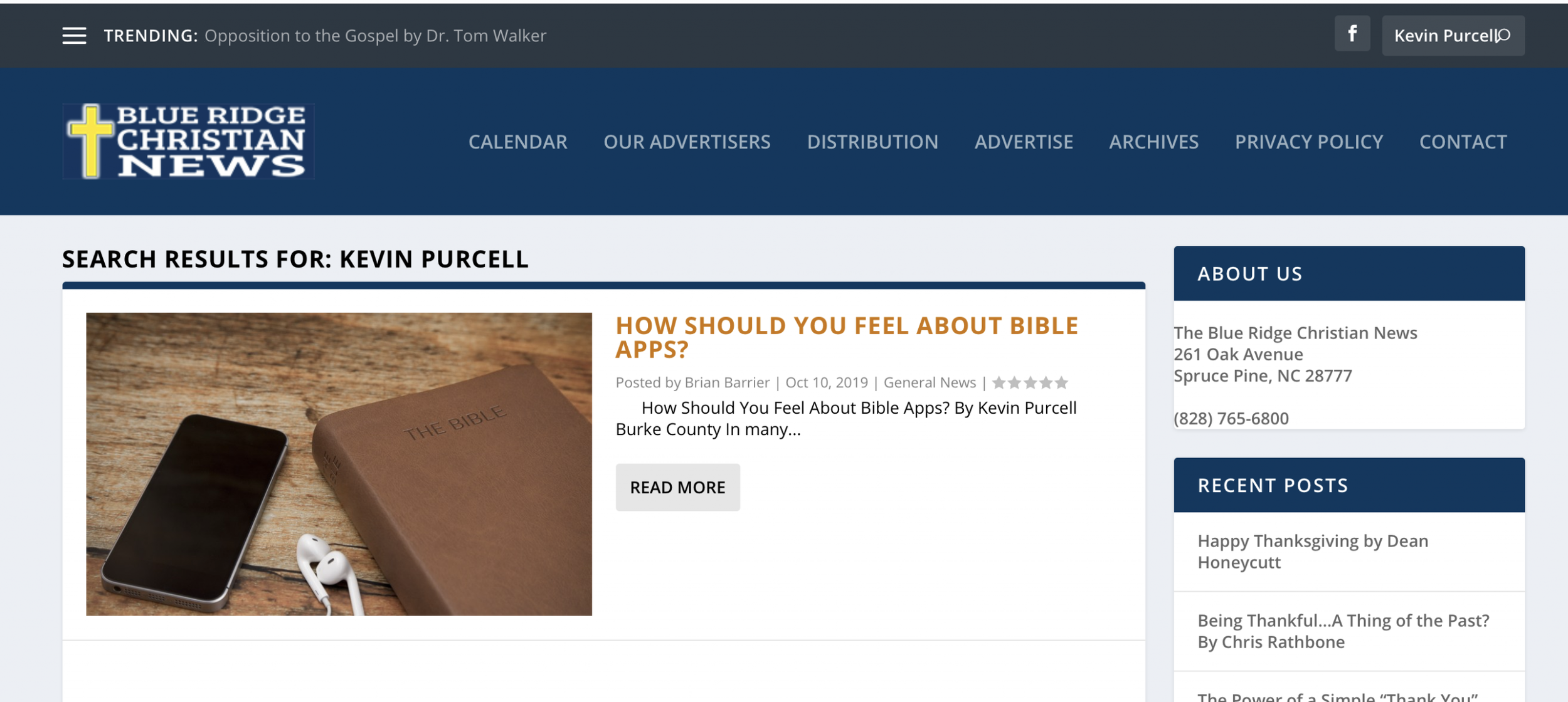
Blueridge Christian News Articles
I began writing for a local Christian publication called Blueridge Christian News. This local paper serves the Christian community in the Burke County area and the wider area.

I’ve focused on my area of expertise, Bible software and apps. However, I just submitted a study of 1 Corinthians 10:13 asking “Why doesn’t God bless me?”
You can find my articles there, when they also post them on their website. If you live in this area, pick one up and many of the businesses and of course most churches distribute the paper as well.
In Scrivener We Trust: Theotek Podcast #076
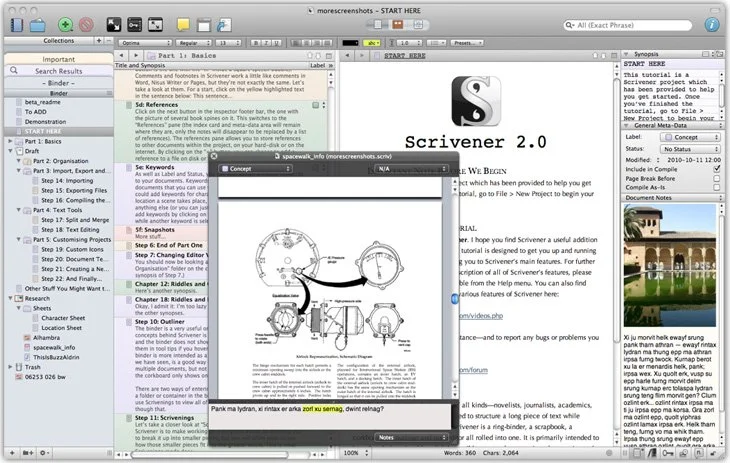
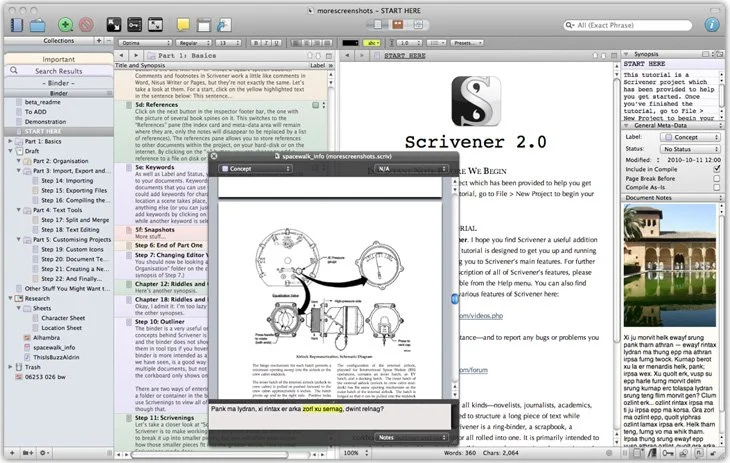
Our crew talked about a great tool for writing long form documents and projects called Scrivener. It's now out on both Mac and iOS. Windows users can also get it. It helps you organize your writing and research all in one place and then export it to multiple formats.https://www.youtube.com/watch?v=7YOMJq12HdEWe shared how to use Scrivener in writing ministry and church life as we talk Church and Bible Tech with Theotek. Tuesday Nights via YouTube Live Stream now. After that we talked about some of our favorite things.