

5 Ways of Using Apple TV in Church
The new Apple TV is a great tool for fun, but you can also use Apple TV in church. We've got 5 uses for Apple TV in church or ministry.
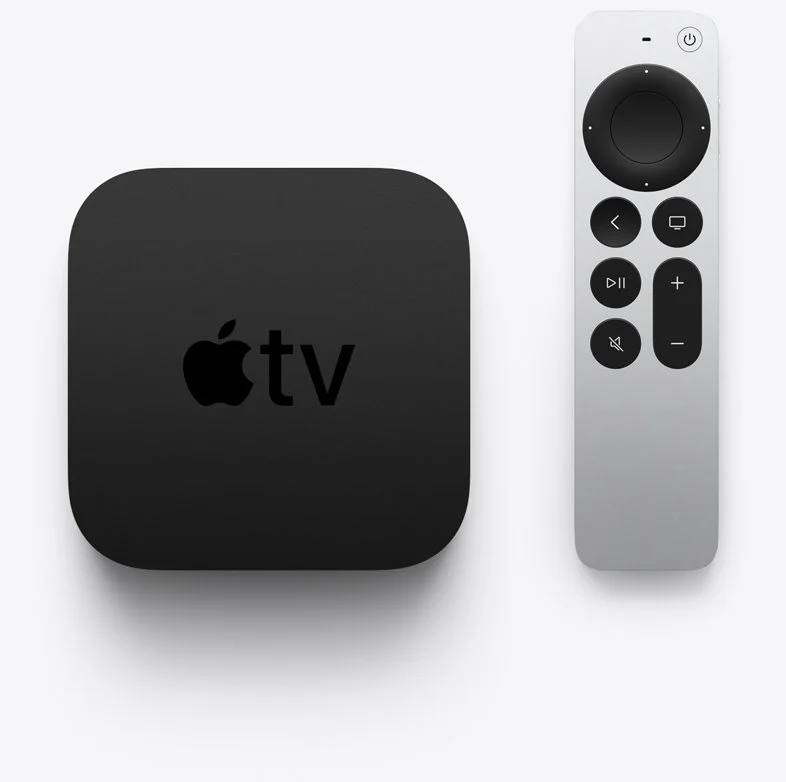
Apple just shipped the new Apple TV and I got one because I love the little black box but hated the old remote. It got me thinking about using Apple TV in church and I came up with 5 ways you can use the new Apple TV in church or in ministry.

What Is the New Apple TV?
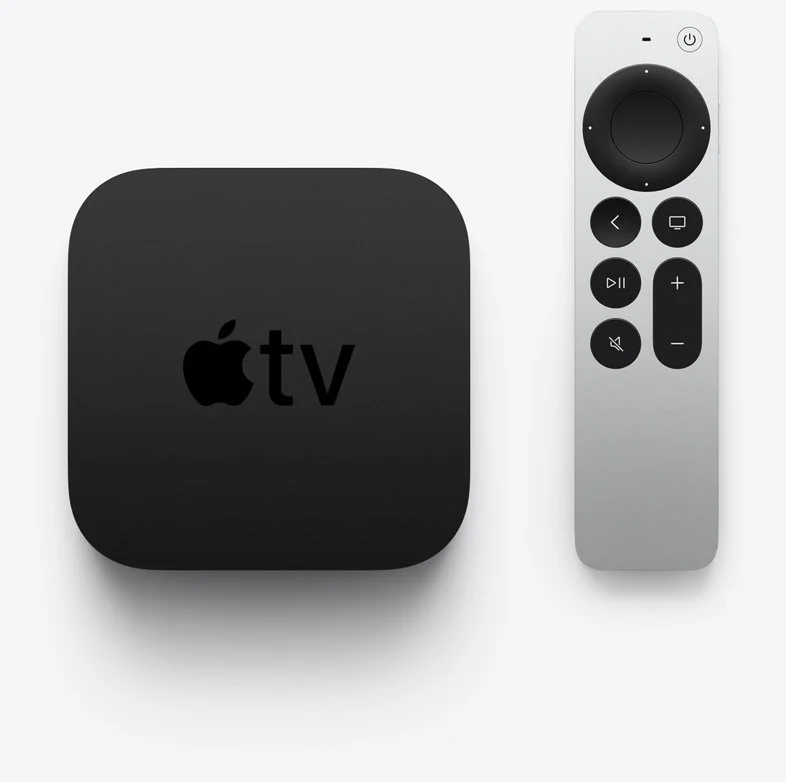
Apple first produced a set-top box way back in September 2006, but it didn't really take off till the company updated it 4 years later. Now it's a small black box that looks like an oversized hockey puck. It now comes with a metal remote that's tiny and useful for watching streamed content and even playing some casual games. You can connect a keyboard or a game controller via Bluetooth. You can also connect Bluetooth headphones, Apple AirPods, or a speaker.

Apple added a streaming service called Apple TV+ that includes content made for the service and gathers content from other streaming apps that run on the Apple TV like Netflix, Amazon Prime, Hulu, and more.
Apple added a streaming service called Apple TV+ that includes content made for the service and gathers content from other streaming apps that run on the Apple TV like Netflix, Amazon Prime, Hulu, and more.

This week (May 2021) Apple starting shipping the 6th version of the Apple TV. The following list shows the specs of the latest version, also called the Apple TV 4K 2nd Generation...
- Fast A12 Bionic processor
- High frame rate 60fps HDR
- HDMI 2.1
- Wi-Fi 6
- New color optimization using the iPhone camera
- tvOS 14.5 or higher
- AirPlay
- New and improved remote replacing the horrifically bad touch remote from previous generations

Most people probably think of Apple TV as a way to consume content for entertainment or maybe education. It's also a gaming system for casual gamers. However, you can use it in ministry or the church. So, we've got some tips for using Apple TV in Church.

The new Apple TV costs $179 for a 32GB model and $199 for a 64 GB model. Unless you think you'll install a lot of games or apps, you can get the 32GB model. However, I'd recommend buying the 64GB model since it only costs $20.
Using Apple TV in Church for Presentations
This tip seems obvious. Use an Apple TV in Church for wireless presentations from either your Mac, iPad, or iPhone. If you have an Android device, you can find apps that work with Apple's AirPlay.

Start with traditional presentation apps like Keynote, PowerPoint, or a lesser-known presentation app. Use AirPlay to connect to the Apple TV and fire up the app. It will allow you to mirror the screen or display your slides on the Apple TV and the presenter's view on the iPad, iPhone, or Mac.

If you need the details about how to connect over Airplay, use the tips on Apple's support site. Here's the support page for using a Mac to present.
Set Up a Foyer Information or Announcement Kiosk
You can display photo slideshows on an Apple TV. That's a great use for an Apple TV in Church. Get a TV in the foyer or in any room where you need to display announcements or informational slides. Hook up an Apple TV and set it to play the slideshow.
Put all your photos or slides in an album in the Photos app for the account connected to the Apple TV. Then follow the steps on this Apple Support page for setting up the Photos App to display the slides or photos.
You can use it for...
- Announcements
- Informational slides - for visitors, families, etc.
- Slideshows of events from recent activities in the church - consider putting these in the midst of the announcements or info slides.
- Play a video message - you can also place this in the slideshow of photos or announcements and info slides.
Play Music to Set Tone of a Room or Worship Event
Sometimes I fire up the Apple TV in our church's fellowship room and play some background music. It's great at holiday events or a supper for the church or groups in the church. I also occasionally play music to set the tone for a Bible study or worship event. Then after the event's over, I might fire up the music again with a playlist that sets the tone of how we want to send people on their way.
Stream Video Content
Of course you can stream video content on an Apple TV in church, but why would you?
- Show videos of past events
- Share a video message from a shut-in shot on an iPhone and stored in Photos
- Use one of the many Christian and Bible-centered apps like the Life.Church Bible, Faithlife TV, or RightNow Media Media.
- YouTube videos
- Facebook Watch videos
- Plex to stream your own videos
- Hold a movie party for a small group
That's just a handful of useful ways to use the streaming capabilities of the Apple TV in Church. You can watch any video that you want, so long as you're not breaking copyright laws.
Educate People on Using Software and Websites
If your church just got a new Church app, then use the Apple TV to demonstrate how to use the new app. AirPlay the screen on your iPhone or iPad. You could create a video and stream it.
Use AirPlay to show off your church's new website. Maybe you want your people to use another website. Demo it using Apple TV.

If you have a group of people who want to learn more about studying their Bible with Bible study software or an app, then you can teach them by opening the app or software and then use AirPlay to connect the computer, iPad, or iPhone.
Conclusion
The Apple TV can help save money and make you more successful in communicating with your church. Instead of a long cable run, connect an Apple TV to a projector. Also, it's cheaper a whole computer hooked up to a display.
While the new Apple TV is a great box for using an Apple TV in church, you might want to consider an older 1080P Apple TV. They're cheaper and will still work great. If you're getting one of the new 4K models for home, then maybe you can re-purpose an old 1080P model for the church.
Apple iPhone 8 and iPhone X Announced: Theotek Podcast #101
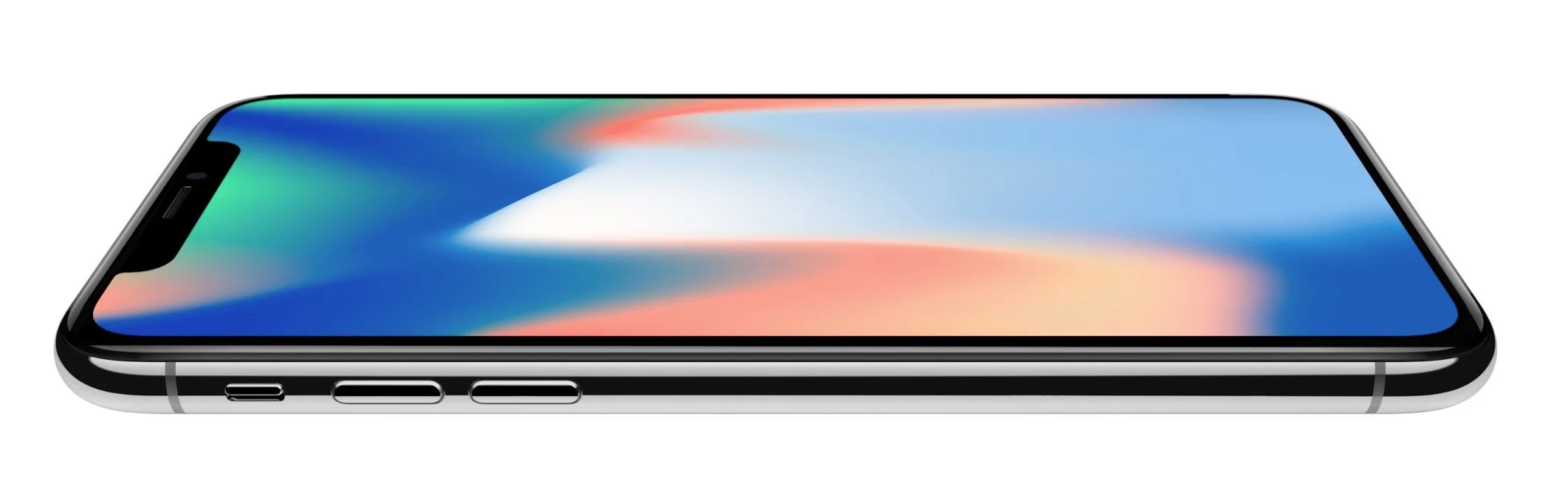
Apple announced all their new gear a couple of weeks ago. Our team talked about the new iPhone 8 and iPhone X. We'll also talked about Apple TV and Apple Watch. Watch below or listen at the bottom of this post.https://www.youtube.com/watch?v=xMlSkcDIFEQ
Apple Products Pricing and Availability
- Apple iPhone 8 and 8 Plus - starting at $699 and $799
- Apple Watch Series 3 - starting at $329 or $399 with LTE
- 4K Apple TV - $179 with 32GB or $199 with 64GB
- Apple iPhone X - preorders go live on October 31 and ship November 3 for $999
Should You Upgrade?
Should you upgrade? That's the big question that people should answer. Here what our team recommends.From LaRosa Johnson...
Upgrade only if you can afford to buy it outright and your current phone is no longer working.
From Wes Allen...
If your phone is still functioning and allowing your workflow without getting in the way then, there is no need to upgrade. If you want to push the limits and want to pass on an older phone to someone while it’s still useful, then an upgrade can be a good idea.I have a 4K tv and am not getting the new unit. Also, I’m very happy with my 6s plus
From Rick Mansfield...
I can only speak for myself. I won’t upgrade to the new AppleTV because I don’t have a 4K television. If my current gen 1 Apple Watch ever gets lost or if the battery does not last the full day for multiple days in a week, I will get the new one with LTE. I’m getting the iPhone X because I’m in the Apple Upgrade program (so why not?), and I can legitimately write it off on my taxes because I use it for work extensively.
From Mark Allison (the new guy) ...
I had an Apple Watch Series 1 and liked it a lot, but sold it to buy a Garmin Fenix 3, that was a more capable watch for the things I like to do - hiking, mountain biking and other outdoor activities. The new Apple Watch includes an altimeter, which means it can record elevation accurately. It’s also water-resistant, a feature added in the last version of the watch, which makes it a more compelling upgrade for outdoor enthusiasts. I’m not happy about paying $10/month for the LTE version. Paying $120 a year for a watch adds up. Still, it’s nice to be able to make a call without a phone, and the call quality is supposed to be excellent.I have an iPhone 7, and I’m not planning on upgrading. iPhone 8 doesn’t have enough compelling features (in my mind). The iPhone X looks nice, but I’m more inclined to wait a year until they have all the kinks worked out. That’s saying a lot, because I typically get any new phone that Apple introduces. I guess I’m just happy with the iPhone 7 and don’t feel a strong compulsion to spend the money for features I’m not excited about.I have the original AppleTV and the newer one too (not the 4K version). I don’t have a 4K television, so it wouldn’t make much sense for me. If I had a 4K TV (and when I purchase one, it will have HDR, which I’m more excited about than 4K) I’d certainly get the latest version of the AppleTV.
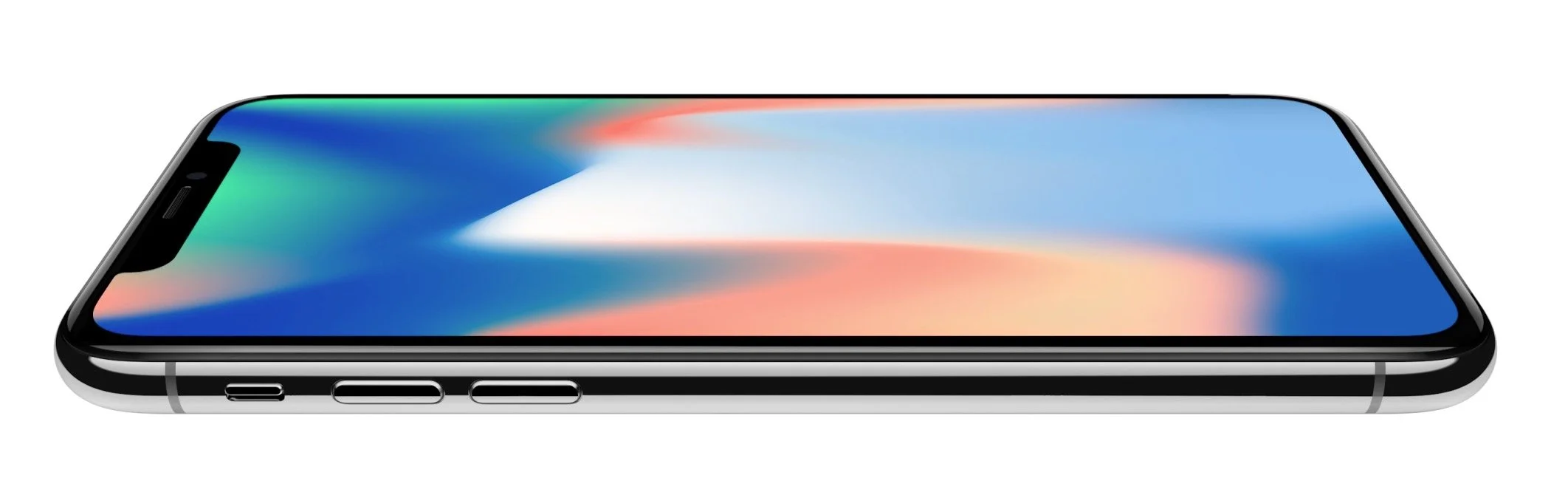
 Here's my take. I love the latest greatest and am often upgrading faster than I ever need to, but the iPhone 8 is so boring an upgrade that I have no interest in it. I'll stick with my iPhone 7 Plus. The iPhone X is a terrible design. I hate the "notch" and think it's a ridiculous mistake. It's a rip off of the Samsung Galaxy S8+ with the Apple logo and all the cachet that goes with that. For some, they want the latest greatest Apple phone and can afford it. That's Rick's stance above. For most of us we should probably not upgrade if we're being frugal and good money managers. LaRosa said only get it if you can pay outright for it. At $1,000 for the X and $700 or higher for the 8, that's few people.As for the Apple Watch, only get one if you're an iPhone user and want a smartwatch and don't already own the earlier generations of Apple Watch. Same for the Apple TV.Remember that if you have an old device, sell it yourself on eBay, Craigslist or Facebook. Don't sell to the device trade-in services like Gazelle. Selling yourself is a pain, but you'll get more money. You'll often get enough to buy the new phone for half or even one-third the cost using the money from the sale of your old device.
Preaching With an iPad Pro: Theotek Podcast #046
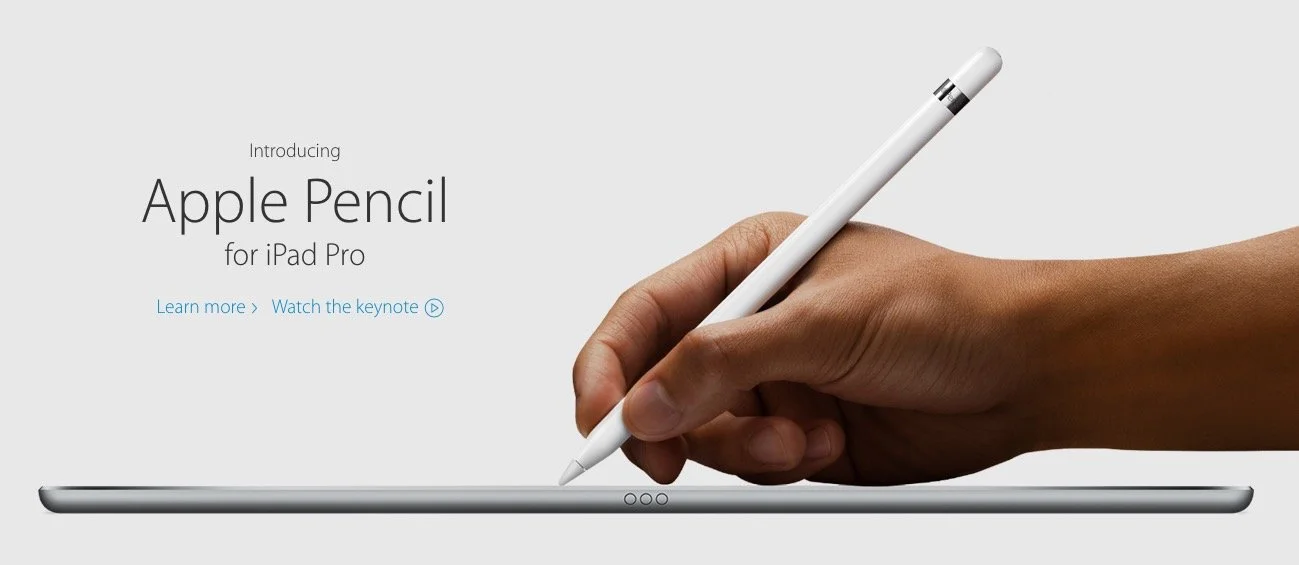
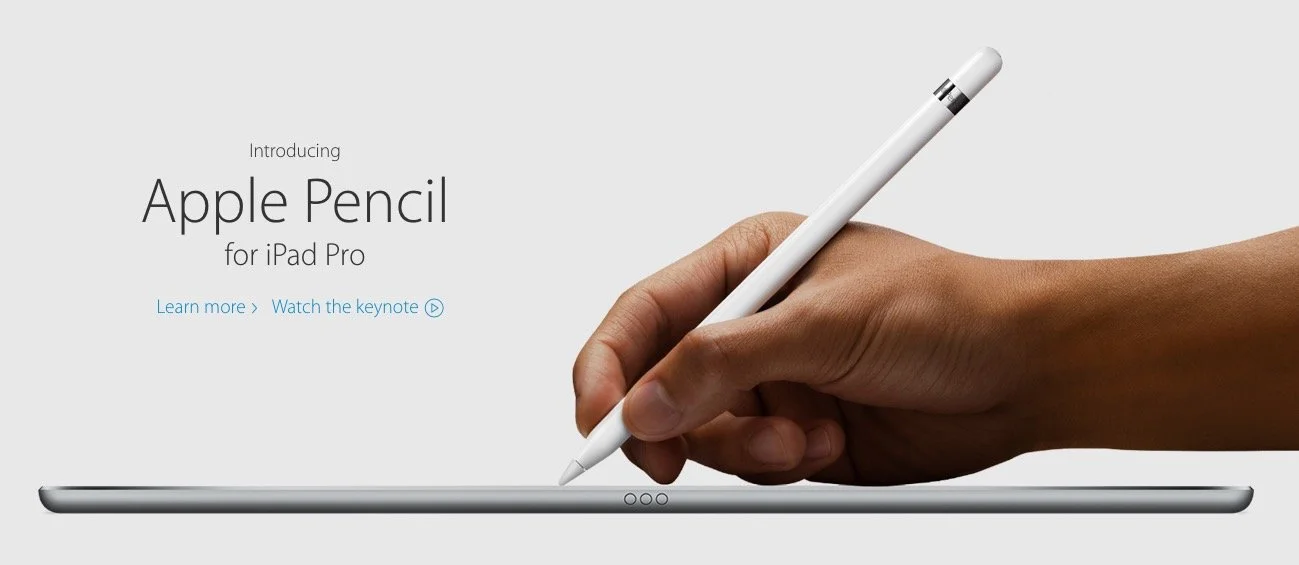
What is the new Apple iPad Pro like for studying the Bible, preaching or teaching? Rick Mansfield (@thislamp and thislamp.com) got one this week and we asked him a lot of questions about using it. Watch or listen below to hear his thoughts.https://www.youtube.com/watch?v=16v6TwpaPvEJust a summary of Rick's conclusions. First, he likes the side-by-side feature so that he can hold his Accordance Bible app next to Microsoft Word. This will help with both Bible study and preaching. The Keynote app and Word can sit on-screen at the same time. He uses the notes feature in Keynote, but after the podcast was over he tested and found out that you can run a Keynote presentation mirrored to an Apple TV and open Word in side-by-side mode. Second, he tested out the iPad keyboard and looks forward to getting one to use. He didn't like the Logitech keyboard case as much because it seems harder to remove from the iPad Pro.We talked about the Pencil, which is hard to come by until December. Wes tested it out at his local Apple Store and found that it was a great experience. They've done a good job of making it work well and feel more like writing on paper than older styli.At the end of the podcast I shared some first impressions of using the Apple TV 4th generation. It's a nice media device and the remote is both good and bad. Siri works great and AirPlay still works as well as before.
Apple iPad Pro, iPhone and TV: Theotek Podcast #039
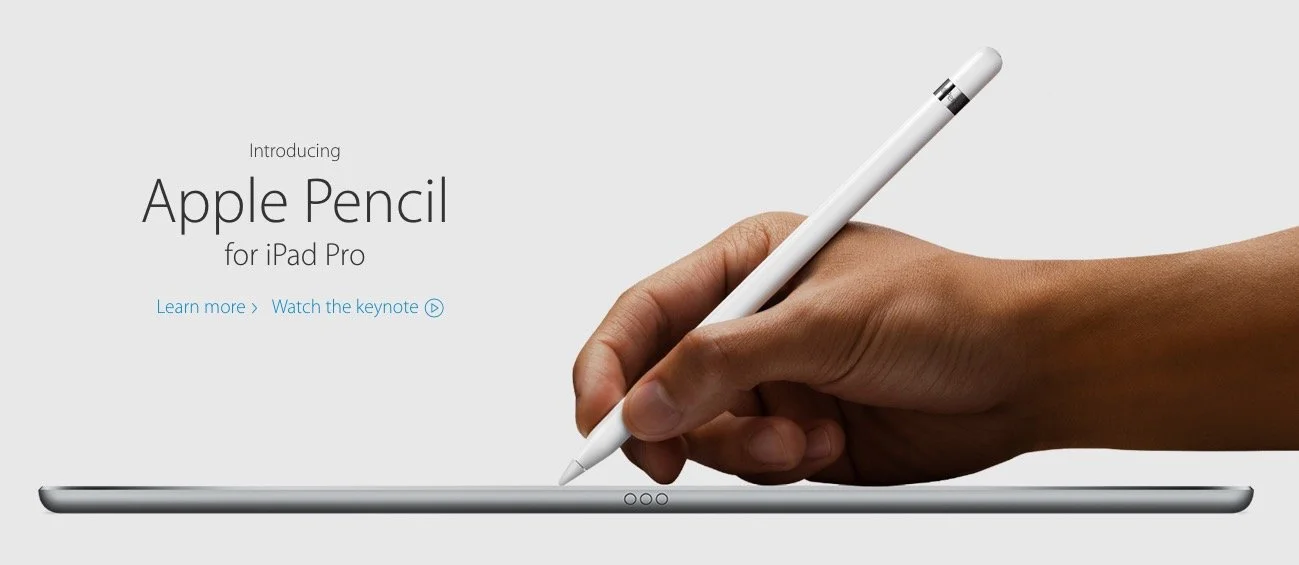
Apple showed off their new iPad Pro, a nearly 13-inch iPad with support for Apple Pencil and a keyboard cover they call a Smart Cover. In addition, we learned about the WatchOS 2.0, Apple iPhone 6S and 6S Plus as well as the updated Apple TV that runs games and apps.The Theotek crew unpacked all the news and gave our opinions of each new product. We also talked a little about how this impacts Bible and church tech users.https://www.youtube.com/watch?v=0Wqx3MEwD5gGive the Theotek Podcast #039 a listen below or watch the video above.