3 Great Logos Bible Software Deals You Should Buy
Here are 3 great Logos Bible Software deals that you can get now and save a lot of money. Find out how to gets free books and deeply discounted books, commentaries, and collections for Logos.

You know that I use Logos Bible Software for most of my Bible study needs. As a result, I'm happy to recommend these 3 great Logos Bible Software deals on some excellent books, collections, and upgrades to Logos 10 or even Logos 9 if you haven't updated to the new Logos 10 version.
Logos Bible Software Deals on Logos 9 Legacy Libraries

The first of our Logos Bible Software deals lets you update your collection of resources with Logos 9 Legacy Libraries. A legacy library includes books like the CSB Study Bible, Tyndale New Testament Commentaries, the Anchor Yale Bible Dictionary, and Theological Diction of the New Testament. Not only will the Logos 9 Legacy Libraries cost as little as $35, but also you can get a huge collection for thousands of dollars. Here's a recommendation:
- Get the Logos 9 Gold Legacy Library which includes excellent resources like...
- Pillar NT Commentary
- Baker Sermon Outlines Collection
- Anchor Yale Bible Dictionary
- Cornerstone Biblical Commentary
- John Piper's Sermon Archive
- Take a look at your denomination's library
- Baptist
- Lutheran
- Messianic
- Anglican
- Methodist/Wesleyan
- Pentecostal
- Orthodox
- Reformed
- Verbum (Catholic)
Free Book of the Month and Other Sharply Discounted Books

The free book for June comes from R. C. Sproul. Get The Consequences of Ideas: Understanding the Concepts that Shaped Our World for free. This book covers the "influential philosophies" from impactful minds in theology, education, arts, and more. Each of the 14 chapters covers a different philosopher or group of philosophers.
Sproul explained why we need to study Philosophy with the following quote:
Philosophy forces us to think foundationally. By foundational I mean first principles or basic truths. Most ideas that shape our lives are accepted (at least initially) somewhat uncritically. We do not create a world or environment from scratch and then live in it. Rather we step into a world and culture that already exists, and we learn to interact with it.
R. C. Sproul, The Consequences of Ideas: Understanding the Concepts that Shaped Our World
Likewise, the other books available for steep discounts include:
- Kingdom Race Theology: God's Answer to Our Racial Crisis by Tony Evans
- The Sabbath as Rest and Hope for the People of God (Short Studies in Biblical Theology) by Guy Prentiss Waters
- The Psalms: Language for All Seasons of the Soul by Andrew J. Schmutzer and David M. Howard Jr.
- Understanding and Applying the Bible by Robertson McQuilkin
- A Merciful and Faithful High Priest: Studies in the Book of Hebrews by Martin Lloyd-Jones
- The Heart in Pilgrimage: A Treasury of Classic Devotionals on the Christian Life by Leland Ryken et. al.
- Creative Bible Teaching by Lawrence Richards and Gary Bredfeldt
- A Biblical-Theological Introduction to the Old Testament: The Gospel Promised by Miles Van Pelt
- The New Moody Atlas of the Bible by Barry J. Beitzel
- Theistic Evolution: A Scientific, Philosophical, and Theological Critique by J. P. Moreland, Stephen C. Meyer, Christopher Shaw, Ann Gauger, Wayne Grudem
- Covenant Theology: Biblical, Theological, and Historical Perspectives by Guy Waters, J. Nicholas Reid, John R. Muether
- Unlocking the Bible Story (4 vols.) by Colin Smith
- The Holy Spirit: The Helper (The Complete Works of John Owen, vol. 7) by John Owen, Andrew S. Ballitch (PREORDER)
Publisher Spotlight: Eerdmans Collections

You can get deals on Eerdmans books. Specifically, the publisher offers 40% off the New International Commentary of the Old and New Testament, a great series with many volumes listed in Best Commentaries. More than 20 of the OT volumes are ranked in the top 5 while all but 4 of the NT volumes show up in the top 5. Amazingly, this collection retails from Logos for nearly $1,800 but will cost you only $1,061.99 with this sale offering 40% off. If you own any single volumes dynamic pricing will reduce the price.
You can also get several collections in the Old Testament, Soren Kierkegaard, Theological Dictionary of the Old and New Testament, the Pauline Collection of commentaries, and dated collections from the last several years.
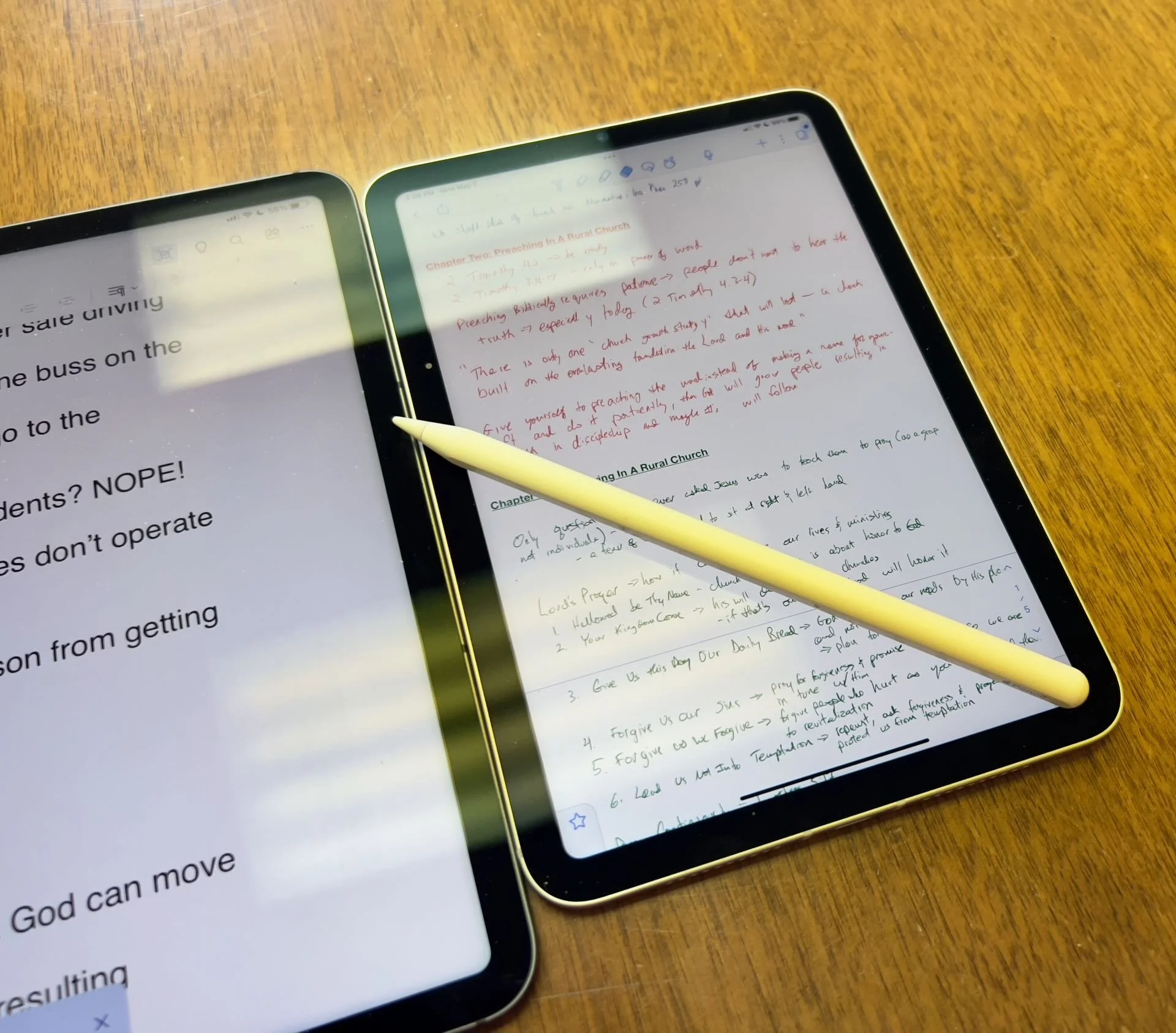
Which Apple iPad is Best for Bible Study?
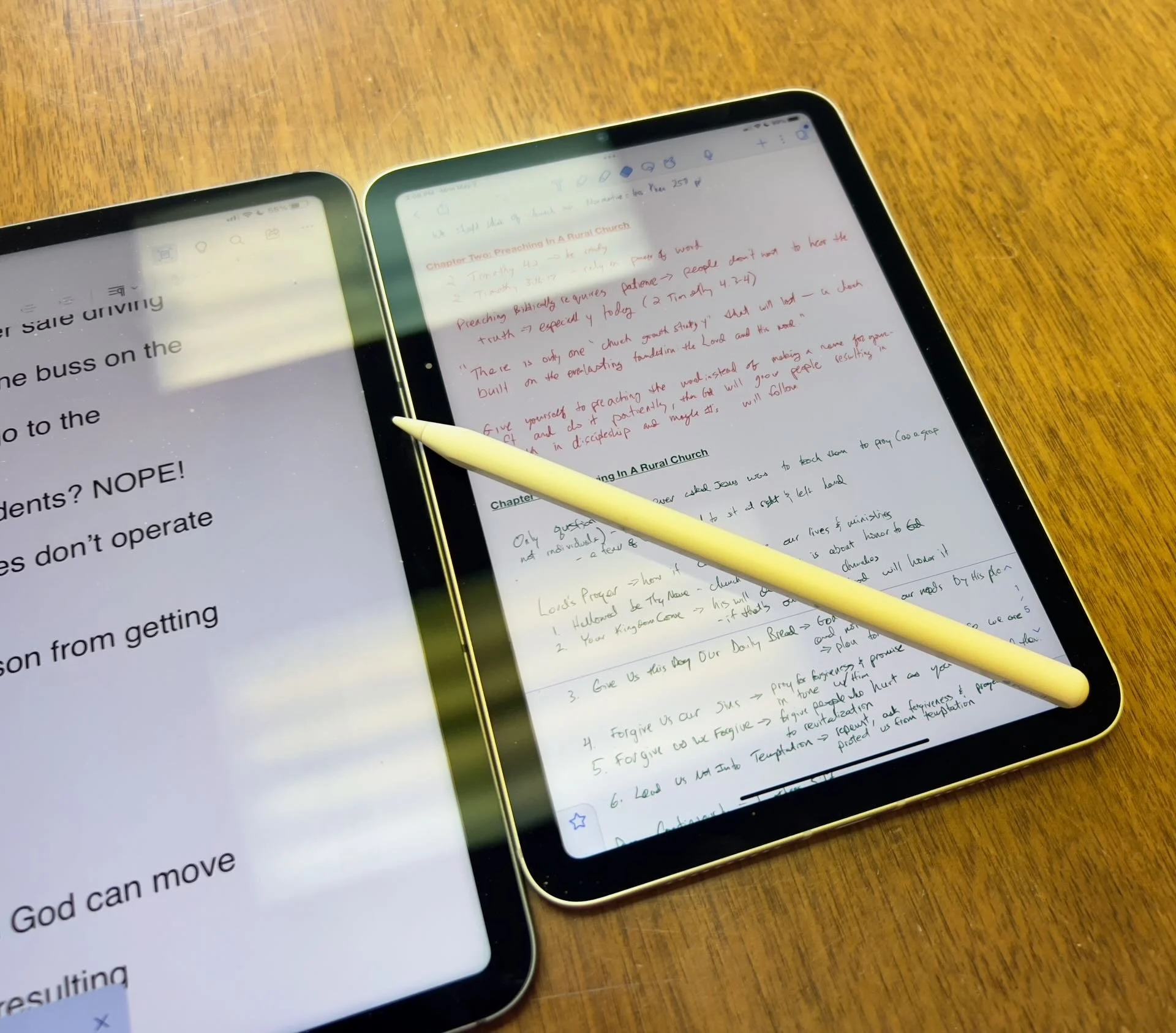
The Apple iPad in whatever form factor destroys the Android competition for great Bible study on a tablet. Windows comes in a close second because you can install a desktop-class Bible study program on it if you have the storage.
Even if you assume I’m correct about the iPad, which is a big assumption, what iPad should Bible students choose and why?

To just get the conclusion, jump to the end for my Conclusion at the end of the page.
The 4 Apple iPad Form Factors
All four Apple iPads include a slab of glass housed in a rectangular case. They come with varying qualities of screens, speakers, and speed. However, users will not see a huge difference in running the most popular Bible study apps from Logos, Olive Tree, Accordance, and more on any of the four current-generation Apple iPad. Still, let's take a look at each starting from smallest to largest.

The smallest iPad also gives users the most mobile experience. The iPad mini feels more like reading a book than the other iPads. It comes with an 8.3-inch liquid retina screen when measured diagonally. That's 7.69-inches tall and 5.3-inches wide, about the same size as a small Bible but capable of carrying an entire theological library.

The iPad Air has Touch ID on the power button, a convenient security feature. You will also get some pretty decent speakers on the two shorter edges and USB-C for connecting chargers or accessories.
If you want to carry your whole theological library, then you’ll likely also want one with 256GB of storage. Unfortunately Apple stubbornly only offers two storage options. You can get a meager 64GB or too much for Bible students with the larger 256GB option. Most people need more than 64 and less than 256.

The two storage options cost $499 for the base model iPad mini 6 with Wi-Fi only. With 256GB you add $150. That's ridiculous, but necessary because after you own the mini for a while, you'll want to use it more and more because it's so convenient to carry out. So plan to pay the extra coin.
I personally chose to add Cellular as well making it cost $$800. I like that I can just open the cover and start working no matter where I am, almost since there are some areas without coverage in my semi-rural community.
Throw in an Apple Pencil 2 and a cover and you're over $900. That's a lot of money, but you can get it on a 0% interest payment plan with your wireless carrier or with an Apple Card.
The newer Apple Pencil 2 connects and charges while connected to the side of the iPad. It's a great stylus but costs. More on that below.

Some people call the basic model the iPad 9 or iPad nothing because it doesn't include a descriptive name like the mini, Air, or Pro. It's the cheapest option at only $329 for 64GB of storage and no Cellular.
It includes a larger screen at 10.2-inches diagonally or 9.8-inches by 6.8-inches when measuring the long and wide sizes of the entire device.
The iPad doesn't support Face ID but you can unlock it by touching the Home button, which has Touch ID built-in. It uses older technology than the Air or even the mini. However, it's a great starter iPad for most people. And if you only plan to study the Bible, strongly consider it since it costs less than any other device. Users can use the Smart Keyboard.
The iPad 9 comes with the same problems as the iPad mini with only two storage options - 64 and 256 GB. So you really want the larger storage option which brings the price to $479. If you want Cellular, then add $130 bringing your total to $609. Most looking for this budget model won't want Cellular, but get the 256 because 64 isn't enough.
The other problems with the regular iPad include...
- Lightning connector is slower and makes accessories more expensive since creators have to pay Apple for the right to include Lightning.
- Lower resolution screen that's not as good as the mini and much worse than the Air or Pro models.
- Slower A13 Bionic Chip compared to the A15 in the mini and the M1 Chips in the Air and Pro models
- Uses the older first-generation Apple Pencil that charges by sticking it into the Lightning port making it easier to break off the connector or lose the cap.
Apple offers the iPad as the budget option and that makes it a great tool for people who want a device for basic needs, including Bible study, reading, and Bible app research. You can also pair it with a Bluetooth keyboard for writing. Just don't expect the latest and greatest. Those tech specs aren't included.
Some call this the best deal on an iPad today. You get the most bang for your buck. However, it will cost you more than the iPad and iPad mini. It has a much better screen and a super fast and efficient M1 chip. Plus it records 4K video with the back camera and has a front camera that follows you when you're video conferencing. They call that Center Stage because it centers the camera on the subject.
The Air speakers sound great and the screen looks amazing. You can use the awesome iPad Magic Keyboard case or the awesome Smart Keyboard Folio with the trackpad. I love this keyboard. Also, the newer Apple Pencil 2 connects and charges while connected to the side of the iPad.
However, we still see the annoying storage issue with only 64GB or 256GB. Plus Cellular swells the price by another $150. That brings the total with 256GB and Cellular to $899. For Wi-Fi alone, you pay $749. Why does Cellular cost more on the Air than on the mini or the basic iPad?

The iPad Air is the prettiest coming in one of five colors including Space Gray, Pink, Purple, Blue, and Starlight.
The iPad Pro below comes in two sizes, 12.9 inches, and 11 inches. Don't get the 11-inch iPad Pro. Instead, get the iPad Air.

The most expensive, powerful, and feature-rich iPad seems more like a mobile computer than a tablet. The iPad Pro which you can get in 11-inch or 12.9-inch screen sizes offers the most power of the four sizes. It costs $799 for the 11-inch and $1099 for the 12.9-inch.
Apple offers 128GB for the base price. That's the sweet spot and should be the lowest storage offered on any device made by Apple. It's the perfect storage for most buyers. However, you can get 256, 512, 1TB, or 2TB. You don't need anything more than 128 for Bible study. However, you may want to choose higher storage if you plan to use this iPad for much more than Bible studies, like video and photo editing, gaming, and more complex uses.
Users may want the large 12.9-inch screen because they want more screen real estate for Bible study.
Other specs to excite buyers include:
- Liquid Retina XDR Display
- ProMotion
- M1 Chip with more memory than the others
- Face ID and Center Stage camera
- 5G Cellular optional along with Wi-Fi 6
- LiDar support for things like 3D modeling
- Thunderbolt USB-C port that's fast and will connect to a Thunderbolt monitor or incredible docks with a lot of ports
Recommendation for Bible Study Only

If you only want to study the Bible then you have to ask yourself a few questions. Do you want something small and easy to carry around like a small Bible? Then get the iPad mini. If you need a bigger screen then get the iPad Air. It's the most future-proof and with all the tech inside it will last for a long time. However, budget-conscious buyers should go with yesterday's technology in the basic Apple iPad.
Just remember this. I've never met anyone who actually used a tablet only for Bible study. So, you can see yourself possibly needing a little more power, a good typing experience, or some screen real estate to edit your photos or make video masterpieces, then get the Apple iPad Air.
Recommendation for Bible Study and High-End Multimedia
If you just read the above paragraph, then you know I recommend the Apple iPad Air for people who want to study their Bible with Logos, Accordance, Olive Tree, or some other Bible app and work with multimedia. But which iPad Air should you get?
The 256 is, unfortunately, the best option until Apple gets its head out of the sand and starts offering a 128GB option.
Recommendation for Those Needing a Large Screen

Buy the Apple iPad Pro 12.9-inch model with 128 GB if you only want to study the Bible or 256GB or more if you want to do high-end work like multimedia creation.
I bought the 12.9 Pro because I teach and preach from my iPad and due to my aging eyes the mini's just not big enough. The iPad Pro 12.9 means typing on a keyboard that's wide enough to enjoy. The Air was too narrow for my big hands. I spent more than I needed to. Until Apple offers a larger Air with 128GB, I'll happily keep my Apple iPad Pro 12.9-inch.
Recommendation for Buyers on a Budget
This one's simple. Get the basic Apple iPad for $329 if you don't own a large Bible library or pay more for the 256GB model. You won't get all the power and specs and it may feel old in a shorter time since it's not as fast, but for buyers on a budget, it's the best way to go.
The only other budget option is to buy a used device or get an older one. Look at your budget and something that fits in your budget that also fits your preferred form factor.
You can check out Apple's Refurbished store. For example, they offer the iPad mini 5 for the same price as the newest base model iPad. For slightly more than the base model you can get an Air with Wi-Fi for just $419.
Check out eBay, Facebook Marketplace, and Swappa as other options for used and refurbished products. You can get a great deal.
Must-Have Accessories
When you buy an iPad, you also have to factor in buying accessories. Other tables like the Samsung Galaxy Tabs come with at least a writing device. You can use the tablet alone, but I wouldn't. You'll need the following accessories.

- Cover or Case - you will want to protect your device.
- Keyboard or Keyboard Cover - you can study the Bible on your iPad more efficiently with a keyboard connected.
- Apple Pencil - you may want a Pencil to write or take handwritten notes in apps that you can use alongside your Bible apps.
- Screen Protector - I used to not protect the screens on my tablets, but when you carry it around naked you should.
- Headphones - many Bible apps include audiobooks or videos.

Let me offer my top recommendation for each category above.
- The Apple covers or cases work best, but if you want to save money go with cases from Moko, Spigen, or Moshi.
- Apple's Keyboards or Keyboard Covers are the best options for the Air or Pro. The Magic Keyboard is $300 and the Smart Keyboard Folio costs $180. I love typing on my Magic Keyboard cover connected to my iPad Pro 12.9. However, Logitech makes great keyboards too if you want to use your iPad at a desktop. I have the Logitech MX Keys and MX Keys mini. You can also buy Apple's Magic Keyboards with or without Touch ID.
- Apple Pencil is the best writing device and I wouldn't buy another one. However, the Logitech Crayon is a $70 alternative.

- Screen Protectors are a budget item. They shouldn't cost a lot of money. Just get a glass screen protector. However, here's one alternative that some people really like. Get a Paperlike screen protector, which does two things. It protects the screen and gives users a paper-like experience for drawing and writing.
- Get the Apple Airpods or Beats to use for Headphones. They work best with Apple products and sound really good. However, not everyone wants to pay that much. Be careful which ones you buy, because sub-$100 Bluetooth earbuds usually sound like junk. To save money get Apple's USB-C to stereo adapter and plug-in wired headphones.
Conclusion

To do only Bible study, then get the iPad mini. You'll enjoy using it for hand-held study. If you want to put it on a table and need more screen real estate, then buy the iPad Air with an Apple Magic Keyboard. Add an Apple Pencil to either device if you plan to take notes in your own handwriting or want to write. Add a handwriting keyboard replacement app like Handwriting Keyboard ($3.99). Throw in a great note-taking app like Notability or Good Notes. This way you can have the Bible app on one side and the note-taking app on the other while holding the tablet.
Get Logos Legacy Library for 25% Off
If you need to buy a good Bible software package, consider using my affiliate link to get Logos Bible Software. You can get what they call "Legacy Libraries" for a nice discount of 25% off. A legacy library is a collection of books that they sold when they released previous versions of Logos from versions 5 through 8.
4 Best Audio Bible Apps for Android for 2021
Do you love to listen to the Bible? Then we've got the best audio Bible apps for Android for 2021. These also work on Amazon Fire Tablets plus your favorite Android smartphone from Google or Samsung Galaxy. I tested them out on a Samsung Galaxy S21 Ultra 5G primarily, but also on a Samsung Galaxy Tab S7. Give this a read and then download them for a good listen to the good book.
If you're looking for the Best Audio Bible Apps for iOS, then keep reading. These also come with iOS versions.
Bible.is - Our Winner: Best Audio Bible Apps for Android

People who want to listen to the Bible and do little else should look at Bible.is and nowhere else. Users agree with a 4.6 rating in the Google Play Store for this free app. You can also find it on iOS. Just a few of the key features that make it great include the following:
- Listen to the Bible in hundreds of languages with more coming all the time
- Create your own listening plans like you can with Bible reading apps - see the first and third screenshot below
- Share plans with other Bible.is users
- Read along with the audio Bible or just read when you can't conveniently listen - see the middle screenshot below
- Search the Bible by keyword, Bible text and phrases, or other words
- Watch Bible-based films like The Jesus Film

The Faith Comes By Hearing folks respond to user support issues and do a great job of pleasing those who have issues with the app. I've never experienced a problem.
YouVersion Bible App - Best Audio Bible Apps for Android with Social Networking
If you only downloaded one Bible app on your phone or tablet, it likely came from Life.church. Life.church brags millions of downloads and often shows up in the list of top apps on iOS and Android.

The church created the Bible app years ago and keeps developing it and improving it. The app excels as a basic Bible reader app with an elegant user interface. It primarily serves as a Bible reading app but adds audio Bible listening and does it well.
I include it here because of its great social networking features. Share Bible verses in a visual way. If your friends post pretty photos with Bible verses imposed over the top of them, the share likely came from the Bible app.
To use the audio Bible features, open in the Bib reader and you'll see a small audio icon in the top toolbar second from the right. Tap it to show the Bible reader pop up as seen in the left screenshot above. You can play from the current location in the Bible shown in the reader window. The fast forward and rewind buttons go forward or back by a chapter.
The settings at the bottom of the pop-up window control the speed and set a timer for how long the app will read the Bible. There's also a button to hide the controls. If you do, then you'll see the screen on the right which shows you smaller rewind, play, and forward buttons. They function the same way as the larger pop-up window.
Olive Tree Bible - Best Audio Bible Apps for Android with Advanced Bible Study Tools
Olive Tree makes the Bible overall Bible study app on Android and iOS. The app includes tools for advanced language study, commentaries, Bible dictionaries, media tools, and more. In addition, they offer a decent library of audiobooks. Check out the Audio Bibles sold on the Olive Tree website.

Open Olive Tree and go to the library to find your audiobooks. The books with audio show a headphone icon. Tap it to open it. You'll then see the audio controls to go back, play, and go forward. Below that, you'll see a toolbar with volume, playback speed, driving mode, and Bluetooth connection.

If you want to use your app while driving tap on the Driving mode icon. The larger play button and skip back button help you play or go back in case you missed something. The icon with the headphone inside a bookmark icon creates a bookmark so you can quickly go back to the spot in the book.
The Olive Tree app plays Bibles and other books too.
Logos - Best Audio Bible Apps for Android Honorable Mention
I've written a lot about Logos over the years including their advanced mobile app. It includes audiobooks too. Open them from the menu button in the lower right corner of the app. Find a book in your library and open it. You might also want to download the book from the library using the tiny download button next to the book title.

Once the audiobook is open you'll see the playback controls as seen above on the right. You can go back and forward by chapter or in 30-second intervals. Play or pause the book. The Contents button lets you jump to any place in the table of contents. There's also a playback speed control.
Recommendation
The playback interface in Logos offers the most options and controls. However, it's also the most complex of the apps and will overwhelm those who don't want to do advanced Bible study.
Bible.IS is the simplest for people who just want to listen to the Bible. If you also want to read and interact with other Bible readers then use the YouVersion Bible app from Life.church. The best overall mobile Bible app comes from Olive Tree. It's not as complex as Logos, but gives you more Bible study tools than the simpler apps.

Is Bible Software Getting Too Complicated

No matter what software program I bet there are features you never used, seldom use or don't even know exist. My dad owned an old ‘72 Oldsmobile and he worked on it a lot, mostly because it was a piece of junk. But he could work on it. Now, you need an engineering degree to work on an Oldsmobile or almost any car. You can do a few simple things like change tires, batteries and plugs. But the real work needs a computer system and a specialist with training most of us don’t possess. Bible software feels like that today.

Early Days of Bible Software
I've been using Bible software since I got my first computer back in the early 90s. It was QuickVerse, a program that back then, ran on a handful of 5.25-inch black floppy disks because the hard drive didn’t have space for it. It pretty much did two things, that I can remember anyway. You could read and search the NIV Bible.

If you searched for a broad term like grace or God, then you had to swap out the disks one after another as you looked through the hits on your search. The Pentateuch sat on disk one, the rest of the history books on disk two, poetry and major prophets on three and so on. I may be wrong about the break down, because ... you know ... it was nearly 30 years ago. But that was all I think it could do - search and display the NIV.
Now, you can install 24 GB of books and content on your hard drive. The menu of features rolls off the screen when you click it. You look at the books and you see dozens of ways to look at the data included. If I used everything in my chosen programs, I'd never have to time actually write my sermons. I'd study the passage for 60 hours.
I know that some people need very advanced searching and data presentation tools, but for the ordinary pastor who preaches simple sermons week-in-and week out, the answer is an YES!!! Many Bible Software programs are way too complicated.
Why is Bible Software So Complicated?
When I first started writing Bible study software reviews, I felt like I could share with my readers all the great features with some depth. Now, I'm just scratching the surface in a 2,000 word review. Recently I shared a 3,000 word review and still felt like I didn’t really cover all that the program could do.
Why is this so complicated? First, I think the developers are trying to please everyone in one package. More people are reading the Bible digitally than ever before, but few people go in depth the way a pastor or Bible scholar needs to. So, the program developer wants to make it useful for the person who just wants to read devotions on their Bible and the scholar who needs to do intricate searches.

Average Christians want to read the Bible and occasionally find out who King Darius was or see a map of where Edom might be. They would like the notes they get with their physical copy of a favorite Study Bible.
However, a pastor needs more. He wants to study what the original author intended to say and how translation effects the meaning of key ideas in a passage. What does it mean when Paul says in 1 Thessalonians 5:18 “Give thanks in everything for that is God’s will in Christ Jesus.” He can look up the words translated “give thangs” and “will” in any number of great lexicons. He can search on the Greek term and find every form of it in Paul’s letters, the whole New Testament or even the Old Testament Septuagint.

A scholar studying an obscure topic like the use of prepositions in poetry can get deep into technical things like textual criticism, Hebrew or even Aramaic study and more.
All of these purposes show up in some of the more complicated and powerful programs like Accordance Bible Software and Logos Bible Software. Some used to use BibleWorks before it went out of business.
Should Average Christians Use Complicated Bible Software?
Yes! That was easy. Here’s why.
The Christian is meant to grow deeper in their understanding and appreciation of God’s word. Sure, you can do that with a simple Bible app so long as you have some books in your library. But it’s just easier to grow more advanced with a program that offers a higher ceiling.
Let me illustrate with my own life. When I left home I took with me a trunk, a suitcase and a few boxes of belongings. This included some clothes, a radio and some mementos. Then I met my wife and we joined our simple collections of belongings. Soon we had our first and then our second son. What fit in the back of my family’s Pontiac Station Wagon in the summer of 1987 got replaced with a house full of stuff that we would struggle to fit in the average Uhaul.
Similarly, a Christians needs for Bible study can and often will grow with their discipleship. At first, you do well to read a few verses a day out of the Bible. Then you start needing to know more and you want a Bible dictionary, an atlas and a good study Bible. If you start to teach a Bible study now that you’ve grown into Christian maturity, a good commentary might help. Then what if God calls you to preach or scholarship.
The biggest mistake yo can make is buy books repeatedly. However, with Digital Bible Study that’s easy to do. Why not start with a powerful program that can grow with you but also makes it easy to read devotions in the early days?
What Should Bible Software Makers Do to Make Their Programs Simpler?
Stop making them too complicated? Again, that was easy. But you know I can’t leave it there. Here’s what I’d like to see from the larger companies.
I’d like to see the Bible software companies focus on a few things. First, focus on speed and simplicity of the User Interface. Bring in customers and experts in design. I have a friend who’s very good at this and he looks at Bible software shaking his head. It could be so much easier to use. Find a UI design genius like Antoine to help with strategies.
Second, make sure your program is fast. I regularly use three programs and one loads in seconds. They all load in seconds actually, but the fastest loads in under 5 seconds on a fast computer. The second one still loads quickly but it does take a little longer. A third takes half a minute to a minute depending in which system I use. Then, when I do work on that third one it takes longer to finish.
During installation all three programs take forever to get set up. I own very large libraries in all three. I wish they would find a way to download and sync with little to no interaction from me. Two of the three require me to reorganize my library each time I install the program because they don’t sync the books list as I have them organized. The slower program does sync the settings and library listings. I don’t know how to solve all these, but I would like to see them focus their creativity here before adding new whiz-bang features.
Let me turn off advertising. I know they gotta make money to keep offering cool features, but I’m going to go months between buying new books for my library. This annoys users and we should be able to limit the amount of advertising.
Focus on feature parity between platforms. Bible software runs on a Mac, Windows, Android tablets and phones, iPhones and iPads, and the Web. Before adding new features to any of those platforms, make them all look and act essentially the same.
I’ll use Wordsearch as an example since it’s now nearly defunct. They had a nice desktop program, a decent web app and a horrendously bad mobile app. One reason I think they got bought out and discontinued by Logos is the pitiful mobile app. If they had spent more time updating the mobile app, they would have succeeded. They didn’t and floundered into failure.
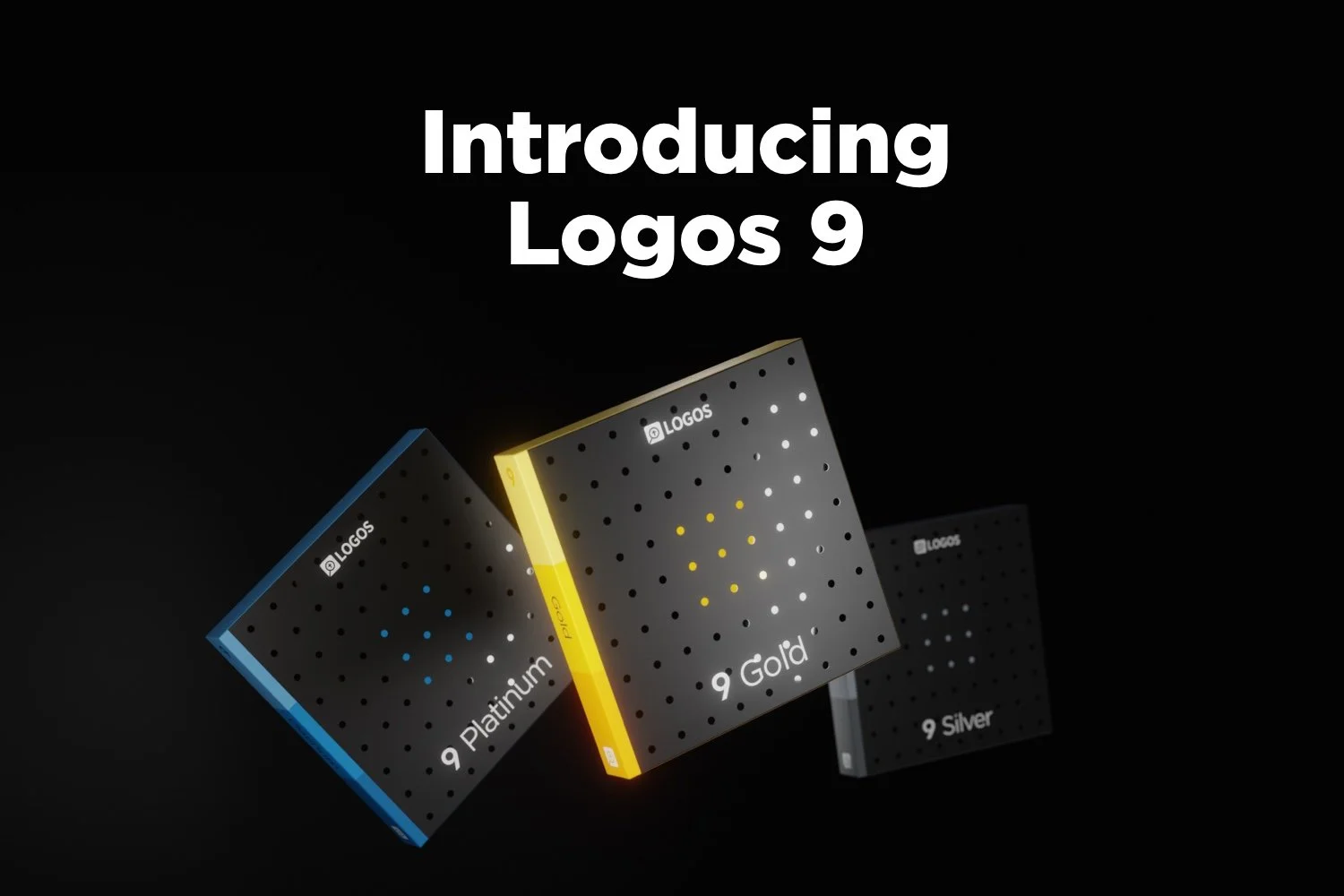
Logos 9 Upgrade is Here: Get a Discount Here
Logos 9 upgrade came out and you can get 15% off using my affiliate link, but should you? We’ll give you a recommendation here.
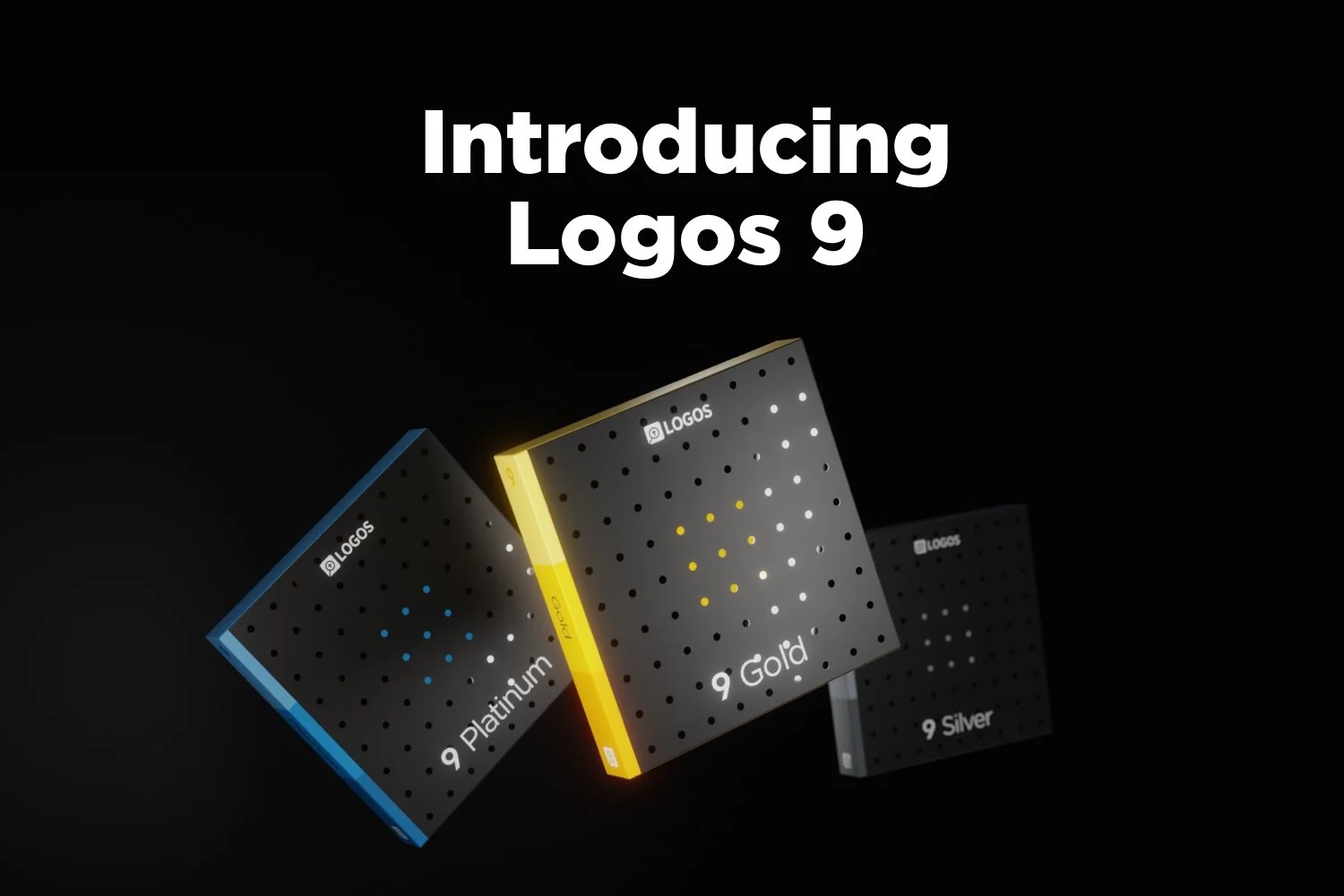
Logos 9 dropped October 26 with some updates to the program. A lot of you will upgrade and you can get Logos 9 for 15% off using this link.

For full disclosure, Logos gives me a commission if you use this link. I don’t normally use affiliate links, but I’m placing this here so you can save some money by buying the upgrade using that link. If you do it helps me out too.
I wrote an article at Church Tech Today about what are the most important updates to the program. To learn more for yourself before that post comes out, head over to the Logos 9 page at the company’s website.
Logos 9: Top 5 New Features
The best new features included in the Logos 9 upgrade includes the following top 5 new features...
- Factbook Upgrade - click a word in your text with the Factbook feature turned using a toolbar button and it opens the Factbook to that subject.
- Sermon Builder - an upgrade sermon planning feature that takes passages from your favorite lectionary and populates a calendar that you can display in list mode or a kind of pie graph.
- Commentaries in Guides - users can now sort commentaries section in the Passage Guide by different ways including the author’s denomination.
- Dark Mode - I’m not a fan of dark mode, but people love it, so it’s here in Logos 9.
- Images in Notes - you can now add images to your notes.
That’s not a complete list, but it shows what most people will find interesting.
I will upgrade because I am that guy who always wants the latest greatest of the programs I use. If there’s an update to Windows, macOS, MS Office, I’ve used it in Beta for the last few months to help write my article for Church Tech Today.
Logos upgrades every couple of years. If you’re a Logos fan you’ll likely want to get the upgrade. For Wordsearch users who came over when Logos bought it, you may want to wait till you get used to using Logos 8 to make sure you’re a good candidate for the update
Logos 9 Free Engine Upgrade
The free Logos 9 software without all the new bells and whistles will likely show up in 2021. It comes with nothing but the basic program update. However, you can’t get it this year. So, if you’re patient and don’t think you really see anything that interesting in the new features list, then hold off till next year.
6 Best Online Bible Study Sites in 2020 - Part One
With Wordsearch about to bite the dust, we lose one of the best online Bible study sites probably by the end of 2020 or early in 2021. So, that means we need to reexamine the online platform for studying God's word.
Five years ago I wrote, "Bible study's going online, not entirely, but increasingly so." Today online bible study is more mainstream, but still not the primary way most people study their Bibles. However, it's better than ever in 2020.
So here's the first 3 of my 6 best online Bible study sites that you can use on a Chromebook, a tablet, or even a smartphone. Fire up any web browser and study your Bible. You'll find that you might not need to run one of the complicated Bible study suites that you install on a Mac or Windows computer.
Why Use Online Bible Study Sites?

With limited storage these computers can't handle huge libraries from the complex Bible study programs like Logos, Accordance or Olive Tree to name some of the most popular.
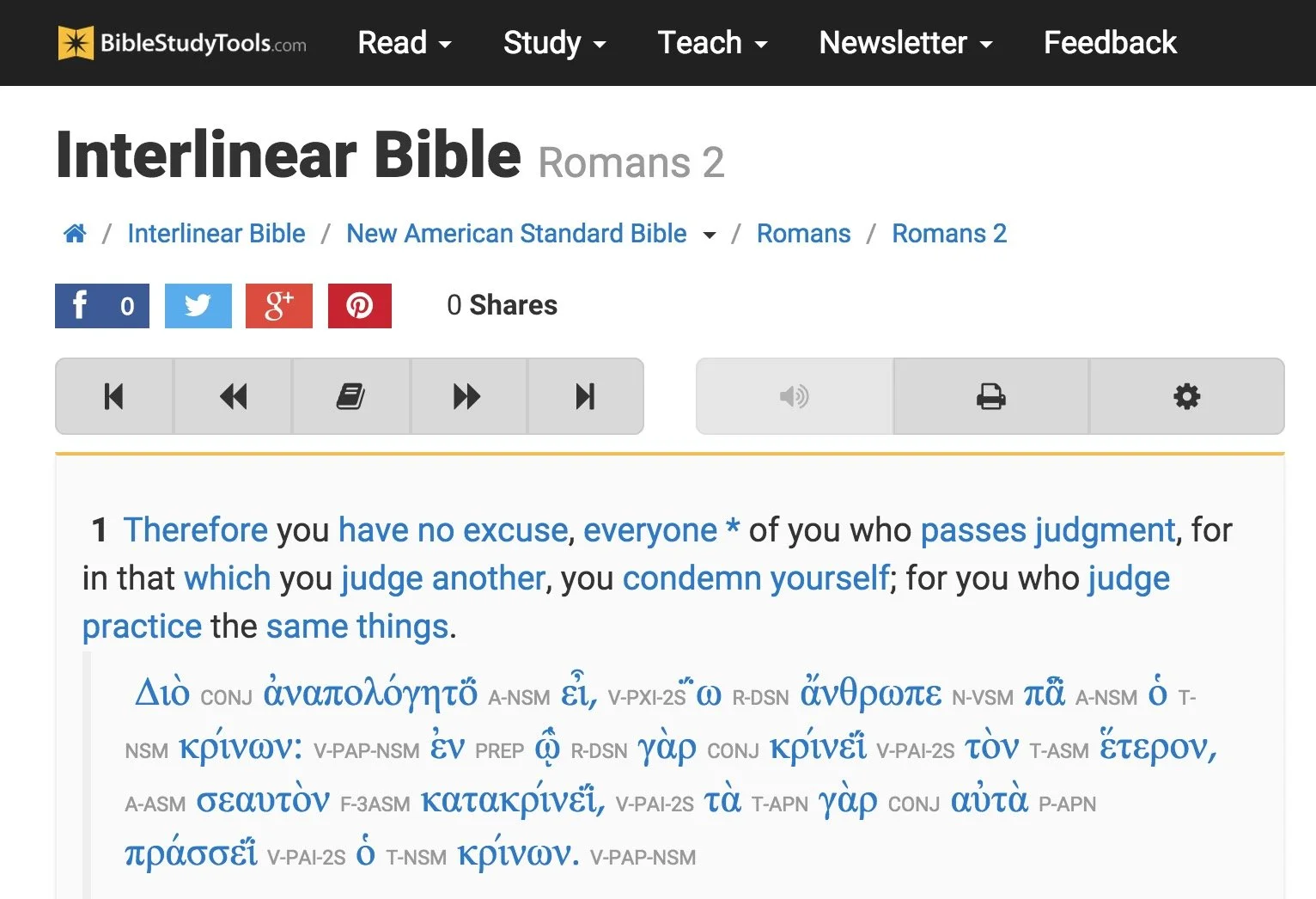
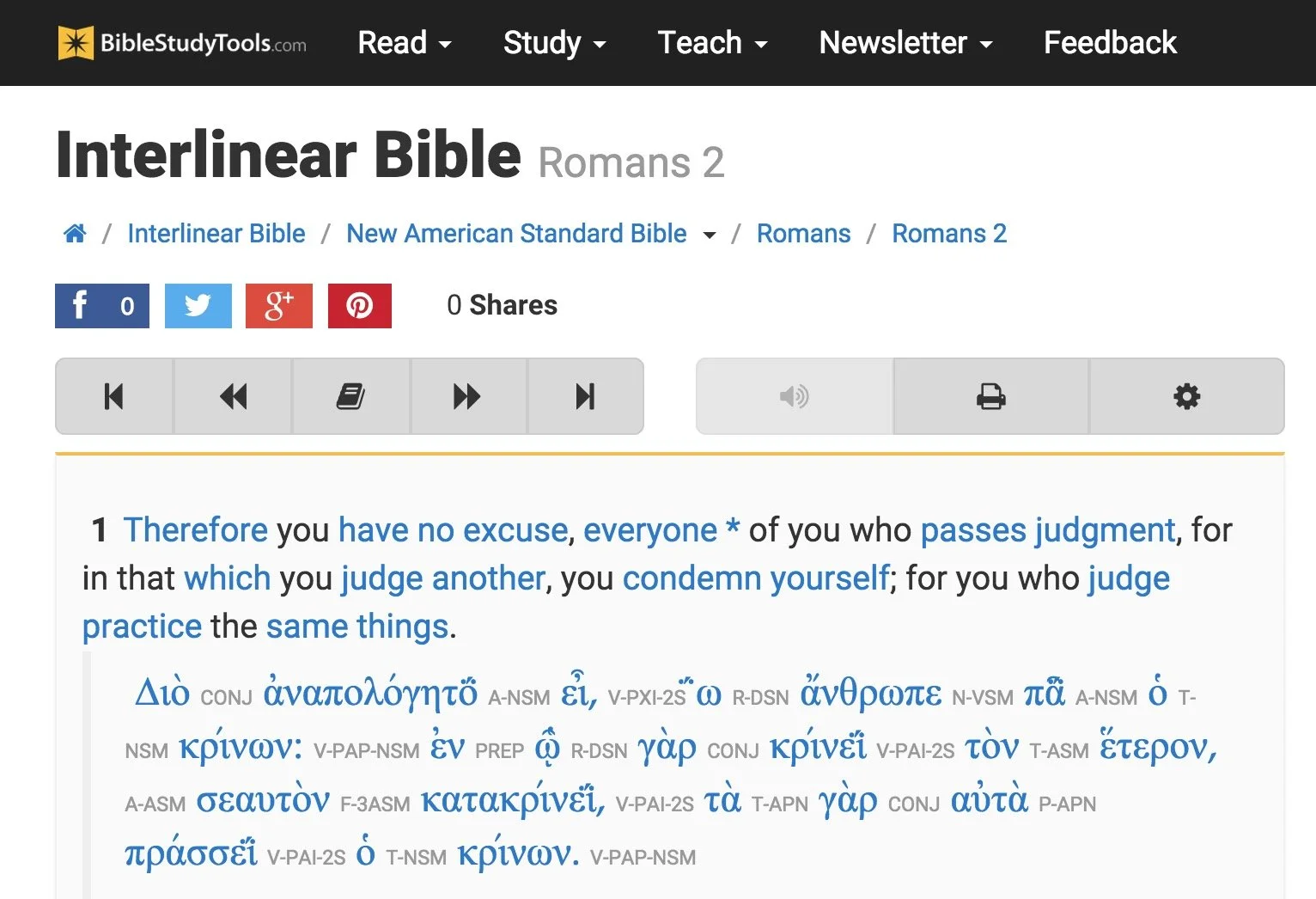
BibleStudyTools.com

We first look at BibleStudyTools.com. What makes this a viable option for intermediate level Bible study software? Users can search the Bible, read it, track daily Bible reading plans and share scripture via copy/paste or links to post to popular social media outlets. Almost every online Bible can do those things. Here's what this site offers in addition to the basics.
Bible Study Tools adds some public domain tools like ...
- Commentaries
- Dictionaries
- The International Standard Bible Encyclopedia
- Old and New Testament Greek Lexicons
- Classic sermons from past scholars and preachers

The site includes a number of modern and public domain Bible translations. The list of Bibles includes...
- ASV
- CEB
- Douay-Rheims Catholic Bible
- ESV
- God's Word
- Good News
- CSB
- Jubile Bible 2000
- KJV
- Lexham English Bible
- NASB
- NIV
- NKJV
- NLT
- NRSV
- RSV
- The Message
There's also some limited original language study. You can use an Interlinear Bible for languages study.
The site will collect user notes and highlights for those who sign up for a free account. The Bible student can mark up their Bibles and save their study findings for future reference.

While the site doesn't offer as many modern reference tools, a user with simple needs can get a lot done. Read a text, highlight it and write observations in a note attached to a verse. Then open the interlinear Bibles based on the KJV and NASB to do some original language study. Search the text for some cross references related to the topics in the passage. This gives any Bible student a good start in understanding their passage.
The Interlinear Hebrew text comes from Biblia Hebraica Stuttgartensia from United Bible Societies. The Greek text comes from Center For Computer Analysis of Texts, University of Pennsylvania based on Nestle Aland 26.
Here's a demo of the old 2015 site. Look for an updated video soon.
After these early steps, open some commentaries, dictionaries or the ISBE and learn more about the passage and what others said years ago. Record those findings in the notes. Then find the passage's Big Idea and come up with an outline using an online word processor like Google Docs or Office 365's version of Word online.
If I had to compare the site to a piece of Bible software, I'd say it can do almost as much as e-Sword with a few modern translations added to it.
Bible Hub

The next of these six best online Bible study websites comes from Online Parallel Bible Project in the form of BibleHub.com. The interface looks a little cluttered, but it's still a useful site with plenty of resources. In fact, it's a deceptively useful tool.
Enter a Bible reference in the top search box and the site opens the verse in all the translations and commentaries available in the left column. Along the right column we find some helpful tools like the context of the passage, cross references and Treasury of Scripture Knowledge.
Here's a demo of the old 2015 site. Look for an updated video soon.
Across the top of the site there's a toolbar that helps people navigate to specific passages in any of the supported translations. The site includes a large collection of modern and public domain translations. The toolbar also includes some public domain commentaries. Access them through drop down lists.
The toolbar buttons put many of the tools a click away. We get a parallel Bible button, cross references and a context button that shows the single verse within the pericope. In addition there's links to a few specific commentaries and more.
Like the other sites, Bible Hub lets me share to Facebook, Twitter and Google+. It includes some nice pictures, maps and outlines.
Biblia

Logos Bible Software users will want to go first to Biblia.com. The site offers a simplified version of what the company offers their customers in their Logos 9 Webapp. You'll need to own one of their expensive software packages or subscribe to Faithlife Connect to access the webapp. You can also check it out because it's very powerful for an online site. We'll look at it in part two of this article.
Biblia gives users access to their Logos Bible Software library online and a selection of tools and features even if you just sign up for a free account. You'll want to pay to really make good use of Biblia. And in that case you'd do better to use the Logos 9 Webapp. However, mobile users may like Biblia since it has a very nice Mobile version of the site.
Here's a demo of the old 2015 site. Look for an updated video soon.
The left hand column includes four tabs with the following features:
- Home - Shows reading plans and the About Biblia list of links.
- Library - List of books available to a user whether they pay for the suite of Faithlife Bible tools, subscribe to Faithlife Connect or sign up for a free account.
- Search - Search one book or other books in the library.
- Notes - Shows notes on a particular verse or book passage from the Faithflife.com community, but not a Logos Bile Software user's notes created in the computer program or mobile apps. You also have to sign into even see this tab.
The main part of the Biblia screen includes two window pane. The user can open books in either side. For example, open a Bible in the center column and a commentary on the right. The two will sync up to the same verse when a user turns the feature on using instructions explained below.
Use a mouse wheel or swipe on a laptop trackpad to scroll through the Bible from Genesis 1:1 all the way to the end of Revelations 22.

Click on the menu button (three dots) in the upper right corner of the window pane to show view settings. The user can do the following:
- Change the font size
- Sync the two panes
- Open the book's table of contents
- Change the reading view from column, stretched across both pans or full-screen reading view
- Toggle the community notes from other Faithlife users (but not personal notes from the computer or mobile apps_
The sharing tool will let you post to Twitter or Facebook, get a link to the verse on Biblia.com to post online or email, and an embed code to post to a website. See image below.

Here's part two of this roundup of the 6 best online Bible study sites.
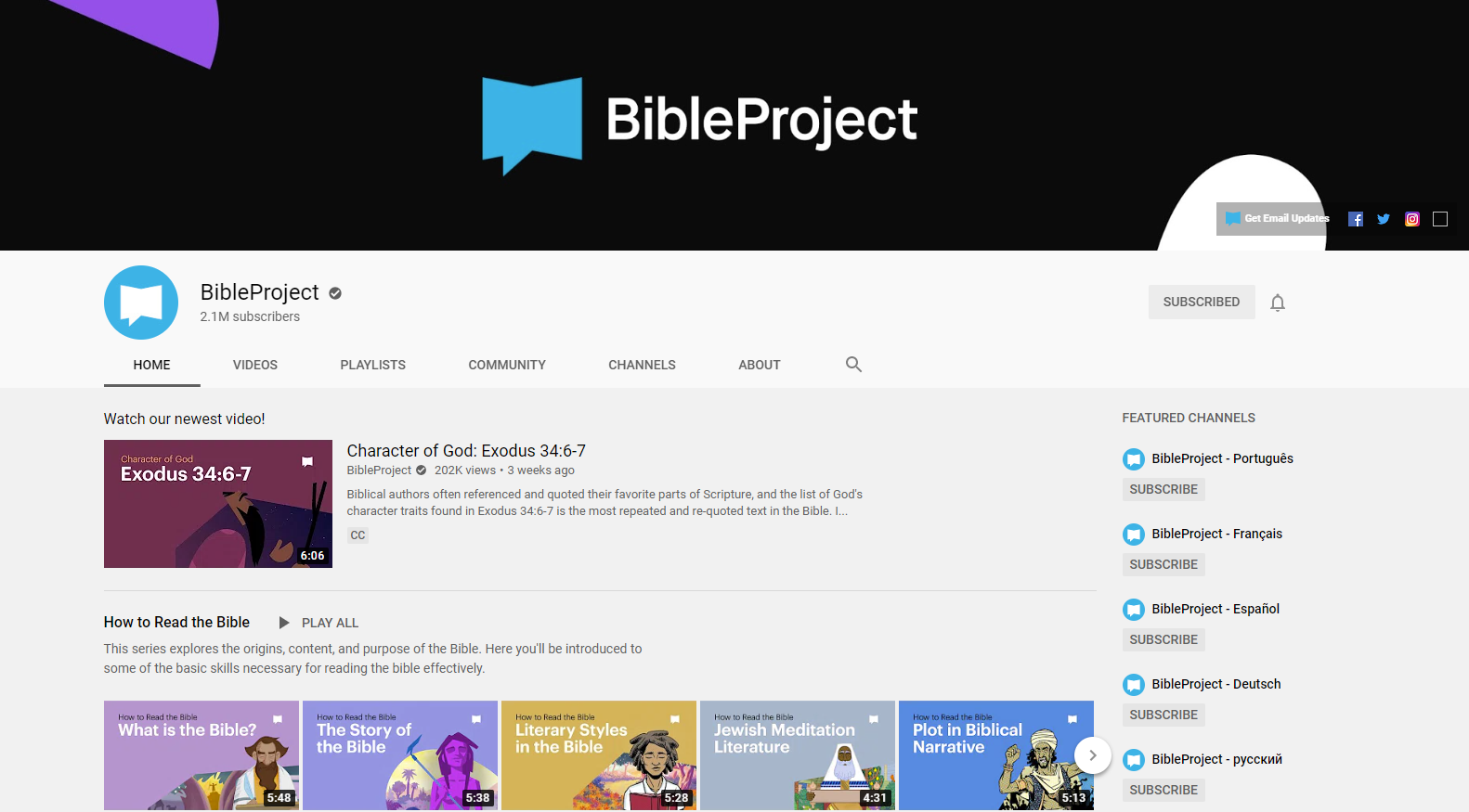
The Bible Project YouTube Channel Uses Animation to Teach the Bible
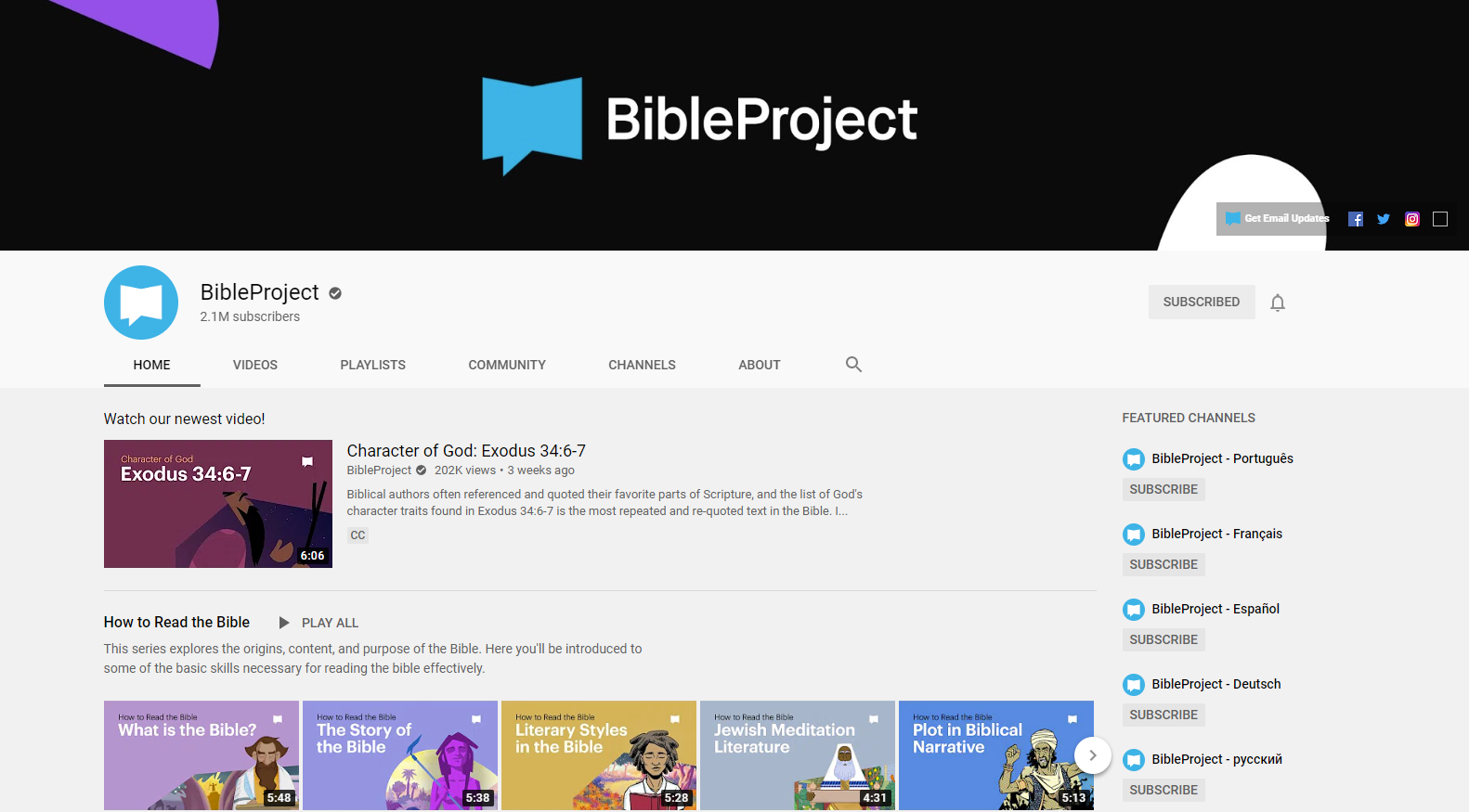
This week I plan to start a sermon series on the Book of Daniel. Good modern preachers who want to use multimedia to communicate God's word will see what media they can find to simplify the preaching process. So, I searched for the Book of Daniel on Google and came up with a link to a YouTube Channel of animated videos about the Bible called The Bible Project.
The Bible Project YouTube Channel includes the follow self-description:
Bible Project is a nonprofit animation studio that produces short-form, fully animated videos. Our videos and all of our other resources are available for free to help people everywhere experience the unified story of the Bible.
From The Bible Project About page on YouTube
The Bible Project Videos
On the channel, viewers will find some visually rich and interesting videos that explain various aspects of the Bible including...
- How to Read the Bible
- Biblical Themes
- Spiritual Beings
- Old Testament - overview of the OT and book overviews
- New Testament - overview of the NT and book overviews
- Torah Series - focus on the first five books of the Bible
- Wisdom Series - focus on the wisdom books of Psalm, Proverbs, etc.

Usefulness of Videos
People could use the videos on the site in many ways.
- Personal Study
- When your pastor is preaching through a book
- Sunday School class
- Family Bible study time
- Home school lessons
- Add a Bible element to your children's education if they go to a public school where they won't get Biblical content
If you want to learn more about The Bible Project, you can so look at their website. It includes links to their videos on YouTube and their site Podcast.
During the virus pandemic, many people are still at home instead of attending church with their church family. The folks at Bible Project have a page dedicated to helping people study the Bible in such a situation. After the pandemic this could also be used for people who are sick and can't go to church for an extended period of time.
The videos look beautiful and they're simple enough for older children to understand but not too juvenile. Adults can get a lot of out the videos as well.

Complete Biblical Library in Accordance Bible Software
The Complete Biblical Library for Accordance Bible Software just came out and we got a chacne to take a look, What's included in this package and is it worth your time and book budget to add to your library?

Accordance Bible Software released the Complete Biblical Library this past week making Accordance only the second digital Bible study distributor to offer this tool. We'll take a look at the Accordance version and let you know if it merits an investment of your Bible study tool dollars.

What's Included in the Complete Biblical Library
The Complete Biblical Library includes an advanced Study Bible of the Old and New Testament and Hebrew and Greek dictionaries. Book versions of the Complete Biblical Library are now out of print and pretty expensive. People familiar with the library will wonder what happened to the other parts of the Library? Where are the other tools normally included in the Complete Biblical Library? From the Accordance website:
The CBL Greek grammar is in development and will be added at a later date. The CBL Gospel parallels and CBL Interlinear did not add extra value over similar material already included in Accordance, so we do not have plans to release these two components for Accordance.
Product Details from Accordance website
You can get those other tools from the 17 volume book version or from Wordsearch, but both will cost you more than Accordance Bible Software's version. During this introductory deal the Wordsearch version will cost more than twice as much and after $50 more.
Accordance users will recognize that the software already gives users a great interlinear on many translations of the Bible. You can also use their Gospel Parallels. They both come as part of their basic $100 Starter Collection.
Complete Biblical Library Study Bible
You probably own a number of study Bibles. Most of them offer a few things...
- Introductions to books of the Bible.
- Short notes on pericopes or sometimes each verse of the text.
- Some add extra graphical content like charts, maps, graphs, tables and more that enhance understanding of the text.
The Complete Biblical Library includes some of these, but think of it as a study Bible that wants to be a more advanced commentary.

The Complete Biblical Library Study Bible begins each book with an nice book introduction. That introduction will include an overview of the text with an outline and some commentary on each section as a whole before it gets the verse-by-verse section.
Following the book introduction, you'll get the verse-by-verse commentary of the text.
CBL Study Bible Verse-by-verse Commentary

Each verse or passage includes two things...
- The verse in the KJV with alternative translations from dozens of other translations, but none of them are the more modern translations like ESV, CSB, NIV or others since the Complete Biblical Library came out before most of those landed. The translation identifiers are hyperlinks to the key which identifies what the translation abbreviation refers to. That helps because the library includes some obscure translation. Click it or hover over it and it either opens the pages from the library that explains what the abbreviations stand for or it pops up in your Instant Detail window.
- Commentary on the verse. We're used to a few lines per verse, but you'll often see a few paragraphs per verse like a full commentary. That's why I call this a Study Bible that wants to be a full commentary.

Bible students often tout the ESV Study Bible as one of the best, and I agree. I like it a lot and it's one of my top 3. However, compare the content of the two. You get much more with the Complete Biblical Library.
Here's the entry for Mark 5:25-26 in the CBL...
And a certain woman, which had an issue of blood twelve years: . . . had been troubled by bleeding, —ALBA . . . ben in the blodi fluxe twelue yere, —WCLF.
And had suffered many things of many physicians: . . . suffered much under many doctors, —BECK . . . had been treated in many ways, —LTMR . . . had been greatly tortured, —FNTN . . . under a number of doctors, —MOFT.
and had spent all that she had: . . . expended all her property, —WLSN . . . spent all her savings, —KLGS . . . in the process, —PHLP.
and was nothing bettered, but rather grew worse: . . . but to no avail, —ALBA . . . and profiting nothing, —CLMT . . . had not been benefited, —HNSN . . . was not even one bit improved, —WUST . . . without receiving any relief, —CMPB . . . and felte none amendment at all, —TNDL, —CRNM.5:25, 26. It is not possible to know with certainty what the “issue of blood” was, but the traditional suggestion is the best, namely, an abnormal bleeding from the womb.
Such a condition would have been physically debilitating. Mark’s Gospel includes the information that the woman “had suffered many things of many physicians.” Luke, who appreciated the limitations of a physician, says she “could not be healed by any one” (8:43, RSV).
What the woman may have suffered can be estimated from the Talmud, (Shabbath 2:110) which includes a list of treatments for “the woman that has an issue of blood.” Among them were: “Take of the gum of Alexandria the weight of a zuzee (a fractional silver coin); of alum the same; of crocus the same. Let them be bruised together, and given in wine to the woman that has an issue of blood. If this does not benefit, take of Persian onions three logs (pints); boil them in wine, and give her to drink, and say, ‘Arise from thy flux.’ If this does not cure her, set her in a place where two ways meet, and let her hold a cup of wine in her right hand, and let some one come behind and frighten her, and say, ‘Arise from thy flux.’ But if that do no good, take a handful of cummin (a kind of fennel), a handful of crocus, and a handful of fenugreek (another kind of fennel). Let these be boiled in wine and give them her to drink, and say, ‘Arise from thy flux!’”
Many additional potions and rituals were suggested of the following kind: “Let them dig seven ditches, in which let them burn some cuttings of vines, not yet four years old. Let her take in her hand a cup of wine, and let them lead her away from this ditch, and make her sit down over that. And let them remove her from that, and make her sit down over another, saying to her at each remove, ‘Arise from thy flux!’” (See Vincent, Word Studies in the New Testament, 1:189.)
One can readily see why the cure was many times worse than the disease, so that she “was nothing bettered, but rather grew worse.”Mark 5:25-56 entry of Complete Biblical Library
Now look at the ESV...
5:25–27 While Jesus is on his way to heal Jairus’s daughter, Mark interjects the simultaneous event of the healing of the woman with a constant discharge of blood (vv. 25–34; see note on Matt. 9:20). On account of her condition, she is ceremonially unclean (cf. Lev. 15:25–28) and is not permitted to enter the temple section reserved for women; nor is she permitted to be in public without making people aware that she is unclean. By touching Jesus’ garment, she technically renders him ceremonially unclean (cf. Lev. 15:19–23), but Jesus is greater than any purity laws, for he makes her clean by his power instead of becoming unclean himself (cf. Mark 1:41; 5:41).
ESV Study Bible entry for Mark 4:25-27
But it's not just the amount, but the quality. That's why I really like the CBL. It's a nice balance of simplicity for the average pastor or Bible study leader, but has enough rich content that makes it more than the average or even above average study Bible. The ESV Study Bible serves people who just need a quick hit about what the passage says. The Complete Biblical Library Study Bible gives more advanced understanding like a pastoral commentary would.
Complete Biblical Library Dictionary
In addition to the Old and New Testament Study Bible, Accordance adds the Hebrew and Greek Dictionaries of the Complete Biblical Library. Each entry explains the word with some useful information that you often don't get in other language dictionaries. The links to other lexicons alone almost makes it a worthwhile tool.
Put the CBL dictionaries at the top of your list of Greek and Hebrew Lexicons in your library and you can quickly open the CBL Dictionaries with the Triple Click action. Just click on an English word three times in the text and it opens a new window with the dictionary pointed to that word in Greek.
The Amplify feature in Accordance also brings up the dictionaries. Highlight your word and click on the Amplify button on the toolbar. It will drop down a list of your reference titles. Go to Greek or Hebrew Lexicons. A new list flies out and you can find the CBL Greek or Hebrew Dictionaries there. The books also show up in your Library under the Lexicons section.

When you view a Hebrew word in the Complete Biblical Hebrew Dictionary, you'll see the following:
- The Hebrew word and an English transliteration
- Part of speech like verb, noun, etc.
- A brief definition of the word
- Hebrew Cognates
- Synonyms and their Greek and transliterated forms
- Concordance listing of the word in the OT
- Discussion of the use of the term in the OT
- Links ot other Hebrew dictionaries like BDB, NIDOT, Strong, etc.
Here's an example of the Hebre word lavav (hear from Ezra 7:10)
3955. לָבַב lāvav
verb
to gain insight
Cognates:
לֵב lēv (3949)
לֵב lēv (A3950)
לְבַב lᵉvav (A3956)
לְבִבָה lᵉvivāh (3957)
לִבָּה libbāh (3959)Concordance
2 Sam. 13:6 and make me a couple of cakes 3
13:8 and made cakes in his sight, 3Job 11:12 vain man would be wise, 2
S 4:9 Thou hast ravished my heart, my sister, 3
4:9 thou hast ravished my heart with one 3
Three of the five occurrences of this verb in the Hebrew Bible (Job 11:12; S.S. 4:9) are denominatives from lēv (HED #3949), “heart,” “interior,” “will,” “mind.” It has cognates, all of which are likewise denominatives, though not all are based upon these same nominal nuances. The remaining context is a denominative from lᵉvivāh (HED #3957), “cake.”
In the speech of Job’s visitor, Zophar, lāvav means “to become wise.” Job was accused of falsely asserting innocence, for Zophar assumed that all calamities were divine punishment for sinful deeds. Job’s sudden fall from material bliss fit the pattern of divine retribution. Zophar asserted that Job’s claim of innocence was perjury and that Job’s words could not change reality. He expressed this through a simile, saying, “A vain man would be wise, though man be born like a wild ass’ colt.” His point was that Job’s understanding could not compare to Yahweh’s, so he should accept his guilt, and then try to appease Yahweh.
Lāvav appears twice in the context of the proclamation of the groom to his beloved, that her physical presence has had a profound effect upon him (S.S. 4:9). The verb is usually translated something to the effect “you have ravished my heart.” This works contextually, but it is not so clear etymologically. Clearly, the heart or will of the groom has been affected by the glance of the woman, or by a glimpse of her. How to define precisely this action on her part is difficult, hence the usual translation. The problem is that there is no verbal idiom in English which corresponds to this verb.
The final context involves a completely different meaning, possibly formed from lēv as well. Here lāvav refers to “baking” cakes of bread.BDB 525
DCH לָבַב
KB 2:514–15
NIDOT 2:749
STRONG H3823
TDOT 7:399–437
TWOT 1:466–67Entry in Complete Biblical Library Hebrew Dictionary for the word lavav
The Greek Dictionary shows the Greek word and a transliteration in English. You then also get...
- Part of speech (Noun, Verb, etc.)
- Brief definition of the word
- Synonyms and their Greek and transliterated forms
- Septuagint listing of entries for the word
- Grammatical Forms of the word
- Concordance listing of the word
- Discussion of the classical Greek and Septuagint usage of the word
- Discussion of the terms usage in the New Testament
- Links to other Greek dictionaries of the word like Strong, Bauer, Liddel-Scott etc.

Here's an example from the Greek dictionary for the word rhusis (bleeding from Mark 5:25).
4368. ῥύσις rhusis
noun
A flowing, an issue.
STRONG 0
Synonyms
4339 ῥέω rheō
Septuagint
2183 זוּב zûv Have a discharge (Lv 15:2).
2184 זוֹב zôv Discharge (Lv 15:3, 25f.,30,33).
4888 מָקוֹר māqôr Flow (Lv 20:18).
7425 קָרֶה qāreh Emission (Dt 23:10).
8916 תְּעָלָה tᵉꜥālāh Channel (Jb 38:25).Grammatical Forms
ῥύσις rhusis nom sing fem
ῥύσει rhusei dat sing fem
Concordance
2 which had an issue of blood twelve years, Mark 5:25 (KJV)
2 a woman having an issue of blood twelve years, Luke 8:43 (KJV)
1 and immediately her issue of blood stanched. Luke 8:44 (KJV)Classical Greek and Septuagint Usage
New Testament Usage
STRONG 4511
BAUER 738
MOULTON-MILLIGAN 565
LIDDELL-SCOTT 1577
COLIN BROWN 1:682–83
SILVA “ῥύσις”All three occurrences in the New Testament refer to a woman who had an “issue of blood” for 12 years (Mark 5:25; Luke 8:43, 44). Having heard of Jesus’ miracles, this woman believed that if she could just touch His clothes she would be made “whole” (Mark 5:28). Pressing through the crowd she managed to touch His garment and was immediately healed (verse 27). Jesus then told her it was because of her faith that she had been made whole (verse 34).
Entry in Complete Biblical Library Greek Dictionary for rhusis
Value and Recommendation
Accordance users should jump at the chance to get the Complete Biblical Library at the introductory discount of $200. They also offer a Crossgrade price for people who already own it in Wordsearch. You'll pay $85 for the OT Crossgrade and $75 for the NT Crossgrade for a total of $160. That's a pretty good deal considering the full-price is $450 or currently $1000 in physical book form for used editions. With Crossgrades in Accordance you'll have to fill out a form showing you bought the books before in Wordsearch.
If you already missed the discount, then the $450 price may cause pause for some. I like the tool and think people who want a good verse-by-verse commentary, with excellent book introductions, should take a look and strongly consider adding it to their library. The dictionaries give the user a lot of useful information in a central location. The links to other dictionaries makes it a great option to look at first in your word study as you prepare a sermon or Bible study.
For these reasons above, the Accordance Bible Software Complete Biblical Library gives pastors, Bible study leaders and serious students a great value at the discounted price and is still worth it at the ongoing price.

Bible Software Choice: Power House or Simple Software

People with simple Bible study needs often pick the simple Bible programs and apps. They are easy to learn and cost less if anything. But will the app or program grow with the user? Can a powerhouse program help people with simple needs study the Bible as well as a the simple apps? We'll take a look and answer those questions.
Three Kinds of Bible Software Users
Bible software or Bible app users fall into one of three categories usually.
- Bible Reader - average believer who plans to read the Bible on their phone or tablet and maybe a computer.
- Pastor or Scholar - these users will need a good app or program that can do advanced searches, study the Bible in Greek or Hebrew and study the word at a deeper level to teach, preach or write scholarly books or articles.
- Growing Student - some people start as a #1 but over time grow into the #2 or they just really like to study the Bible at an interim or advanced level for personal edification or to prepare for a family or small group Bible study.
A program like Accordance, Logos, Wordsearch or even Olive Tree will handle the #2 kind of user easily. Some people will never graduate above the #1 type of Bible student and that’s fine. I often recommend the Bible app from Life.Church, also called the YouVersion Bible app. In the past I've recommended Bible Gateway, Laridian's Pocket Bible, e-Sword and Tecarta's great Bible apps. Those all fall in the simple group even though Laridian also does some of the Power House tasks. So what should you use even if you're not a power user? What do we do with the third group of Bible students? Should these users consider using a more powerful Bible program and the companion mobile app? Since few people who move from the first group into the second group know they will, shouldn’t all believers start out with the more advanced tools knowing it might happen? I’m going to argue for that approach below.
Reasons Both Groups Should Use the Power House Bible Software
A seminary professor or a Sunday school teacher leading the youth class can enjoy a quality Bible app or Bible software. Here’s why the youth class teacher should consider the power house Bible software.
Room to Grow
I know of a young couple that recently built a new house. They put in only one large bathroom. They said that didn't need more. However, what if they have another child or two? A second bathroom will seem like a necessity and not a luxury. Similarly, more powerful Bible software gives Bible students of any level room to grow. They can go from a person who just wants to read and do simple Bible searches to a Greek or Hebrew scholar. You can’t do that if you invest in an app.Many pastors, missionaries and Bible scholars share testimonies of teaching a youth Sunday school class when God called them to vocational ministry. If such a person invested a hundred or two hundred dollars in books to use with their simple Bible study tool, they would later need to buy another program to get the more powerful features these programs include. God doesn’t call everyone to become a pastor or scholar. If this was the only reason our simple users have to buy power house software, then I’d recommend they save their money and go with the Bible app. However, we’ve got a few other reasons.
Powerful Apps Also Do Simple Tasks
 While you wouldn't use a sledge-hammer to pound in a finishing nail sticking out of a chair rail in the dining room, you could. Buying a sledge-hammer and a small hammer won't break most carpenter's bank accounts. However, Bible users won't likely buy a $10 program for simple tasks and a $200-$3,000 program for Bible study. A lot of us use a free app and then buy the more powerful app, but some pay for an app that includes a few Bibles and commentaries to help them understand their daily Bible reading or teach their Sunday school class. Why not buy the books in a more powerful app since it does the complex and simple tasks?Remember that you spend more than just money. It takes time and effort to learn the program and get to a point where you're thinking about the Bible passage or theological topic more than the steps to get your study done. Take it from someone withe experience with a dozen Bible programs and apps over they years. Just knowing how to do what you want without thinking is a huge time saver.Accordance handles deep searching for every instance of a certain Greek verb in one tense or Hebrew word with a particular grammatical form. It will also let you read a Bible passage in multiple translations and share them online. You can use Logos to do create complex diagrams of a Hebrew text or instantly compare a passage in multiple translations with a visual report. Students can also buy the latest popular Christian books and read them on a computer, phone or tablet tracking your reading process. They can highlight every future passage verb and highlight your favorite verses in these programs. The more advanced programs all offer a way to share Bible memes online too, something that characterizes the best simple apps too.
See my round up of Simple Bible apps at ChurchTechToday.
Support for Multiple Devices
McDonald's sells billions of hamburgers even though they're universally criticized for lack of nutrition and taste. (Don't tell anyone, but I really like Quarter Pounders, but I'm in the minority). They sell so many burgers because you can find one in almost every town bigger than 500 people in America. You can also find the same quality at a store in New York City and Bangkok, Thailand. Consistency is key. It's the same with the best Bible software. Some apps work fine on a phone or on a tablet or on a computer. Few of these apps work great on all three and some app makers don't publish apps for all three. Sometimes the simple app makers offer a great desktop program, but a pretty weak iPhone version. Other developers sell great Android apps, but offer an iOS app that's pretty weak in comparison. Throw in the Kindle Fire tablet, and you get fewer options that work on all platforms.While your chosen simple Bible app might work great on your iPhone and iPad, maybe the app developer doesn't create a decent alternative for the Mac. And what if you need to switch to a Windows PC or an Android phone or tablet? That's why the big power house programs make the best choice for some people who need cross-platform support.Get the more powerful apps from companies like Faithlife Logos and Accordance Bible Software.
Contrarian View
I support the above arguments without reservation. However, some people will never become a student of the Bible who needs more advanced features of Logos or Accordance. The simple Bible app, Laridian’s PocketBible or even better Olive Tree Bible Reader does the job. In fact, most Christians should probably use Olive Tree as their simple program that can grow since that app does the basics and offers some advanced features. If such a person ever becomes a seminary professor, he or she will need more. But save money and time learning the intermediate app that works almost the same on all the major platforms.
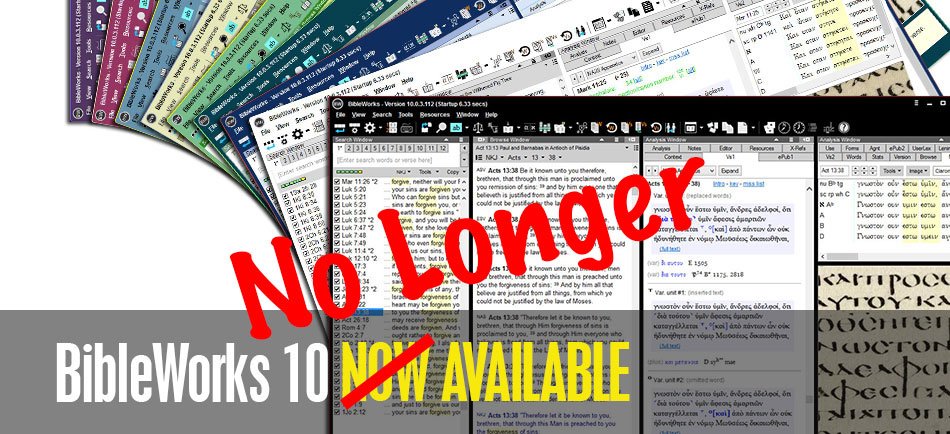
Alternatives to BibleWorks - Shutting Down June 15
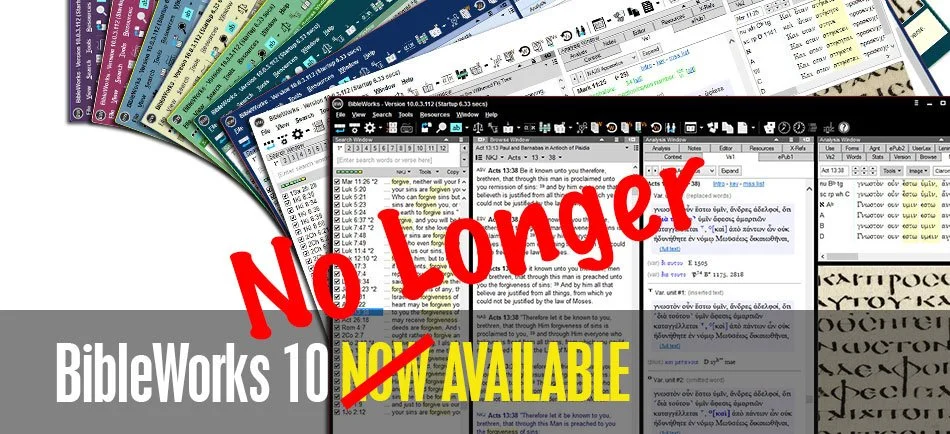
Many BibleWorks users got a shocking email on June 1 from the maker of one of the best original language Digital Bible Study tools on the market today. The email, which you can read on the BibleWorks website, included the following statement from owner Michael Bushell:
A special note to our friendsBibleWorks has been serving the church for 26 years by providing a suite of professional tools aimed at enabling students of the Word to "rightly divide the word of truth". But it has become increasingly apparent over the last few years that the need for our services has diminished to the point where we believe the Lord would have us use our gifts in other ways. Accordingly as of June 15, 2018 BibleWorks will cease operation as a provider of Bible software tools. We make this announcement with sadness, but also with gratitude to God and thankfulness to a multitude of faithful users who have stayed with us for a large part of their adult lives. We know that you will have many questions going forward and we will do our best to answer some of them here.
 We covered the release of Bibleworks 10 with a lot of excitement a few years ago. BibleWorks power user Dan Phillips joined us to demo the new features. He tweeted the morning of the announcement:
This is horrible news: https://t.co/2hWKy2Rw3C
Don't ask me what to do. I have no idea. I've written them. This hits hard. I cannot exaggerate, and you can't imagine, the investment of research and work I have in @BibleWorks.— Dan Phillips (@BibChr) June 1, 2018
I'm sure other long time users of the software feel or will feel the same way when they learn the news. It's a painful reminder that your Bible software may feel like yours, but it's really not. You buy permission to use THEIR software, regardless of what they say. QuickVerse and Pradis and other Bible software owners probably felt as shocked when their chosen company's operations ceased or sold out to another company which then shut down development.So what now? Who knows?BibleWorks said that you can continue to use the software. They hope to "continue to provide compatibility fixes for BibleWorks 10 well into the future." Make sure you get a working copy installed now and download all of your content if you don't already have it. After June 15 you can't get any support for the program. Then plan to keep the forums and their Knowledge Base up after that date, but I wouldn't count on this.If you don't own version 10 already, you will not even get compatibility updates. They say you can update to version 10 for $200, but don't. That's like buying the 2018 model of a car after the manufacturer says their closing down the company.
Alternatives to BibleWorks
So what should you do if you want a program that's functional and comes from a company that should support the software for a long time into the future. Here's my list of recommended alternatives to BibleWorks. The first list includes programs that will do most if not all of what you can do with BibleWorks 10.
- Accordance Bible Software - many used to call Accordance the Mac BibleWorks because of it's power. The company makes a great Windows and iOS version and is working to improve their Android app as well. BibleWorks users who don't want digital commentaries or other books can stick with the basics of language study like they had with BibleWorks. However, you'll now have access to a nice library of other digital books. Get the free version to try it out.
- Logos Bible Software - going from BibleWorks to Logos will feel like an Italian learning to speak Spanish. It's similar but also incredibly different. However, Logos has a huge library of content and BibleWorks users will suddenly have access to large collection of resources. They also will have to pay since Logos often costs more than the competition. Logos sells a subscription model called Faithlife Connect with a large library starting at $108/year. See my series on using Logos for Sermon Prep on YouTube or the Theotek Facebook Page.
https://www.youtube.com/watch?list=PL1-Xf_HZquDGvCiJtyisBrEULSH3McCSO&v=GZTrMB0PnuQ
Lower Price Means Fewer Features
The rest of these offer less expensive alternatives even if they don't match BibleWorks in language study prowess.
- Olive Tree Bible - many BibleWorks users who wanted a good mobile Bible app probably already invested in Olive Tree one of the best mobile Bible apps available on all platforms. They have a nice library of books to buy. They also are better at language study than they used to, but BibleWorks users may feel constrained on the desktop with this option.
- Laridian PocketBible - like Olive Tree, PocketBible has a long history of supporting mobile platforms. It predates the iPhone and Android, but has great apps for both. It also runs on Windows and Mac. They have a smaller library, but the programmer is a pioneer in Bible software and does a great job of updating and making the app run smoothly on every platform. Plus it's one of the cheapest options. However, like Olive Tree users might find the program limited in language study.
- e-Sword - if you don't have any money and just want to start getting into an alternative slowly, then grab e-Sword as a good free interim option.
- WORDsearch - the company just updated to version 12 and I'll have more to say about the program over at ChurchTechToday and on the Theotek Podcast. It's a good simple library reader with a better tool for language study in version 12 than it used to have, but like Olive Tree BibleWorks may feel a little constrained in language study with WORDsearch.
Hold Off and Wait
Another option might be to patiently wait. You can still use BibleWorks 10 for the foreseeable future. Get the free versions of the above tools to try them out. Then wait for sales. I know that a few of the companies are thinking about special deals for BibleWorks users to take advantage of the news.
What Happened?
I don't have any inside information, but I have some opinions.
- Mobile - they company didn't embrace iPhone or Android and this failure to embrace mobile meant Bible software users with limited funds didn't want to buy their books twice, once for BibleWorks and once for a mobile app, like OliveTree.
- Shrinking Bible Software Market - like the church in America, I think interest in Bible software is shrinking. Biblical literacy is at an all time low. Pastors who want Bible software is a niche market and fewer of those pastors will buy a program like BibleWorks due to their failure to offer a mobile app and because of the following reasons...
- No Native Mac App - the company's Mac app is a WINE port. That's not acceptable to a lot of Mac users. I see more and more of my colleagues in ministry using Macs instead of Windows.
- No Library to Speak Of - BibleWorks offers some of the best tools for original language study and searching. However, they offer relatively few resources like commentaries and Christian Living titles. So buyers don't want to buy BibleWorks even if it is superior in original language study if they can get something nearly as good like Accordance or Logos that also offers a these other digital resources all in one package.
- Updates Drive Business - as a consumer I don't really like the business model of putting out a big new update every year since it makes me change the way I work to learn new features, it makes me shell out anywhere from $20 to $200 for an update annually, and it turns the program into bloatware, something Logos and others seem to do. However, like it or not, that makes money for Bible programs. What would you rather get? Annual updates that you can buy or skip or an email about a shutdown from your software company after you invested hundreds or thousands of dollars in over the years?
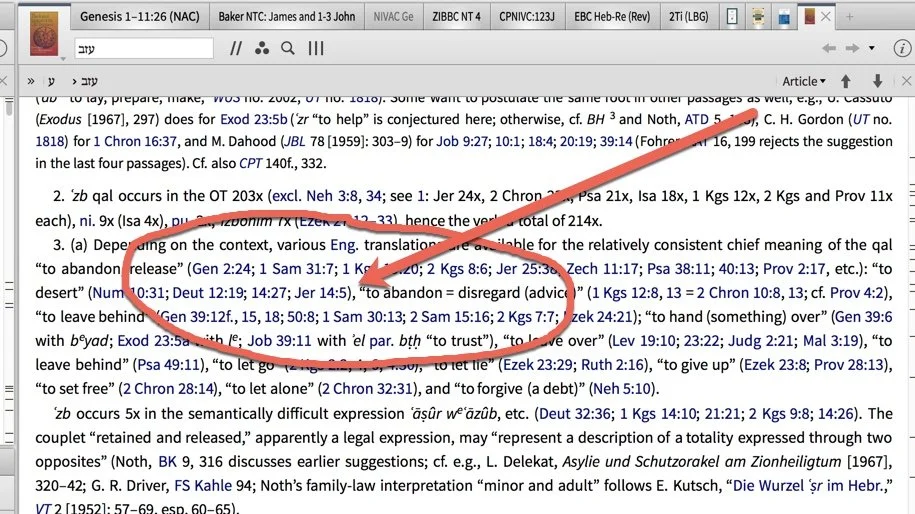
10 Ways Your Bible Software Needs to Improve
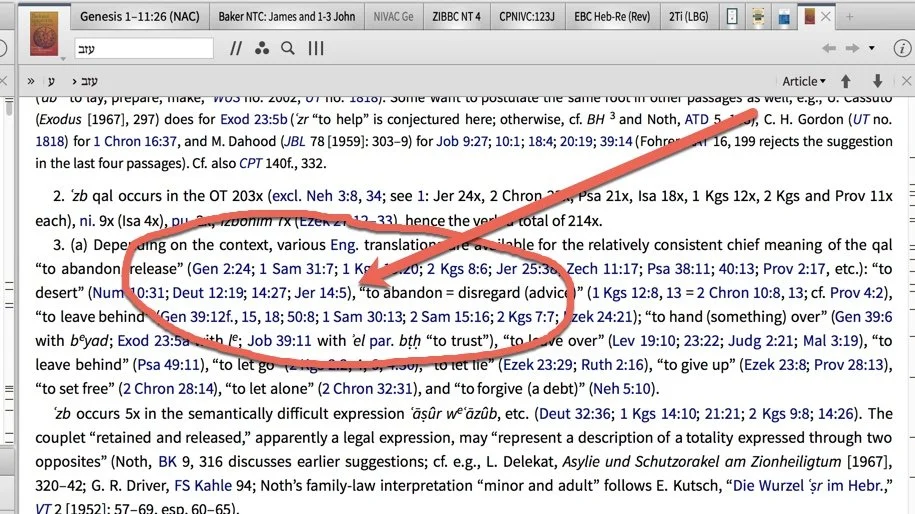
The present state of Bible software feels both amazing and terrible at the same time. I decided to propose my the top 10 ways your Bible software stinks and how I wish the Bible software and app creators should fix these problems.
Stylus Support in Bible Software
 First, Bible study software needs better stylus support. A lot of Bible study programs will run on a tablet or touchscreen and the user can point and select onscreen elements using a stylus. This includes the Apple iPad Pro and Apple Pencil or the Microsoft Surface Pro with the Surface Pen. Android apps run on the Google Pixelbook, which converts to a tablet and has a great stylus. That's not what I mean by stylus support. Instead I want to draw or write with a stylus inside the Bible software or app. Think of your paper Bible and highlighting, underlining or margin notes.
 I know of no Bible apps or software that support writing directly on the text of the Bible or in the "margins". There's one app called Bible Mark Up that lets you add a Bible verse from a few translations. You can write on the screen, but it's primarily a teaching or presentation tool. We featured the app on the Theotek Podcast.https://www.youtube.com/watch?v=7tZ2Y32OPzQThe app works a lot like Look at the Book by John Piper on YouTube. Below you'll find a Look at the Book video covering Psalm 132:2.https://www.youtube.com/watch?v=JOdXZJoqG-AI'd like to write in the margins or directly on the text. Programmers tell me this is not as easy as it sounds to add to apps. Also, Bible software makers don't seem interested in prioritizing this with their limited resources. Maybe, they could give us a kind of margin notes by adding drawings to Bible notes. For example, in Olive Tree I tap or click on the verse number. A menu offers to add a note. What if it also had a button for a "drawing"?
Better Bible Software Touchscreen Support
In addition to adding support for drawing or writing on the screen in Bible software or mobile Bible apps, I'd like better integration with touchscreen computers in Windows.Mobile Bible apps on iOS and Android handle touch with their user interfaces. They design these apps with fingers in mind, not small tips of a stylus or mouse. There isn't a touchscreen Mac and Windows Bible software doesn't make touch convenient. That's what I want. The icons on toolbars and links in books don't work well with big finger tips. I often hit the wrong tiny toolbar button while using Bible software on my Surface Pro in tablet mode. If you get multiple links in a lexicon like the one above, it's often hard to tap on the right Bible verse. The publishers could solve this by implementing a "touchscreen" mode. Tap a button or put a feature in the settings that let me turn this on with a keystroke. Even better, when the computer enters tablet mode, the software should recognize this and switch or offer to switch the Bible software display to touch mode.Tablet mode in Bible software would increase text size and buttons. The programs could also include pinch out to zoom, so that the tiny links look bigger and easier to tap.
Get My Notes Out of Your Silo
Bibleworks saves user notes in RTF format. I can open the notes in a word processor like Microsoft Word or OpenOffice. Very few other Bible software programs offer the same convenience. Most don't even let the user export their notes, unless you count printing a passage with notes or copying and pasting notes from the software to a word processor. If a company keeps the user's notes in their silo, then they're putting their own interests above the user's. They may not do so intentionally, but that's the result. Some companies might choose to do this knowing that users are less likely to leave the program behind if they can't get their user content out of the software easily. Most probably do this out of convenience or because they didn't consider the problem when they first coded the user notes feature. Now they might not have the man-power to correct it.I'm not a programmer, but is it that hard to strip away all but the bare text of the user notes? Offer an export feature that saves the text in a simple TXT file and attach the Bible reference to each note or label any notes attached to a single word or phrase with that word or phrase.
Sync Notes and User Content Between All Platforms AUTOMATICALLY!
Two programs shine and others fail at automatic syncing of user content. If I take a note in Logos or Olive Tree, the company uses their own servers to automatically sync the notes from your iPad to your Windows computer or from your Mac to your Android phone. It's great!https://vimeo.com/126882018Accordance offers a sync feature using Dropbox as the middle-man. However, notes in Accordance does not automatically sync between various platforms. That's more important now that they have apps for iOS and Android as well as programs on Windows and Mac.First, I have to save the note by hitting a button after I'm done editing it. I can set the desktop software up to sync my notes to Dropbox or from Dropbox every time I open or close the software on my Mac or PC. However, on iPad or iPhone (Android's not supported yet) you have to do this manually. Learn how to do it in a helpful blog post made by Rick Mansfield, one of our Theotek co-hosts. Watch his video above.You have manually sync by tapping on the library button on your iPad or iPhone and then tap on the sync button on the bottom toolbar. That's a strange place to hide this button. I wish it showed up on the main screen. In addition to notes, I want to sync other user-created content. Sync my highlights, bookmarks, favorites, and documents. Some programs let me create books that I can use inside the software. Few of these programs let me sync these tools to mobile.The problem gets worse when I write a bunch of important notes on my iPad and then want to use them on my Mac. If I forget to sync on the iPad and then leave it at home, then I can't access them on my Mac or PC.
Reduce Clicks for Simple Tasks
The above wish highlights another problem that many of the programs and apps suffer from, too many clicks to do simple things. For example, to sync my Accordance Mobile notes with Dropbox, I have to tap on the library button, then the sync button and then on the "Sync user content with Dropbox" button. That's too many taps for something that should work automatically without any user input. Let's not only pick on Accordance. In the Logos Bible mobile app I used to link two books together with a couple of taps. I could open the ESV and the ESV Study Bible in one pane and then link them together with a button on the main screen. When I navigate from John 1 to Genesis 25 in my Bible, the study Bible will also go to that spot.To sync two books now, I have to tap the new Logos Tabs button and then the link button and then select the panes I want to link and then tap the Done button. It went from a couple of taps to at least four taps. Granted, I can now link more than two panes at a time, but it seems that it should not take as many taps to link the two panes on-screen at that time.We don't have space to highlight every situation where we have too many taps or clicks in all the Bible apps and software programs. This problem shows up in nearly every Bible app or software where it's even worse than the apps. Developers need to make the primary features accessible in two clicks or less or go redesign their programs/apps.
Add a Note in One Tap/Click
Going back to notes, let me add a note with only a single tap or click. The app or program needs a button on the screen that I can tap on the mobile app or click on the desktop program to quickly add a note. The Accordance mobile app lets me add a note with two actions. I can select the verse number and a menu pops up with an option to add a User Note in the pop up menu (see above). Logos does the same, but to add the note to a verse I have to tap the Reference tab in the notes editor on the mobile app (see below). That's 3 actions.
 Olive Tree also adds a note with two clicks/taps. It works just like Accordance except you tap instead of select the verse number.With the Logos desktop apps you have to right-click the verse, select the reference in the pop up menu and then select your notes document listed in the same pop up menu, if it's open or you've used it recently. If you haven't used the note document in a while, you'll have to open it first for it to show up in the list.https://www.youtube.com/watch?v=G1SSoPjV9kMBibleworks and e-Sword both handle this best. Open the notes window pane and then navigate to the verse you want to add a note to. Click in it notes editor and start typing. Switch to a new verse and click in the notes editor to add a note to that new verse. See the Bibleworks notes function demonstrated in the video above. After you open Notes in these programs, you get exactly what I want - a single action to create a new note.
 Accordance on Windows and Mac will add a note using one action. Hover over a verse and a pencil icon appears to the right of the verse. Click on it and a note editor box pops up. However, in Accordance you need to save your note or you'll lose it. The editor should save it automatically each time you close it or click anywhere else in the program.As you can see, these programs still don't do what I'm asking. Accordance is close in the desktop program. e-Sword and Bibleworks work if you open the Notes editor first. However, none of the mobile apps offer this feature that I know of.
Save Space and Let Me Pick What Books to Install
I'm looking at you Logos. Almost every other Bible study program will let me choose which books to install. If I have a huge hard drive I don't care if I have to install all of my books. But a large library eats up a lot of space. What if I only have a 64GB or 128GB MacBook Air or a small 32GB Windows tablet? Logos runs horribly on these small Windows tablets if you put it on an SD card. Let me pick only the books I know I'll use instead of forcing me to download and then index every one book in my 18GB library. Thank you nearly every other Bible software or app maker.
Tagged Bible Comparison Tool for Word Studies Within the Tool
When I open an English Bible that has Hebrew and Greek tags, I can often do some simple word studying. Also, these kinds of tags show up in most of their Greek and Hebrew Bibles too.Some programs have a "reverse interlinear" that shows the English translation in the top row and then underneath that shows Greek or Hebrew words, transliterations, parsing details and a lexical form and definition. You can also hover over an English word in a regular Bible book sometimes a pop-up will show these details. Other programs let me double or triple click the word. Still others have a right-click menu to open language study tools.These tools help me do some language study, but I'd like a parallel Bible or Bible comparison tool that has the same kind of tags. You can put the various tagged English, Greek and Hebrew Bibles in parallel windows.I really like the layout of the Logos Bible Software Text Comparison tool. It has columns for each verse and shows visually the differences (see above). A verse, like John 3:16, shows up in my preferred translation on the left. See above I have the CSB in column one with the other translations in the next columns. That gives me the CSB next to ESV, NASB, NKJV, KJV and NIV. I can add or subtract any translation I want. I can also add the Greek or Hebrew Bibles.Unfortunately, the Logos Text Comparison tool doesn't include tags for language study. I can't hover over words, right-click them or double/triple click to show Greek or Hebrew info. Bibleworks will show various translations with one after another listed from top to bottom. I can get language information by hovering or clicking. I prefer the layout in the Logos tool so I wish Logos would add this.Accordance also presents the various translations with tagged words if I use the Interlinear tool. Open the Bible and then use the "Choose interlinear rows to display" button. It's next to the text tool in your Bible's window in the upper right corner (see #1 above). You can hover over the word and the Instant Detail window will show you the language details for that word (see #2 above). Triple click a word and the word will open in your favorite Greek or Hebrew lexicon based on the Strong's number of the word you triple clicked.None of the mobile tools will do what I'm asking.
Create Books Without Programming Language
The Bible software programs that let me create my own books, do not make it a simple task. I want a tool, built into the program, that lets me import a simple Word document, TXT or RTF file or even a PDF. The program should then convert that file to the format that the software uses to display their books.After I import the document, the programs should find all Bible references and turn them into links with a pop-up window to display the verse. If I click/tap the link it will open that verse in my Bible. It should let me add notes, highlights and bookmarks to the document. If I format it with the right heading styles, then it should break it up into chapters and sections for regular books. If I add a bible verse per line it should see the document as a Bible and make it work like the Bible's in their program.Many of the programs (Accordance, Logos, WORDsearch, Bibleworks, and e-Sword to name some) will let me create books to use in the program or even from within the program. But many of them seem too complicated for the average user.
Sync My User Created Books to Mobile Devices and Other Computers
Following the previous gripe, the program should then let me sync these books to my other devices automatically. I should not have to go through a manual sync process or copy it using iTunes or Dropbox, unless the program uses Dropbox or another 3rd-party server for automatic syncing.
Export Books to Kindle, Word or PDF
 The inability to export books probably isn't the fault of the Bible software companies. In fact, Logos had an export to Kindle feature before the book publishers or Amazon or both stopped them from including it.I want to open a book in my Bible software and hit export to save the book in a file on my computer that I can then open on my iPad, iPhone, Android phone or tablet or on my Kindle and read on one of those devices. Some books are more enjoyable to read this way, like Christian Living books.https://www.youtube.com/watch?v=ANfakC6QSlw&feature=youtu.beIf you want to export a book from Logos, you can follow the steps outlined in a forum post by Mark Barnes, an expert in Logos Bible Software. You can watch Mark's video from YouTube above.
Bible Software Training: Theotek Podcast #099
If you're a Bible software user, then you'll want world-class training on how to use your software like a master. We'll give you advice on how to best improve your skills and learn to use whatever program you prefer whether it's a Bible software program on Windows, Mac or an app on your smartphone or tablet.https://www.youtube.com/watch?v=g3oc3PkmbA8We started out talking about getting training direct from the software maker's website. For example, head over to the Accordance Bible Software website to find their large college of podcast, visual training offerings and even webinars or live seminars in your area. Other sites have them as well so go to your program's website and look for a support link or training link.Your next stop should be the company's support forums, if they have one. For example, one of the most active forums for a Bible software company comes from the Logos Community. You'll find an active collection of users ready to help out quickly. They get a little prickly if you complain about Logos, but they do like to help new users. Accordance has a good community too. Many of the others offer one as well. If you can't find the help you need or just want to learn more, then check out the in-software help files. They will open a great set of help files in most of the packages. Rick bragged that Accordance won an award for their in-app help system.
 It's not as easy to find the in-software help in Logos. If you click the Help menu button on a Mac, you'll find nothing. It's only there to conform to macOS menu standards. They should make it link to their help online or something. Instead click on the Home button in the upper left and then click on the Question Mark in the upper right. See the screenshot above.Another good place to look for help on Bible software is third-party sites like Udemy, which has a great set of Logos Help videos for a low price. If you use Logos, look into the Logos official trainer's Morris Proctor Seminars for help. They're not cheap, but he's talented. There's also LearnLogos.com.Finally, ask us. We like to help viewers and listeners. We're busy guys, but enjoy helping out when we can so send us an email using the contact info in our page about the Theotek Contributors.
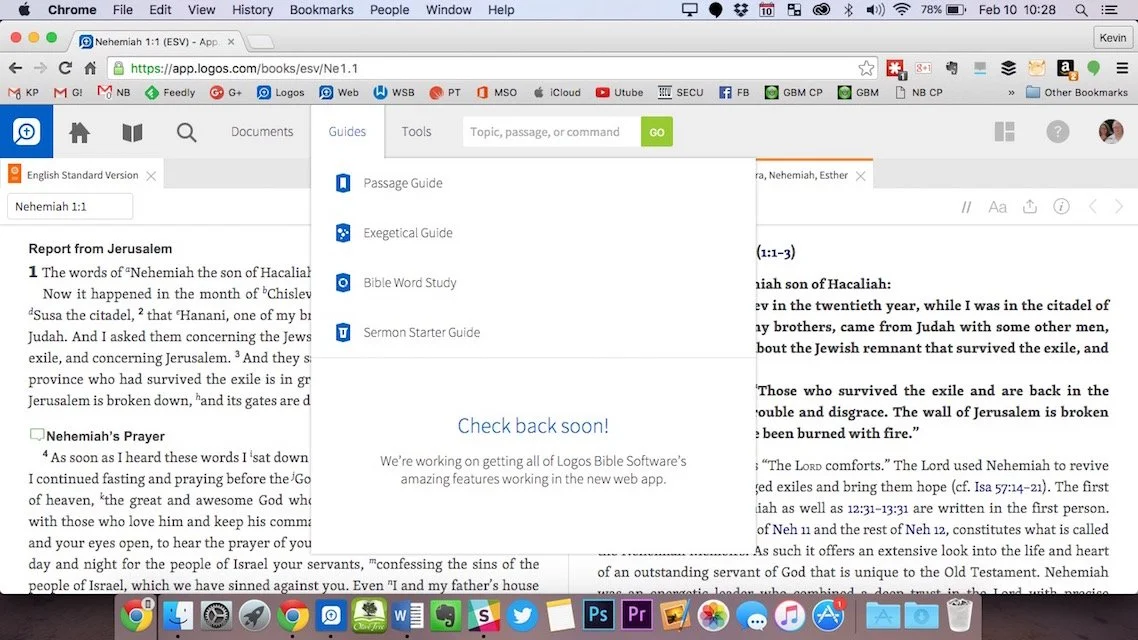
Digital Sermon Prep Part 1: Theotek Podcast #065
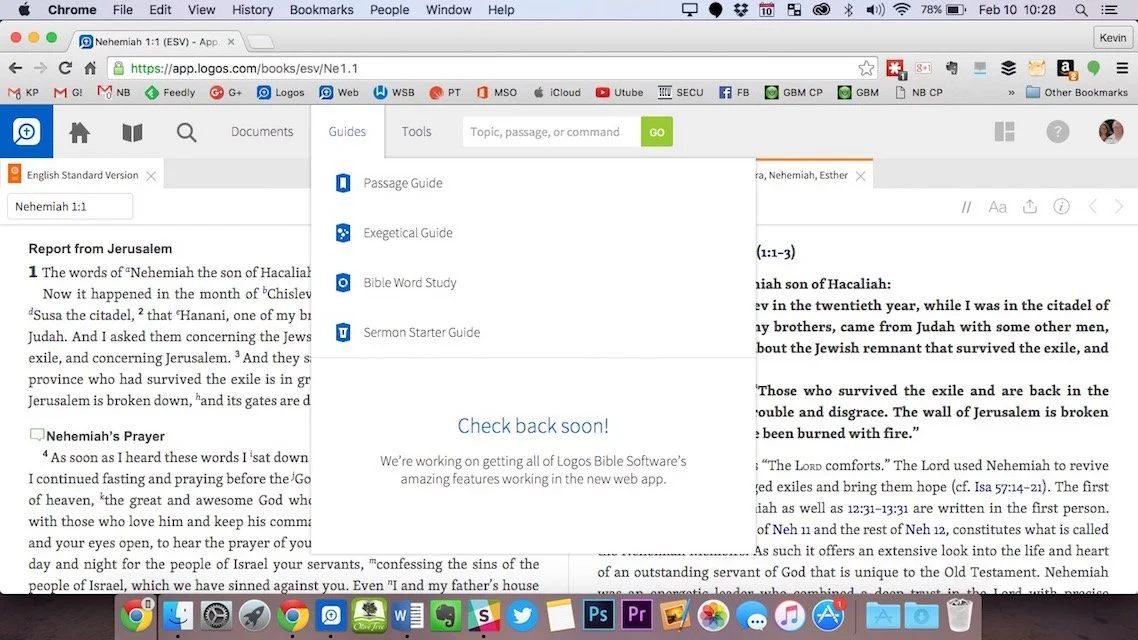
We started a series in this week's Theotek Podcast on doing digital sermon prep. Our team will take you through our steps of sermon prep using Bible software and digital tools.In this first step we focused on choosing a passage. Software packages come with tools to help you figure out what verses to include in your passage, or as the scholars call it, pericope. Then we look at other aspects of sermon prep. Watch the video below or listen to the audio version at the end of this post.https://www.youtube.com/watch?v=nb3ljTSXL3g&list=PL1-Xf_HZquDEcTTK8MLMMdmwvB--o1ShY&index=2We didn't have any recommendations in Our Favorite Things this week.
How Bible Software's Improved: Theotek Podcast #058
Listen to a bunch of old farts talk about Bible software then and now. We take a trip down memory lane and share what we used first in Bible software. We also talk a little about the best improvements that we enjoy.https://www.youtube.com/watch?v=uwAYkauxnLoListen below or watch above to enjoy. Our Favorite Things for this week: LaRosa Johnson mentioned one of our favorites, the Pencil by Fiftythree, which looks and works a lot like an art pencil.
 Rick, a Type 2 Diabetic, got the OneTouch Verio Sync glucose meter. It connects to an iPhone so you can track your blood sugar levels with your iPhone.
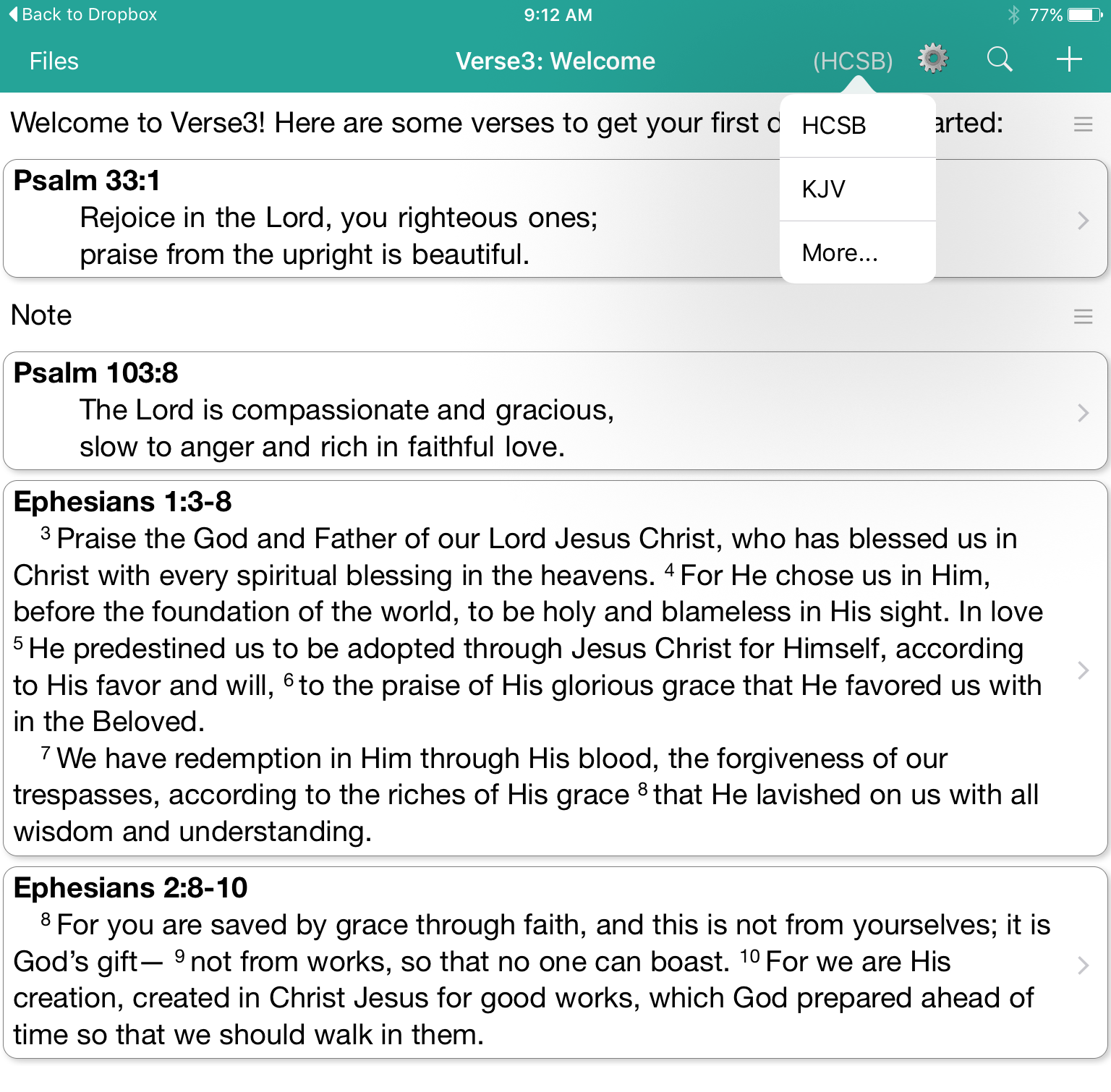
Verse3 a New iOS Bible App: Theotek Podcast #044
With the new iPad Pro coming out this month and iOS 9 supporting side-by-side windows of 2 apps, a tool like Verse3 makes a lot of sense. This simple Bible app that doesn't use the same Bible display framework we're used to. In fact it takes the focus and puts it on the person listening to a sermon or Bible study. The user can open multiple verses on the screen at a time and add their notes inline with those verses.https://www.youtube.com/watch?v=okMuE0Afr2gHere are a few of the benefits of Verse3 ($4.99 in the iTunes app store).
- Fast and simple to use
- Minimalistic design
- Fuzzy search feature where you can search for love and it returns all forms of that word
- Share your notes and verses in Dropbox as text files